- Developer
- motionVFX
- License type
- Not required
| Download | 71 MB |
|---|
Screenshots
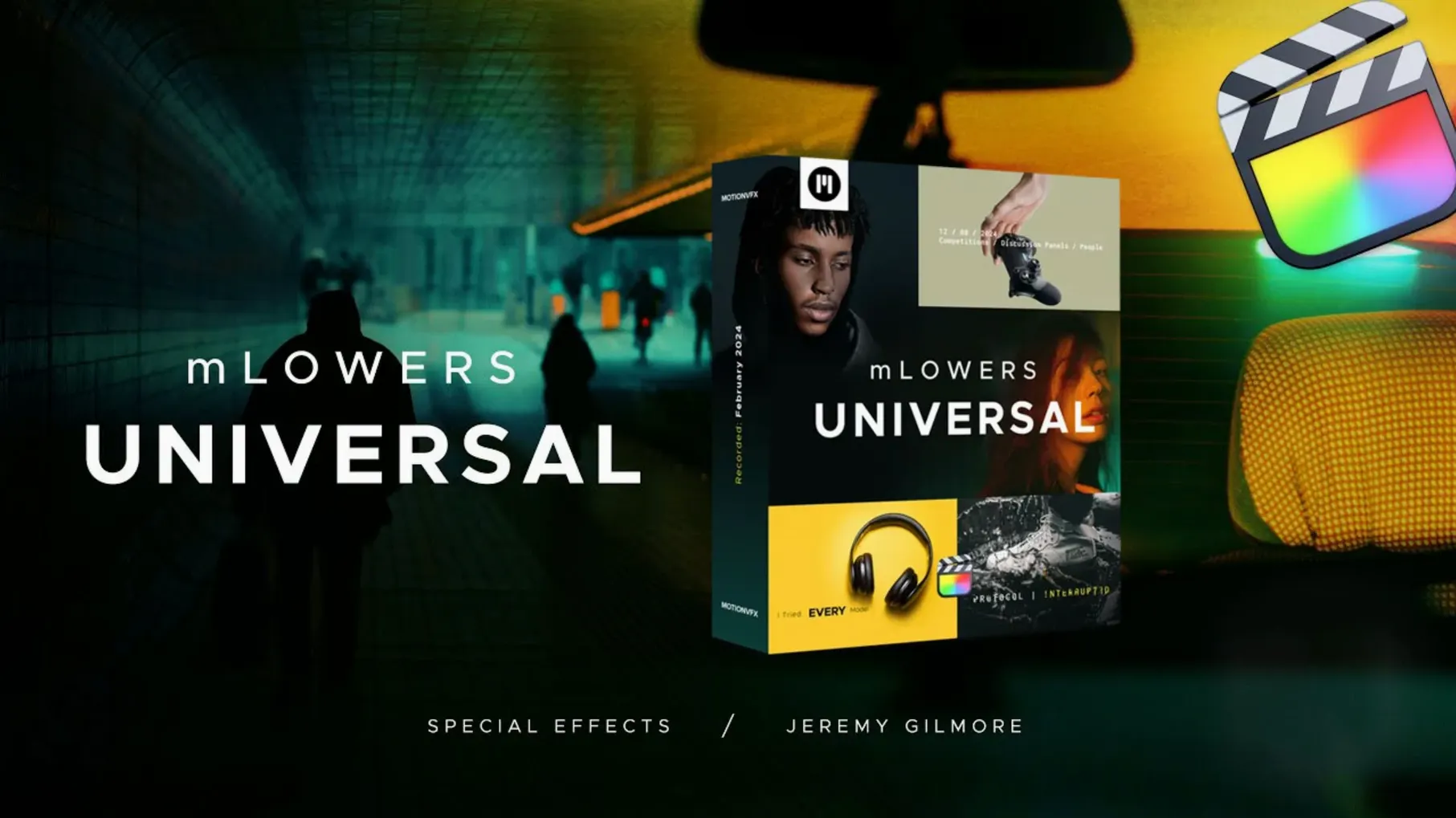
Lower thirds are the glue of corporate videos, interviews, and event recaps. mLowers Universal for Final Cut Pro puts 70 animated presets right where you need them, without hunting through multiple packs.
Sits above your primary storyline as a separate title layer
Drag a preset onto a connected title clip in the timeline. It lands as a separate title layer above your primary storyline, so it doesn't touch your video or audio tracks. You can stack two or three for a multiline effect.
Renders inside Final Cut Pro's own engine with no buses
No. Titles render inside Final Cut Pro's own engine. No buses, no auxiliary tracks, no external compositing. Set the duration and position, and it uses the standard title workflow.
What typical jobs does it handle?
Interview name plates, event countdowns, product feature callouts, and social clips. The mix of glitch-style, high-tech, and retro designs covers both modern promos and throwback edits.
Setting up a two-line interview lower third
Here is one workflow that covers the basics.
- Cut your interview clip in the primary storyline.
- Place the playhead over the clip where the name should appear.
- Browse mLowers Universal in the Titles browser (it appears under the motionVFX category after install).
- Pick a preset with two lines. Drag it onto the timeline; Final Cut Pro creates a connected clip above the storyline.
- In the inspector, type the person's name in the first text field and their title in the second. Adjust the font size so both fit inside the safe zone.
- Trim the title clip to match the length of the spoken intro — typically three to four seconds.
- Add a cross-dissolve on the in and out points of the title clip for a smooth fade.
- Repeat the same preset on the next interview clip. The inspector fields will be empty again, ready for the next person.
That is the whole process. No keyframes, no masking, no nested sequences.
Lives in the Motion Templates folder with no background processes
mLowers Universal runs inside Final Cut Pro. It does not add any background processes, menubar items, or helper tools. The files live in the /Users/Your Name/Movies/Motion Templates/Titles folder and are read only when you open the Titles browser or drag a preset into the timeline.
The presets use Final Cut Pro's native title engine, so they do not consume extra system resources when you are not browsing them. Disk space is limited to the pack's own file size. No installer, no daemon, no plist.
Set default duration to three or four seconds for interviews
Two adjustments save time in every project.
Default duration. The presets land at Final Cut Pro's default title length (typically two seconds). For most interview and social clips, change the default to three or four seconds in the Final Cut Pro preferences panel under Editing. That way every new title clip starts at a usable length.
Inspector font size. The presets ship with a default font size that may be too large or too small for your resolution. Before you start placing them, select one preset in the timeline, set the font size in the inspector to what fits your frame, then right-click the preset and choose "Copy." After that, every new instance of that preset will inherit the same size. Repeat for each preset you use regularly.
These two changes cut out the repetitive scaling and trimming that slow down edits with multiple lower thirds.
- macOS version not specified.
- Architecture not specified.
Questions I get about this line
motionVFX describes it as 70 animated lower thirds, covering a range of styles from glitch to retro.
No. It is a universal set of titles and lower thirds designed to work directly in Final Cut Pro.
Yes. motionVFX describes it as easy to use—drag, drop, and adjust text in the inspector.
The install order
- Quit Final Cut Pro.
- Move the files to
/Users/Your Name/Movies/Motion Templates/Titles. - Relaunch Final Cut Pro and browse under Titles.