- Developer
- motionVFX
- License type
- Not required
| Download | 5 MB |
|---|
Screenshots
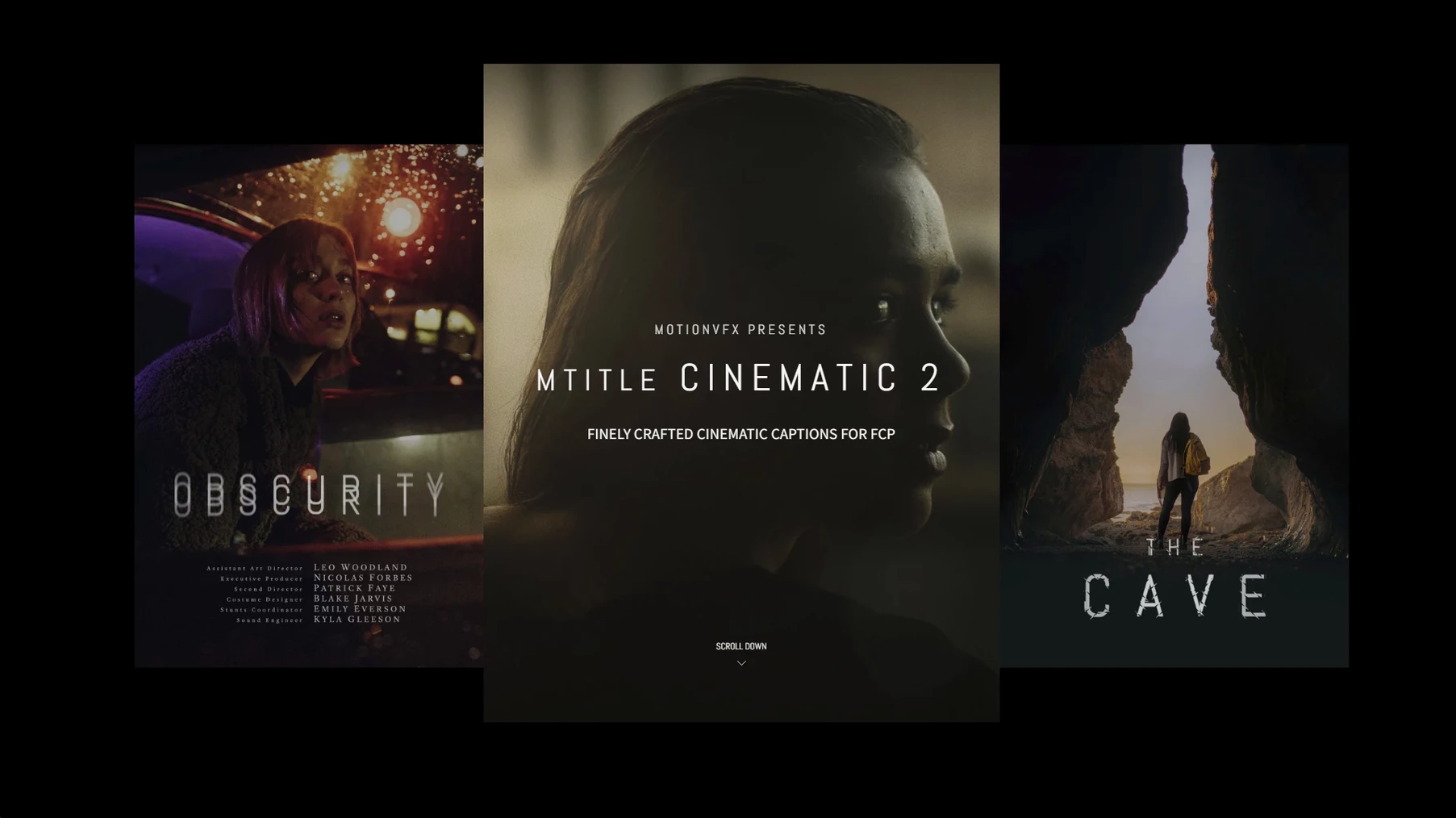
The "Cinematic 01" title alone is worth the install. It drops in with a smooth scale and blur-in that feels like a film slate, not a slideshow. The set gives you 50 captions, openers, and credits built for Final Cut Pro. Each one is a finished template, so you adjust text and go.
50 cinematic styles from lower-thirds to end credits
- Variety: 50 distinct styles cover everything from bold lower-thirds to elegant end credits.
- Motion: Animations are timed for a dramatic, narrative pace.
- Flexibility: Drop any title onto a clip, then tweak font, color, and position in the inspector.
Works with FCP, short films, trailers, and client projects
Use it for short films, trailers, or client work. The templates sit in the Titles browser, so they work alongside your existing FCP workflow. Requires macOS 10.14.4 or later and Motion 5.4.3 or Final Cut Pro 10.4.6.
Drag onto timeline, edit in inspector, stack with grading
The titles appear in Final Cut Pro's Titles browser, right next to the default FCP templates. Drag one onto the timeline and edit the text in the inspector. You can stack a title over a clip, then add color grading, transitions, or a soundtrack underneath. The .mogr files go into the Motion Templates folder, so Apple Motion sees them too. If you build custom lower thirds in Motion, these Cinematic titles sit in the same library. No special launcher or plugin manager. The horizontal aspect ratio means they fit 16:9 timelines out of the box.
No license activation, no slowdown, GPU-accelerated
Do I need to activate a license? No. The files install directly into the Titles folder. No serial number, no online check. They work immediately after FCP restarts.
Will this slow down my project? Animated templates use your Mac's GPU during playback. On an Apple Silicon machine they render in real time. On older Intel Macs you might need to wait a moment when scrubbing the timeline. The templates themselves are lightweight – no heavy 3D layers.
Can I edit the font and color? Yes. Select the title on the timeline, open the inspector, and change text, size, kerning, and color. The animation stays intact. You can also adjust duration by trimming the clip edges in the timeline.
Will it work if I only use FCP? Yes. Motion is only required if you want to modify the source .mogr file. For everyday use, Final Cut Pro handles everything.
Restart FCP, find folder in Titles browser, replace text
- Restart Final Cut Pro after copying the files into the Motion Templates folder.
- Open the Titles browser (Window menu > Titles) and scroll to the "mTitle Cinematic" folder. Drag one onto a clip.
- Replace the placeholder text with your own. Read it aloud – the animation timing is fixed, so short titles work best at the default speed.
- Test the title against a dark background. The Cinematic titles rely on light text and subtle motion, so they pop better on shadows or slow pans.
- If you need a longer hold on screen, trim the out point of the title clip in the timeline. The animation plays once, then holds the final frame.
- Try stacking two titles: a name lower-third on video track 1 and a role lower-third on track 2. Adjust their start times so one fades in after the other.
A quick tip: keep a backup of the original .mogr files. If you accidentally overwrite one while experimenting, you can restore it from the copy.
- macOS 10.14.4 or later
- Motion 5.4.3 or Final Cut Pro 10.4.6
Questions I get about this line
The set includes 50 titles for Final Cut Pro, covering captions, openers, and credits.
The install order
- Quit Final Cut Pro.
- Copy the contents of the downloaded folder to
/Users/username/Movies/Motion Templates/Titles. - Relaunch Final Cut Pro and find the titles under the Titles browser.