
Free download (333 MB) Previous versions
- Version
- 17.3.12
- Developer
- PremiumSoft
- Languages
- Russian, English, German, Spanish, Chinese (Traditional), Chinese (Simplified), Korean, Polish, French, Japanese
- License type
- Included
| macOS range | macOS 11 or later |
|---|---|
| Chip | Apple Silicon, Intel 64-bit |
| Download | 333 MB |
| Previous versions | 15 on file |
Screenshots
Scroll the row, it snaps to each screenshot. Click one to see it wider.
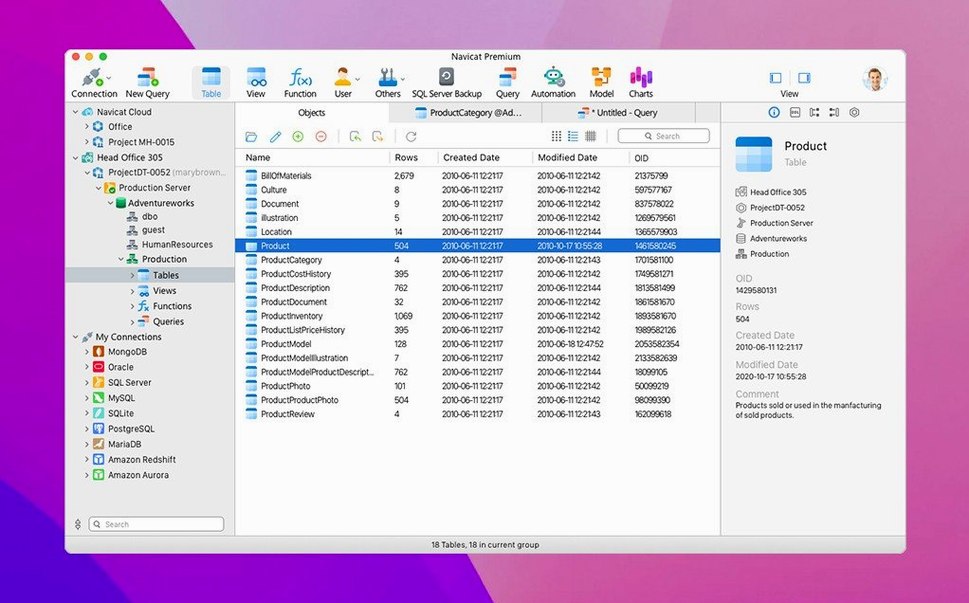
Navicat Premium is a database administration and development tool that lets you connect to MySQL, PostgreSQL, SQL Server, Oracle, MariaDB, and SQLite from a single interface. You manage local or remote servers, design schemas, run queries, and move data — all without switching apps.
One Real Task: Sync a Staging Database to a Production Server
Say you maintain a staging copy of a PostgreSQL database on a local Mac mini, and you need to push schema changes and a subset of data to a production SQL Server instance across town. Open Navicat Premium and create two connections — one for the local PostgreSQL staging server, one for the remote SQL Server production box using an SSH tunnel. Use the Data Transfer tool to pick specific tables, enable structure and data syncing, and run the job. Navicat maps types automatically and logs any mismatches. The whole sync finishes in under a minute for a modest dataset.
What Makes It Useful for IT Generalists
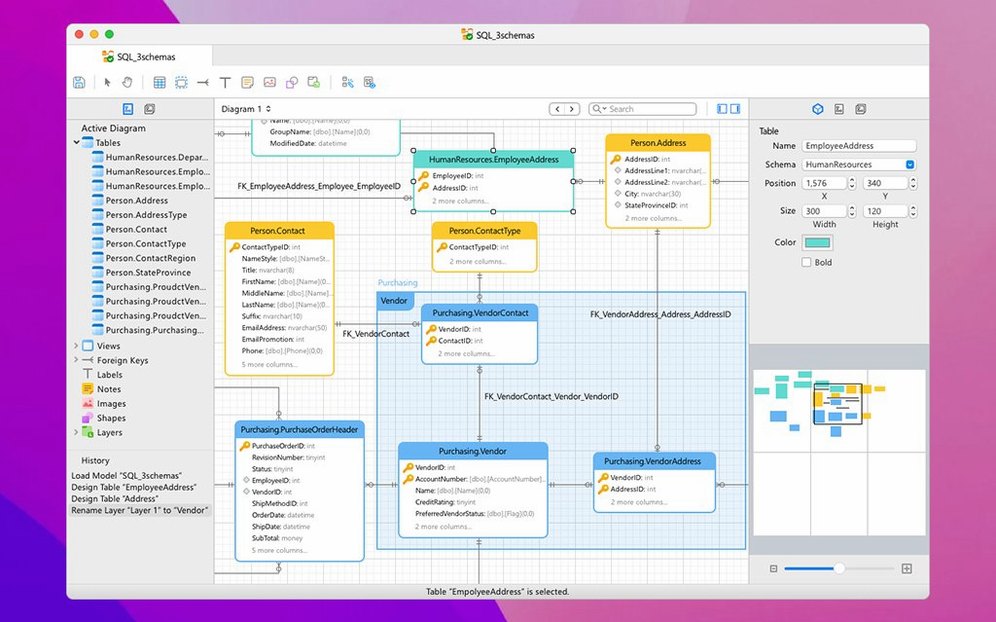
You don’t need a separate client for each database engine. The query builder works across connections, so you can join tables from PostgreSQL and MySQL in the same window. The ER diagram tool helps you visualize foreign keys before you alter a live table. Import and export wizards handle CSV, JSON, Excel, and SQL dumps. If you support a mixed-database environment, this is the one app that covers them all.
SQL Minifier and Database Search
The SQL Minifier is tucked into the toolbar but saves time when you paste in a formatted query from a team member. One click compacts it for review, another expands it back. The Database Search tool lets you search object names — tables, views, functions — across all connections at once. Good for finding where a specific column lives in a sprawling PostgreSQL schema.
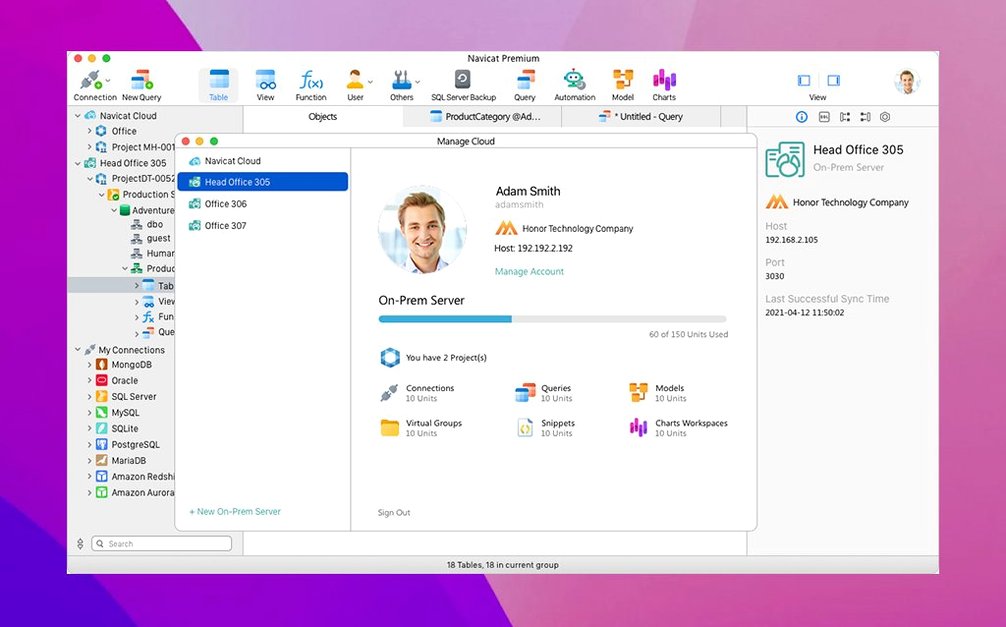
The HTTP Tunnel option is useful when your network only allows port 80 or 443 outbound. Instead of setting up a VPN, you configure the tunnel in the connection properties and Navicat handles the rest. The SSH Tunnel works the same way for Linux servers that already have SSH open.
Unicode support means you can store and display Japanese, Polish, or Russian data without mangling characters. Handy if your clinic chain ever shares patient data across regions.
One Tool for PostgreSQL, MySQL, and MongoDB
Database administrators who manage more than one database type will see the biggest time savings. Instead of running DBeaver for PostgreSQL, TablePlus for MySQL, and Studio 3T for MongoDB, you use Navicat Premium for all of them. Developers who write stored procedures across MySQL and Oracle get a single SQL console with syntax highlighting for each dialect.
IT generalists who inherited a mixed environment — a legacy SQL Server app, a new PostgreSQL project, and a Redis cache layer — can centralize monitoring and ad-hoc queries. The job scheduler runs batch tasks across different database types from one calendar, so you don’t have to script cron jobs for each engine separately.
Data Transfer Edge Cases Fixed
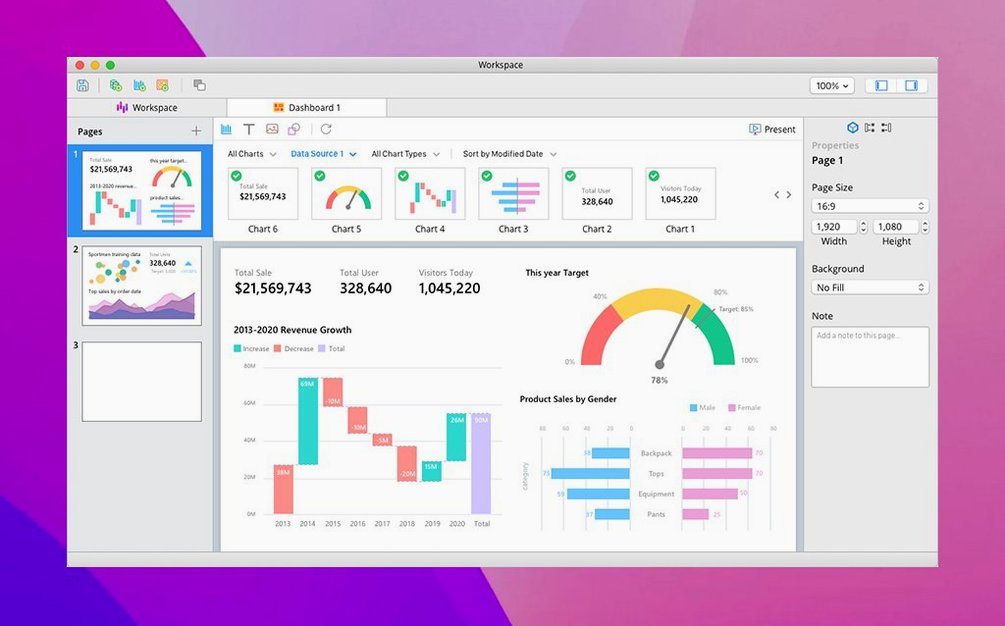
Version 17.3.8 is a maintenance release. No new headline features. What you get is a collection of bug fixes and behind-the-scenes improvements that make existing tools more predictable. The Data Transfer tool handles edge cases that previously required manual retries. The query builder’s autocomplete is more reliable with large schema lists. If you use the BI tools, report generation is less likely to stall on complex joins. For most users, it means fewer interruptions during the workday — the app stays out of your way so you can finish the sync and move on.
- Bug fixes and stability improvements.
- macOS 11 or later
- Intel or Apple Silicon
The install order
- Mount the disk image and run Open Gatekeeper friendly.
- Press Enter in Terminal to bypass Gatekeeper.
- Drag the app into the Applications folder.
- If a sign-in window appears, close it.