Free download (3.5 GB) Previous versions
- Version
- 9.0 fix
- Developer
- DxO Labs
- Languages
- Russian, English, German, Arabic, Spanish, Italian, Chinese (Traditional), Chinese (Simplified), Korean, Dutch, Polish, Turkish, French, Japanese
- License type
- K'ed by Antibiotics
| macOS range | macOS 13.3 or later |
|---|---|
| Chip | Apple Silicon, Intel 64-bit |
| Download | 3.5 GB |
| Previous versions | 8 on file |
Screenshots
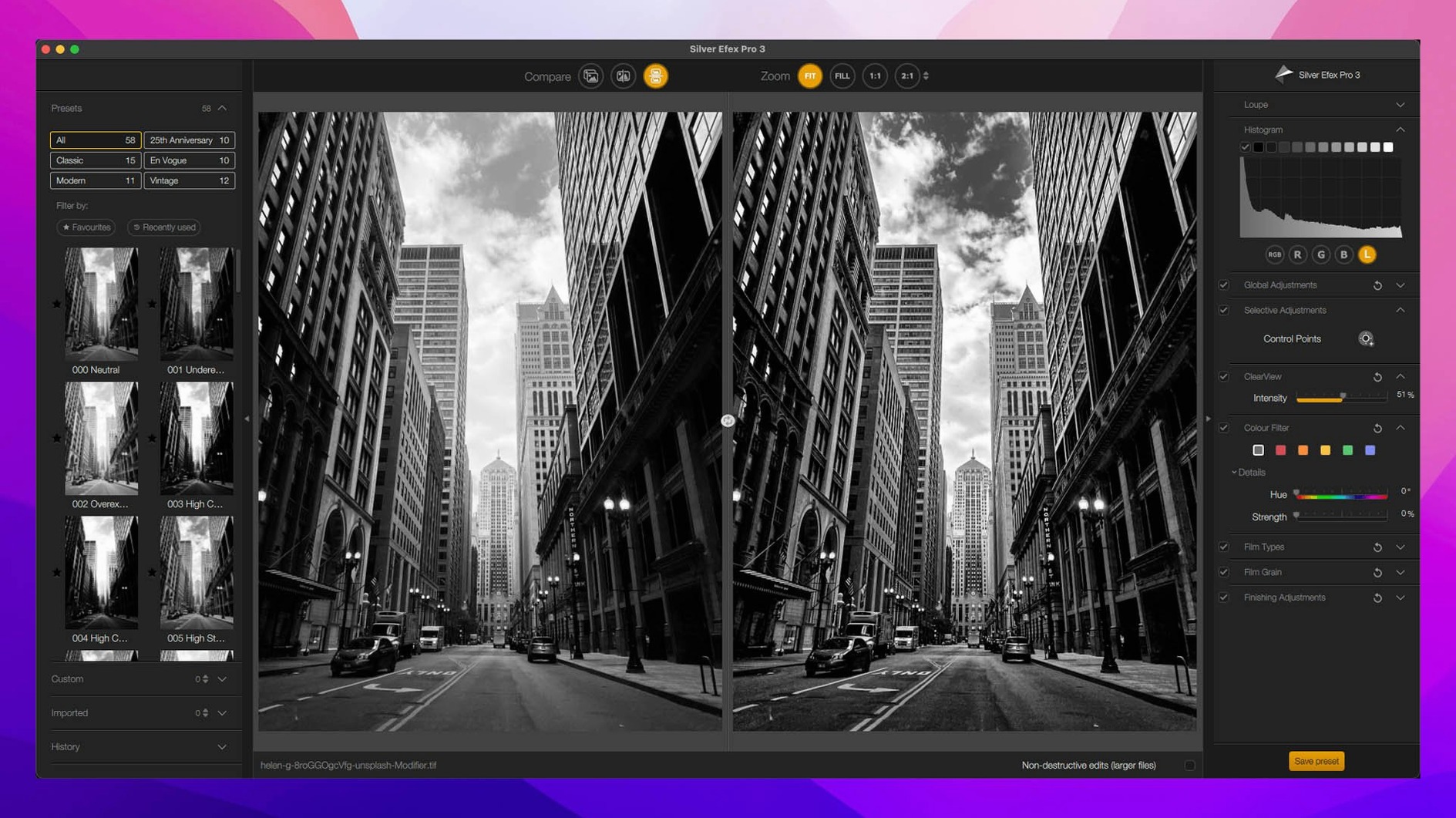
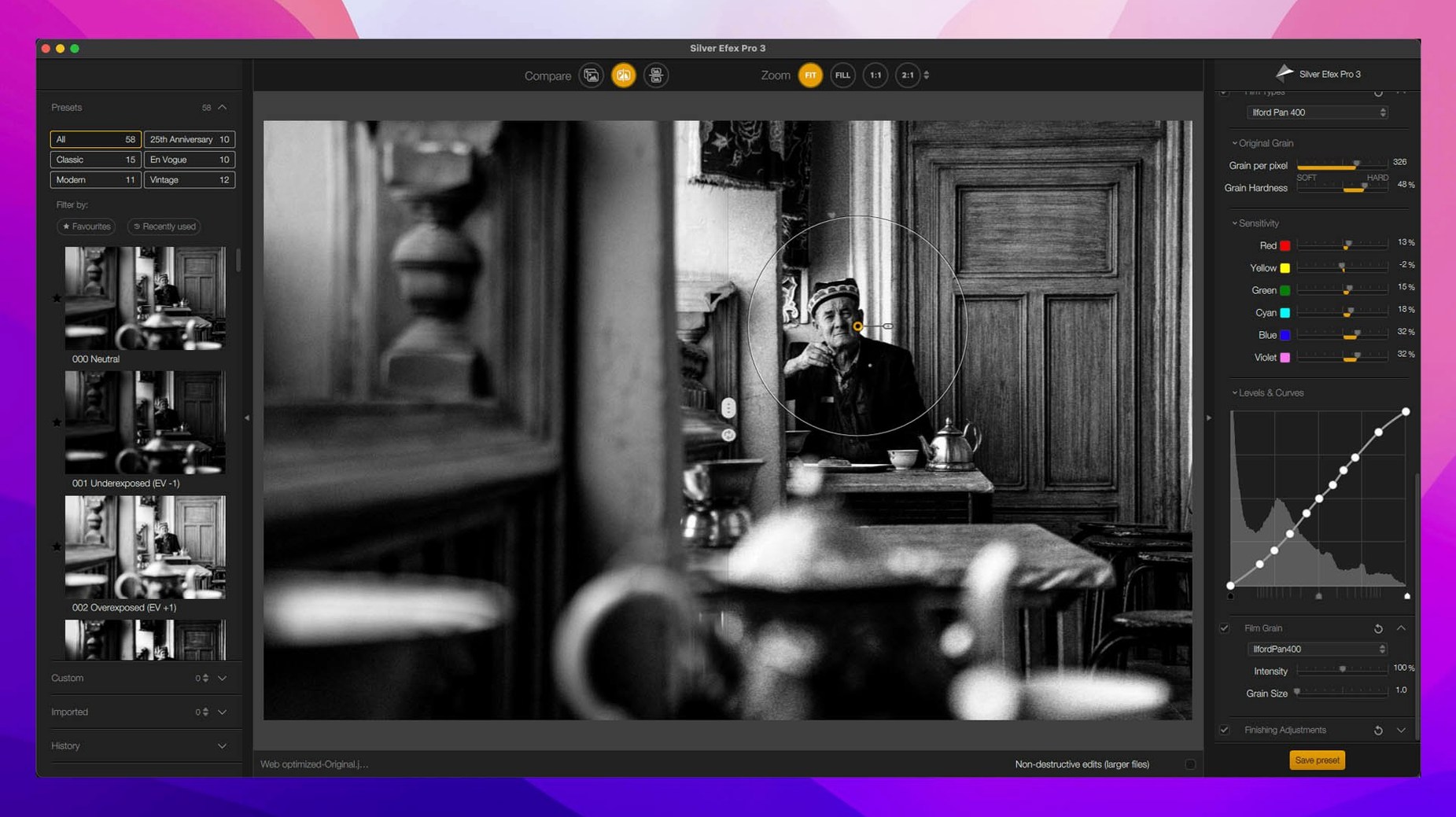
Scroll the row, it snaps to each screenshot. Click one to see it wider.
If you already use Adobe Photoshop or Lightroom for photo editing, the Nik Collection slots in as a plugin suite that gives you dedicated tools for specific tasks. Each plugin focuses on one part of the workflow, so you don't have to hunt through menus for the right adjustment.
How does the Color Grading tool in Nik Color Efex work?
Nik Collection 9 adds a Color Grading tool inside Nik Color Efex. It lets you apply color casts to shadows, midtones, and highlights separately, similar to a color grading panel in video editing software. You get sliders for hue, saturation, and luminance per tonal range.
What do the new Depth Masks and AI Masks do?
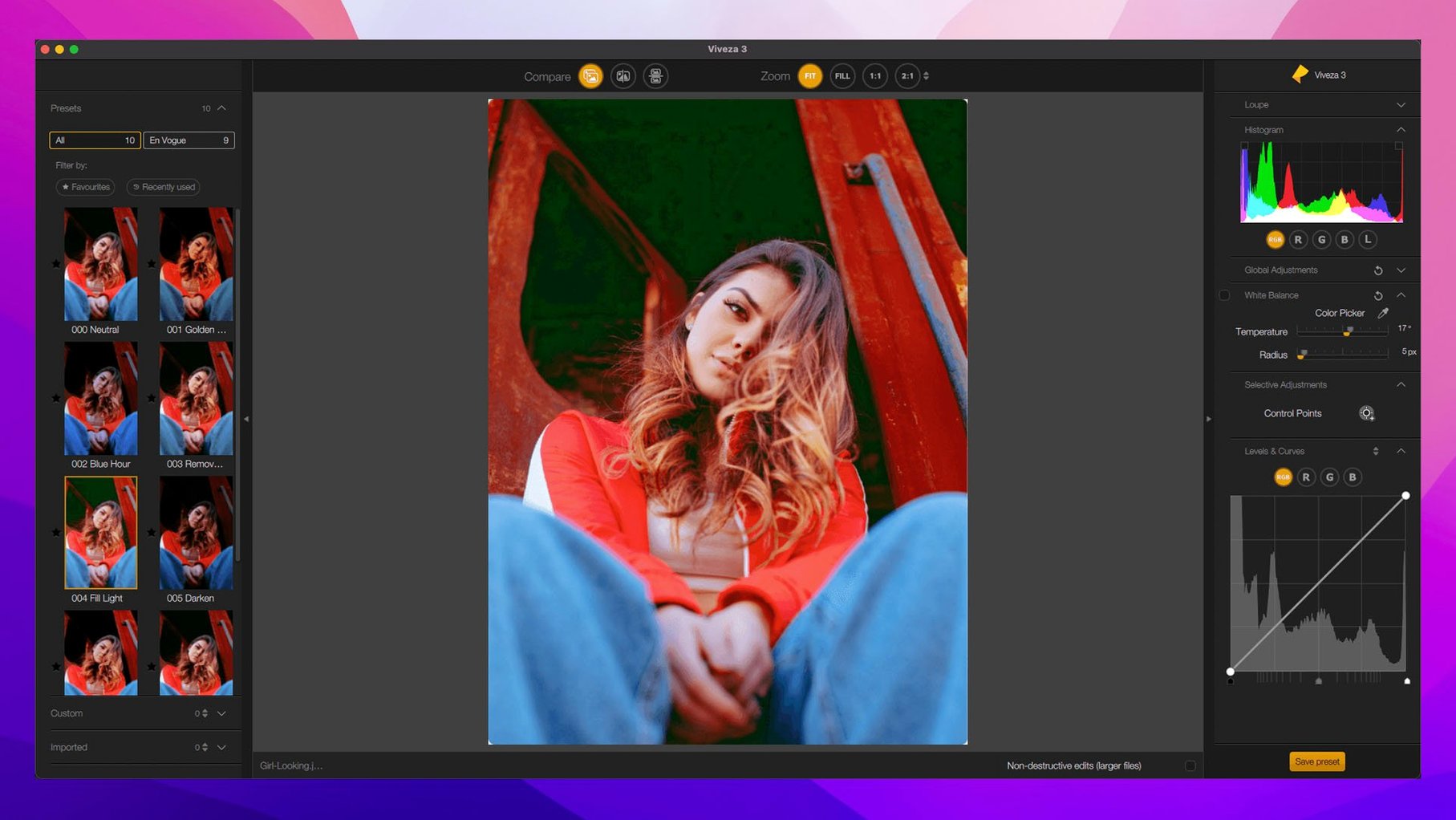
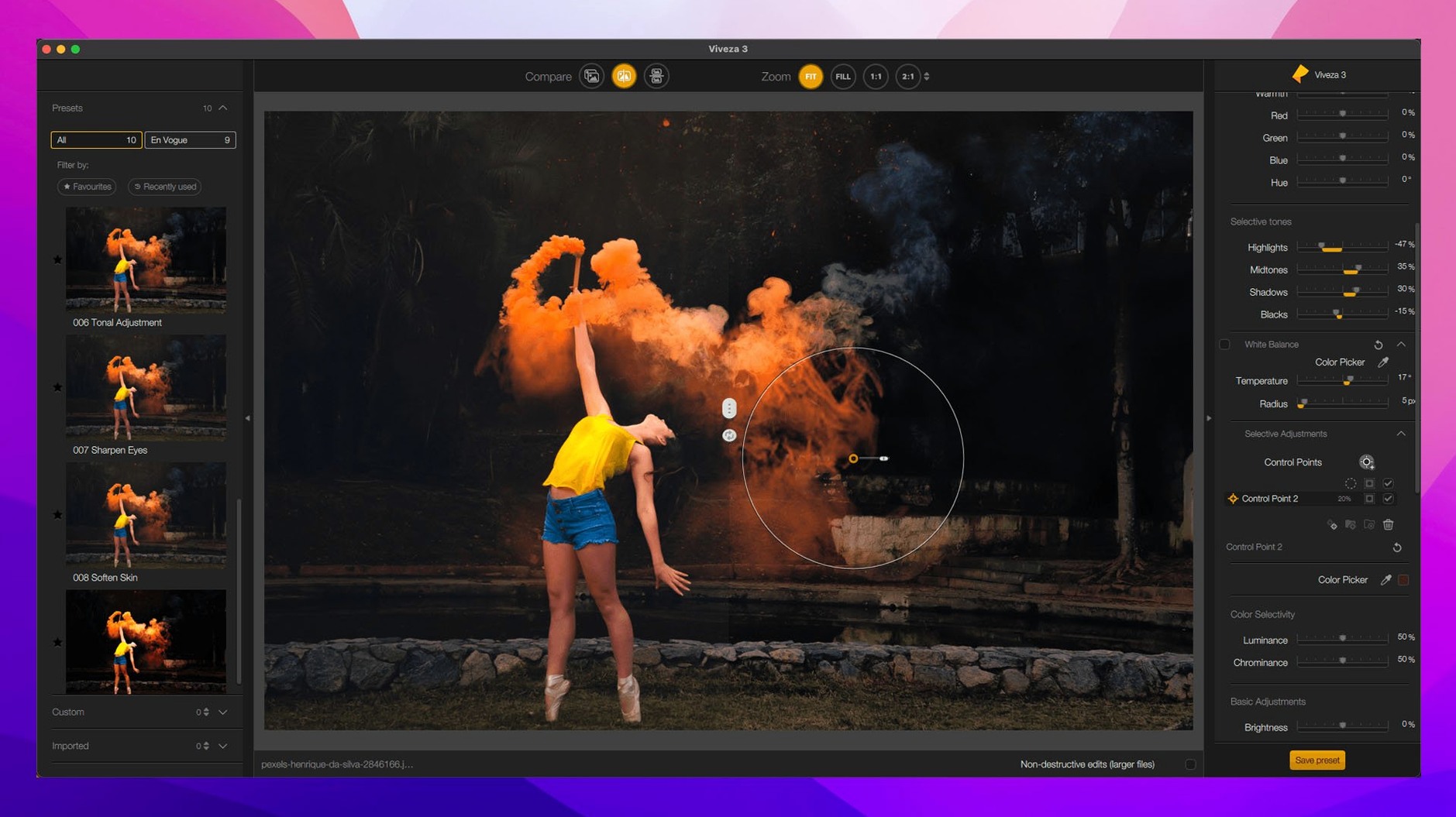
Depth Masks generate a mask based on the apparent distance in the photo, so you can adjust foreground and background independently without manual selections. AI Masks use subject detection to isolate people or objects automatically. Both appear in the local adjustment panel alongside the existing U Point technology.
How do the Chromatic Shift, Glass Effect, and Halation tools change the look?
Chromatic Shift adds red/cyan or blue/yellow fringing along edges for a vintage lens effect. Glass Effect simulates textured or patterned glass over the image. Halation creates a soft glow around bright areas, mimicking how light spreads on film stock.
Plugins and macOS Features
Each plugin in the suite opens as a separate window from the host application's filter menu. The workflow stays inside DxO's interface until you click OK or Apply, which sends the edited image back to your original layer in Photoshop or Lightroom. The plugins don't alter your raw file unless you save a copy.
On macOS, the plugins respect system-level color management. If you have a calibrated monitor profile set in System Preferences, the plugin previews match what you see in your host app. The suite also works with Apple's standard file dialogs, so you can save presets or exported images using the native Finder save sheet.
Because the plugins run as 64-bit processes, they handle large TIFFs and PSDs without swapping out to disk often. The suite supports both Intel and Apple Silicon natively, so it uses Rosetta only if the host app itself runs in emulation.
A Work Session with Nik Collection 9
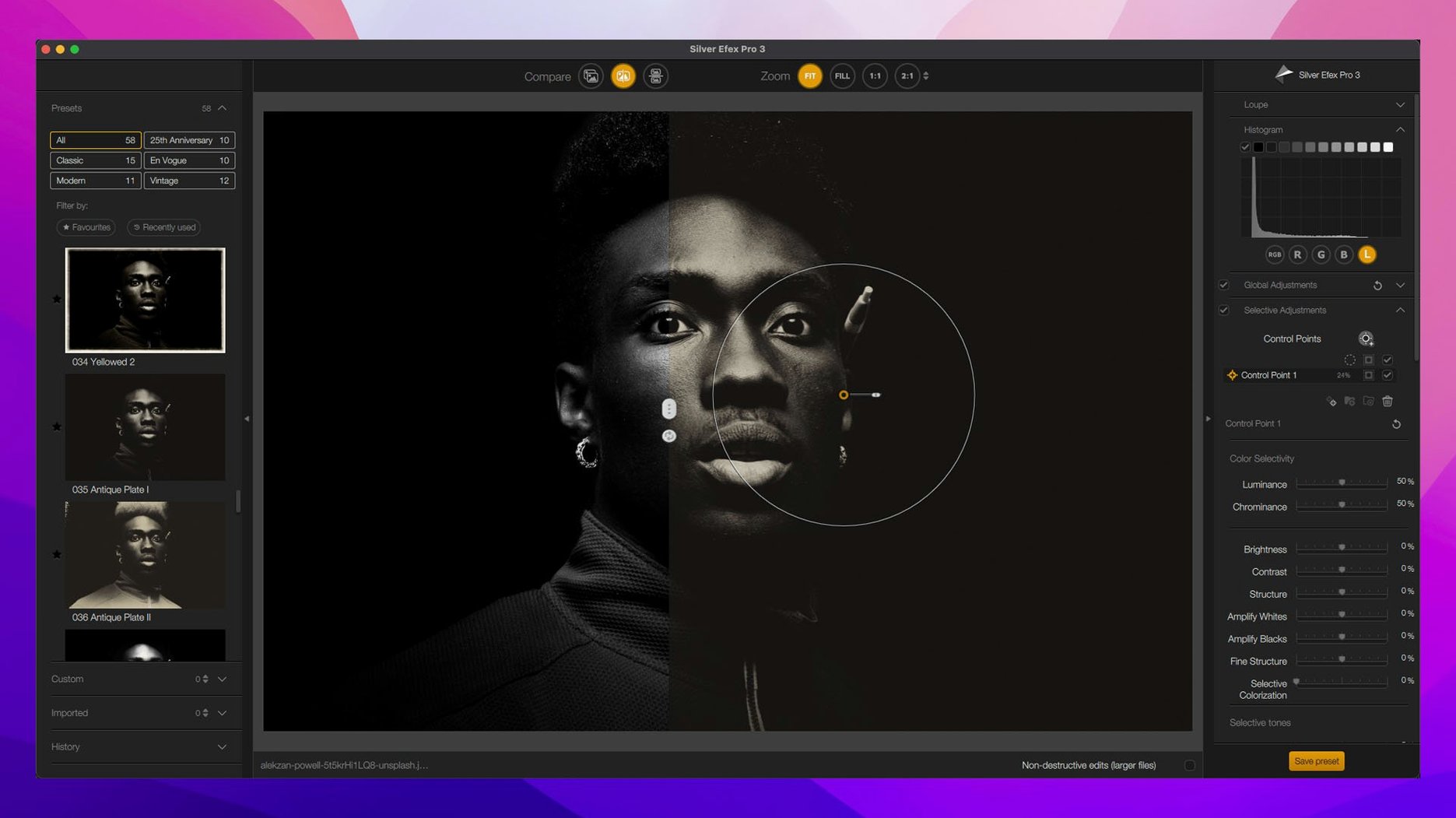
Say you have a portrait shot on a cloudy afternoon. You open it in Photoshop, duplicate the background layer, and go to Filter > DxO > Silver Efex Pro 2. The split preview shows your image side by side. You click a preset that boosts midtone contrast. The effect looks right, so you adjust the red filter slider to darken the sky further. You click OK. The black-and-white layer lands on your duplicate layer.
Back in Photoshop, you want to add a subtle color cast to the shadows. You go to Filter > DxO > Color Efex Pro. In the Color Grading tool, you drag the shadow hue slider toward blue and keep saturation low. The preview updates in real time. You add a bit of halation around the catchlights in the eyes by brushing the effect onto a Depth Mask. The mask isolates the subject's face from the background automatically, so the glow only touches the highlights you want.
You finish by running Dfine 2 to reduce luminance noise in the sweater. The plugin shows a smart preview of the affected area, and you adjust the noise reduction slider until the fabric looks clean without losing texture. You click OK. The file is ready for export.
Preset Hover Preview Saves Guessing
- Preset Hover Preview in Nik Collection 9 lets you mouse over a preset thumbnail and see the effect applied to your image on the main preview before you click. No need to guess.
- Copy and paste local adjustments works across images. You can apply the same set of control point adjustments to every photo in a series, which saves time on consistent edits.
- Mask Overlays show the active mask area as a colored overlay on the image, so you can see exactly where an adjustment is applied before you commit.
- Each plugin remembers the last tool and panel state you used, so if you keep going back to the same filter, you don't lose your place.
The suite runs on macOS 13.3 or newer and works on both Intel and Apple Silicon machines. If you do any kind of selective editing or need a dedicated black-and-white converter, the Nik Collection fits between your raw processor and your final output as a set of one-shot tools.
- Depth Masks and AI Masks for automatic subject and distance-based selections
- New Color Grading tool in Nik Color Efex (shadows, midtones, highlights)
- Chromatic Shift, Glass Effect, and Halation creative effects
- Preset Hover Preview to see preset effects before applying
- Mask Overlays for better visibility of adjustment areas
- macOS 13.3 or later
- Works on both Intel and Apple Silicon Macs
- Interface languages: English, Arabic, Dutch, French, German, Italian, Japanese, Korean, Polish, Russian, Simplified Chinese, Spanish, Traditional Chinese, Turkish
Questions I get about this line
The suite is designed as plugins for Adobe Photoshop and Adobe Lightroom. It uses U Point technology for local adjustments and includes eight individual plugins: Analog Efex Pro, Color Efex Pro, Dfine, HDR Efex Pro, Sharpener Pro, Silver Efex Pro, Viveza, and Perspective Efex.
The install order
- Open the downloaded package and locate the installation and activation instructions included in the bundle.
- Follow the bundled steps to install each plugin and activate the suite.