Free download (1.1 GB) Previous versions
- Version
- 2026.5.2 v20.5.2.19304
- Developer
- ON1 Inc.
- Languages
- Russian, English, German, Spanish, Italian, Chinese (Traditional), Korean, Dutch, Portuguese, French, Japanese
- License type
- K'ed by TNT team
| macOS range | macOS 13 or later |
|---|---|
| Chip | Apple Silicon, Intel 64-bit |
| Download | 1.1 GB |
| Previous versions | 11 on file |
Screenshots
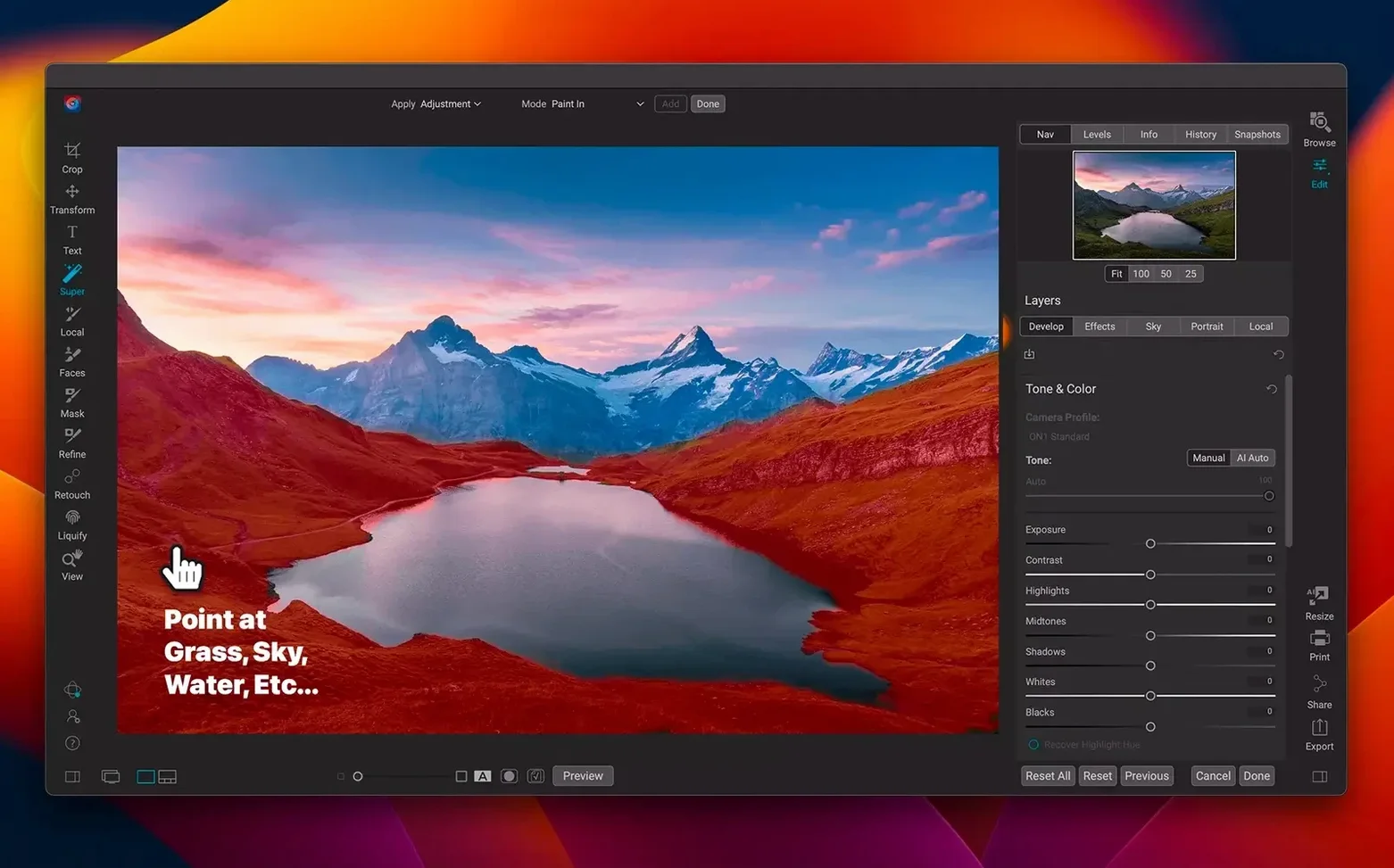
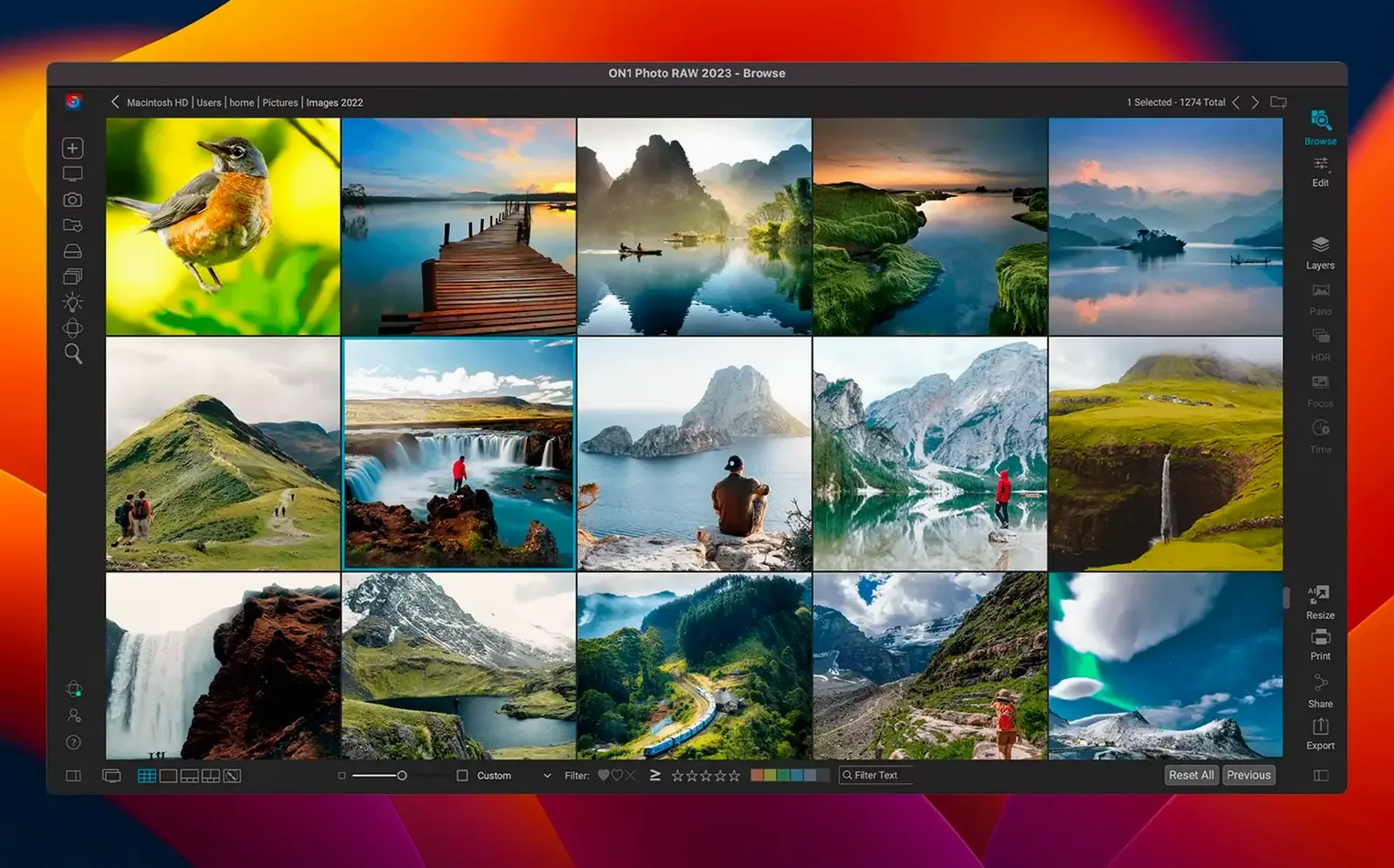
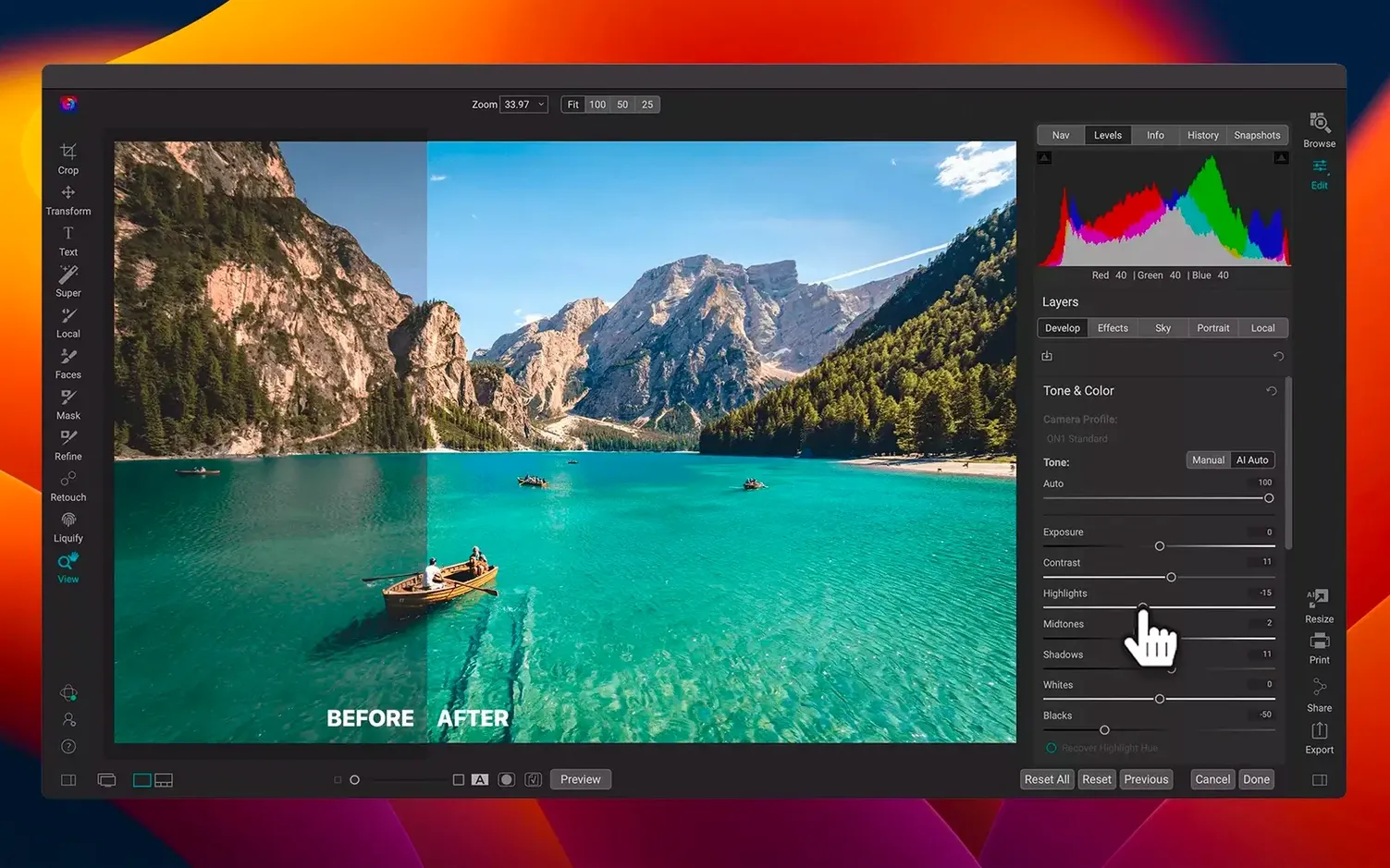
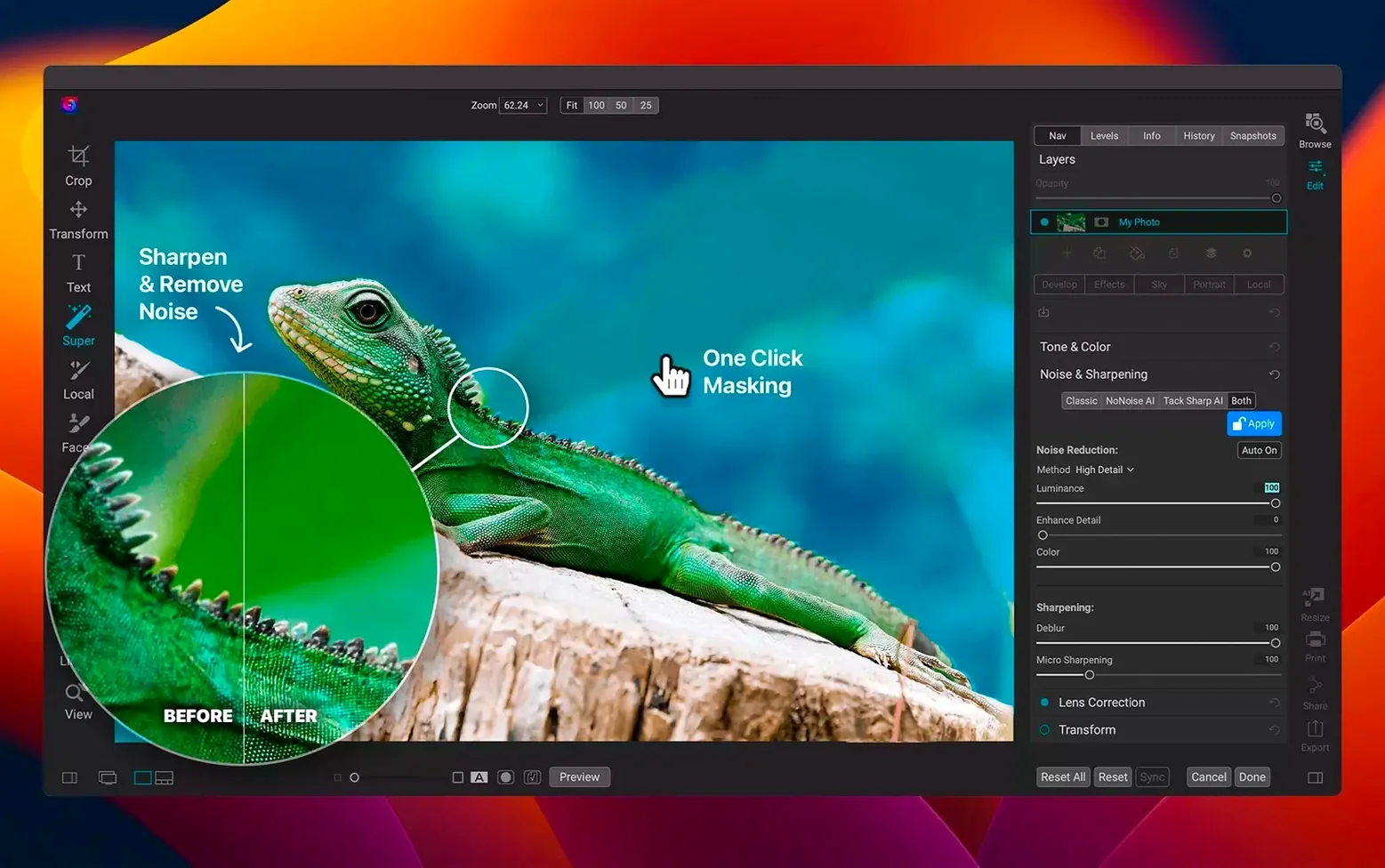
Scroll the row, it snaps to each screenshot. Click one to see it wider.
Photographers who manage large libraries and still want precise edits use ON1 Photo RAW 2026. It combines a photo organizer with a layered editor and an effects app, all in one standalone package. For IT folks, the key question is whether it will run on your Mac. The answer: yes, if you're on macOS 13 Ventura or later. Both Apple Silicon and Intel 64-bit Macs are supported, so your M2 or older Intel machine will work.
Here's a quick workflow to verify compatibility:
- Check your macOS version in System Settings.
- Confirm your Mac's architecture (Apple Silicon or Intel).
- Download the 2026.5.2 build (v20.5.2.19304).
- Apply the faster filters and new lens profiles from the update.
Wedding Shooters with Hundreds of Raw Files
Event photographers and wedding shooters benefit most. They import hundreds of raw files per session, need fast culling, and want non-destructive edits that carry across selects. The all-in-one organizer means you don't export to a second app for layered work or effects.
Hobbyists with smaller libraries will find it useful too, but the real time savings appear when you're processing batches of similar shots. The new faster filters in 2026.5.2 help there: less waiting between adjustments when you're applying the same look to fifty images.
Round-Trips to Photoshop or Affinity Photo
ON1 Photo RAW works alongside your existing tools. You can round-trip files to Photoshop or Affinity Photo if you need a specific filter not in ON1's stack. The organizer reads your existing folder structure, so you don't have to re-import everything into a new catalog system.
On macOS, it respects standard file picker dialogs and drag-and-drop from Finder. That means it works with iCloud Drive, Dropbox, or a network-attached drive if you prefer. The interface is available in eleven languages including English, German, Japanese, and Traditional Chinese, which matters for clinics with multilingual staff or clients.
Real-World Scenario: A Real Estate Photographer
Sarah shoots forty homes a week. Each house means sixty raw files. She imports into ON1 Photo RAW, culls in Browse view, then applies a standard color profile to the exterior shots and a window-pull preset to interiors. The layered editor lets her composite a sky replacement without leaving the app. She exports final JPEGs to a shared drive the client accesses. No launching a separate organizer, no switching to a raw processor for the base conversion. The whole workflow stays inside one window from import to export.
Who Gets the Most Out of It
Photographers who shoot tethered get real mileage from ON1 Photo RAW. The organizer handles tethered capture for supported cameras, so you see incoming shots in Browse view as they land. That saves a step compared to importing cards after the session.
Portrait and product photographers who build consistent looks across series also benefit. The ability to save and apply custom presets means you're not dialing in the same exposure and color settings for each subject. Apply once, sync to the rest of the batch.
MacOS Integration That Just Works
ON1 Photo RAW plays well with the macOS file system. It reads your existing folder hierarchy without forcing a proprietary catalog structure. You can keep photos on an external drive, a NAS, or a shared team volume and point ON1 at that path. No import step needed.
Drag-and-drop from Finder into the editor works as expected. The app also respects macOS Quick Look, so you can preview raw files in Finder without launching the app. For IT setups, that means users stay productive even when they're just browsing.
If you use Photos for iOS syncing, ON1 can import from the Photos library directly. That bridges the gap between iPhone shots and raw camera work without extra export steps.
That's the practical side. The app itself handles raw files, layers, and effects without juggling separate tools.
- Faster filters.
- New lens profiles.
- macOS 13 Ventura or later
- Apple Silicon or Intel 64-bit
The install order
- Mount the disk image and launch Open Gatekeeper friendly.
- Press Enter in Terminal to bypass Gatekeeper.
- Run the standard installer.
- Open the app after installation.