Free download (121 MB) Previous versions
- Version
- 2026.10
- Developer
- Stoic app inc
- Languages
- English, German, Spanish, Italian, Polish, French, Swedish
- License type
- Included
| macOS range | macOS 15 or later |
|---|---|
| Chip | Apple Silicon, Intel 64-bit |
| Download | 121 MB |
| Previous versions | 1 on file |
Screenshots

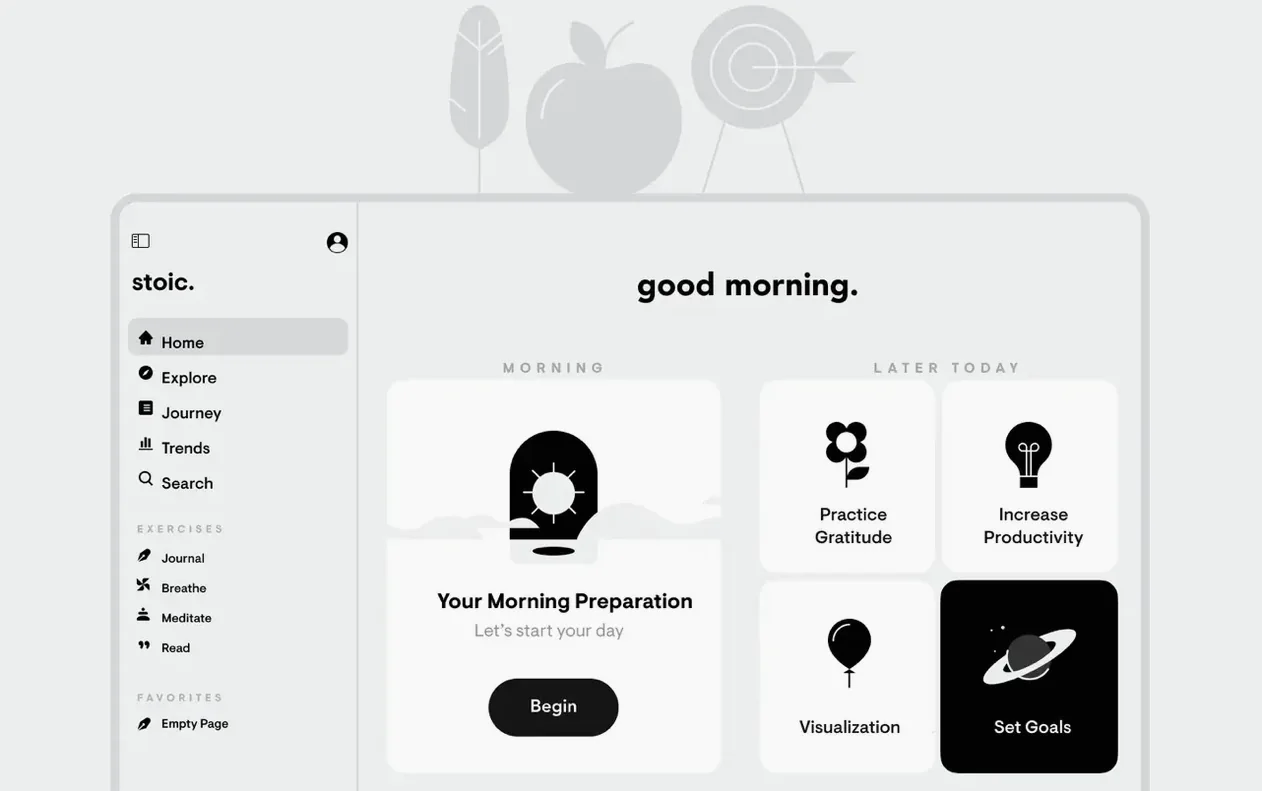
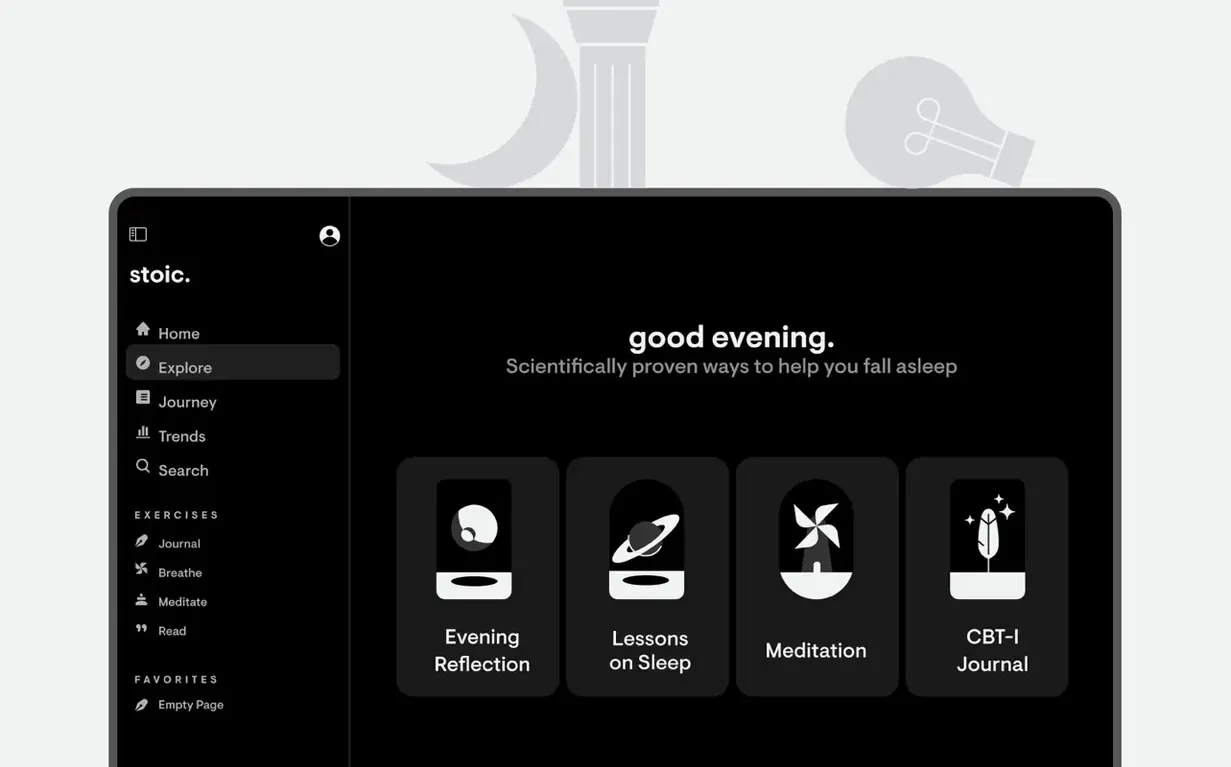
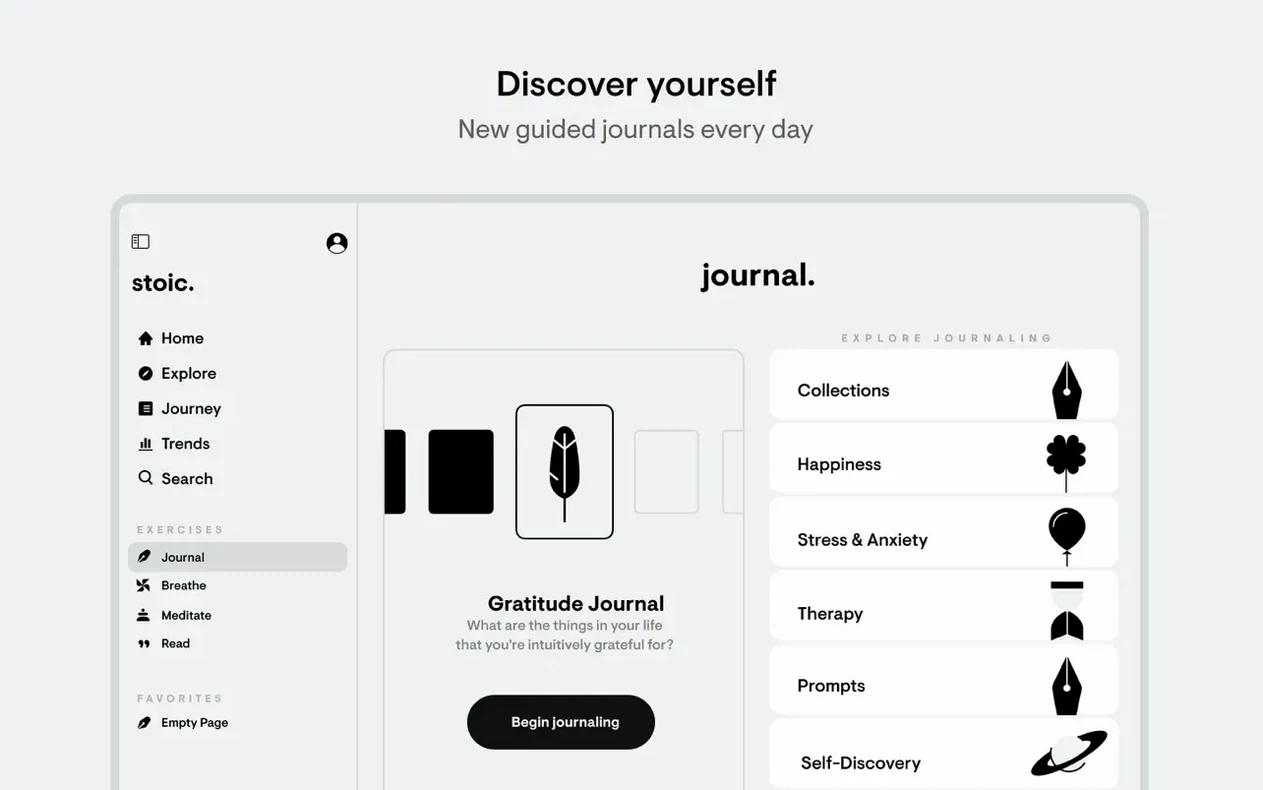


Click a screenshot to see it wider.
Stoic is for anyone who wants a structured way to check in with themselves each day. It is a mental health companion and daily journal that fits into a routine, not another social feed.
| Detail | Info |
|---|---|
| Version | 2026.10 |
| Developer | Stoic app inc. |
| Platforms | macOS, iOS, iPadOS, watchOS, web |
| Languages | English, German, Spanish, Italian, Polish, French, Swedish |
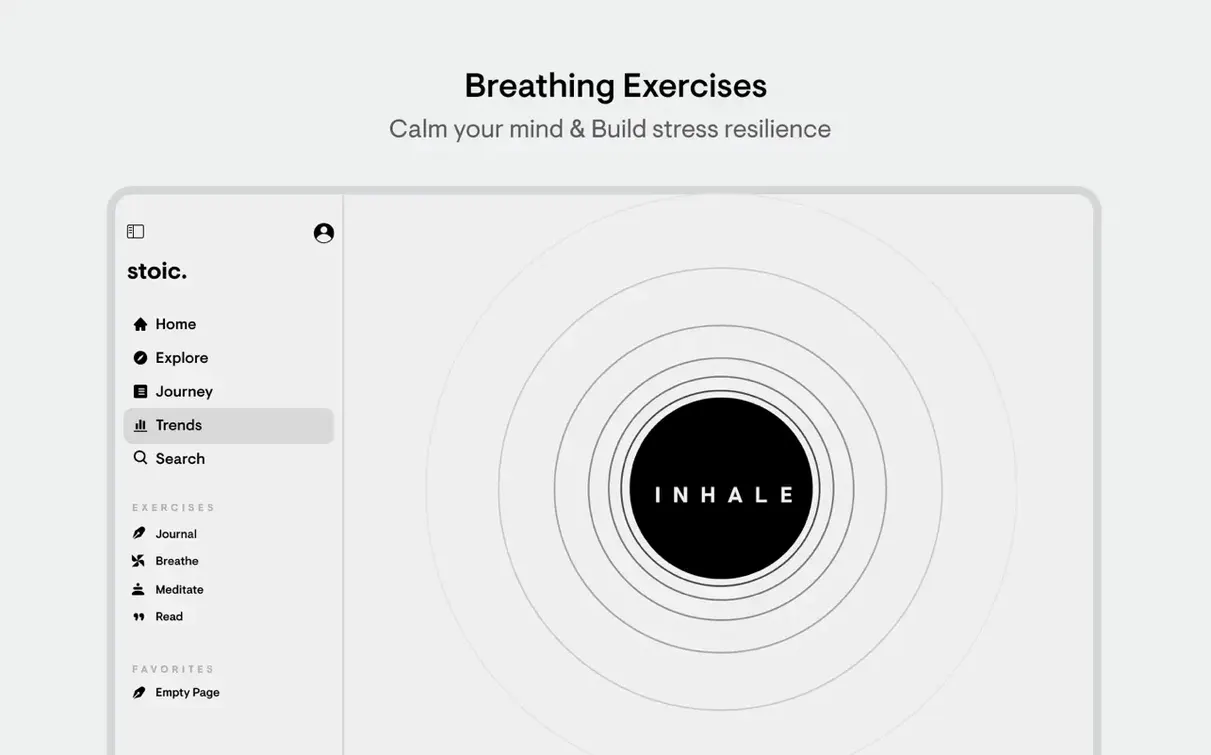
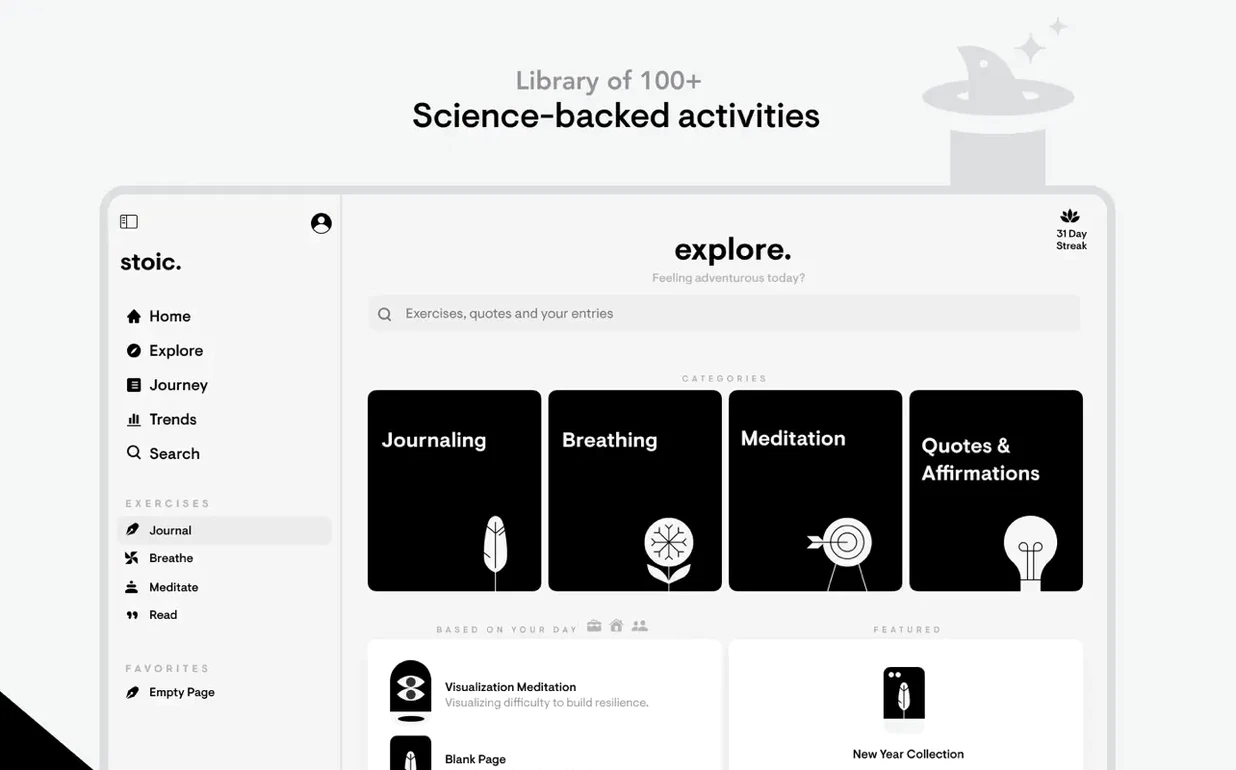
You get guided journaling with prompts and weekly themes, so you never stare at a blank page. Track streaks to keep the habit going, and review progress stats to see patterns. You can note factors that affect your mood, and when you need a pause, there are breathing exercises built in. It works across Apple devices and the web, so your reflections follow you.
Once you have Stoic running, a few settings adjustments make the experience more useful from the start.
Requires macOS 15 or Later
The app requires macOS 15 or later and runs on both Apple Silicon and Intel Macs. It is a native Mac app, not a ported mobile interface, so it respects standard macOS window management and keyboard navigation. Setup is straightforward: open the downloaded disk image, drag the app into the Applications folder alias, then launch from Launchpad.
The interface is clean and uncluttered. You are not bombarded with onboarding screens. Instead, the app guides you into a morning or evening routine immediately. The weekly theme changes automatically, so the prompts stay fresh without you needing to browse for new content.
iCloud sync is built in. That means your journal entries and mood logs are available on your iPhone, iPad, Apple Watch, and the web app without extra steps. The sync happens quietly in the background.
Routine Times and Language Settings
- Set your routine times. Configure when the morning and evening prompts appear. This prevents the app from nudging you at odd hours.
- Choose your languages. The app ships in English, German, Spanish, Italian, Polish, French, and Swedish. Pick yours early so prompts and themes read naturally.
- Enable streak notifications. If you want the badge system to keep you honest, make sure notifications are turned on. Without them, you can still track streaks manually in the stats view.
- Adjust breathing exercise duration. The included exercises have a default length. Shorten or extend it to match your available time.
How Stoic compares with similar Mac apps
Day One is the most established journaling app for Mac. Its strength is rich entry formatting: photos, location tags, and custom templates. Stoic is narrower. It focuses on guided reflection and mood tracking rather than scrapbook-style entries. If you want a free-form diary, Day One gives you more control. If you want a structured mental health check-in, Stoic provides the framework.
Habitica gamifies habits with RPG-style progression but lacks the reflective journaling component. It tracks tasks, not thoughts. Stoic targets the emotional side of habit building — why you feel what you feel — not just the checkbox. The breathing exercises and meditation prompts are absent from Habitica entirely.
Meditation Timer apps like Headspace or Calm (web versions) focus solely on guided sessions. Stoic combines short meditations with journaling and mood logging in one app, so you do not need to switch between tools during a morning routine.
- macOS 15 or later
- Apple Silicon or Intel
Questions I get about this line
Yes, Stoic runs on both Apple Silicon and Intel Macs with macOS 15 or later.
Stoic is available on iPhone, iPad, Apple Watch, and the web, so your journal is not tied to one screen.
The install order
- Open the downloaded disk image.
- Drag the app into the Applications folder alias.
- Launch the app from Launchpad after copying finishes.