
- Version
- 4.0 Build 4215
- Developer
- Sublime HQ Pty Ltd
- Languages
- English
- License type
- K'ed by TNT team
| macOS range | OS X 10.9 or later |
|---|---|
| Chip | Apple Silicon, Intel 64-bit |
| Download | 54 MB |
Screenshots
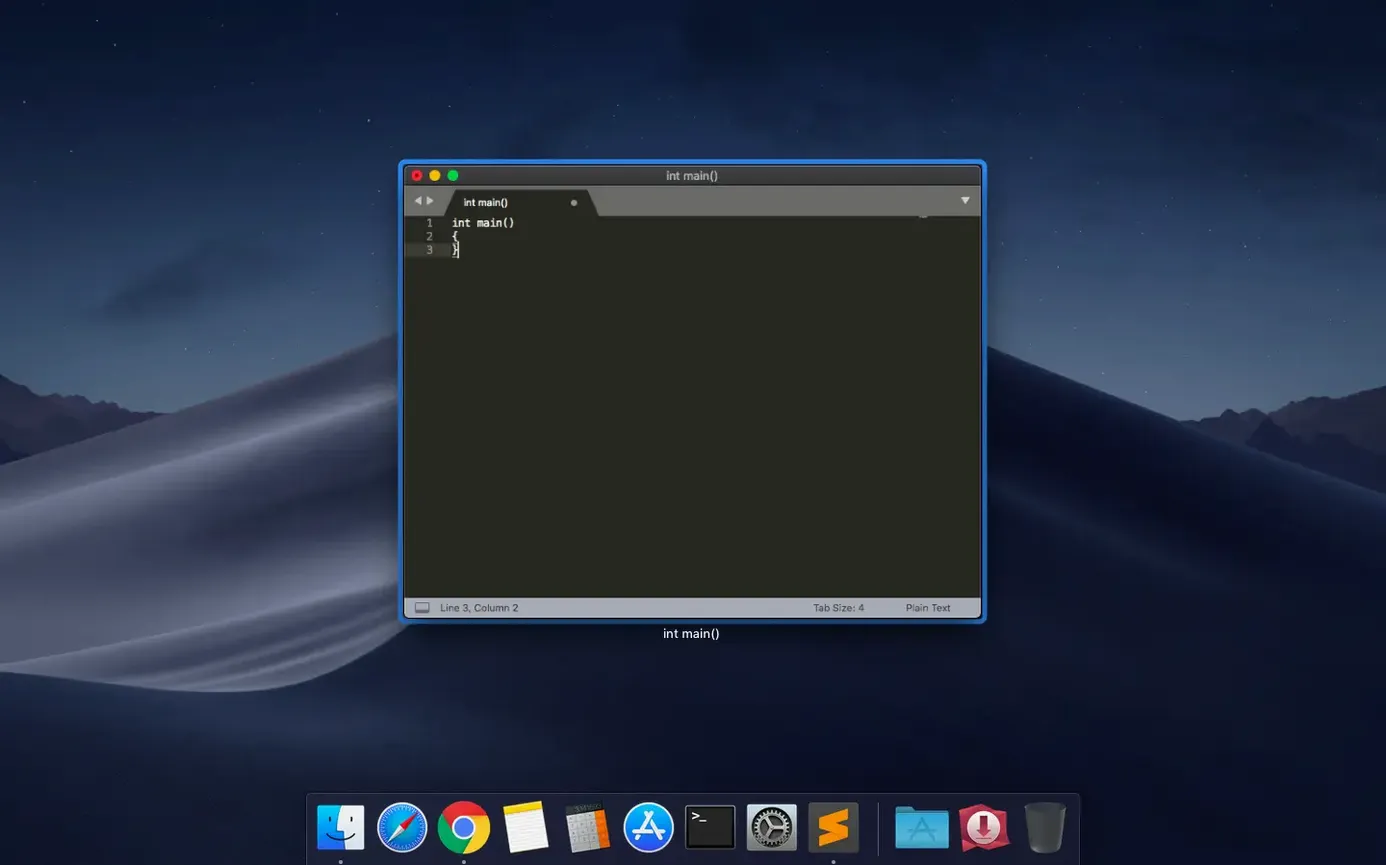
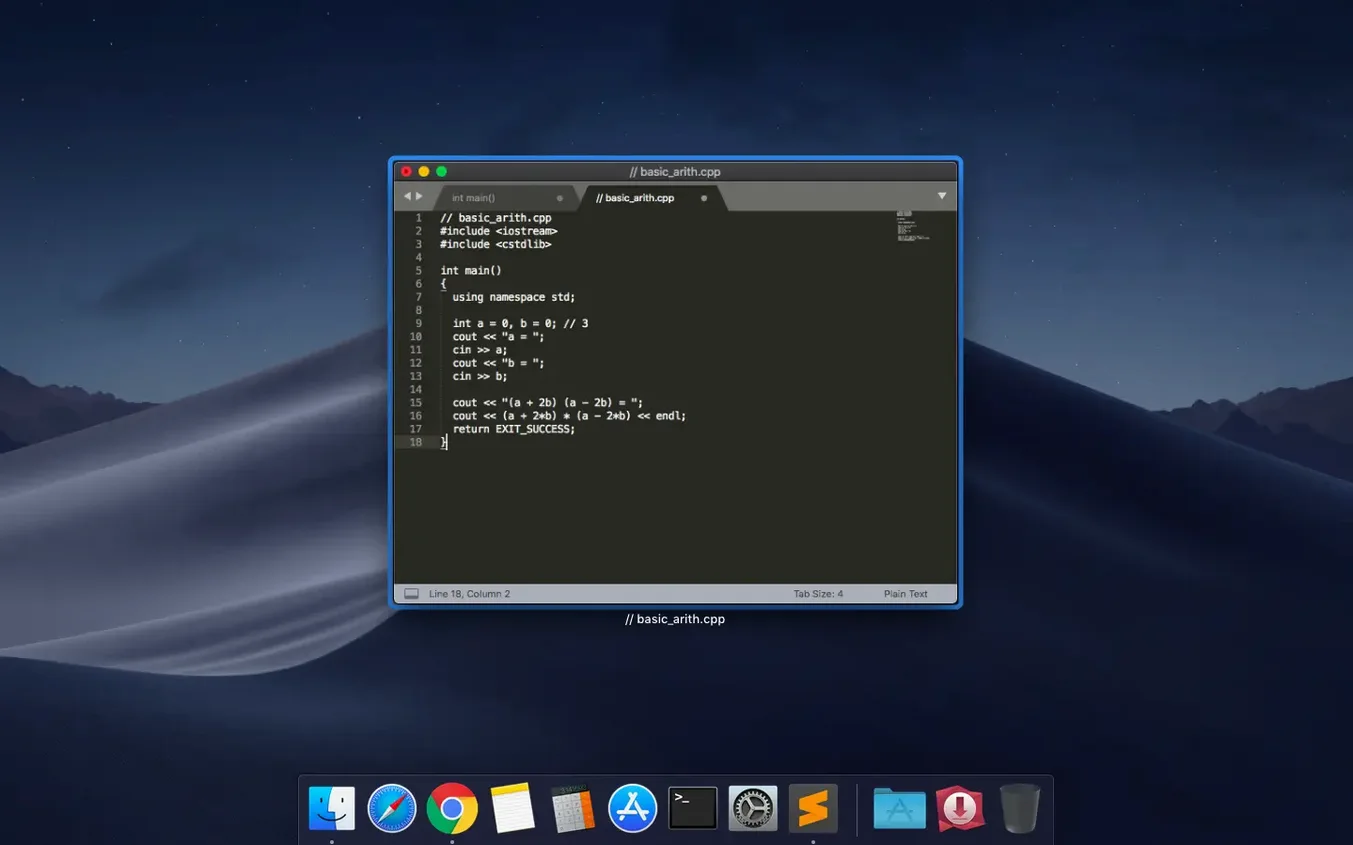
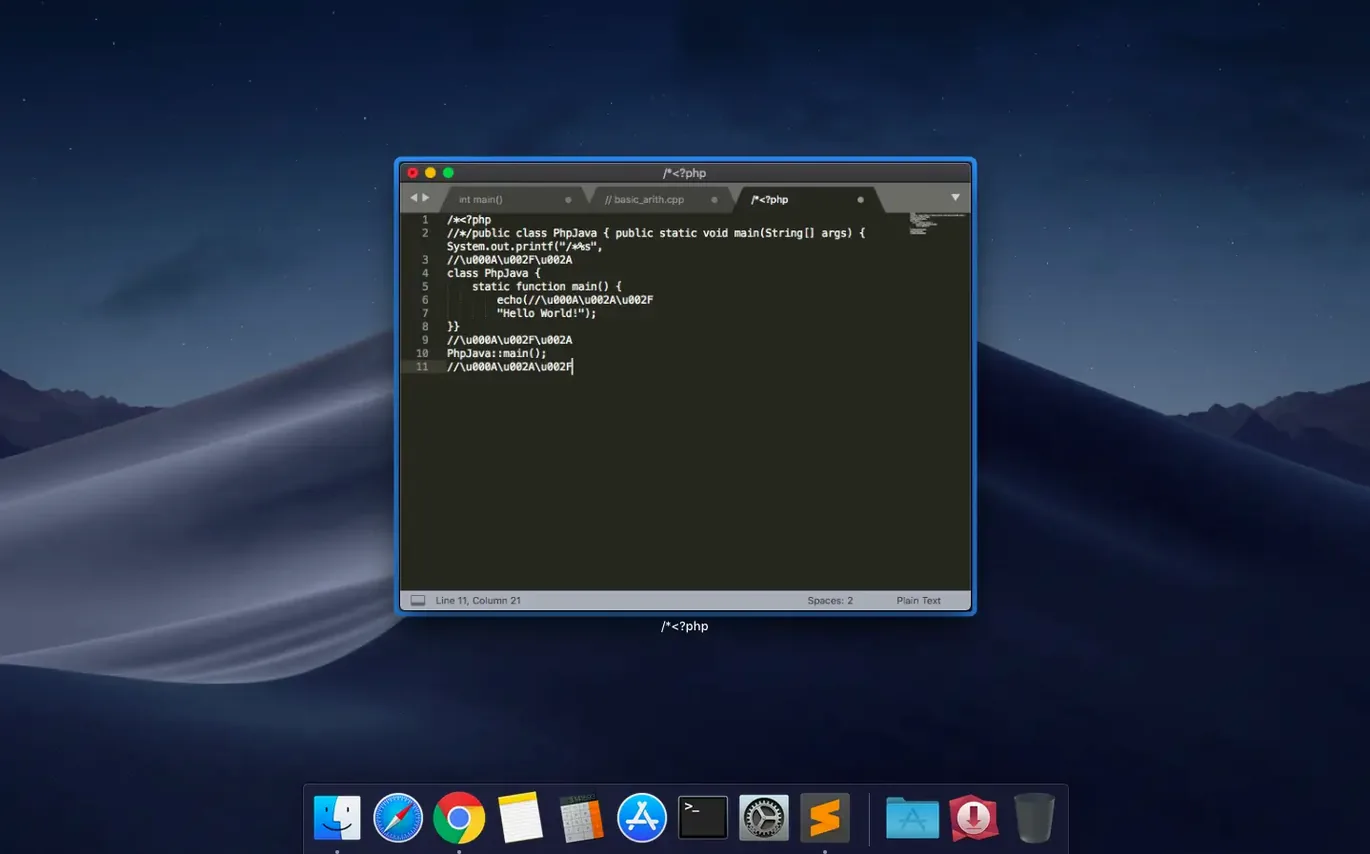
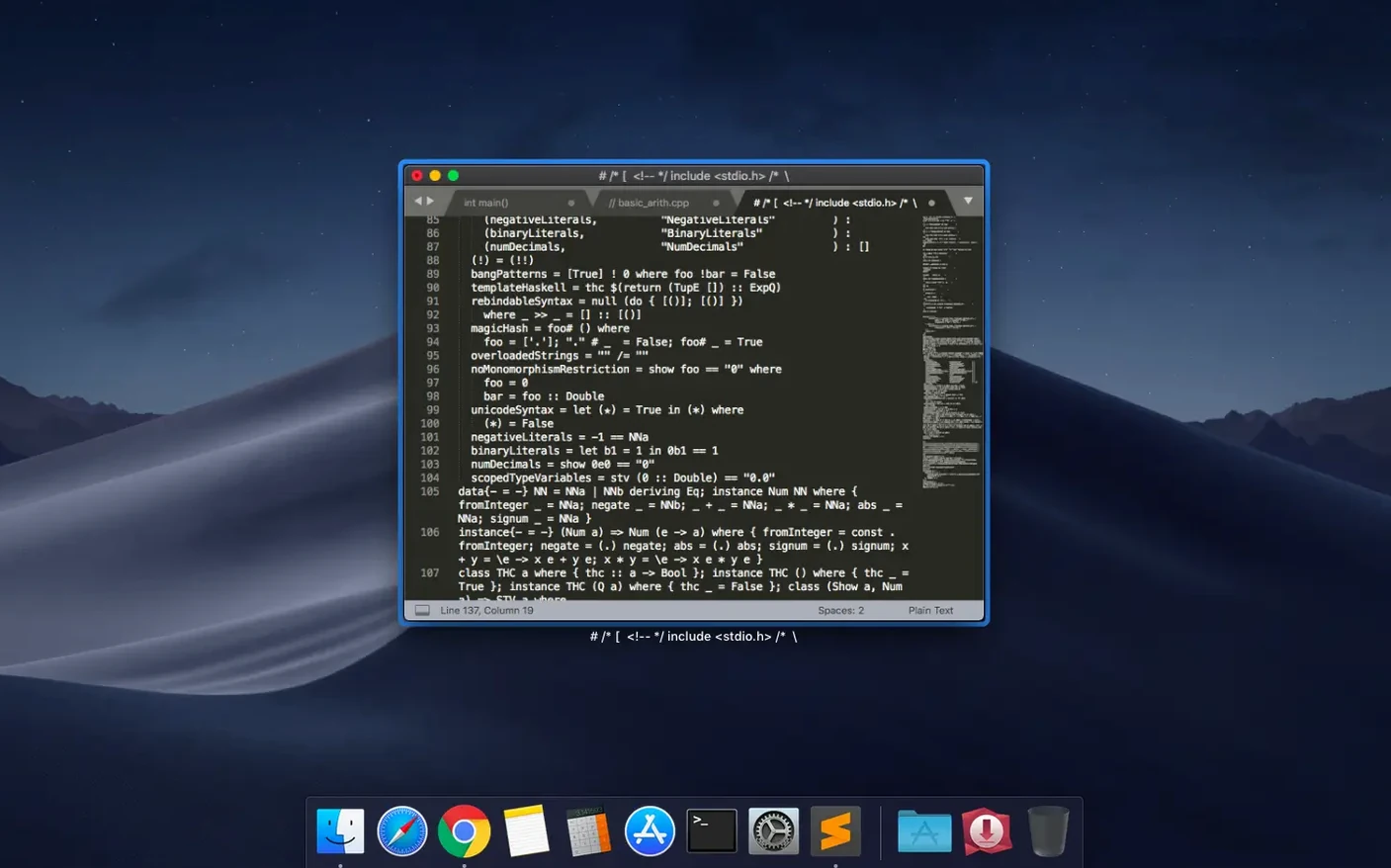
Scroll the row, it snaps to each screenshot. Click one to see it wider.
Sublime Text is a text editor for code, markup, and prose. It does one realistic job well: you open a file, edit, and run it—without leaving the window.
Code in dozens of languages with fuzzy file search
- Writing and editing code in dozens of languages, from C to Python to SQL.
- Running programs via built-in build systems—hit a key, see output.
- Finding files and symbols with fuzzy search, no exact names needed.
- Viewing up to four files side by side in split panes.
- Checking syntax as you type, catching mistakes early.
- Reformatting paragraphs or joining lines with simple commands.
macOS compatibility and search-as-you-type
- Build 4215 fixes compatibility with macOS 10.13 and 10.14.
- Minimum macOS is 10.13; both Intel and Apple Silicon are supported.
- Themes are included, and you can add more.
- Search-as-you-type works across documents and files.
Getting settled in the first few days
After the install, take a moment to set things up before you start hammering out code. Open the Command Palette (bound to a key you can check in Preferences) and type "Install Package Control" if it isn't already active. That opens the door to the package manager, which is where you add language support, themes, and tools without restarting.
Try loading a project folder — not a single file, a folder. Sublime Text indexes the whole thing. Then test the fuzzy file search: hit the key for Goto Anything and type a fragment of a filename. It learns what you reach for often and sorts results accordingly.
Set up a build system for your main language early. For something like Python or JavaScript, the default build system probably works. For compiled languages, point it at a makefile or a custom command. That saves you from jumping to the terminal for every test run.
Things people forget
- Column selection: hold a modifier key and drag across lines. Good for editing repeated patterns without regex.
- Multiple cursors: select a word, then repeat the selection action for each occurrence. Edit them all at once.
- Auto-save: turn it on in Preferences if you tend to forget to save before running a build.
Standard Mac shortcuts and Dock integration
Sublime Text respects macOS conventions. The ⌘ key handles shortcuts you already know: ⌘S for save, ⌘Z for undo, ⌘Tab for file switching inside the app. The app lives in the menu bar and the Dock like any normal Mac citizen.
If you use the terminal often, drop a subl alias into your shell config. That lets you open files or folders from the command line. For example, subl ~/project opens the project directory. The command-line tool installs automatically when you drag Sublime Text to Applications.
For Git users, Sublime Text works as a merge editor and a commit editor out of the box. Set core.editor in your Git config to subl -w and it becomes the default editor for commit messages and rebase edits.
If you keep a journal or documentation in Markdown, Sublime Text handles that too. Syntax highlighting is built in, and plugins like MarkdownPreview let you see the rendered result without leaving the window. Pair it with a notes folder in a side pane and you have a lightweight knowledge base.
Fix build system and plugin issues on macOS
Package Control won't install
Happens when Sublime Text can't reach the repository servers through a strict network. Check that you can visit packagecontrol.io from a browser on the same machine. If not, the network is blocking it. Workaround: download the package manually and drop it into the Packages folder inside the Sublime Text data directory. After that, Package Control works for updates.
Syntax highlighting looks wrong for a file type
Sublime Text guesses the syntax from the file extension. If it guesses wrong, look at the bottom-right corner of the window — there is a language indicator. Click it and pick the correct syntax. The app remembers your choice for that extension going forward.
Build system runs but shows no output
Some build systems send output to stderr instead of stdout. Open the build system's configuration and add "show_panel_on_build": true and "quiet": false to the JSON. The build panel then captures everything.
The minimap takes up too much room
Toggle it off from the View menu. Or shrink its width in Preferences by adjusting the minimap_width setting. Some people prefer a thin strip, others turn it off entirely.
macOS Gatekeeper blocks the app after install
If you see a warning about an unverified publisher, right-click the app in Finder and select Open. macOS remembers your choice after the first launch. This only happens once.
Developers favor Sublime Text as a fast, cross-platform code editor, but some seek a "sublime text mac crack" to bypass its evaluation period. The TNT team release for Sublime Text 4.0 Build 4215 works with both architectures and includes the license key. A sublime torrent search may find older builds, so match the build number against your macOS version. Build 4215 specifically fixes issues on 10.13 and 10.14.
- Fixed the vintage M command not working.
- Fixed a compatibility issue with macOS 10.13 and 10.14.
- macOS 10.13 or later
- Intel or Apple Silicon
- Interface languages: English
Questions I get about this line
Yes. Sublime Text 4 supports both Intel and Apple Silicon Macs.
Sublime Text 4 requires macOS 10.13 or later. Build 4215 specifically fixed compatibility issues with macOS 10.13 and 10.14.
The install order
- Mount the disk image and launch Open Gatekeeper friendly.
- Press Enter in the Terminal window to bypass Gatekeeper.
- Drag the app to the Applications folder.
- Open the app when installation is complete.