- Version
- 1.20
- Developer
- Cedar Lake Ventures Inc.
- Languages
- English
- License type
- Included
| macOS range | OS X 10.7 or later |
|---|---|
| Chip | Intel 64-bit |
| Download | 17 MB |
Screenshots
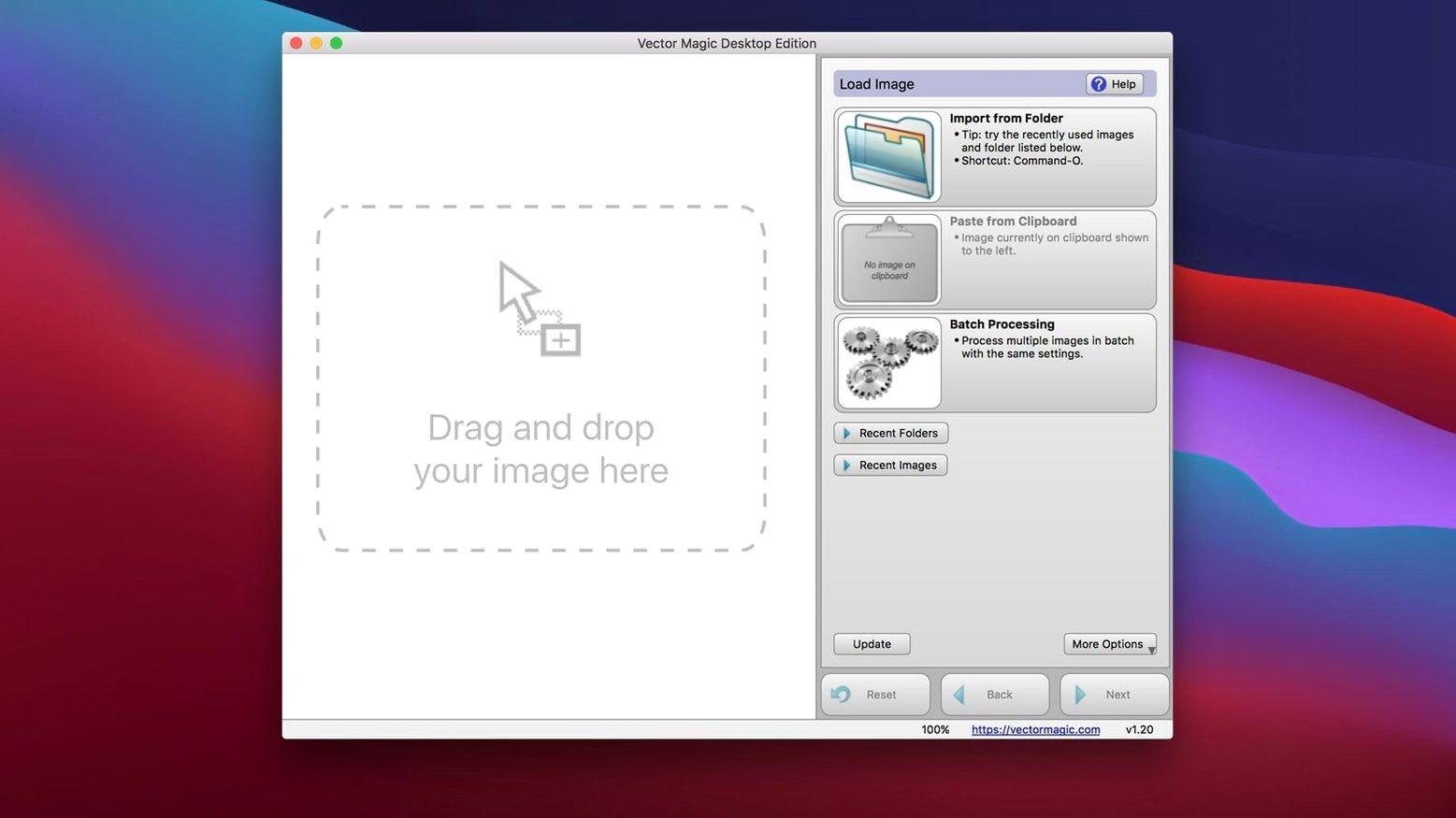
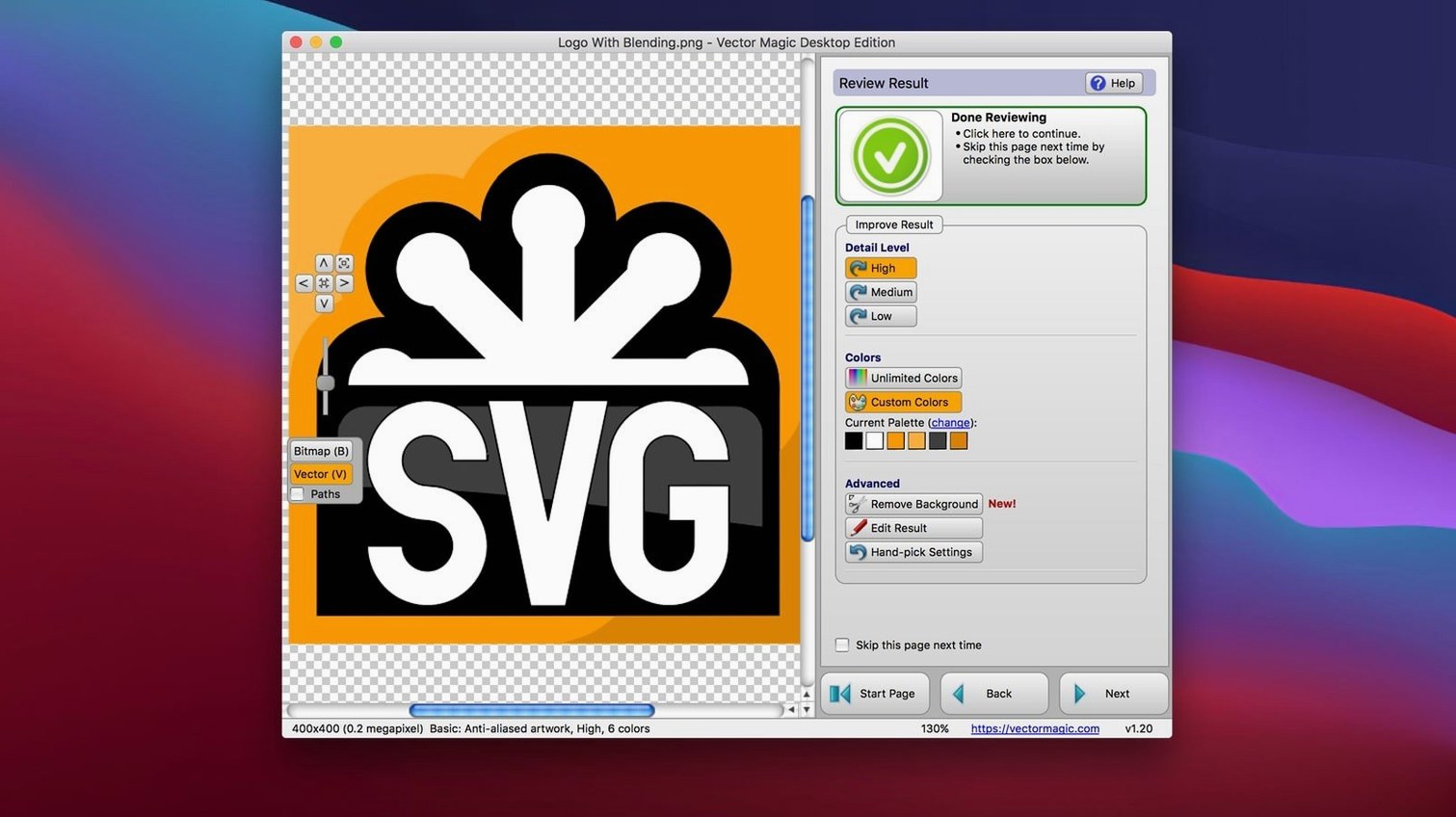
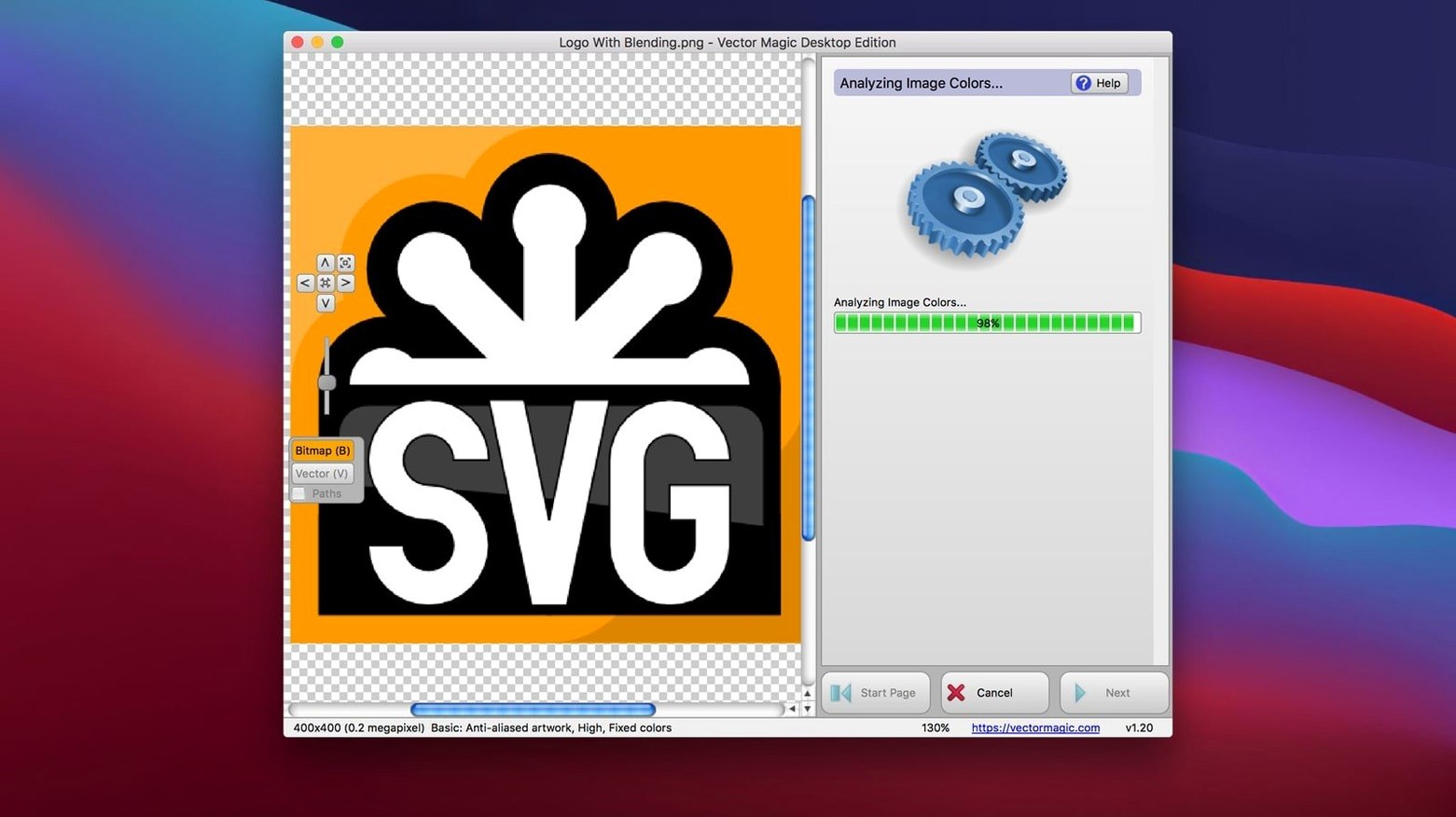
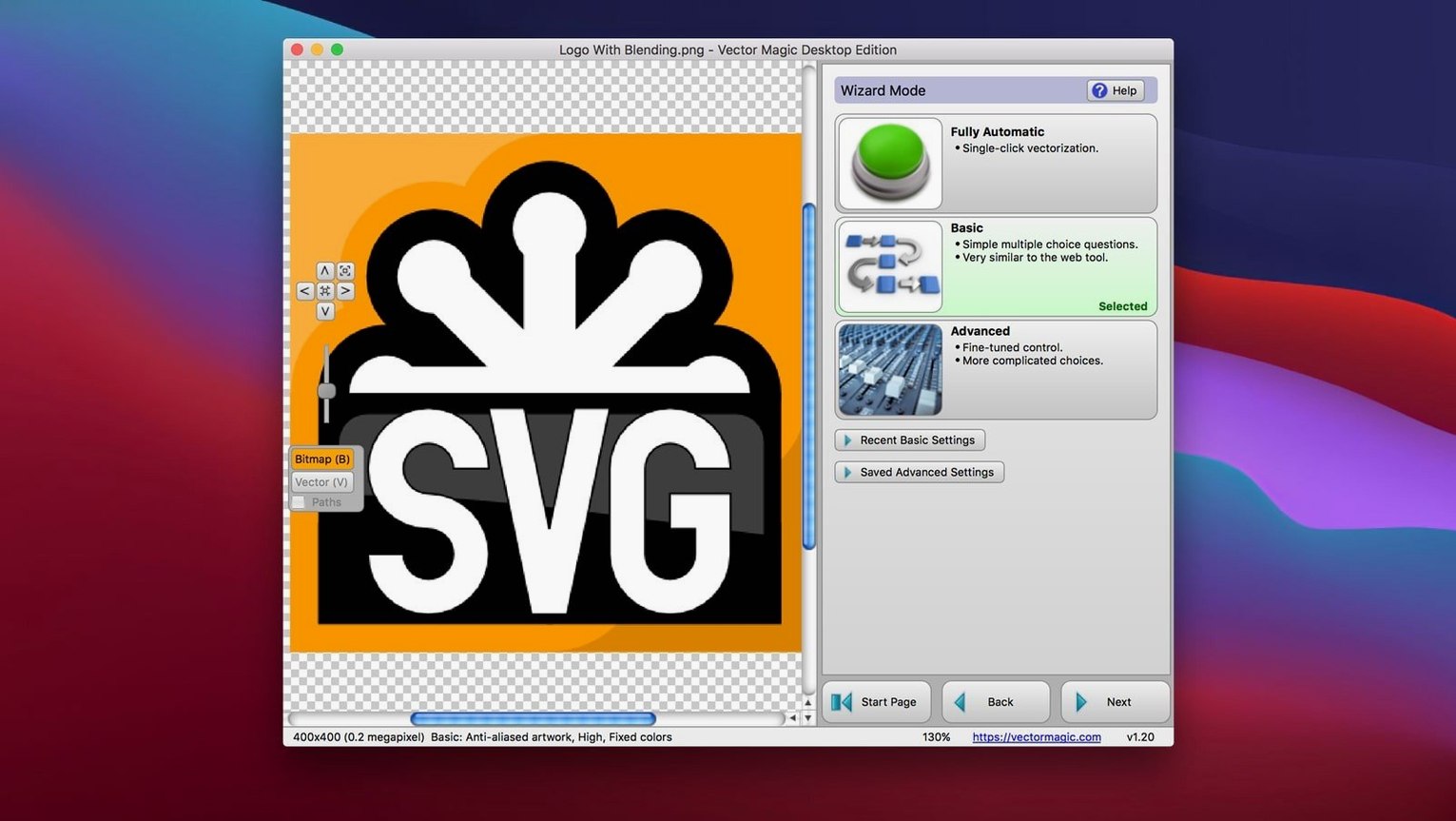
Scroll the row, it snaps to each screenshot. Click one to see it wider.
You scan a logo at 300 dpi and need it as a clean vector for a sign shop. Vector Magic handles that in minutes.
- Drag the raster file onto the app window. JPEG, GIF, PNG, BMP, TIFF, and PSD are all accepted.
- Let the automatic trace run. For most images, that's enough.
- Switch to manual mode if edges need work. Each parameter updates the preview immediately, so you see the effect before committing.
- Use segment editing to clean up stray shapes or merge paths.
- Export to EPS, SVG, PDF, AI, DXF, EMF, or PNG. Pick the format your workflow needs.
The whole job stays offline, which matters when you're working with client files. Built-in help covers the tracing options, and the app handles large images up to 10 megapixels without choking. For a quick vector magic mac download, this desktop version beats fighting with online converters.
- macOS OS X 10.7 or later
- Intel 64-bit
- Maximum file size: 10.0 MB
- Maximum image size: 10.0 megapixels
- Interface: English
Questions I get about this line
Yes. The input formats include PSD, along with JPEG, GIF, PNG, BMP, and TIFF.
Yes. The desktop app converts images locally, so no internet connection is needed.
It exports to EPS, SVG, PDF, AI, DXF, EMF, and PNG.
The install order
- Mount the disk image.
- Move the app to the Applications folder.