Free download (12 MB) Previous versions
- Version
- 1.74
- Developer
- Pax
- Languages
- English
- License type
- K'ed by aqzs
| macOS range | macOS 14 or later |
|---|---|
| Chip | Apple Silicon, Intel 64-bit |
| Download | 12 MB |
| Previous versions | 1 on file |
Screenshots
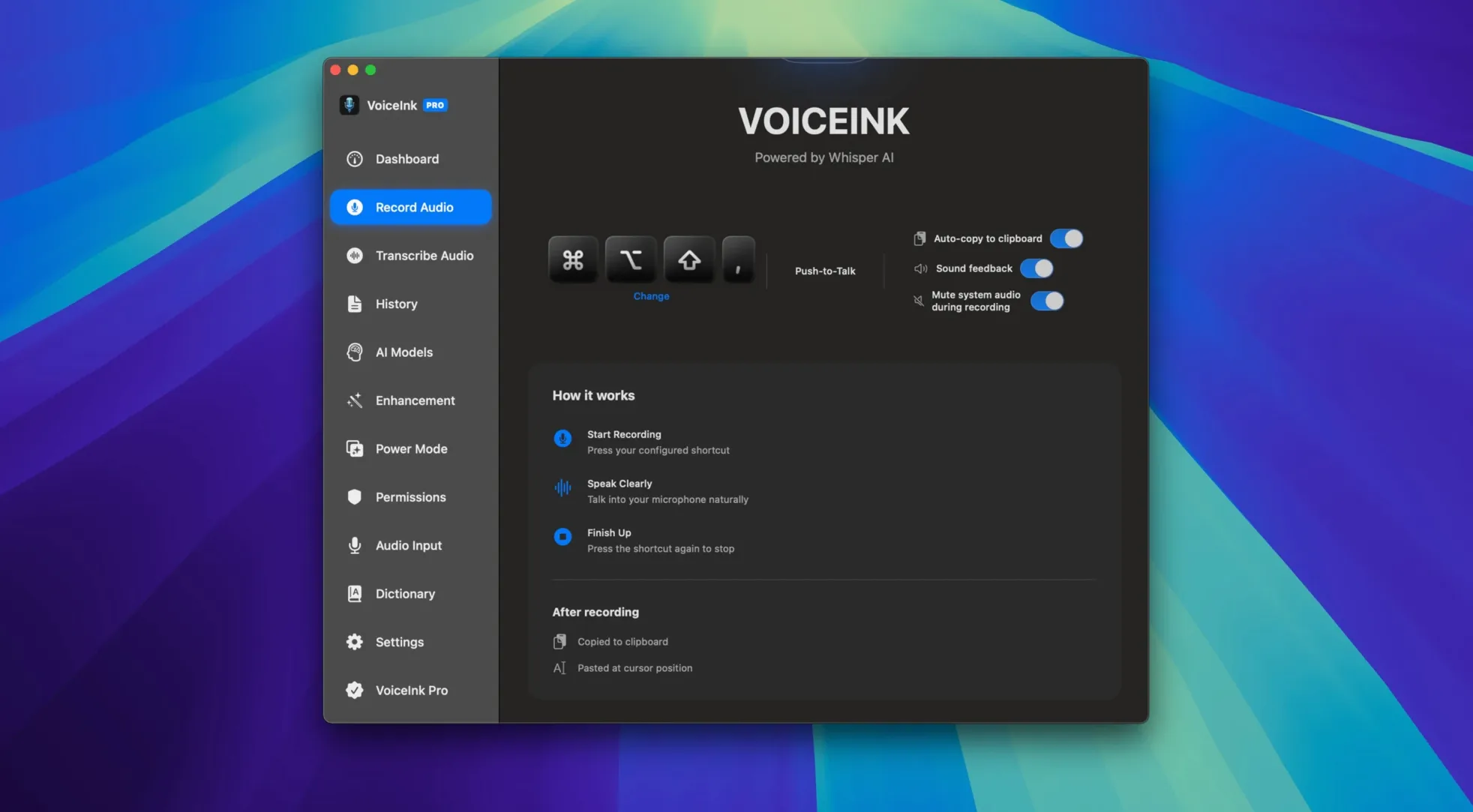
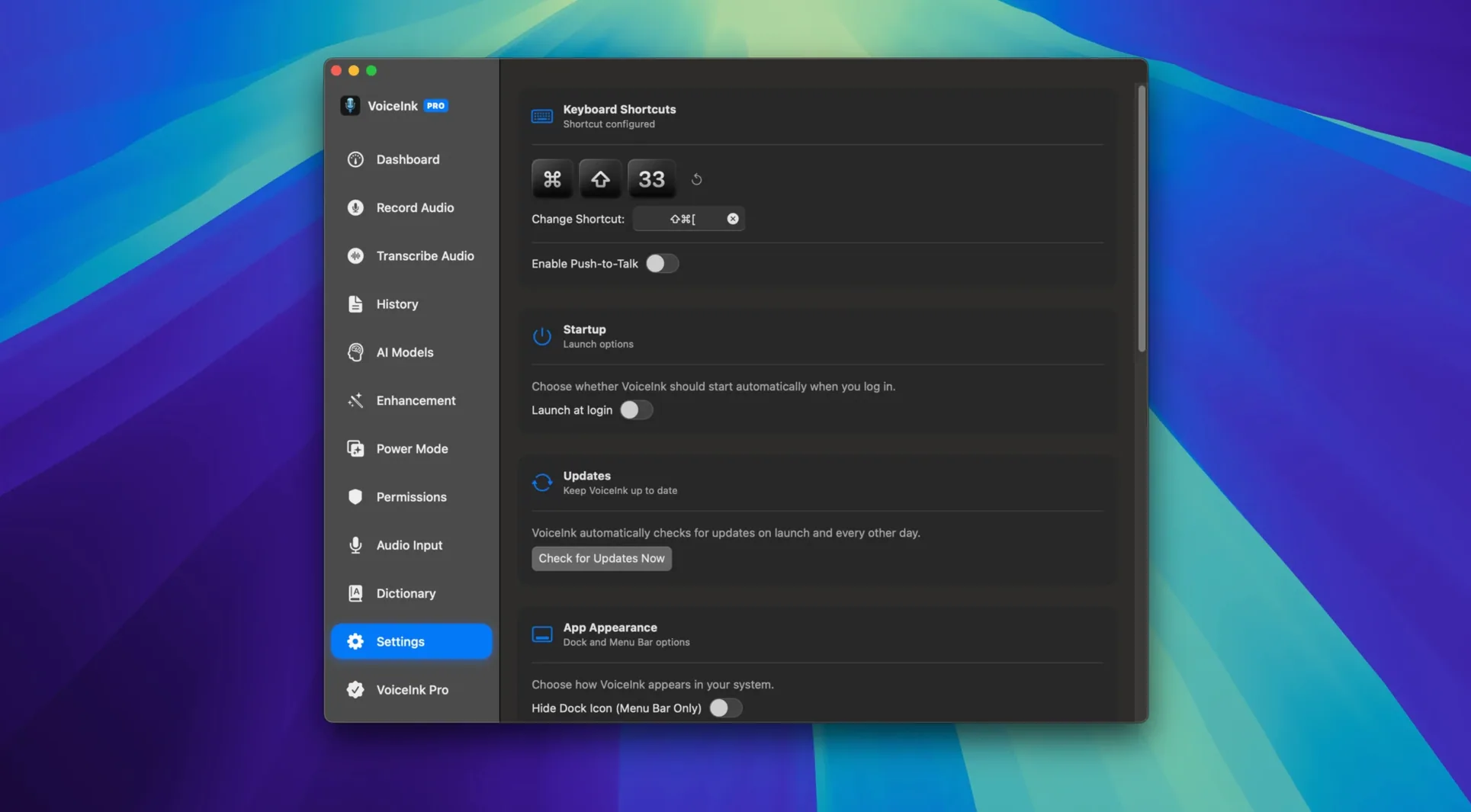
Click a screenshot to see it wider.
Typing notes during a patient consult means you're looking at a screen, not the person talking. VoiceInk 1.74 fixes that by turning speech into text locally on your Mac. No internet required, no data leaves the machine.
Setting up a dictation workflow for clinic notes
I opened VoiceInk, picked a hotkey, and started talking. The transcription appeared in real time. Because it works with the microphone directly, I could dictate into a Notes window while reviewing a schedule. The text was accurate enough to paste into an email without heavy editing.
Why local processing matters
Every word stays on the Mac. No cloud upload, no privacy concerns. VoiceInk also exposes an API so you can pipe dictation straight into Obsidian, Notion, or even a ChatGPT prompt. That makes it a practical utility for anyone who types all day and wants to move faster.
Check mic permissions before first dictation
Run through these steps before you rely on VoiceInk in a real session.
- Open System Settings > Microphone and confirm VoiceInk has permission. macOS 14 can block mic access.
- Open the app, set a hotkey you won't trigger by accident. Ctrl+Option+V works for me.
- Dictate a test paragraph in English. Check the user dictionary if it mishears a term you use daily.
- Import a short MP3 or WAV file from a recorded meeting. Verify the transcription lines up with the audio.
- Export the result as TXT and DOCX. Open both to confirm formatting survived.
VoiceInk runs on ARM and x86 64-bit Macs with macOS 14 or later. No background services or internet connection needed once it's installed.
Processing an audio file step by step
- Launch VoiceInk from Launchpad after you drag it to Applications.
- Click to open an MP3 or WAV file. The app processes it locally.
- Review the transcription. Context-aware handling catches most phrasing on the first pass.
- Edit any repeated errors via the user dictionary. Add the correct spelling for names or jargon.
- Export the clean text as TXT, DOCX, SRT, or JSON. SRT is useful if you need timestamps.
The API connector lets you send that transcribed text straight into Obsidian or Notion without copy-paste. For a daily note taker, that saves a step every time.
Runs offline on macOS 14 ARM or Intel
VoiceInk 1.74 requires macOS 14 and works on both ARM and x86 64-bit hardware. It's a standard disk image install: open it, drag the app to Applications, and launch it. The app does not call home, does not stream audio, and does not install background processes. It sits in your dock until you need it.
The version on this page is K'ed by aqzs — install and use it as long as you like.
- macOS 14 or later
- Intel or Apple Silicon Mac
Questions I get about this line
No. It processes speech entirely on your Mac, so you can use it offline.
It runs on both ARM (Apple Silicon) and x86 64-bit Macs running macOS 14 or later.
Yes. It provides an API for integration with Obsidian, Notion, and ChatGPT.
The install order
- Open the downloaded disk image.
- Drag the app to the Applications folder.
- Launch the app from Launchpad after copying finishes.