Free download (1 GB) Previous versions
- Version
- 2026.3
- Developer
- JetBrains
- Languages
- English
- License type
- Included
| macOS range | macOS 12 or later |
|---|---|
| Chip | Apple Silicon, Intel 64-bit |
| Download | 1 GB |
| Previous versions | 2 on file |
Screenshots
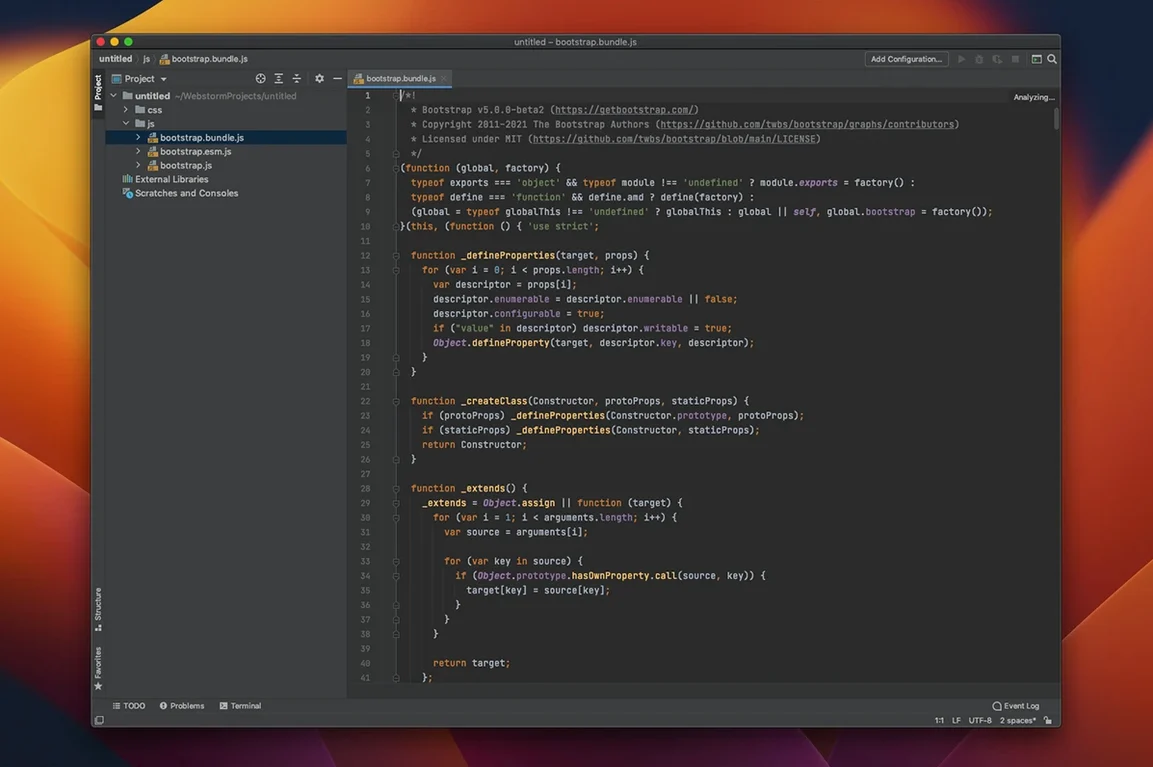
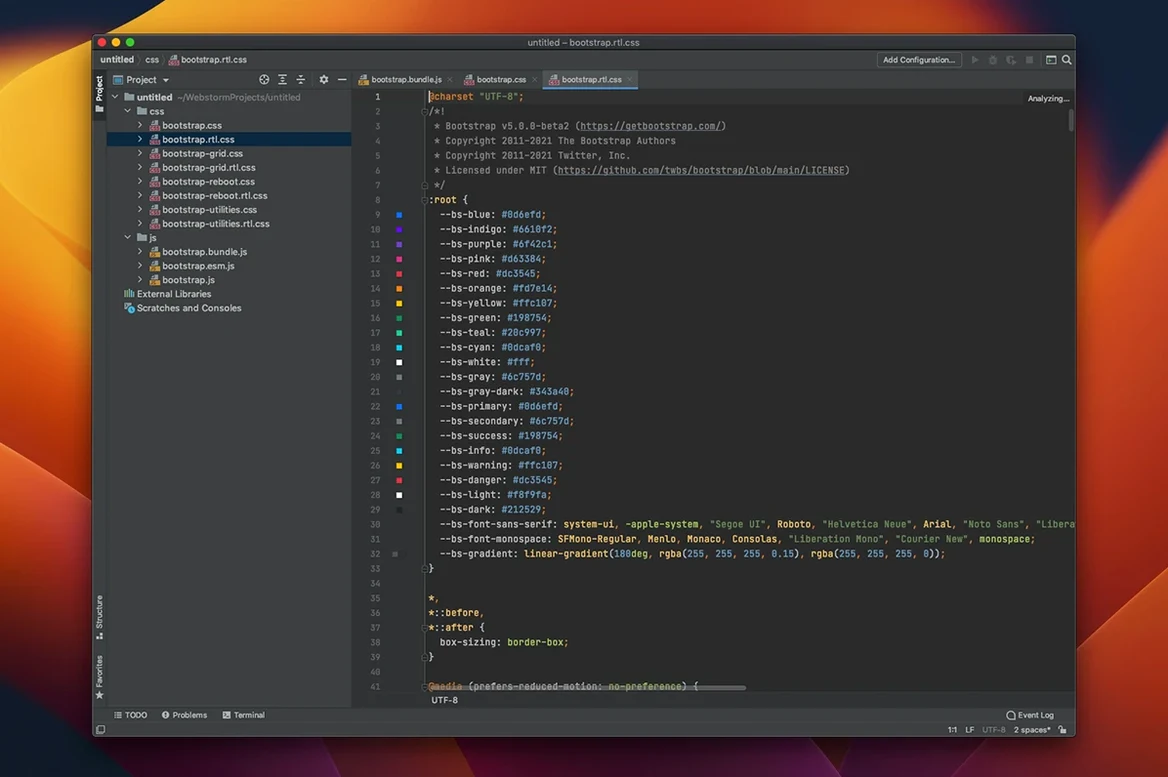
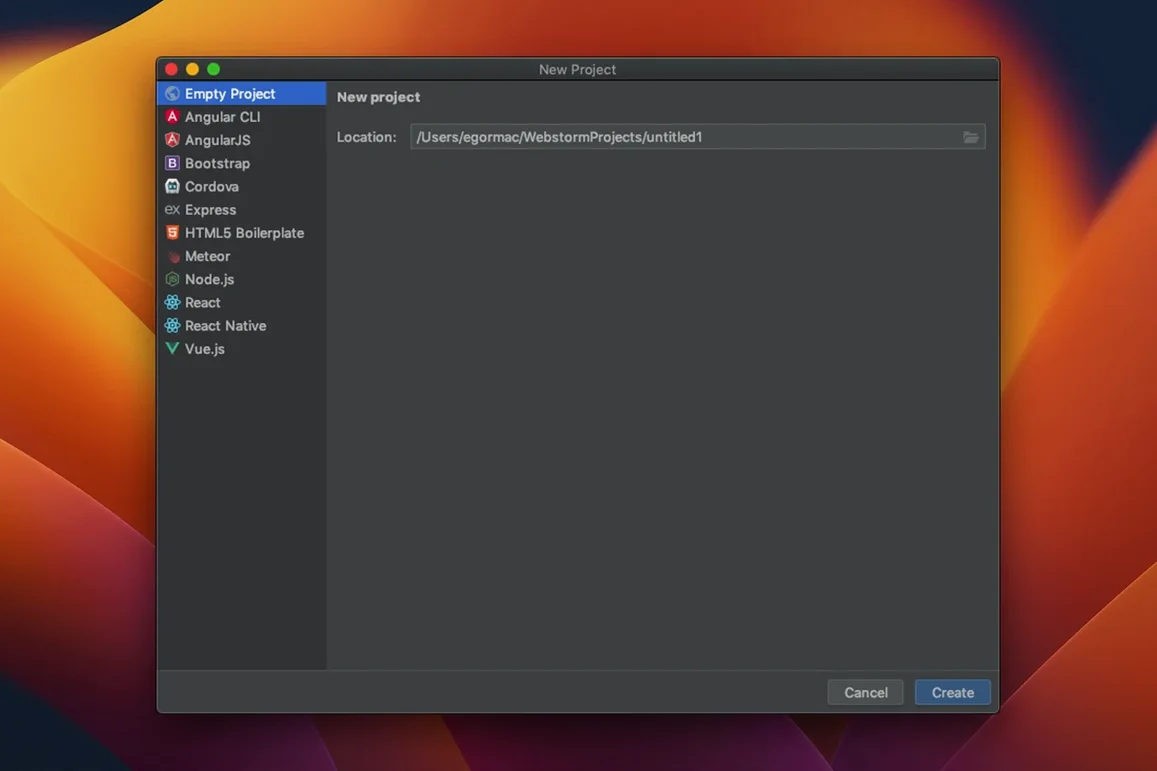
Click a screenshot to see it wider.
WebStorm is a JavaScript and TypeScript IDE for macOS, built by JetBrains for developers who work in these languages day in and day out.
It covers the full front-end stack: JavaScript, HTML, and CSS editing, with code highlighting and completion that keep up as you type. Fast navigation and refactoring tools let you move through a codebase without losing your place. Debugging is built in, so you can trace issues without switching windows.
Frameworks like AngularJS, React, and Meteor get first-class support, and version control integration covers Git, GitHub, and Mercurial. The 2026.2 release adds TypeScript 7 support, native GitHub Copilot integration, and an agent skills manager. Version 2026.2.3, build 262.10968.77, was released on 2026-09-17.
If you do JavaScript or TypeScript work on a Mac, WebStorm is a solid choice. It runs on macOS 12 and later, on both Intel and Apple Silicon machines.
How WebStorm Fits Into Your macOS Workflow
On macOS, WebStorm works alongside your existing tools rather than replacing them. It picks up system-level Git configuration, SSH keys from ~/.ssh, and terminal environment variables without extra setup. If you use Homebrew for Node.js version management, WebStorm respects the PATH from your default shell and uses the Node interpreter you have installed.
macOS-native features like trackpad gestures, full-screen mode, and window tiling work as expected. The IDE writes project files to a standard location, so Time Machine backups cover your config. You can open files from Finder or drag folders onto the WebStorm icon in the dock to start a project quickly.
Integration With JetBrains Tools
If you use other JetBrains IDEs on the same machine, WebStorm shares keyboard shortcuts, color themes, and plugin lists through the JetBrains Account sync. A plugin you install in IntelliJ IDEA or PhpStorm can be enabled in WebStorm too, provided it targets the IntelliJ Platform. The agent skills manager in 2026.2 lets you control which AI agents have access to your project context, a feature that carries across the product line.
Match Your macOS Keymap
Before you start coding, adjust a few defaults to match how you work on macOS:
- Keymap — switch to the macOS keymap if WebStorm picked up a different one during first launch. The default IntelliJ keymap uses
Ctrlshortcuts that conflict with macOS system shortcuts. - GitHub Copilot — sign in with your GitHub account in the Copilot settings panel. The native integration in 2026.2 does not require a separate plugin.
- Auto-import — enable automatic imports for TypeScript and JavaScript. Under Preferences > Editor > General > Auto Import, check the boxes for both languages.
- Font size — bump the editor font to 14 or 15 pt if you work on a high-resolution display. Go to Preferences > Editor > Font.
- Git integration — set your global Git user name and email if you have not done so in the terminal. WebStorm uses these for commits.
Workflow: Refactor a React Component With TypeScript 7
This walkthrough shows how to rename a prop and update all references in a small React app.
- Open the project folder in WebStorm. The IDE indexes the files and resolves TypeScript types in the background.
- Navigate to the component file. Use
Cmd + Pto open the file search and type the component name. - Place the cursor on the prop name you want to change. Press
Shift + F6to invoke the Rename refactoring. - Type the new prop name. WebStorm highlights every usage of the old name across the project, including template strings and JSX attributes.
- Press Enter to apply the rename. The IDE updates all occurrences in one pass, even if they span multiple files.
- Run the test suite using the built-in Jest runner. Open the test file and click the green triangle next to the test name.
The whole cycle takes seconds. Code analysis catches type mismatches before you commit, and Git integration stamps the change with a descriptive commit message if you use the Commit tool window.
Supports Intel and Apple Silicon Macs
WebStorm 2026.2.3 runs on macOS 12 and later. It supports both Intel and Apple Silicon processors. The download includes activation instructions.
JetBrains released WebStorm 2026.3. This build lands on macOS 12 and later, running natively on both Apple Silicon and Intel 64-bit Macs.
- macOS 12 or newer
- Apple Silicon or Intel 64-bit
Questions I get about this line
WebStorm requires macOS 12 or later. It runs on both Intel and Apple Silicon Macs.
Yes. WebStorm supports AngularJS, React, and Meteor with dedicated tooling and code assistance.
The 2026.2 release includes TypeScript 7 support, native GitHub Copilot integration, and an agent skills manager.
The install order
- Follow the installation and activation instructions included with the download.