Free download (32 MB) Previous versions
- Version
- 5.13.0
- Developer
- Rogue Amoeba Software
- Languages
- English
- License type
- K'ed by TNT team
| macOS range | macOS 14.4 or later |
|---|---|
| Chip | Apple Silicon, Intel 64-bit |
| Download | 32 MB |
| Previous versions | 2 on file |
Screenshots
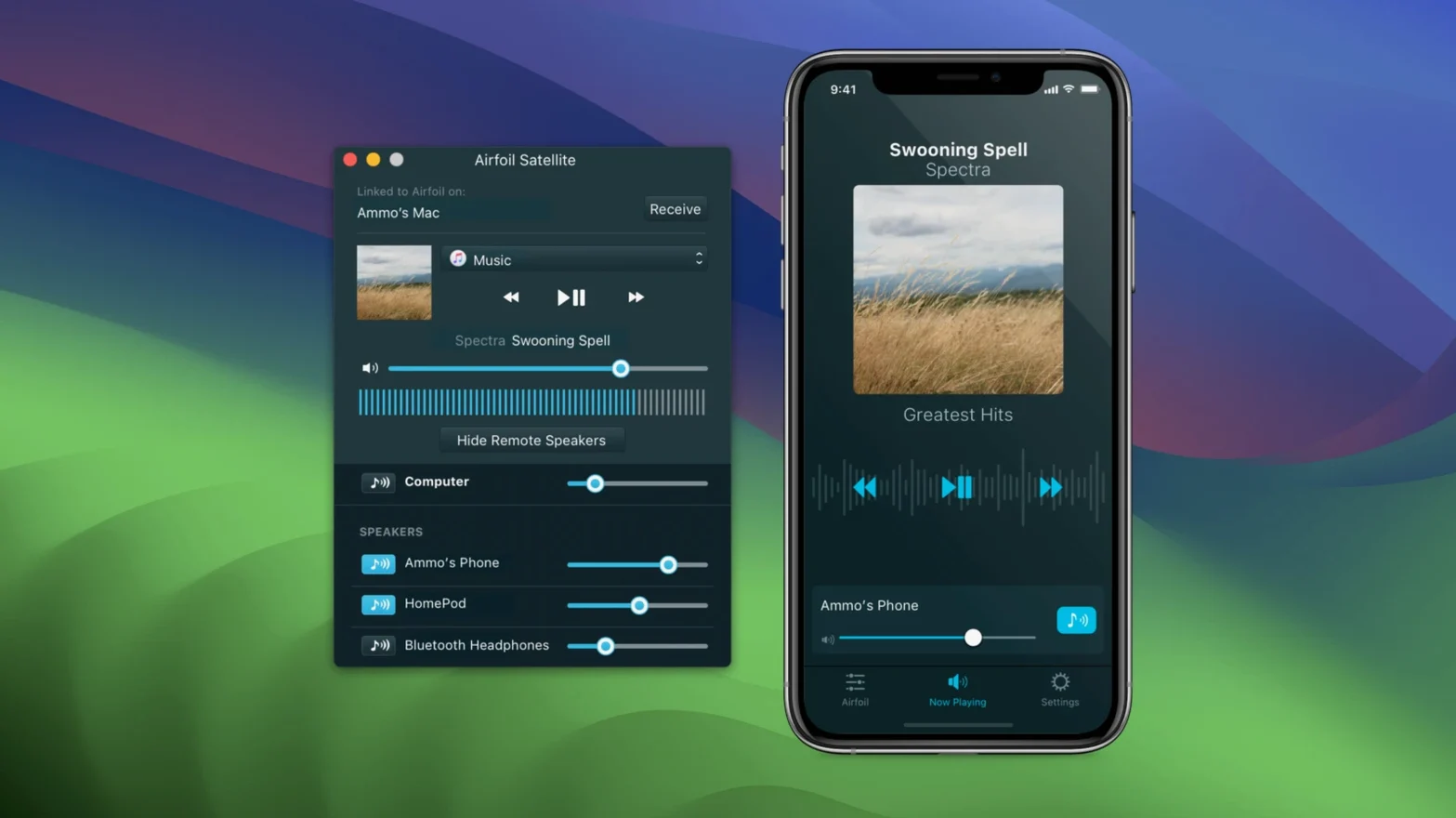
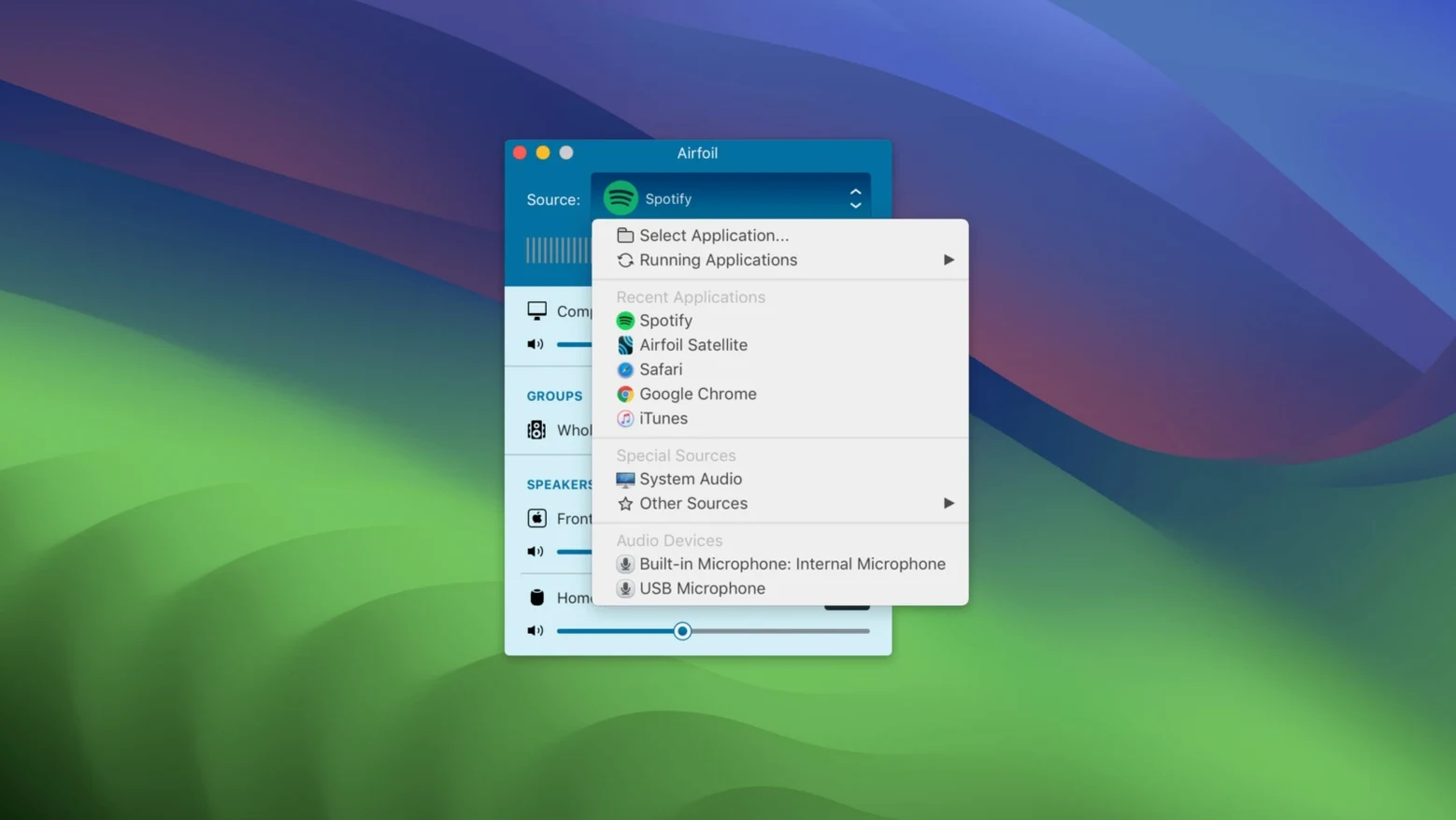
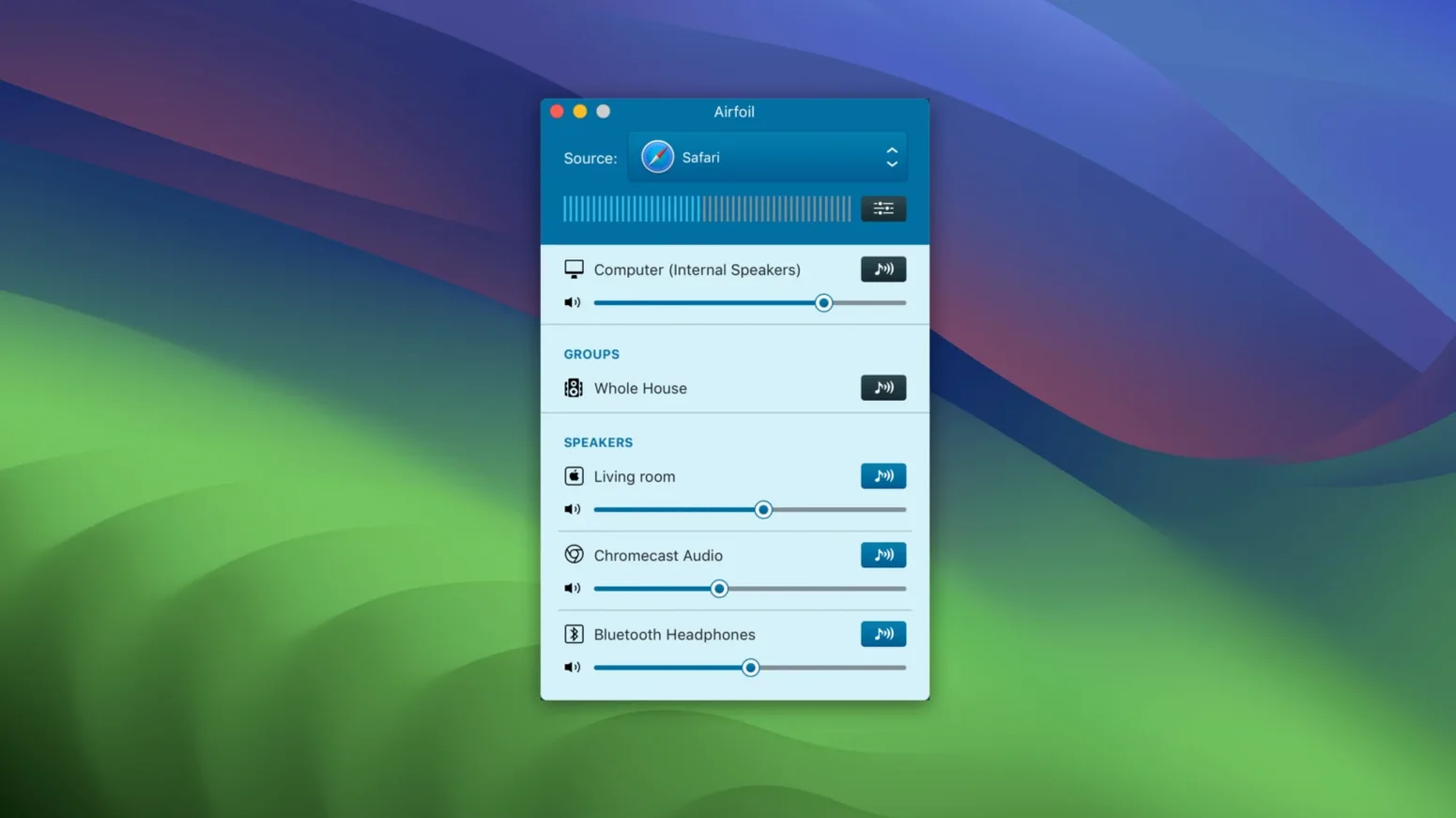
Click a screenshot to see it wider.
You are playing a podcast through Safari but want it on the HomePod in the kitchen. Airfoil captures audio from any application and sends it to remote speakers, Apple TV, or AirPlay devices around the house. It can stream to several devices at once, encoded in Apple Lossless.
Apple TV and HomePod Streaming Restored
Airfoil 5.13.0 restores audio streaming to Apple TV and HomePod devices — a feature that broke in earlier builds. Everything else stays the same: instant audio capture from any app, multi-device playback, and automatic streaming on launch. It runs on macOS 14.4 and later on both Intel and Apple Silicon Macs.
Apple Lossless and One-Click Workflow
The app still transmits audio in Apple Lossless for quality. The workflow is unchanged: pick an audio source, choose output devices, and play. Airfoil remains part of Rogue Amoeba’s utility lineup, aimed at anyone who needs to redirect system or app audio without cables.
Airfoil works well out of the box, but a few settings are worth adjusting first. The app defaults to streaming all system audio; if you only want audio from one app, change the capture mode. Open the source picker and set it to capture from a single application instead of the whole system. That keeps your notifications and background sounds off the remote speakers.
Network Setup Blocks Device Discovery
Most problems come from network setup, not the app itself.
- Device not appearing in the list. Check that the device and Mac are on the same subnet. Airfoil uses mDNS — if your network segments broadcast domains, devices on different VLANs won’t show up. A simple restart of the speaker or Apple TV often forces a new advertisement.
- Audio drops out or hesitates. This is almost always Wi-Fi congestion. Move your Mac and speakers to the 5 GHz band. If the speaker is wired, even better.
- Streaming to Apple TV works briefly then stops. Airfoil 5.13.0 fixed this for many users, but some Apple TV models need a firmware update first. Check Settings > System > Software Update on the Apple TV.
- No audio after switching sources. Stop the stream, switch the source in Airfoil, then start again. The app’s audio pipeline can hold onto the old stream if you swap sources while playing.
Paired with SoundSource for Per-App Control
Airfoil fits into a broader audio workflow. You can combine it with SoundSource (also from Rogue Amoeba) to control per-app volume and output routing from one place, but Airfoil handles the actual remote streaming. The two apps share the same audio capture engine.
macOS’s built-in Sound settings panel still controls system-wide output. Airfoil layers on top of that — it does not replace the system mixer. If you set system output to Airfoil’s virtual device, every app plays through it. For selective streaming, set the system output back to your Mac’s speakers and use Airfoil’s per-app capture instead.
Airfoil Satellite extends the setup further. Install it on another Mac or iOS device, and you can both send audio to that device and remotely control which source plays on which speaker. That is useful if you want to change the stream from the kitchen without walking back to the Mac.
- Restores audio streaming to Apple TV and HomePod devices.
- macOS 14.4 or later
- 64-bit Intel or Apple Silicon processor
- Interface language: English
Questions I get about this line
Yes, it can send audio to several remote speakers and devices simultaneously.
Yes, it supports both Apple Silicon and Intel 64-bit Macs.
Airfoil requires macOS 14.4 or later.
The install order
- Mount the disk image and run Open Gatekeeper friendly.
- Press Enter in the Terminal window to bypass Gatekeeper.
- Drag the app to the Applications folder.
- Open the app when installation is complete.