
Free download (558 MB) Previous versions
- Version
- 8.1.1
- Developer
- Fender, PreSonus
- Languages
- English
- License type
- k'ed by GUISEPPE
| macOS range | macOS 13.5 or later |
|---|---|
| Chip | Apple Silicon, Intel 64-bit |
| Download | 558 MB |
| Previous versions | 2 on file |
Screenshots
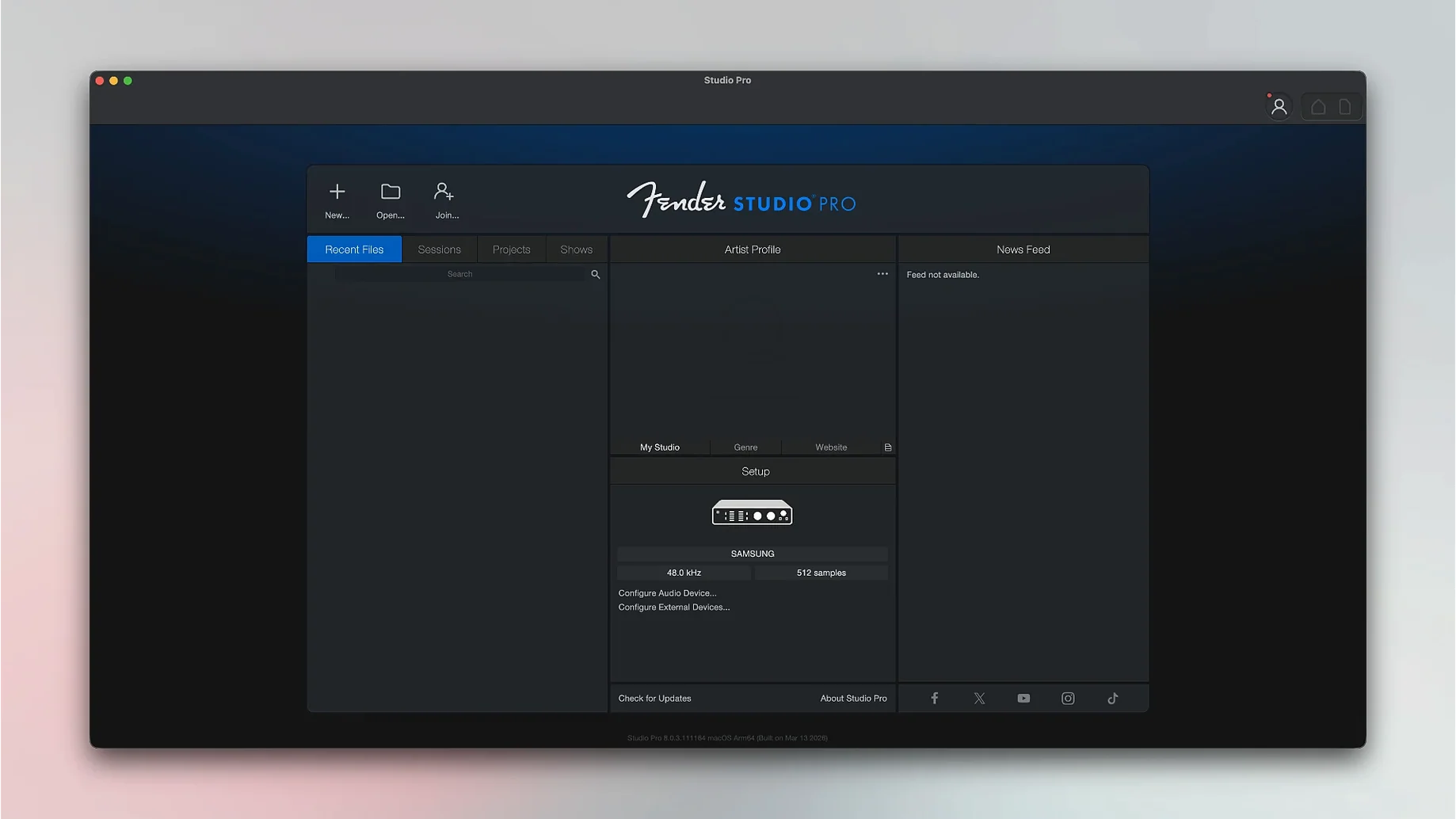
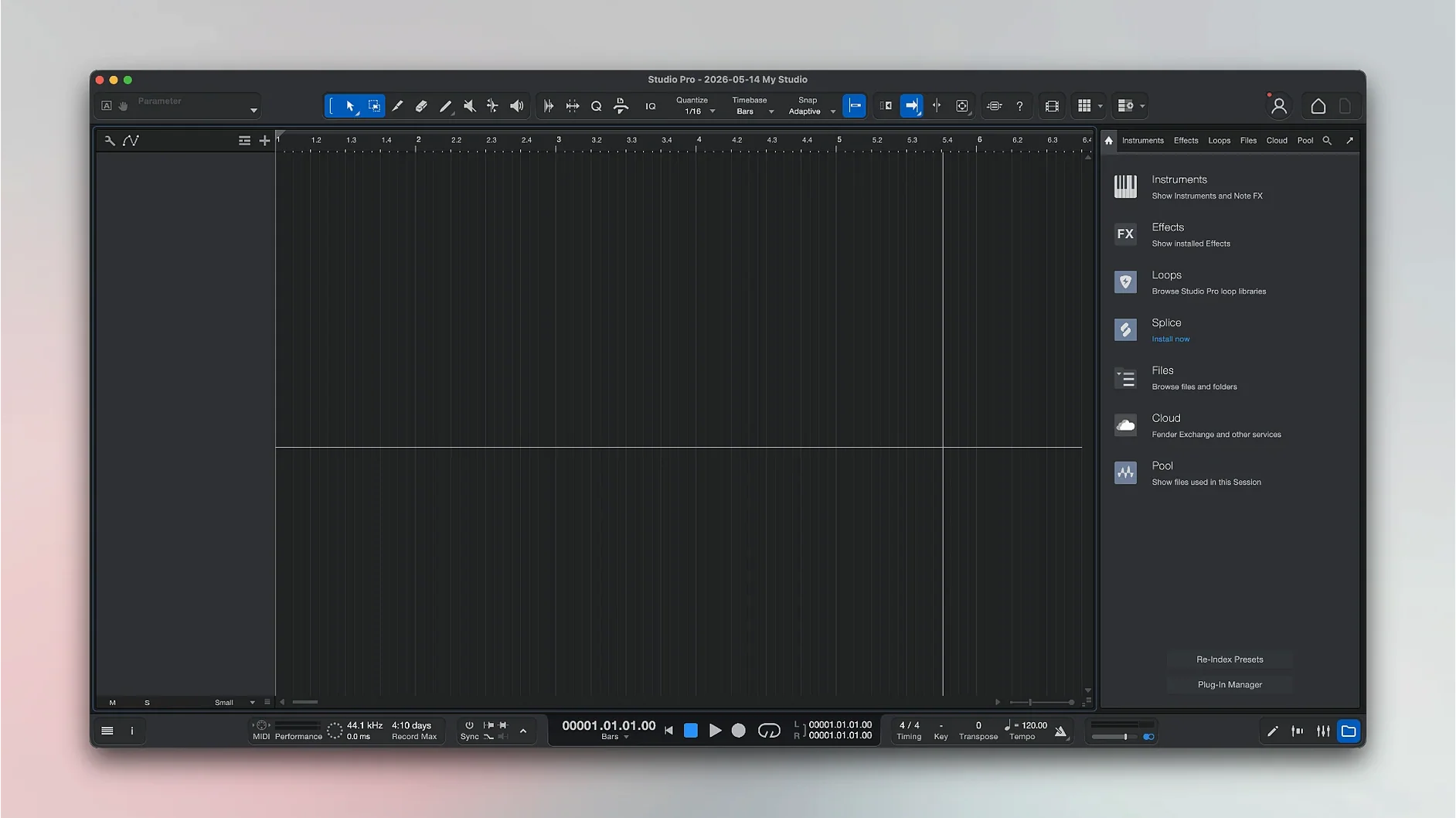
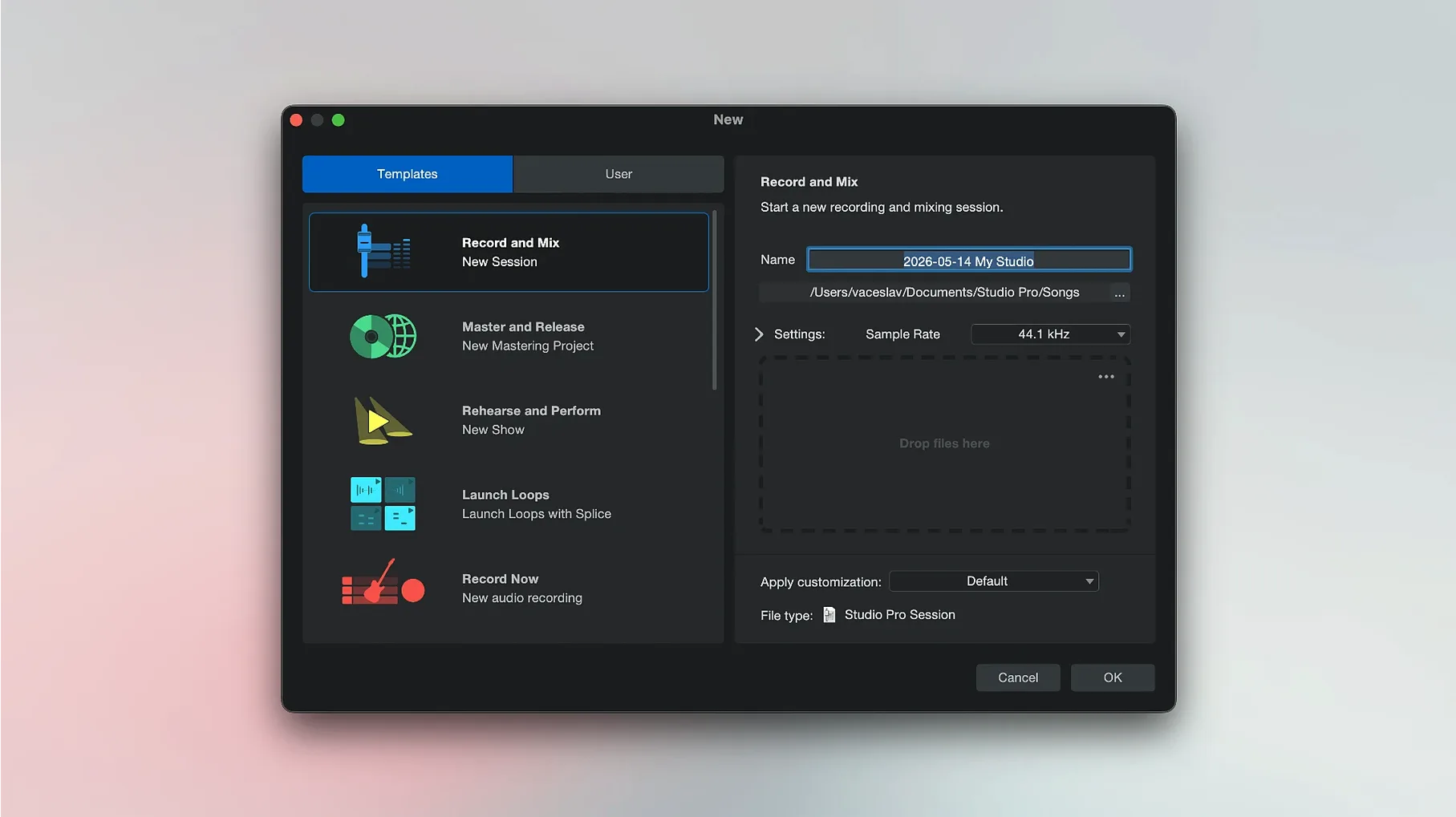
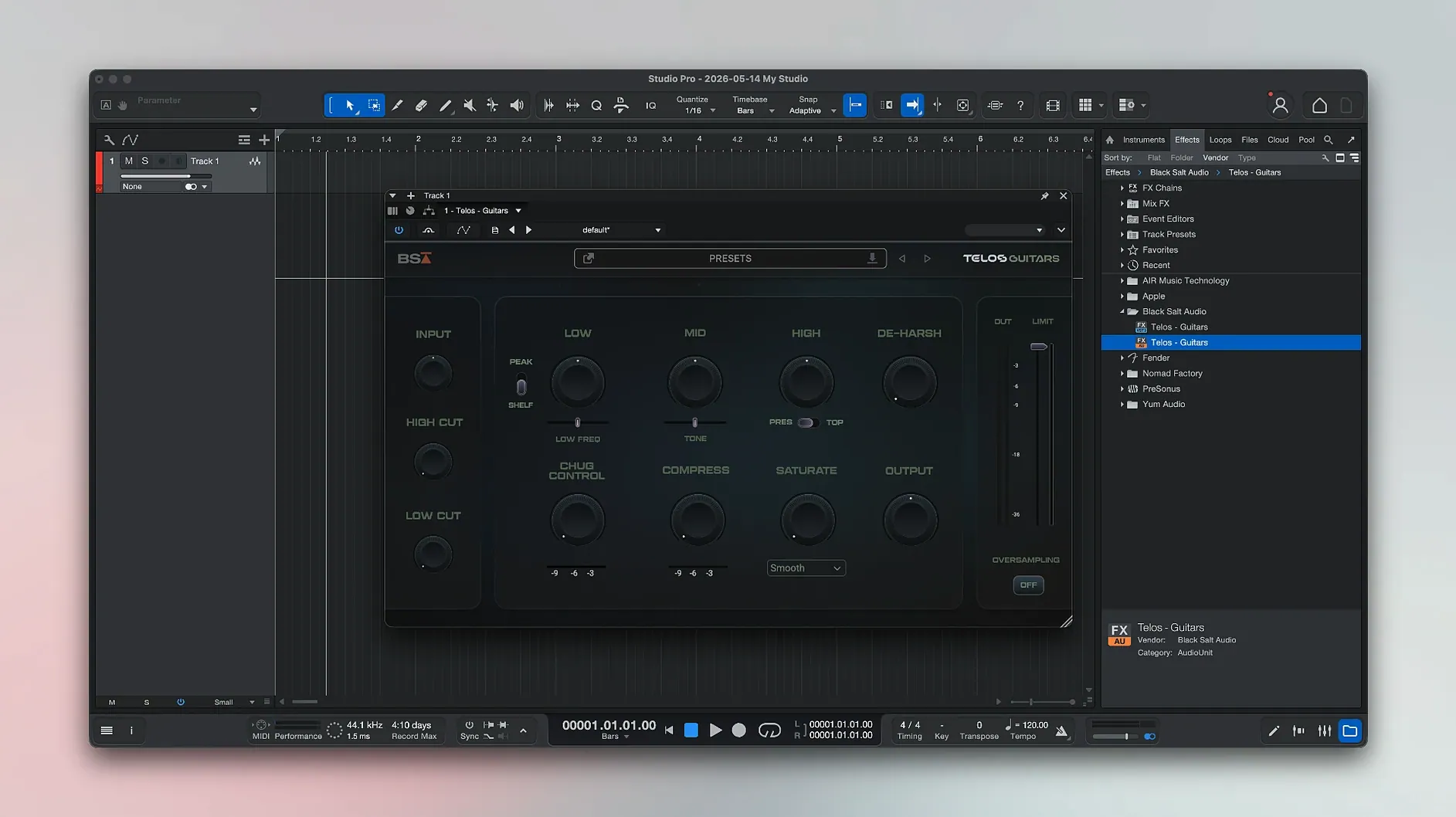
Scroll the row, it snaps to each screenshot. Click one to see it wider.
Fender Studio Pro is for musicians and producers who want a full DAW without juggling multiple apps. Version 8.1.1 keeps the core workflow intact while adding a few practical touches.
Recording
You can track audio and MIDI in the same window, with the new Freeze Instrument Track option in the Launcher to save CPU when you're stacking virtual instruments. Direct Monitoring works with Mustang and Rumble plug-ins, and automation follows along.
Mixing
The Audio Batch Converter now compensates plug-in latency, so exported files match what you heard during the mix. Effect pedals and ready-made presets are still there for quick sound shaping.
Editing
Convert recorded audio into notes for quick fixes or re-arranging. Fender Studio Pro 8.1.1 runs on macOS 13.5 and later, on both Intel and Apple Silicon Macs.
Fender Amps Built Into the Timeline
This DAW works best for solo musicians and small-studio producers who want Fender's amp and pedal sound built into the timeline. Guitarists and bassists get the most out of it because the Mustang and Rumble plug-ins are native to the mix window, not external insert effects. Songwriters who need chord suggestions during composition will find that feature in the same view as the Arranger Track. Home studio users who record vocals and acoustic instruments also gain from the Audio-to-Note conversion for quick comping and melody fixes. The Freeze Instrument Track option in the Launcher directly helps anyone running multiple virtual instruments on a single Mac without adding external hardware or routing.
Integration
Fender Studio Pro uses the standard macOS Audio and MIDI frameworks, so it works with any class-compliant interface or controller you connect. You can drag audio from Finder into the timeline, and exported mixes appear in the system share sheet for quick uploading to clients or collaborators. The Fender Studio Pro Remote companion app lets you control transport and mixing from an iPad or tablet while you stay at the microphone or guitar position. Virtual instrument tracks can be frozen in place, freeing system resources for other running apps like notation software or a web browser with reference tracks. The plug-in delay compensation in the Audio Batch Converter means bounce-downs match the internal mix.
macOS 13.5 Ventura and Silicon Ready
The install is a single package with activation instructions. It occupies a typical DAW footprint — expect several gigabytes after installation. The 8.1.1 build loads on macOS 13.5 Ventura or newer, covering both Intel 64-bit and Apple Silicon Macs. No special hardware is required beyond a standard audio interface for low-latency recording. The app runs in English and uses macOS-native file dialogs and system font rendering. Keep a few hundred megabytes free for session files and audio exports. The k'ed version by GUISEPPE includes the activation steps in the package.
- Audio Batch Converter now compensates plug-in latency.
- Mustang and Rumble native plug-ins follow automation when Direct Monitoring is enabled.
- Freeze Instrument Track is now available in the Launcher.
- macOS 13.5 Ventura or later
- Intel or Apple Silicon Mac
- English interface
Questions I get about this line
Yes, it supports both Intel and Apple Silicon Macs, as long as you're on macOS 13.5 Ventura or later.
It continues the Studio One Pro line under the Fender name, so you get a similar recording and mixing environment.
The update adds Freeze Instrument Track in the Launcher, plug-in latency compensation in the Audio Batch Converter, and automation following for Mustang and Rumble plug-ins with Direct Monitoring enabled.
The install order
- Run the included installer and follow the on-screen instructions.
- Use the activation steps provided in the package to finish setup.