Free download (1.1 GB) Previous versions
- Version
- 26.1.6.5406
- Developer
- Image Line
- Languages
- English
- License type
- k'ed by GUISEPPE
| macOS range | macOS 10.15 or later |
|---|---|
| Chip | Apple Silicon, Intel 64-bit |
| Download | 1.1 GB |
| Previous versions | 12 on file |
Screenshots
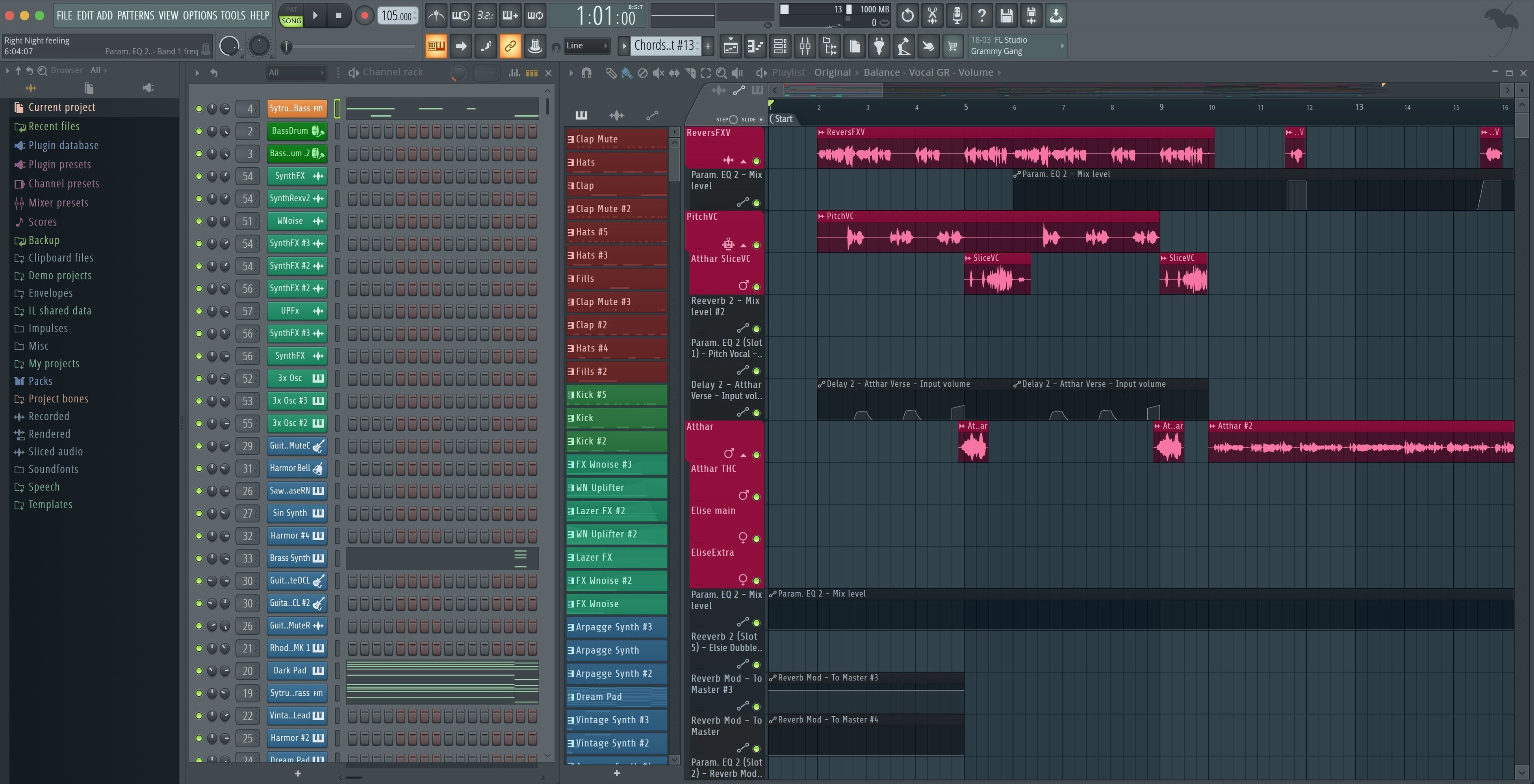
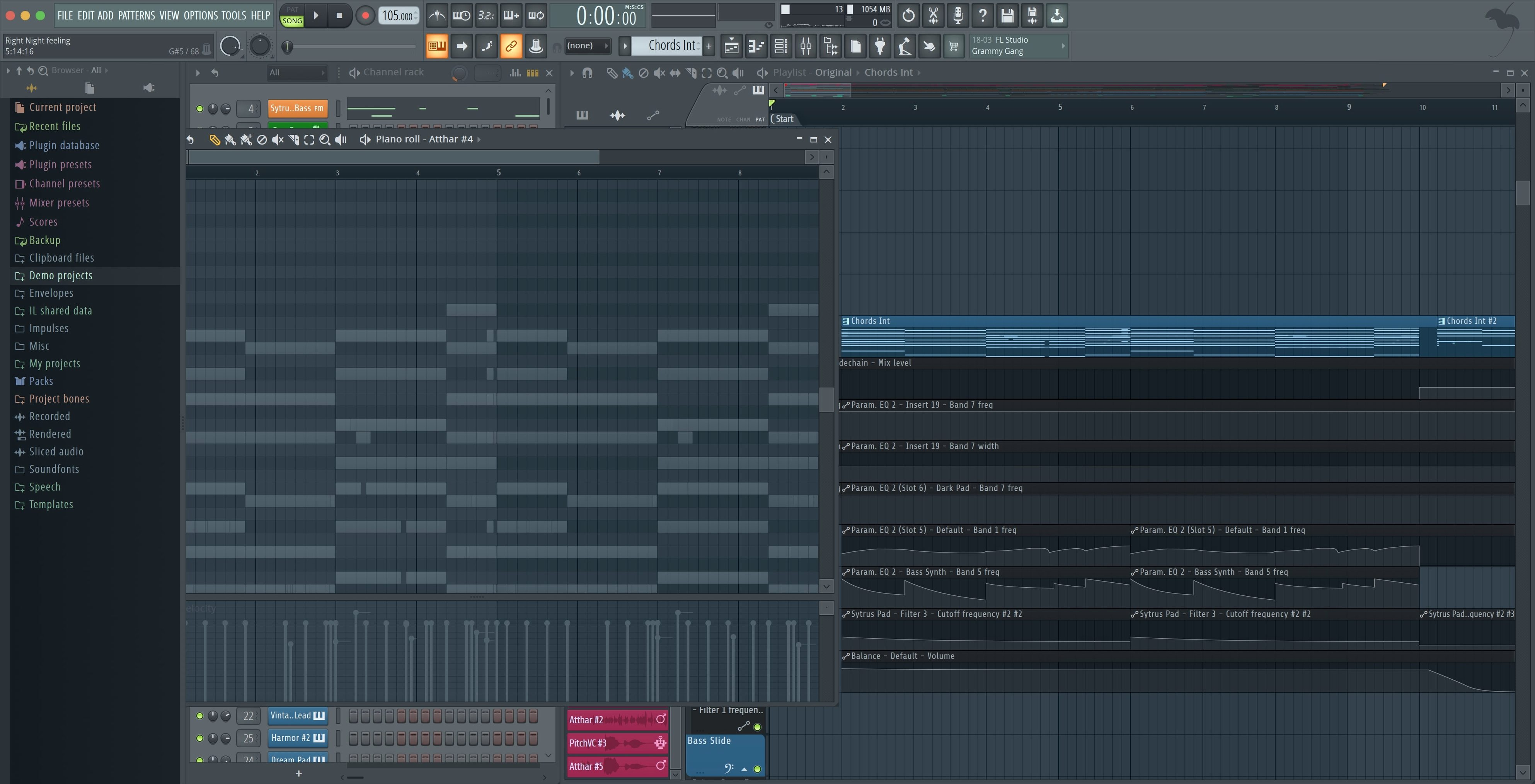
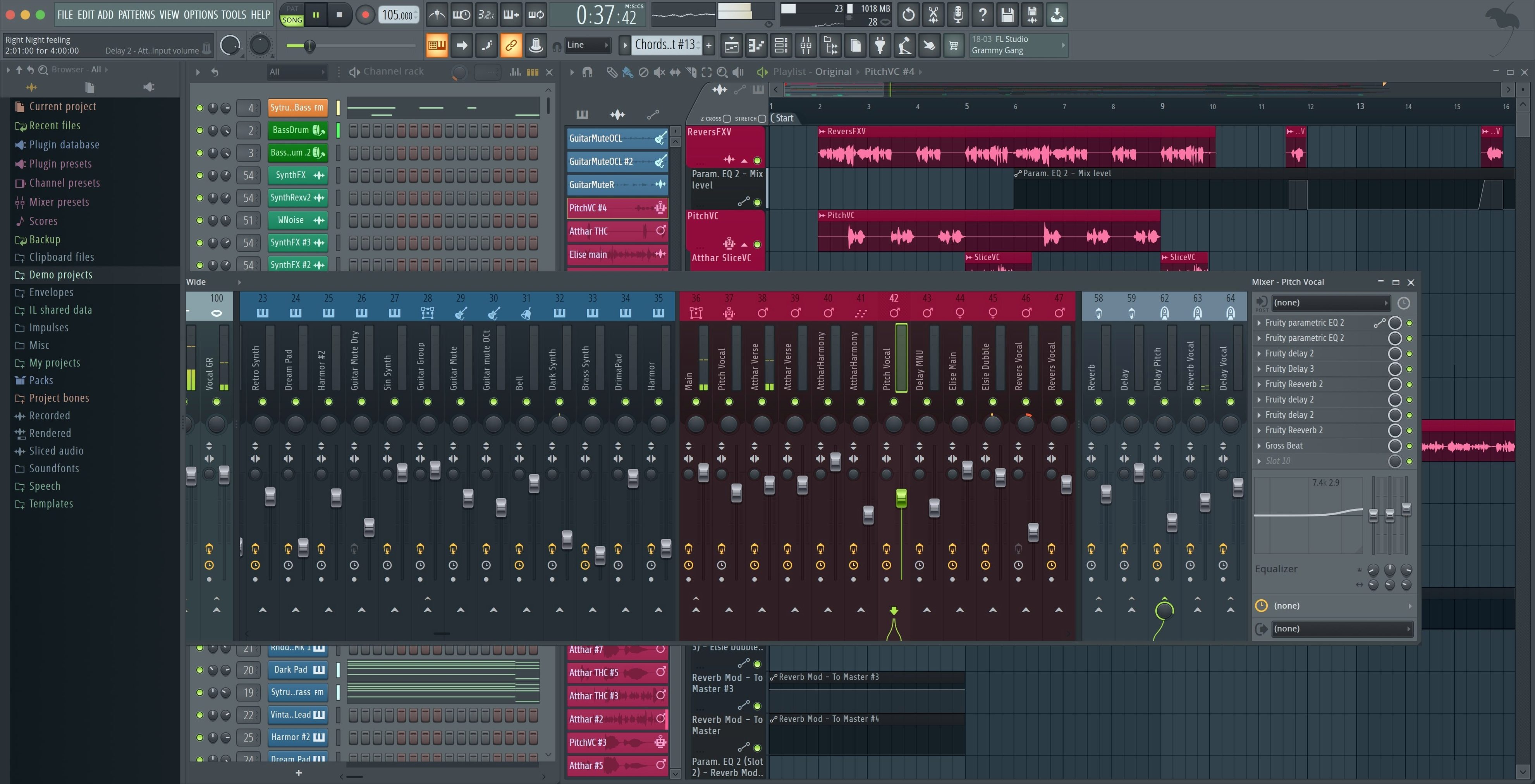
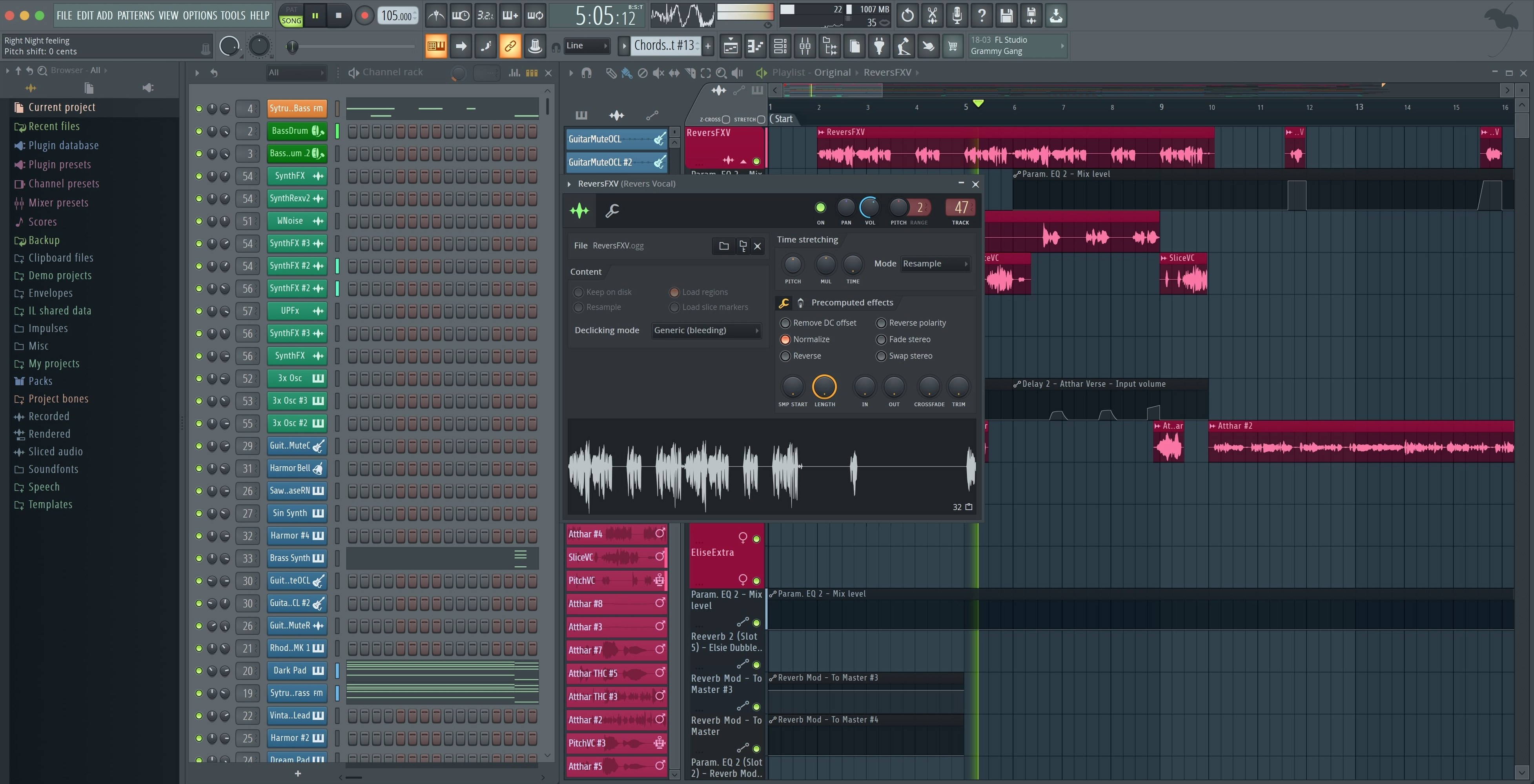
Scroll the row, it snaps to each screenshot. Click one to see it wider.
The current FL Studio 2026 build, v26.1.6.5406, is a maintenance update that tightens a few things without changing the core workflow. Plugin Performance Monitor percentages now show fractional precision, so you can see exactly where the load sits. A notification appears when you connect a new MIDI controller, with a one-click option to enable it. The Tuner interface was also adjusted for readability at a distance.
| Detail | Value |
|---|---|
| Version | 26.1.6.5406 |
| Developer | Image Line |
| Edition | Producer Edition |
| macOS | 10.15 Catalina or later |
| Architecture | Apple Silicon and Intel (no Rosetta needed on ARM) |
What stayed the same is the full DAW package: multitrack audio and MIDI recording, the mixer with effects, and the pattern-based beat creation that has defined FL Studio for years. The 2026 line also brought FLEX sound search, cloud project backup, and Gopher assistance. If you've been holding off on an upgrade, this version keeps the familiar layout while adding useful maintenance fixes.
Does FL Studio run as a standalone app, or does it require additional software? It runs standalone. Everything you need for recording, arranging, and mixing is inside the package.
Will my existing plugins work with this version? FL Studio supports VST plugins, and the 2026 build maintains that compatibility. If you have VST2 or VST3 instruments and effects from other developers, they should load in the mixer or channel rack the same way they did before. The Plugin Performance Monitor helps you spot any that are heavy on CPU.
Can I open projects created in older FL Studio versions? Yes. The project file format is backward-compatible within a few major versions. Projects from FL Studio 20 or 21 typically open without issues. Some older third-party plugins may need updates, but the core data stays intact.
Do I need an internet connection to use it after installing? No. Activation is handled during installation. Once the app is set up, you can work offline as long as you need. The cloud backup feature requires a connection, but it is optional.
Built for Beatmakers and Loop Producers
Beatmakers and loop-based producers are the obvious fit. The pattern-based sequencer and step sequencer let you build rhythm sections quickly. You can sketch a drum pattern in a few minutes and arrange it into a full song structure.
Sound designers working with synthesizers will find the built-in instruments useful. FL Studio includes several native synths and samplers that cover subtractive, FM, and wavetable synthesis. The FLEX sound search in 2026 makes it faster to audition presets across those instruments.
Engineers mixing ITB (in the box) benefit from the mixer's routing flexibility. You can send any track to any insert, use sidechain compression, and set up parallel processing chains. The new checkboxes for rendering Master and Current when splitting mixer tracks save time during export.
Live performers using MIDI controllers will appreciate the notification system in this update. When you plug in a new controller, FL Studio alerts you and offers to enable it immediately. That cuts out the menu digging that used to interrupt setup.
Build a Beat from Scratch in Minutes
Here is a typical start-to-finish task using FL Studio's native tools.
- Open the app and create a new project. The default template includes a channel rack with a few empty channels.
- Load a sampler instrument into channel 1. Use the browser on the left to find a kick drum sample. Drag it onto the step sequencer grid. Draw in a simple 4-on-the-floor pattern.
- Load a second sampler into channel 2 for a snare. Place hits on beats 2 and 4.
- Add a closed hi-hat on eighth notes in channel 3. Use the step sequencer's swing control to give it a looser feel.
- Route all three channels to the mixer's Master track. Open the mixer and add a compressor to the Master bus to glue the drums together.
- Use the playlist view to arrange the pattern into an 8-bar loop. Copy and paste to build a verse section.
- Add a bassline using the built-in synth. Set its automation to a filter sweep over 16 bars.
- Export the loop using File > Export. Select WAV, 44.1 kHz, 24-bit. The new split options let you render the Master bus or only the current selection.
The whole process uses no third-party plugins. Everything comes from the FL Studio Producer Edition.
First-Day Tips After Installing
Start by checking the Plugin Performance Monitor. Open the view menu and enable it. Look at which plugins use the most CPU. If any show high percentages, consider freezing those tracks or using the mixer's dry/wet control instead of extra effects.
Set up your MIDI controller before you start a project. Connect it to the Mac. FL Studio will show a notification asking if you want to enable it. Accept that. The controller will be mapped to the basic transport and note functions right away.
Explore the FLEX sound search in the browser panel. Type a keyword like "pad" or "keys." FL Studio searches across all installed instruments and samples. This saves time compared to browsing folders manually.
Save your first project early. Use File > Save and give it a name. Then enable cloud backup from the settings if you want off-site copies. The backup runs in the background after that.
If you are moving from an older FL Studio version, import one of your old projects and check the mixer routing. The 2026 version handles splits and sends the same way, so your templates should carry over. Adjust any plugin UIs that appear small on high-resolution displays using the interface scaling option in the display settings.
- Export dialog: added checkboxes to render Master and Current when splitting mixer tracks.
- Plugin Performance Monitor: percentage values now show fractional precision.
- MIDI controllers: shows a notification when a new controller is connected, with an option to enable it.
- macOS 10.15 Catalina or later
- Apple Silicon or Intel (ARM does not require Rosetta)
Questions I get about this line
Yes, it supports ARM Macs and does not require Rosetta.
It now shows percentage values with fractional precision, so you can see more exact load levels.
It requires macOS 10.15 Catalina or later.
The install order
- Open the package and read the included instructions.
- Follow the bundled installation and activation steps inside the package.