
Free download (951 MB) Previous versions
- Version
- 7.0.2
- Developer
- Native Instruments
- Languages
- English
- License type
- K'ed by TEAM HCiSO
| macOS range | macOS 11 or later |
|---|---|
| Chip | Apple Silicon, Intel 64-bit |
| Download | 951 MB |
| Previous versions | 3 on file |
Screenshots
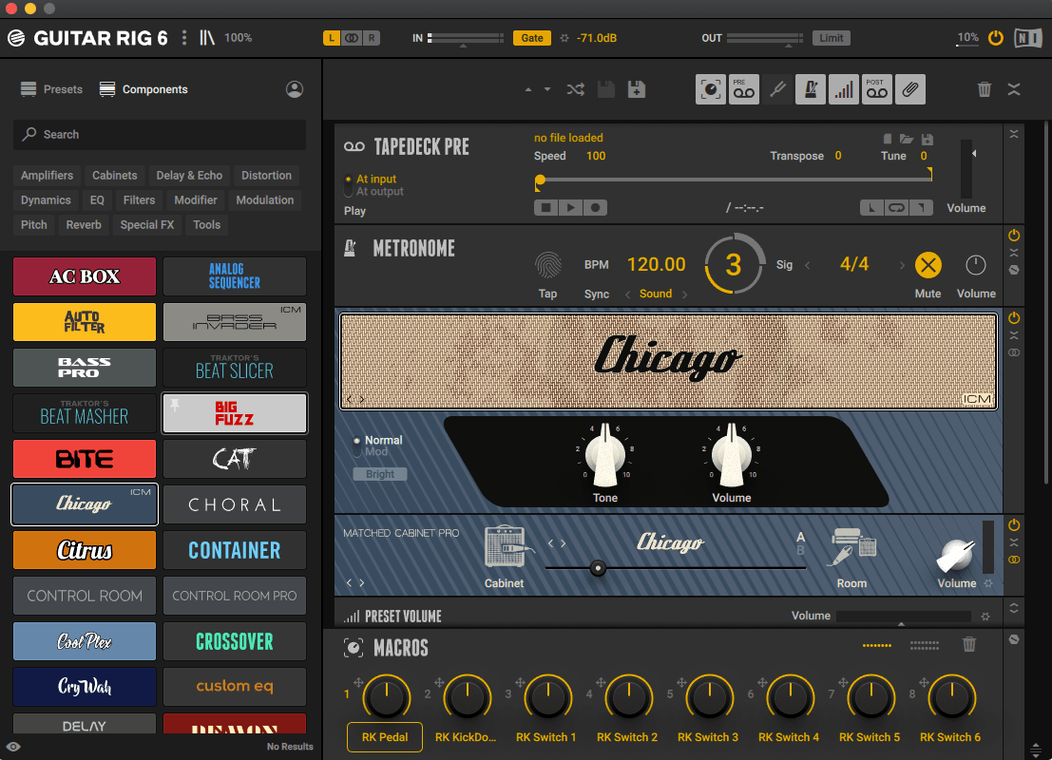
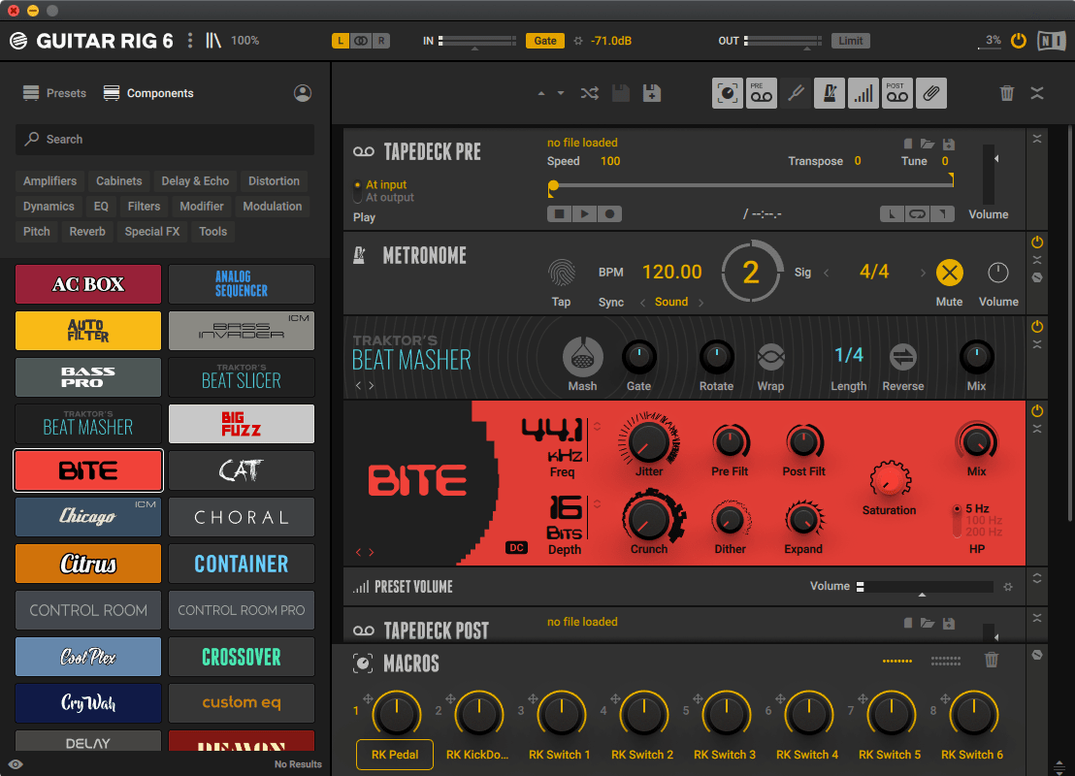
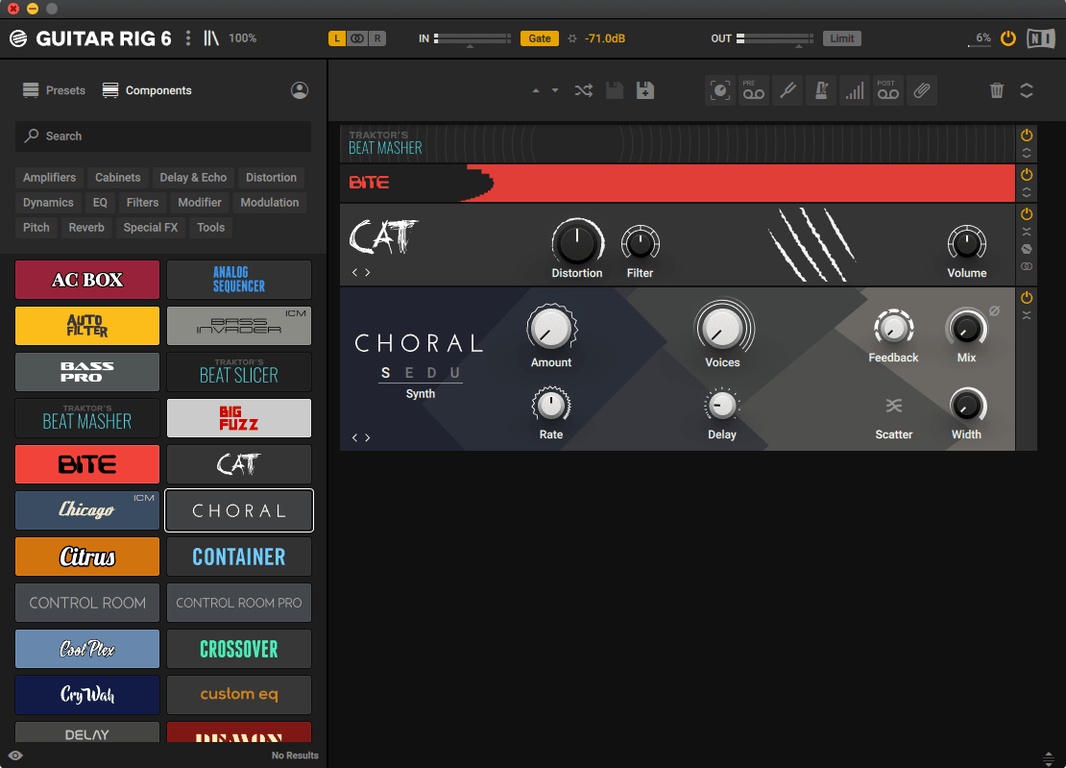
Scroll the row, it snaps to each screenshot. Click one to see it wider.
Setting up a guitar or bass rig on a Mac usually means hauling around a pedalboard or a rack of hardware. Guitar Rig solves that by packing amp simulators, studio effects, and pedals into one software rack. You build effect chains, dial in complex configurations, and process in stand-alone mode or as a plug-in.
Requires macOS 11 or Later
Version 7.0.2 requires macOS 11 or later and runs on both Intel and Apple Silicon Macs. The official list supports macOS 13, 14, and 15 on Intel Macs. It ships as a stand-alone app plus VST3, AU, and AAX plug-ins. Interface language is English only, and the UI targets experienced users — the tuner and quick-access tools help, but it's not a beginner toy.
Amp Sims, Effects, and a Tuner in One Rack
Amp simulators, studio effects, pedals, and a tuner. You can chain effects in any order for guitar or bass guitar. The whole thing lives in a single rack interface. No extra hardware needed beyond your Mac and an audio interface.
Bass into Tuner, Clean Amp, Compressor Pedal
I open Guitar Rig as a stand-alone app, plug my bass into the interface, and hit the tuner. Once in tune, I start with a clean amp sim and add a compressor pedal from the effects list. The tag-based preset browser helps me find a "picked bass" preset fast — I type "bass" and "picked" into the tags, and it filters the list. I tweak the drive knob on the amp, then add a studio reverb after it in the chain.
If I'm working on a mix later, I load Guitar Rig as an AU plug-in inside my DAW. The same preset carries over, but I can tweak it to fit the track. The metronome with sync settings is useful for timing practice between takes — I set it to match the session tempo and keep it running behind the playback. The volume preset with multiple options lets me balance levels without touching the interface's output knob.
Faster Preset Loading on ARM Macs
Version 7.0.2 is a maintenance update. It fixes some preset browser issues that appeared in earlier 7.x builds — presets now load without lag when you switch tags. The tuner also responds faster on ARM Macs, so it's more reliable on Apple Silicon hardware. These are small corrections, not new features, but they make everyday use smoother.
Preset Folder Permissions Fix
- Presets disappear or don't load. Check your preset folder permissions. Guitar Rig expects write access to its user data folder (usually in Documents/Native Instruments). Reset permissions via Finder properties, then restart the app.
- Tuner doesn't register notes. Make sure your audio interface input gain is high enough — clean signal needed. Also check that no other app is grabbing the same input (DAW or browser).
- Plug-in doesn't appear in DAW. Run the standard installer again — it registers the VST3, AU, and AAX files. If it still hides, rescan your plug-in folder inside the DAW's preferences.
- Crash when switching presets. This often happens if you have a complex effect chain with too many instances. Save your work, open the rack, and simplify the chain — remove unused pedals or amps — then restart Guitar Rig.
- Version 7.0.2 listed on the official Guitar Rig 7 Player downloads page.
- macOS 11 or later
- Intel or Apple Silicon
- Stand-alone, VST3, AU, AAX
Questions I get about this line
Yes, it supports macOS 15 on Intel Macs, as well as macOS 13 and 14.
The install order
- Mount the disk image.
- Run the standard installer.