Free download (145 MB) Previous versions
- Version
- 2026.3.2 [MAS]
- Developer
- Technimo LLC
- Languages
- Russian, English, German, Spanish, Italian, Chinese (Simplified), Korean, Portuguese, French, Japanese
- License type
- K'ed by TNT team
| macOS range | macOS 12.4 or later |
|---|---|
| Chip | Apple Silicon, Intel 64-bit |
| Download | 145 MB |
| Previous versions | 3 on file |
Screenshots
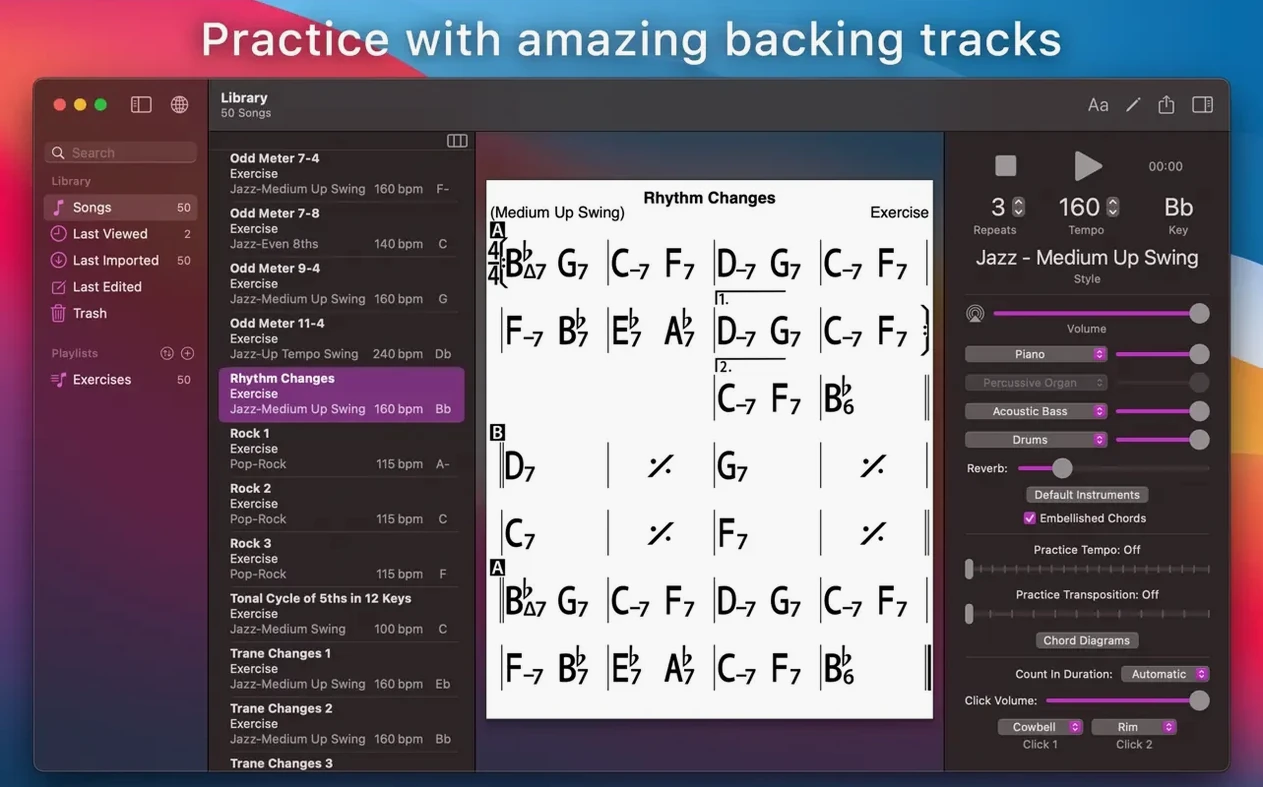
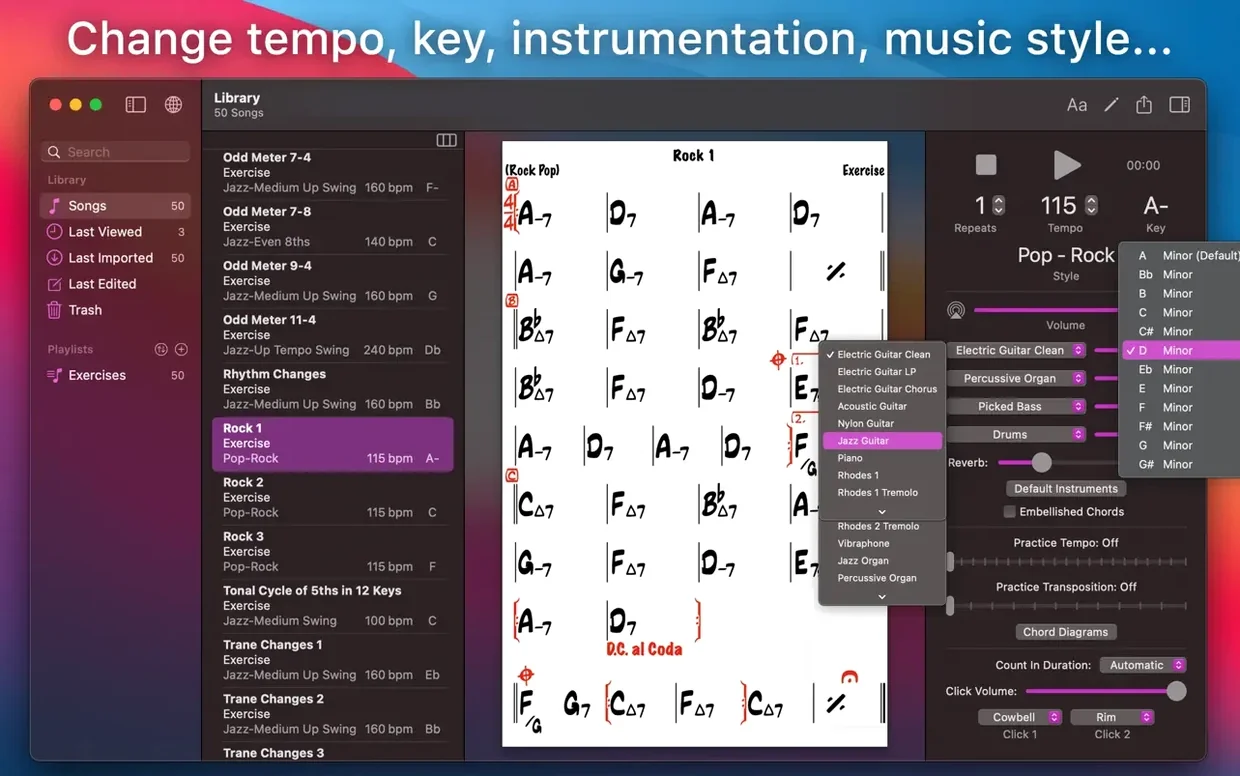
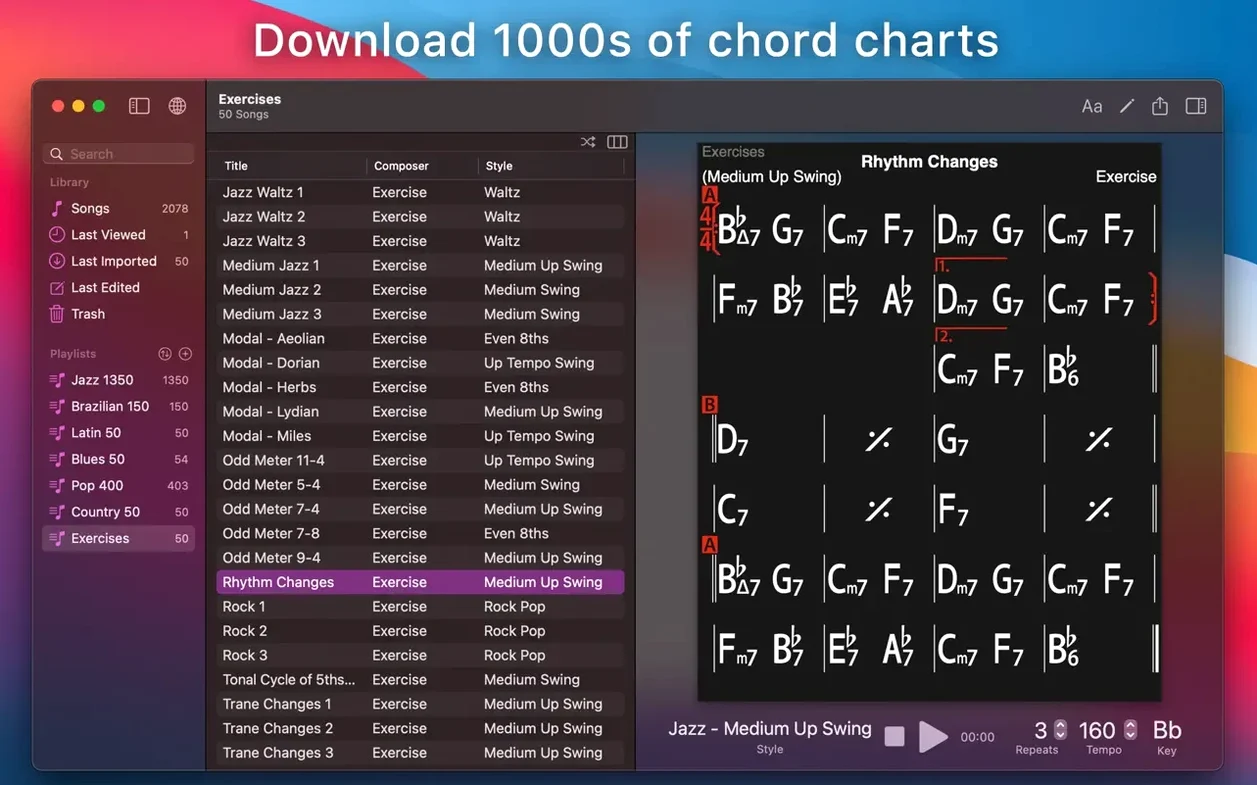
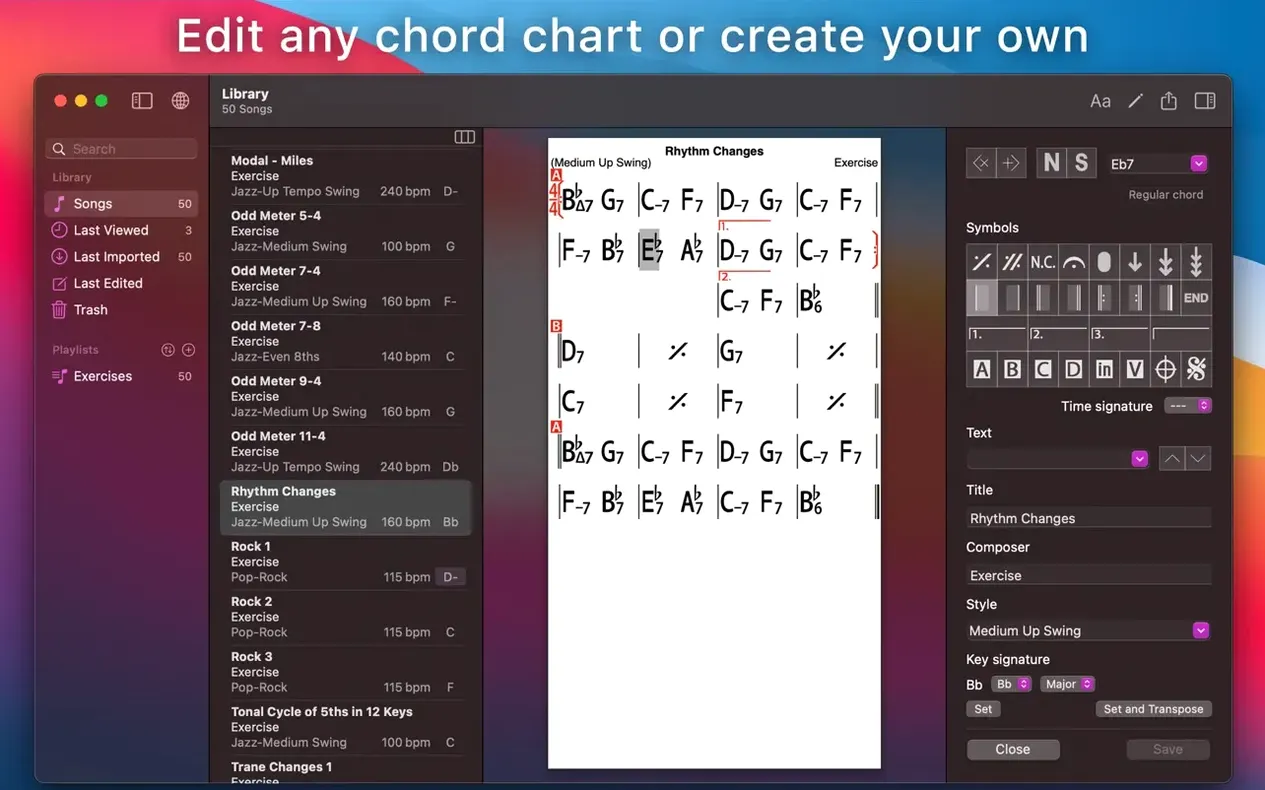
Scroll the row, it snaps to each screenshot. Click one to see it wider.
Practicing alone is dull. You need a band that follows your tempo, changes keys at a click, and never gets tired. iReal Pro does that. It is a Mac app for building chord charts and playing them with a realistic backing band.
| Detail | Info |
|---|---|
| Developer | Technimo LLC |
| Version | 2026.3.2 |
| Category | Audio |
| macOS | 12.4 or later |
| Architecture | Intel and Apple Silicon |
Start with a song from the built-in library or create your own chart. The app shows guitar tab, ukulele tab, and piano fingerings for each chord. It also suggests scales for soloing. For beginners, there are 50 exercises on common progressions. You can print charts, export audio as WAV, AAC, or MIDI, and import songs others have made. That first session is all you need to get hooked.
Gatekeeper blocks the app on launch
The app itself is stable, but a few things trip people up on first install. Here is what I see most often and the fix that works.
- Gatekeeper blocks the app on launch. After you mount the disk image, macOS may refuse to open it. Run the small Terminal command shown in the install notes — press Enter, then drag the app into Applications. That bypasses the block. If you get an error about SIP, disable it in Recovery Mode before launching.
- Charts don’t play sound. Check that your audio output is set to the correct device in macOS Sound settings. iReal Pro uses the system default. Also confirm you have not muted the app in the volume mixer.
- Exported audio is silent or short. This usually means the chart has no accompaniment style assigned, or the tempo is set to zero. Open the song, pick a style, and tap the play button once. Then export again as WAV or AAC.
- iCloud sync won’t connect. Log out of iCloud in the app, then log back in. Make sure your Mac is signed into the same iCloud account you use on your other devices. Sync is not instant — give it a few seconds after you tap the sync button.
Style playback glitches fixed in maintenance release
This update is a maintenance release. Nothing drastic, but the everyday feel improved in a few ways.
- Style playback is more reliable. Earlier builds could drop a bass note or cut a drum hit on certain styles. That glitch is gone. The 51 built-in styles (plus the 12 blues styles available separately) now play through cleanly.
- Importing and playing user-created charts is faster. The app loads the chord data and the backing track together, so you do not get a half-second gap when you hit play.
- Export to MusicXML works correctly with key changes. If your chart modulations, the exported file now shows the correct key signature in each section. This matters if you move charts into notation software later.
- Language support added for Japanese. The interface now ships in ten languages total. You can switch in Preferences without restarting.
Export to PDF for gig binders or bandmates
iReal Pro works well alongside other tools you probably already use.
- Export to PDF lets you hand a chart to a bandmate who uses a different app, or just print it for a gig binder. The layout is clean — chord names above the staff, no extra clutter.
- Export to MusicXML goes straight into notation apps like Dorico, MuseScore, or Finale. You can tweak the arrangement there or extract individual parts.
- Export audio as WAV, AAC, or MIDI. Drop the WAV into a DAW like Logic Pro or GarageBand for recording over the backing. The MIDI file preserves the chord changes, so you can reassign instruments later.
- iCloud sync ties your charts across Mac, iPad, and iPhone. If you build a playlist on the couch, it appears in the practice room. No cables, no file transfers.
- macOS split-screen works fine. Put iReal Pro on one side and a lyrics PDF on the other. The app does not fight window management.
For musicians needing realistic backing tracks, iReal Pro torrent is an outdated and risky alternative to the official app. The install process is unchanged from the description above.
- macOS 12.4 or later
- Intel or Apple Silicon
Questions I get about this line
Yes. It displays guitar tab, ukulele tab, and piano fingerings for the chords in your charts.
You can export your song playback as WAV, AAC, or MIDI files.
The install order
- Mount the disk image and run Open Gatekeeper friendly.
- Press Enter in Terminal to bypass Gatekeeper.
- Drag the app to the Applications folder.
- Disable SIP if required.