- Home
- Mac Cleaners
- Mole

Free download (68 MB) Previous versions
- Version
- 1.20.1
- Developer
- tw93
- Languages
- English, German, Spanish, Italian, Chinese (Traditional), Chinese (Simplified), Korean, French, Japanese
- License type
- Not required
| macOS range | macOS 14 or later |
|---|---|
| Chip | Apple Silicon, Intel 64-bit |
| Download | 68 MB |
| Previous versions | 1 on file |
Screenshots

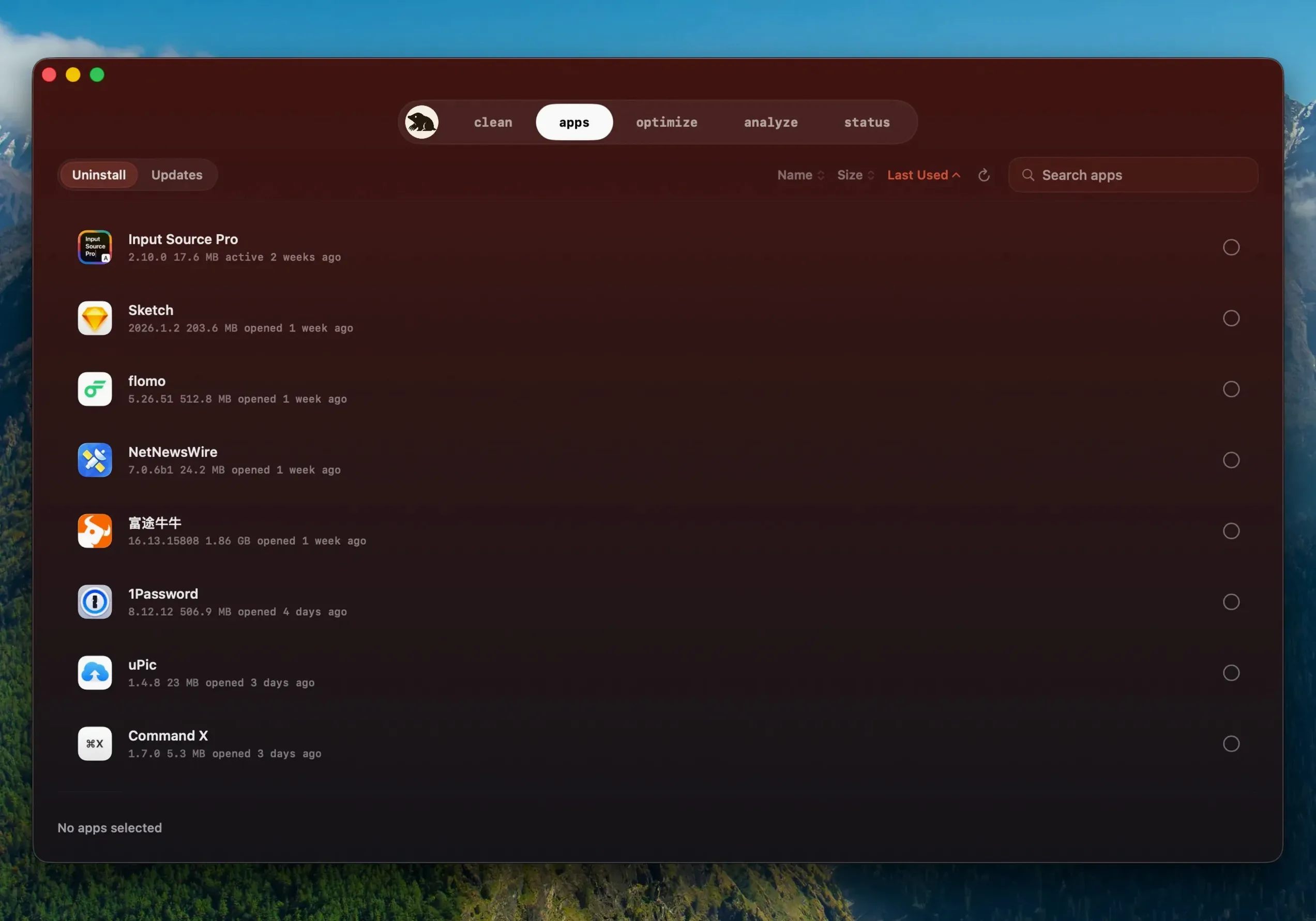
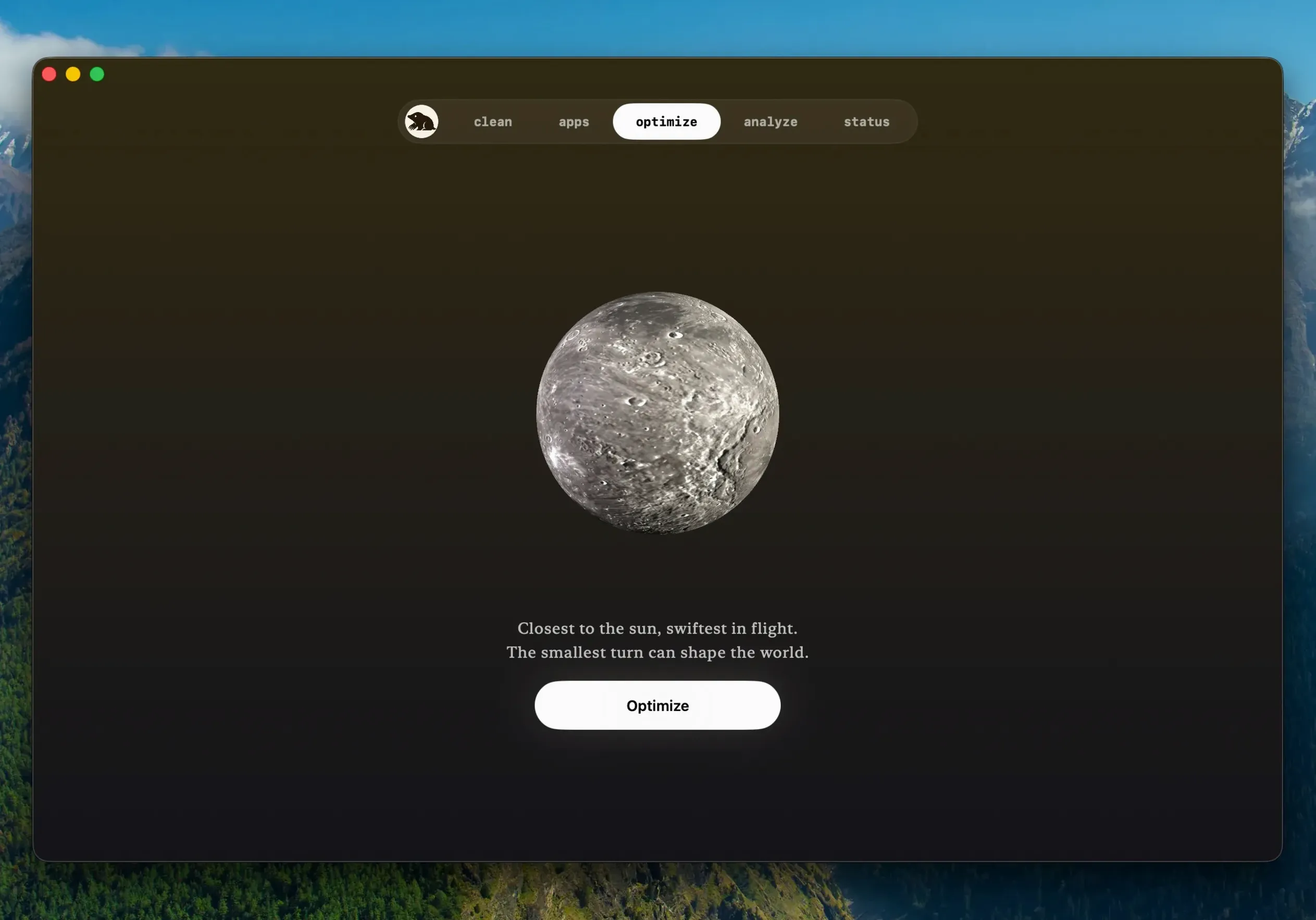
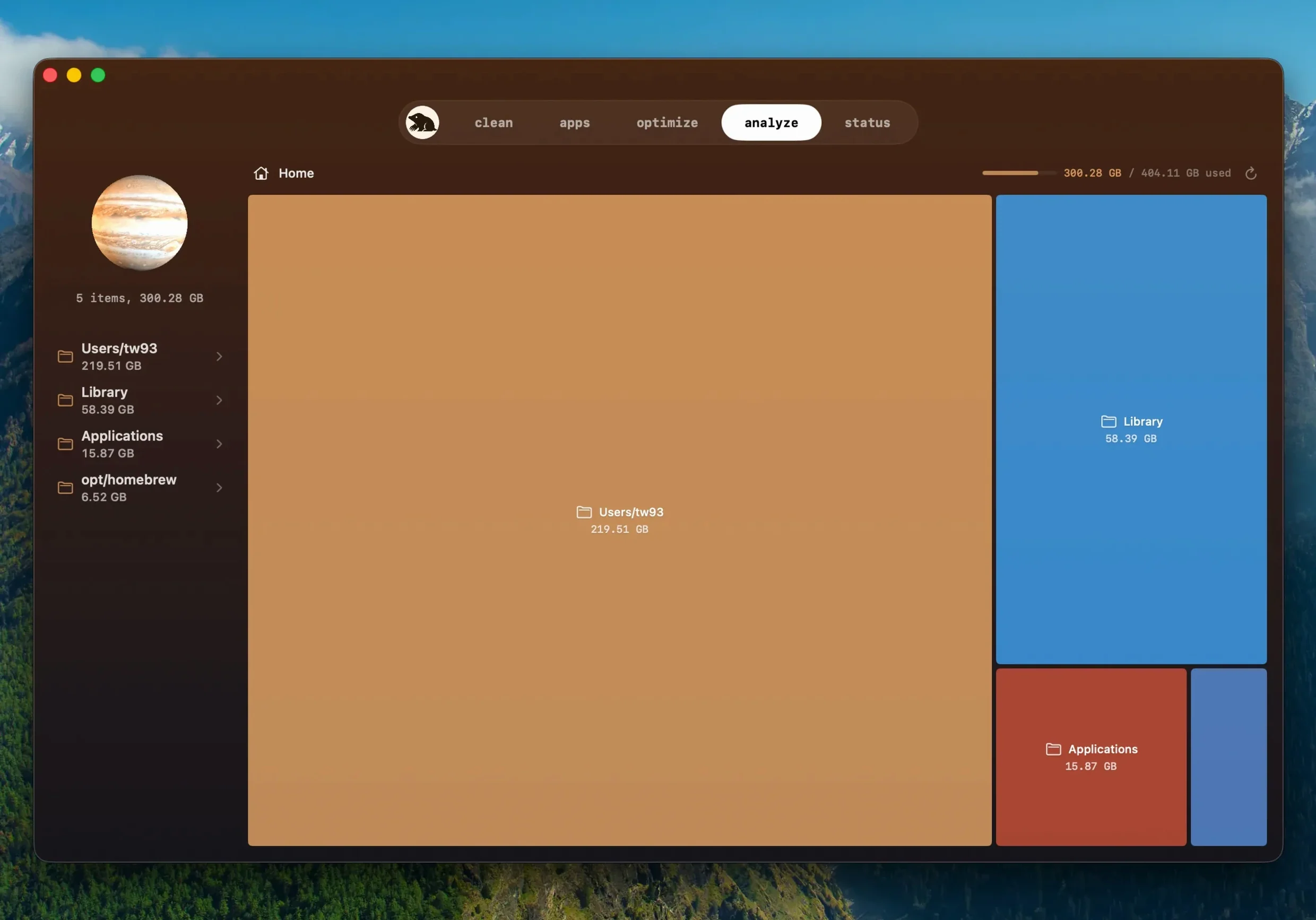
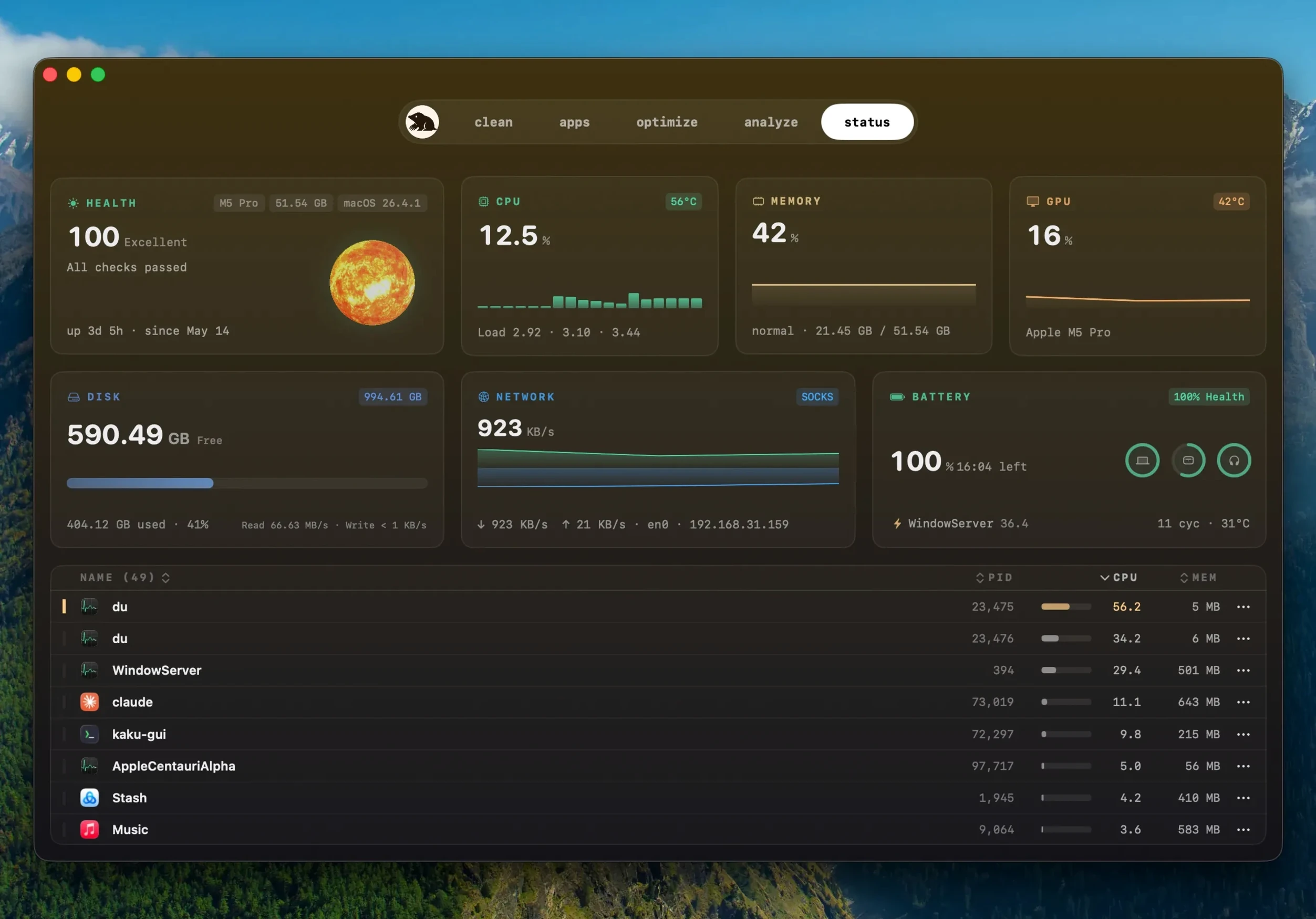
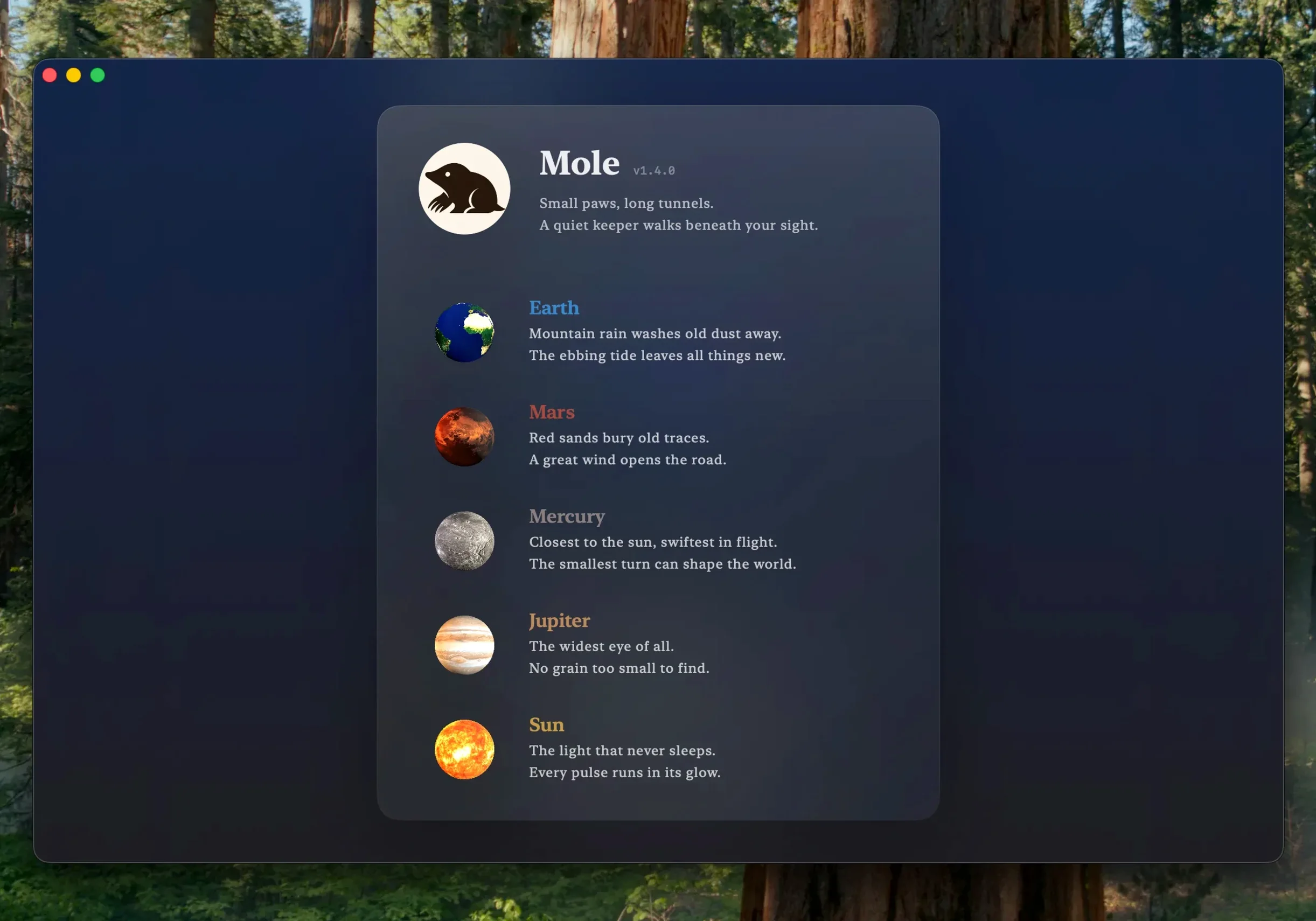
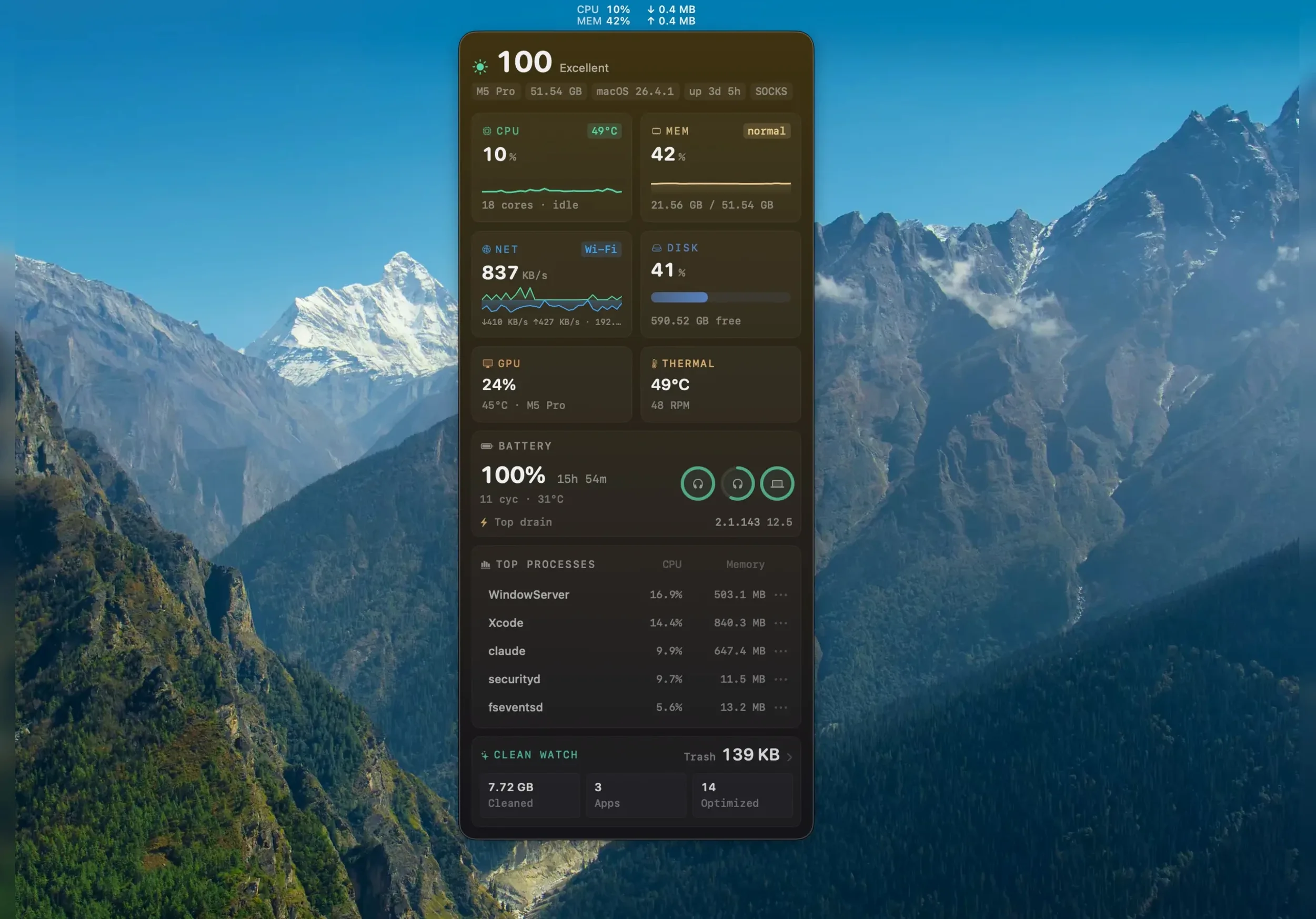
Click a screenshot to see it wider.
Mole is a system cleanup and maintenance tool for Mac, packaged as a separate app download from its CLI project. The question that matters first: will it run on your machine? It needs macOS 14 or later, and it supports both ARM and x86 64-bit Macs. Full disk access is supported for deep scans, so you can let it see the whole system when you want a thorough pass.
Beyond the requirements, here is what the current build gives you:
- One-click system maintenance tasks without digging through terminal commands.
- Disk space analysis with tree maps, so you can spot large folders at a glance.
- Cleaning for caches, logs, and temporary files, with a skip on suspicious items when there is doubt.
- In-app updates for apps downloaded from websites, including detection of a newer build of the same version.
- An update flow that asks before quitting a running app and reopens it after the install finishes.
- Interface languages covering English, German, Spanish, Italian, Korean, French, Japanese, and both Chinese variants.
Version 1.14.0 also reuses a finished download instead of fetching it again when an app cannot be updated, which saves time on repeat attempts. The disk image install is straightforward, and the app launches from Launchpad once copied.
Single-Window Maintenance for Multi-Machine Managers
Mac users who prefer a single window for routine maintenance instead of hunting through System Settings or Terminal will find Mole useful. If you manage multiple machines — say, for family or a small office — the app’s ability to scan, list file sizes, and get confirmation before acting reduces the chance of removing something needed.
The disk space analysis with tree maps is especially helpful for media or design work. When temporary renders, export caches, and project files pile up, a visual breakdown shows where the space went without guessing.
Working with macOS and Other Apps
Mole fits into a typical macOS workflow as a standalone tool rather than a system service. It does not run in the background by default, so you open it when you want to clean, update, or check system health. The in-app software update feature works with apps downloaded directly from websites, which is a gap that macOS’s built-in update system does not cover.
The app reuses a finished download instead of pulling the same file again. This fits well with macOS’s file management habits: if a download is still in your Downloads folder, the app picks it up.
Small Features Worth Knowing
Mole shows a list of files and their size before cleanup starts. That preview lets you skip items you want to keep without a separate review pass. The developer’s cautious approach — skipping suspicious items when unsure — means the app does not force decisions you might regret.
The interface language list covers nine languages, including Traditional Chinese, Simplified Chinese, Korean, and French. If you work in a mixed-language environment, the app adapts without a separate locale tweak. The CLI companion from the same developer is a free project, but the Mac app here is a separate download with its own install path and release cycle.
Version 1.20.1 addresses a few under-the-hood bugs and sharpens overall stability.
- macOS 14 or newer
- Apple Silicon or Intel 64‑bit
The install order
A 68 MB download that runs on macOS 14 or later across Apple Silicon and Intel 64-bit Macs. Three steps and the app is in place.
- Open the downloaded disk image.
- Drag the Mole icon onto the Applications folder shortcut.
- Launch the app from Launchpad once the copy finishes.