- Version
- 1.6.0
- Developer
- Devolver Digital
- Languages
- Russian, English, German, Arabic, Spanish, Italian, Chinese (Traditional), Chinese (Simplified), Korean, Dutch, Portuguese, Turkish, French, Japanese
- License type
- Not required
- Released on
- 19.09.2019
- Installed and checked on
- macOS Sonoma, MacBook Air (M1. 2020)
- Audio language
- Music only
| Chip | Apple Silicon, Intel 64-bit |
|---|---|
| Download | 260 MB |
Screenshots
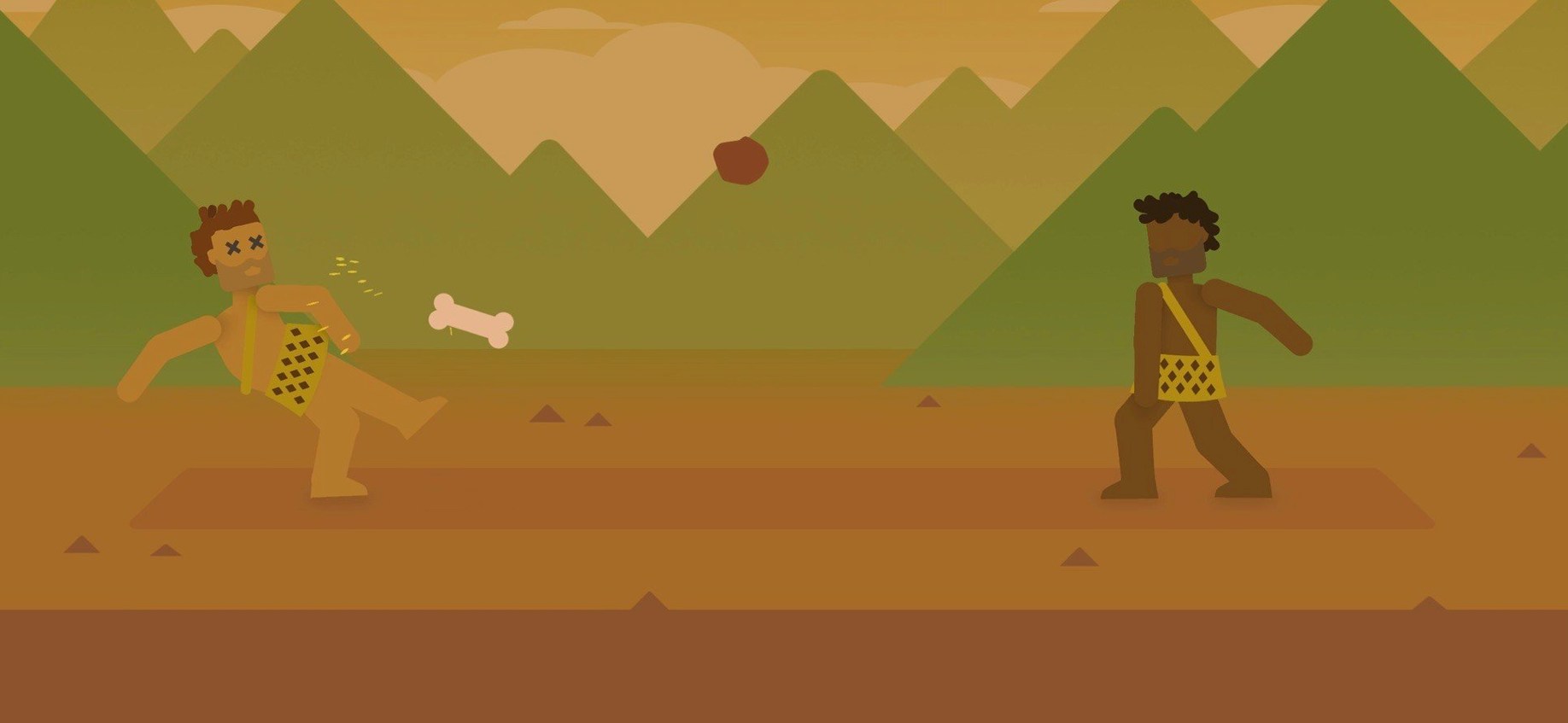
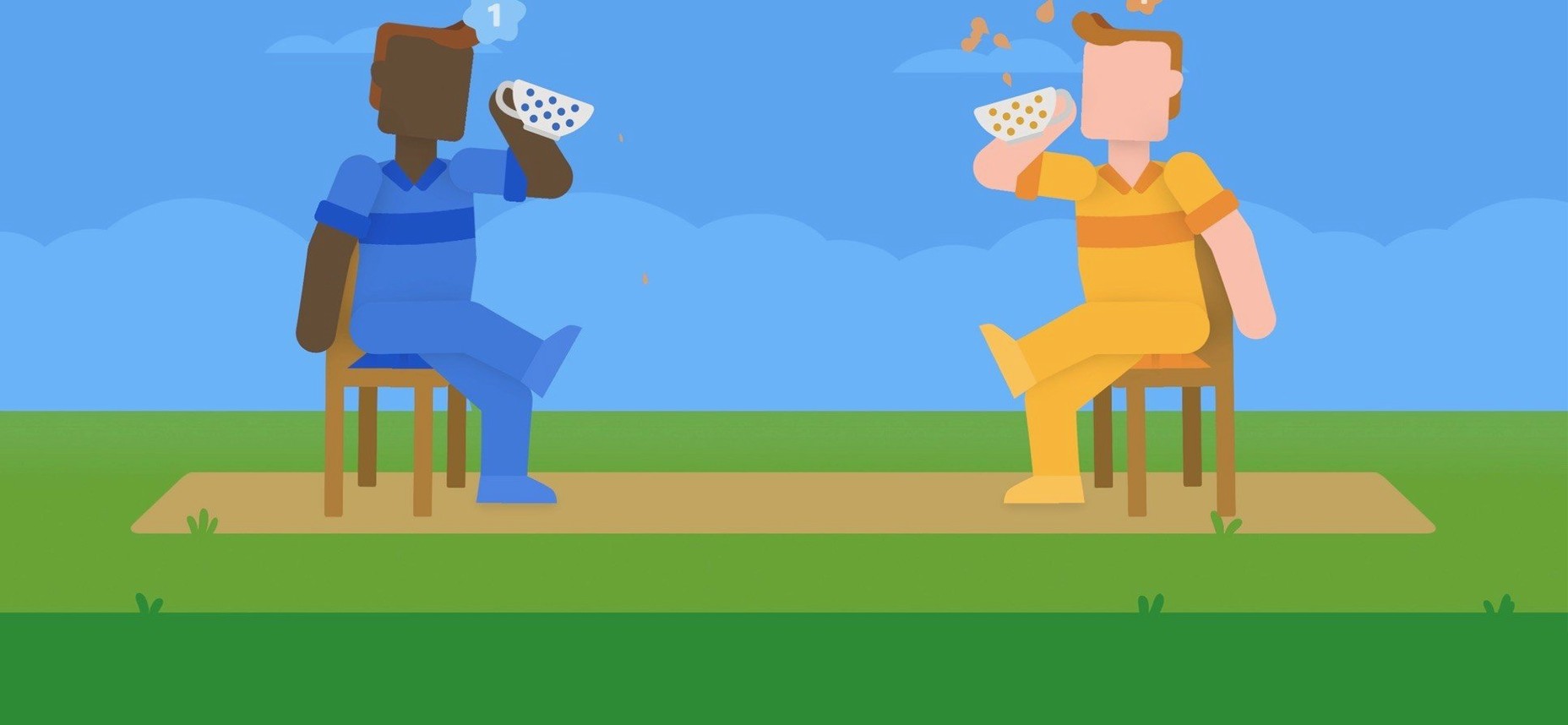
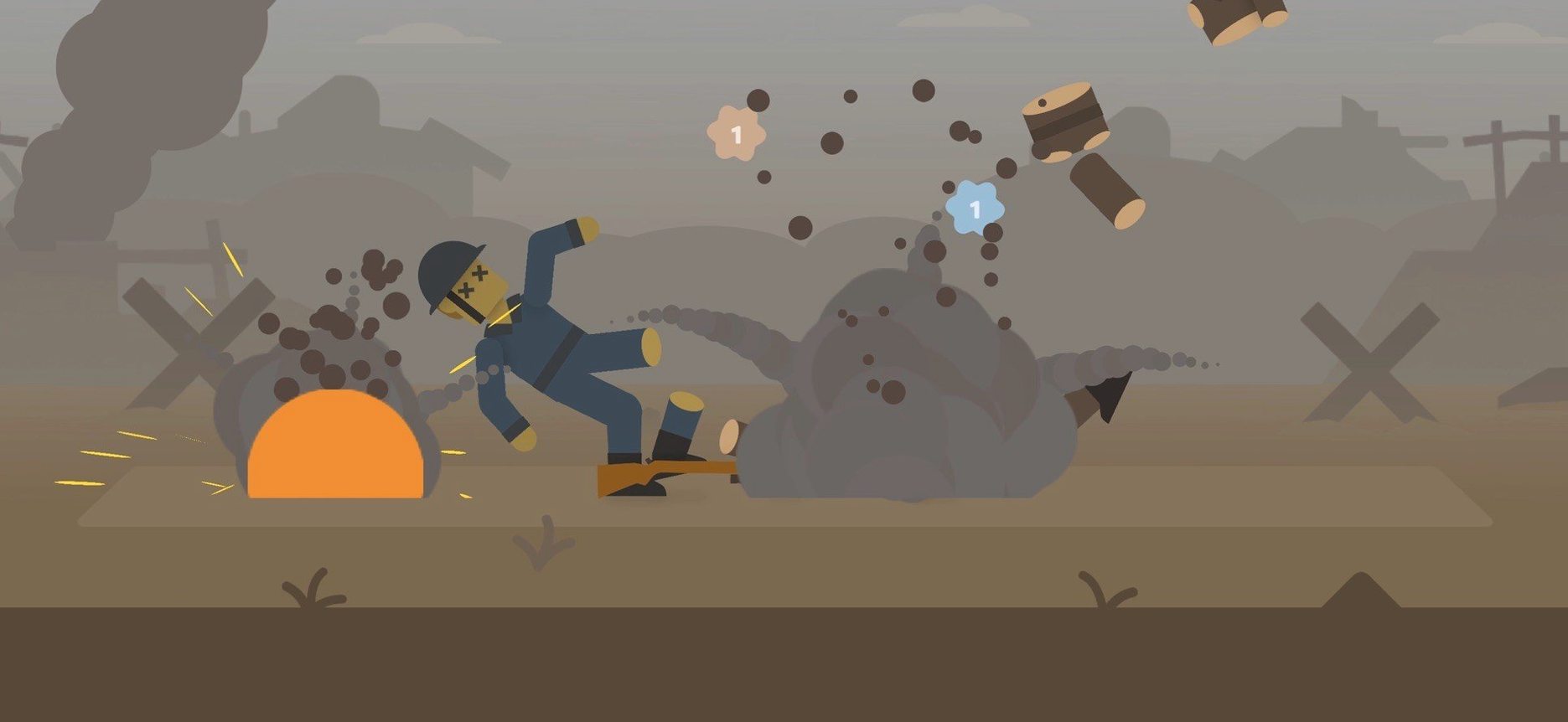
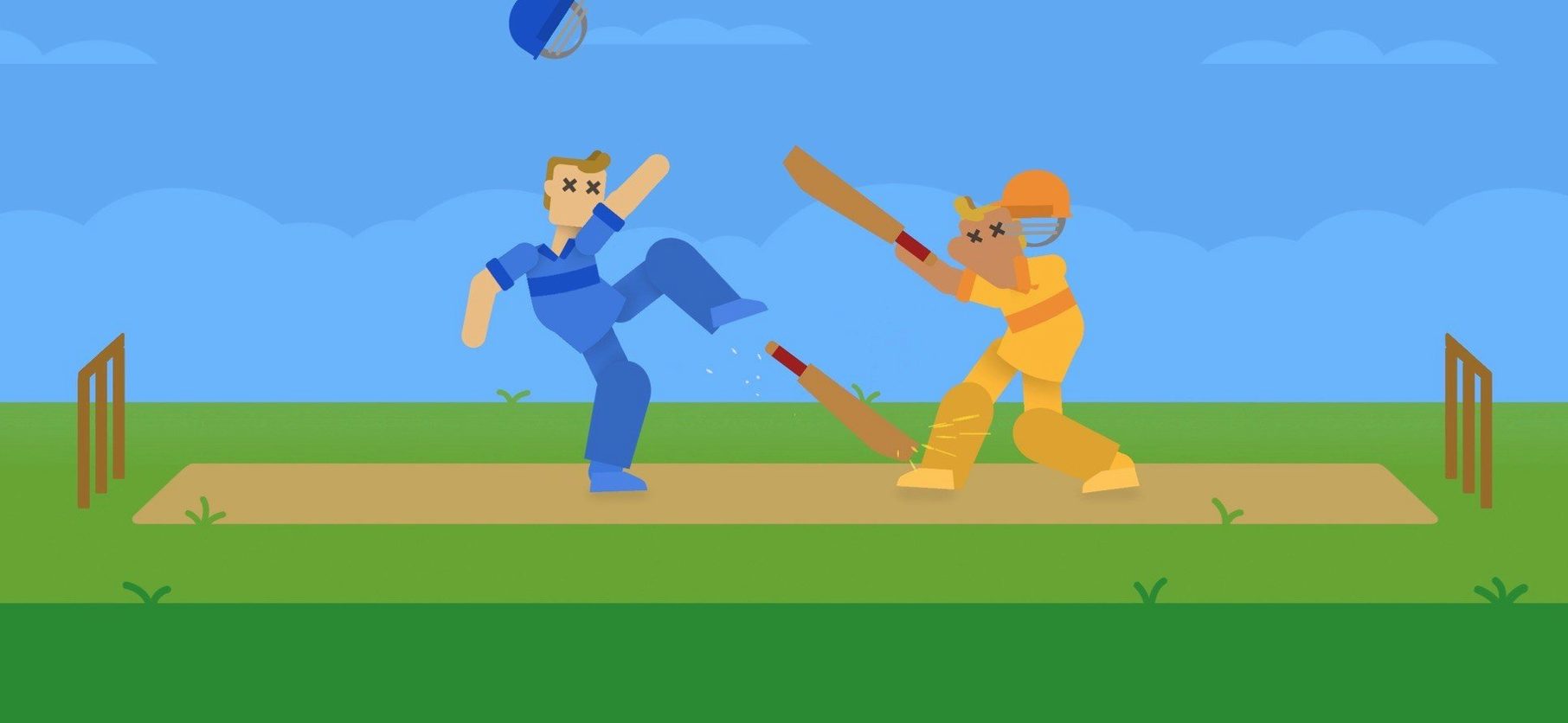
Click a screenshot to see it wider.
Think of it as a physics toy you operate with one button, except the sandbox is the whole of human history. Cricket Through the Ages pairs a bat, a ball, and surprisingly realistic physics with a timeline that runs from the Stone Age onward. The controls stay simple, but the outcomes vary wildly, so every swing feels like its own experiment.
One-Button Timing and Arc Physics
- The intertwined histories of humanity and cricket, told through distinct eras.
- One-button controls that keep the focus on timing and angle rather than combos.
- Realistic physics that reward experimentation with the bat and ball.
- Support for compatible game controllers for a more traditional feel.
- Thirteen interface languages, including English, German, Spanish, and Japanese.
Version 1.6.0 runs on macOS 10.15 or later on both Intel and Apple Silicon. If you want a compact, odd take on sports history, this is a solid pick.
Game Center Controller Registration Fix
The controller doesn't register the first time. Open System Settings > Game Center and check that your PlayStation, Xbox, or MFi controller shows as connected before launching the game. If it still won't respond, disconnect the controller, reopen the game, and pair it again from the pause menu.
The game gets stuck on a black screen after the title card. This usually means a permissions or quarantine flag on first launch. Run the Terminal command from the install notes to clear that, then restart the game. It should load normally on the second try.
Performance feels uneven on older Intel Macs. Drop the display resolution in macOS display settings before you launch. The physics engine runs at the same rate either way, but the UI will feel snappier.
Hold vs. Tap Swing Control
New players treat the one-button control like a binary switch. It's not. Hold the button longer or tap it short — the swing's power and arc change. Mash the button and you lose control of direction. Slow down, watch the ball, and think about what a real bat would do with that much momentum.
Another common miss is ignoring Game Center entirely. Local multiplayer and some of the six modes rely on it, and skipping the setup means the second player's controller may not be recognized until you restart the whole session. Set it up before you start a game.
Players also expect cricket through the ages macos download to behave like a tutorial-heavy sim. It doesn't explain every physics interaction. Let the first few rounds be experiments. You're learning the timing, not trying to win. That shift alone makes the game click faster.
Common Snags and How to Sort Them Out
The game refuses to launch at all after you drag it over. This is almost always the quarantine flag. Run the Terminal command from the install notes. If the error still shows, check that your Mac is on macOS 10.15 or later. Older versions won't run it.
Audio cuts out mid-session. The game uses music-only audio. If your system sound output changes — plugging or unplugging headphones, for example — the game can lose the audio channel. Restart the game. That resets the audio pipeline.
The ball clips through the bat or ground occasionally. This is the physics engine at its limits, not a bug in your copy. It happens more on fast swings with long holds. Nothing to fix; it's part of the charm.
Mistakes Beginners Make
They skip the one-button tutorial entirely. There isn't one, really. New players mash the button expecting a tutorial pop-up. Instead, just start a round. The first swing teaches you more than any prompt would.
They ignore the era changes. Each era in the timeline has its own quirks. A swing that works in the Stone Age may fail in the Industrial era. Watch how the ball behaves after a few hits before you commit to a strategy.
They play alone every time. Local co-op is where the game shines. Grab a friend, set up a second controller, and let the physics chaos play out. Solo is fine, but you miss half the fun.
- Updated to version 1.6.0.
- macOS 10.15 or later
- Intel or Apple Silicon
- Interface languages: Russian, English, German, Arabic, Spanish, Italian, Traditional Chinese, Simplified Chinese, Korean, Dutch, Portuguese, Turkish, French, Japanese
Questions I get about this line
It uses one-button controls and realistic physics to tell the story of human history, so it plays more like a physics sandbox than a simulation.
Yes, it supports compatible game controllers.
It requires macOS 10.15 or later, and it runs on both Intel and Apple Silicon Macs.
The install order
- Mount the downloaded disk image.
- Drag the game into the Applications folder alias.
- After copying finishes, launch it from Launchpad.
- If macOS shows an app-open error, run the listed Terminal command to remove quarantine and re-sign the app.