
Free download (1 GB) Previous versions
- Version
- 1.2-27130
- Developer
- Interplay Inc.
- Languages
- Russian, English
- License type
- Not required
- Released on
- 30.09.1997
- Installed and checked on
- macOS Sonoma, MacBook Air (M1. 2020)
- Audio language
- Music only
| Chip | Apple Silicon, Intel 64-bit |
|---|---|
| Download | 1 GB |
| Previous versions | 2 on file |
Screenshots
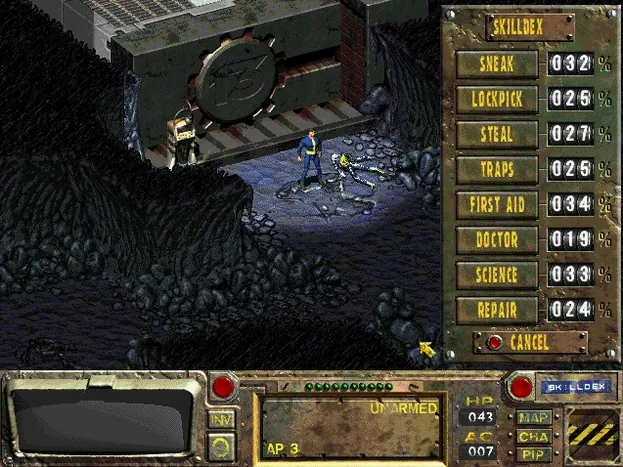
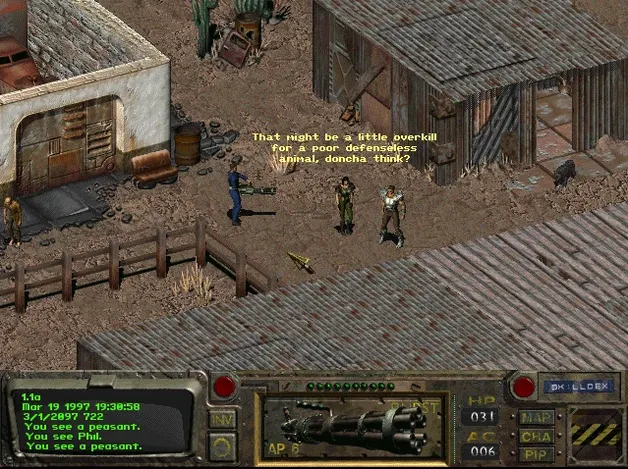
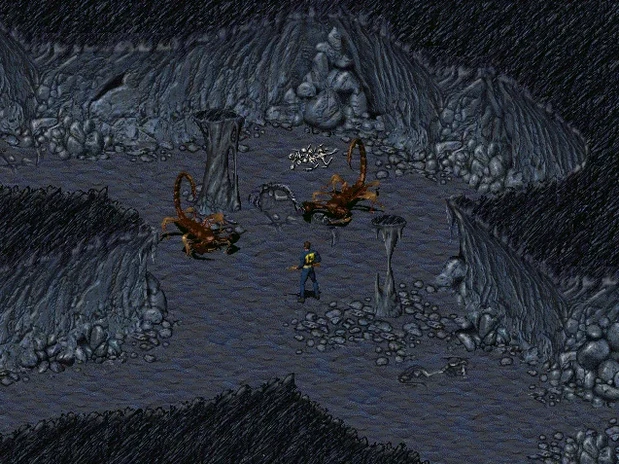
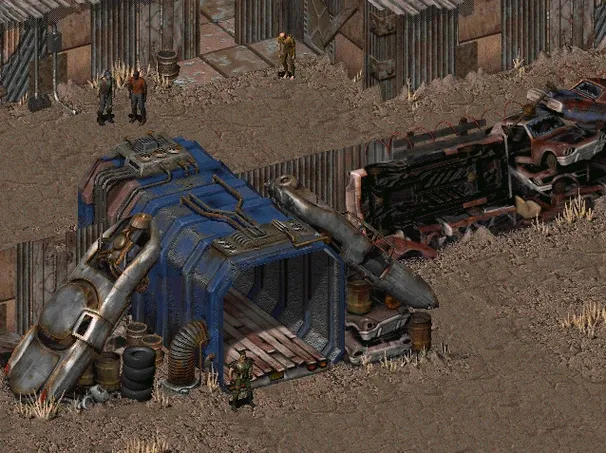
Click a screenshot to see it wider.
Fallout: A Post Nuclear Role Playing Game runs on both Apple Silicon and Intel Macs, with a 64-bit x86 build that also supports ARM. The build was tested on macOS Sonoma, so it should feel at home on recent systems.
Story: Find the Chip
It’s 2161. You start in Vault 13, and the water generator is failing. Your task is to find a replacement chip and bring it back. The world outside is a post-nuclear wasteland, and nothing about that journey is simple.
Gameplay: Isometric RPG
This is the 1997 classic, presented in a Community Edition build. You explore, talk, fight, and make choices that shape the outcome. The interface is dated but functional, and the tone is as sharp as ever.
Files: Saves and Launch
Launch the game through the fallout-ce app icon. Save files live in /Applications/Fallout/DATA/SAVEGAME, so backing up is straightforward. The interface is in Russian and English.
Scenario: A First-Time Player After the OTR
You work IT at a few dental clinics, so your evenings are quiet. You pick up Fallout because you want to see what a 1997 isometric RPG feels like — something slower than what you usually play. Friday night, you copy the app to your Applications folder, double-click fallout-ce from the menu, and the intro rolls. Twenty minutes in, you are wandering the vault with no real direction. That is the point. The game does not chase you.
You talk to every named NPC in the first vault area. The dialogue trees are short, so reading them all takes maybe two minutes. One tip: save before the first conversation with a guard. The wrong reply can end a run before you leave the vault.
First Days: Getting Oriented
After the install, run the Auto Fix file from the mounted disk image if the app errors on first launch. The build is a Community Edition, so it expects the data files to be in the same relative path.
- Keep a blank save after training. Label it “clean start.”
- Save files are plain text in
/Applications/Fallout/DATA/SAVEGAME. You can copy them to another folder for backups or to test choices. - Action-point management matters early. Do not rush combat — wait for the AP bar to fill before moving into a room.
- The retrofuturistic world design is not a joke. Read the terminal logs and the character bios in the vault.
Scenario: A Weekend Retro Dive
A colleague of yours runs the clinic network's bookkeeping on a 2019 Intel MacBook Pro. He heard about Fallout from a podcast and wanted something offline for a weekend trip. You set him up with the disk image, walked him through the mount and copy, and told him to run the Auto Fix if the screen stayed black. Saturday morning he texted you: he spent two hours just in the first vault, talking to every resident. He did not find the chip. He did not care. That is the hook — the world builds itself around you while you search.
Tag Combat and Speech Skills First
The game does not hold your hand. A few habits help the first few days.
- Assign your skill points early. Tag a combat skill (small guns is the safest start) and a dialogue skill (speech or barter). You will need both before you reach the first town.
- The
SAVEGAMEfolder is your friend. After the training sequence, quit, make a copy of that save folder, and put it on your desktop. That way you can restart without replaying the vault intro. - The Community Edition build keeps the original control scheme. Right-click or control-click to examine objects and NPCs. If the cursor does not change, you are not clicking on an interactive spot.
- If the game feels too quiet, check the music is toggled on in the in-game options. The soundtrack is included, and it sets the mood for the wasteland.
- You do not need to finish the water chip quest in a weekend. The game is designed for multiple playthroughs. Save often, and try a different dialogue path next time.
You are not expected to finish the chip quest in one sitting. The game rewards patience with its writing and its branching outcomes.
- Architecture: Apple Silicon or Intel
- Other: None specified
Questions I get about this line
Save files are stored in /Applications/Fallout/DATA/SAVEGAME.
The build supports Apple Silicon and Intel Macs, with 64-bit x86 and ARM support.
The install order
- Mount the downloaded disk image.
- Drag the app into the Applications folder alias.
- Open the app from Launchpad after copying finishes.
- If the game reports an error at launch, run the Auto Fix file in the disk image.