
- Version
- 1.19.3
- Developer
- Paradox Development Studio
- Languages
- Russian, English, German, Spanish, Polish, Portuguese, French, Japanese
- License type
- Not required
- Released on
- 6.06.2016
- Installed and checked on
- macOS Tahoe, Mac mini 2024 M4
- Audio language
- Music only
| Chip | Intel 64-bit |
|---|---|
| Download | 6 GB |
Screenshots
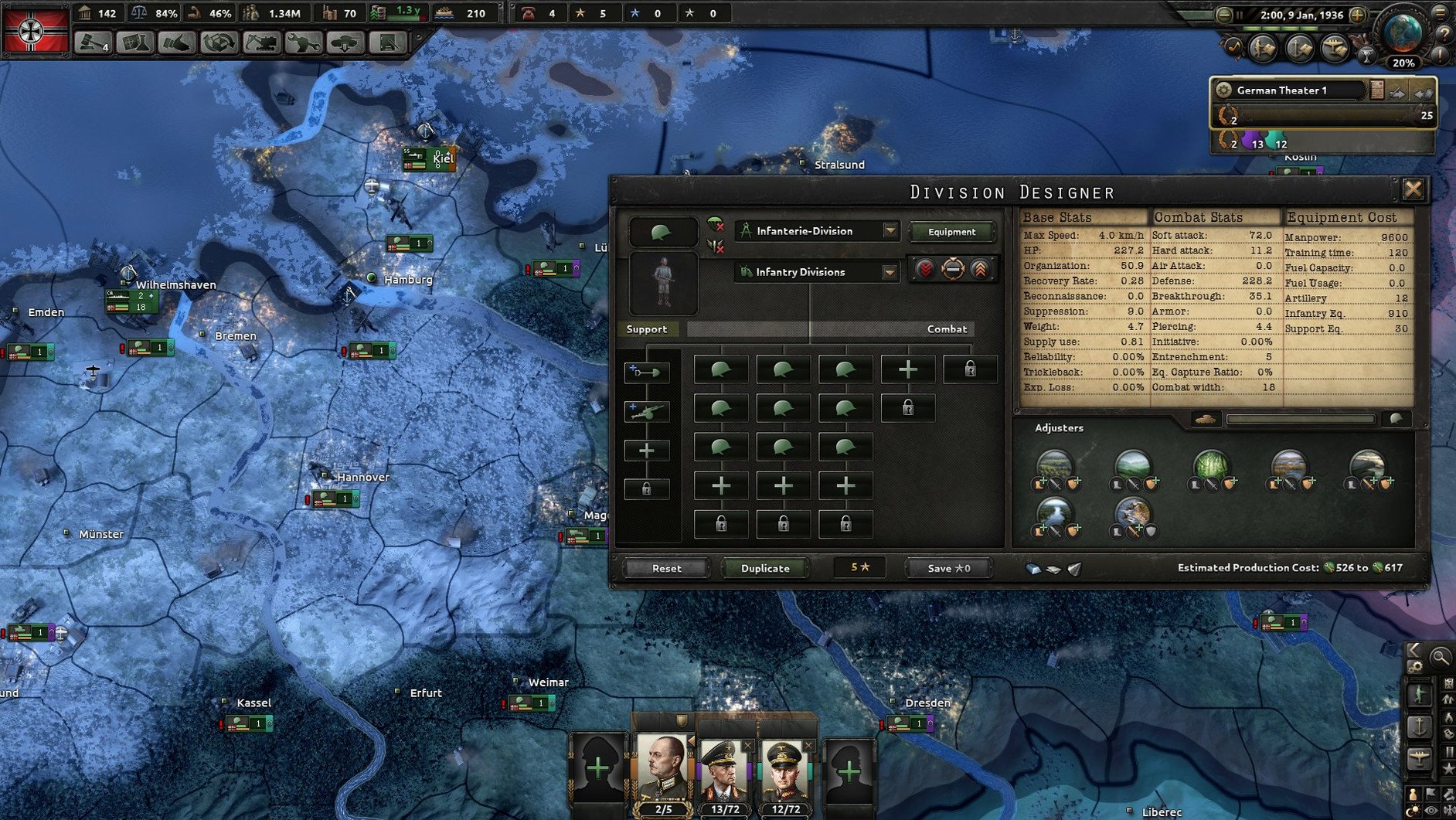
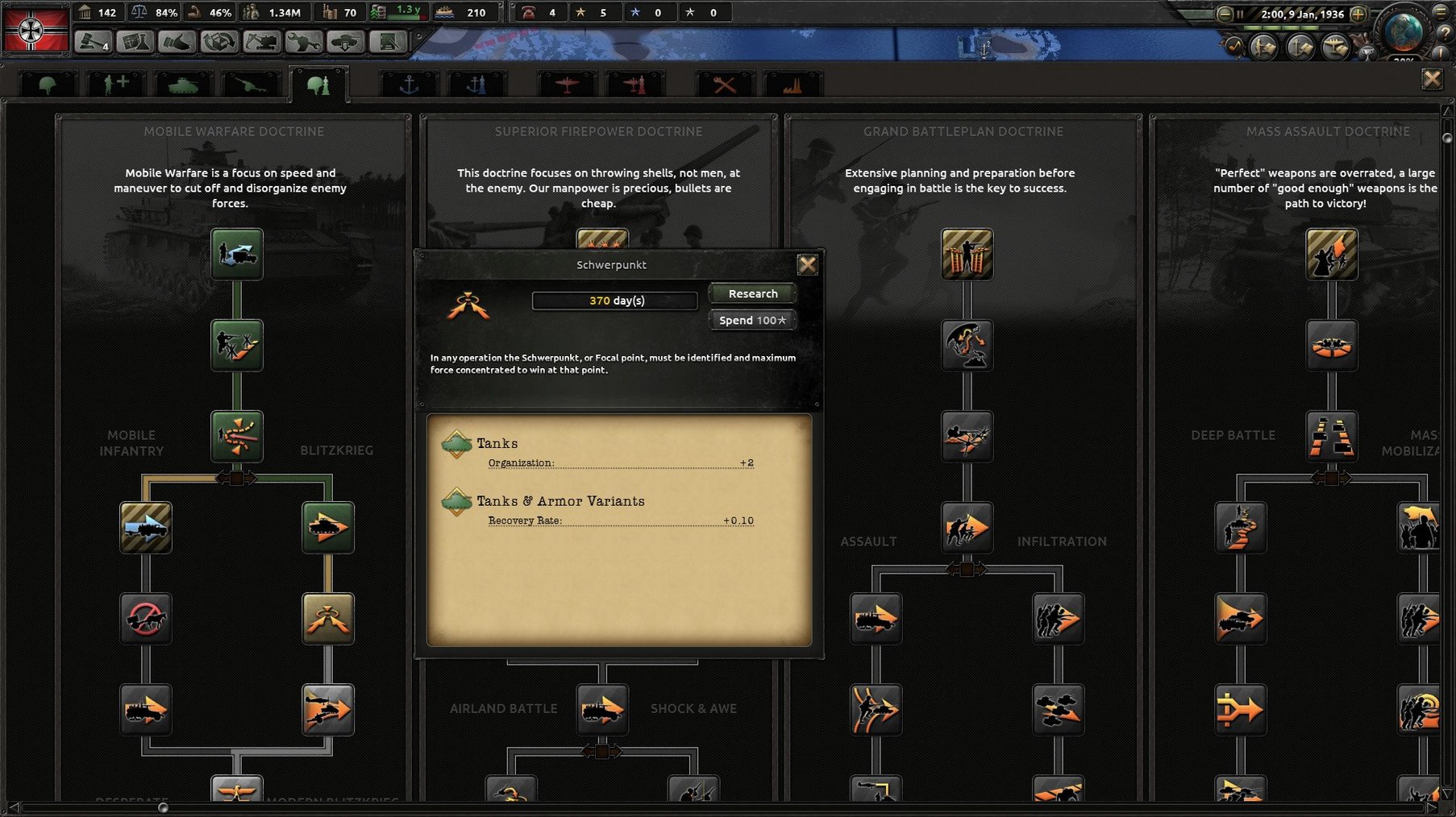
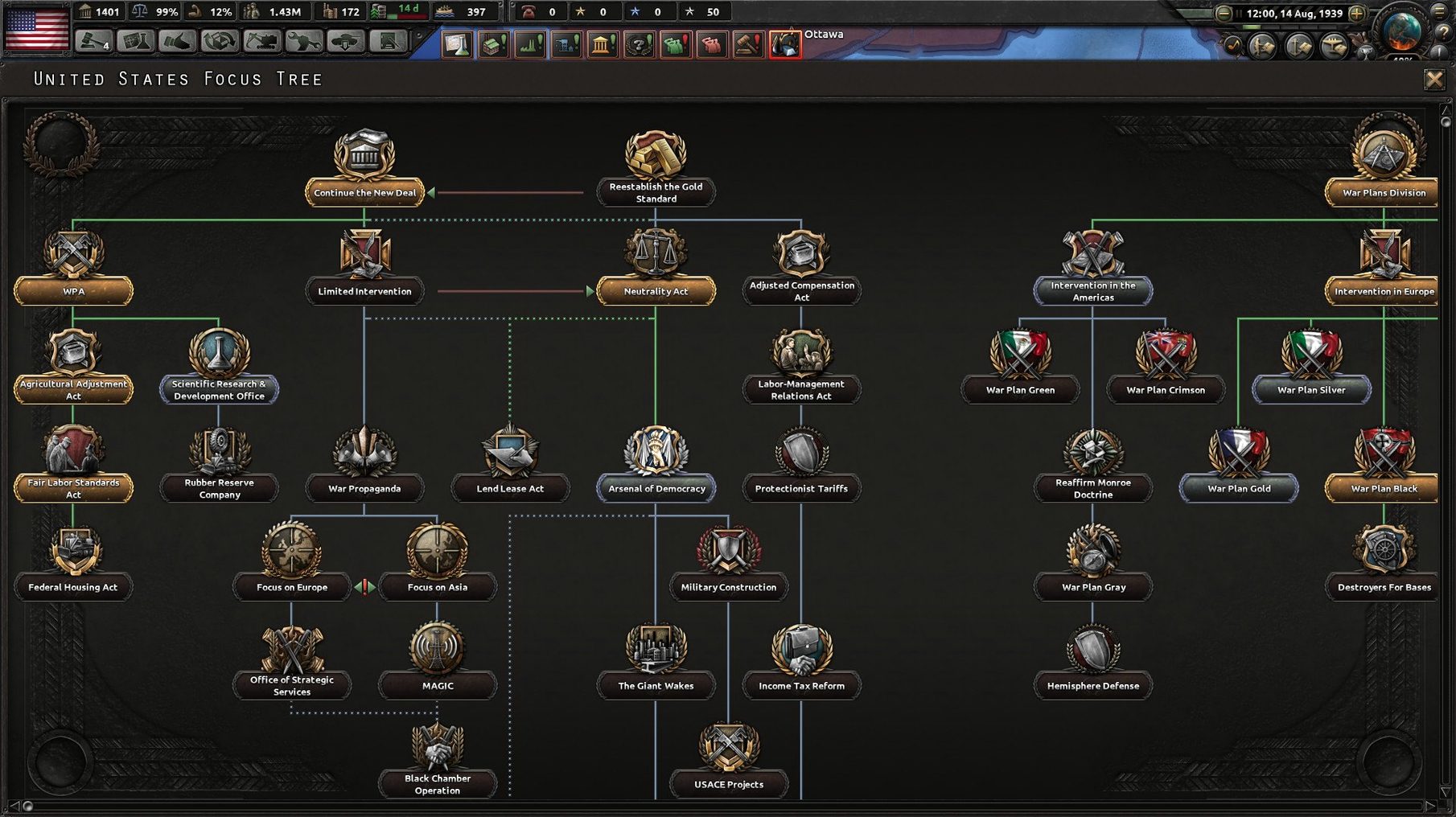
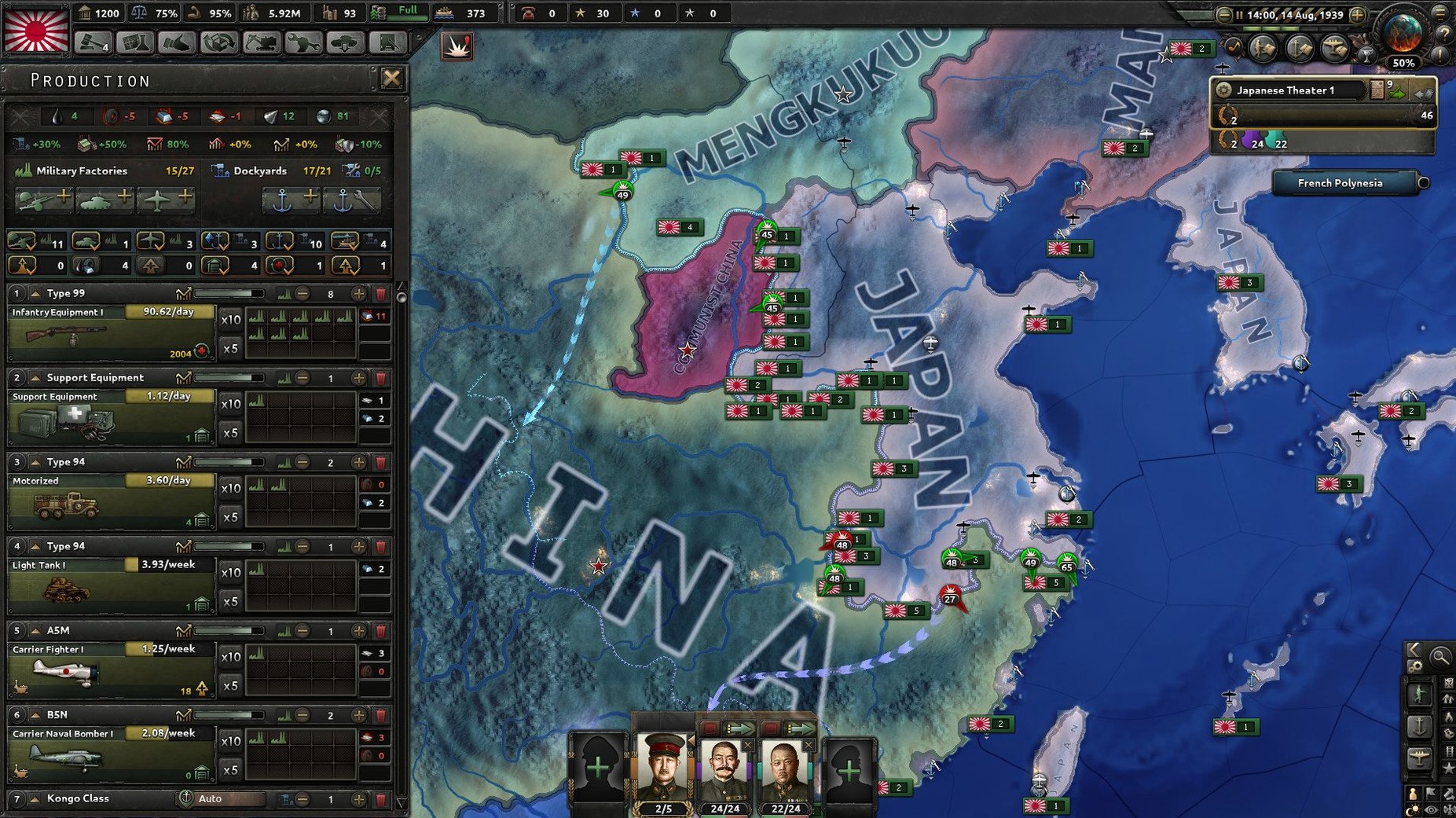
Scroll the row, it snaps to each screenshot. Click one to see it wider.
If you manage a fleet of Macs, you know the drill: some games just work, others need coaxing. Hearts of Iron IV falls into the first group, but it has its quirks.
Leading Any Nation Through World War II
- Leading any nation through World War II and rewriting history
- Fighting, negotiating, or organizing invasions on a strategic scale
- Long sessions that reward planning and patience
Intel Only, Rosetta 2 Required
- The current build is x86 64-bit, so it runs on Intel Macs. Apple Silicon users will need Rosetta 2.
- Installation means dragging the app to Applications and launching via the
dowserfile inside the package. - Language is set in the launcher, not in-game.
- Expect a strategy game, not a twitch shooter — performance is fine on moderate Macs.
A scenario: the historian who never stops at the history book
A friend of mine teaches a university module on the Pacific theater. He doesn't play many games, but he wanted to see if the strategic decisions in the war could have gone differently. He grabbed Hearts of Iron IV to test a few what-if lines — specifically, what happens if Australia commits its forces to a different island-hopping route.
He spent an evening running the game as Australia, using the base 1939 start. The new secret path in 1.19.3 meant he could explore late-game content he hadn't seen before. He wasn't looking for perfect balance; he wanted to see how the AI reacts when a minor power punches above its weight. The launcher-based language settings let him keep the game in English, and the x86 build ran fine on his Intel iMac through Rosetta 2.
He told me the biggest surprise was the diplomatic layer. He expected a war game. He found a supply-and-logistics sim with a war on top. For a classroom exercise, that's exactly what he needed.
Australia's Secret Path in 1.19.3
Version 1.19.3 isn't a revolution. It's a refinement pack. Here's what it does to a normal playthrough:
- Australia gets a secret path. If you play as Australia, look for a branch that wasn't there before. It's not advertised in the main menu — you discover it through events. It adds a few hours of content for a run you might have shelved.
- Siam and Indonesia get late-game content. The Pacific war now has more texture after 1942. If you're playing a minor power in Southeast Asia, you'll see new decisions and focus options that fill what used to be a dead zone.
- Balance changes and bug fixes. The patch notes don't list specifics, but the AI handles supply lines a bit better. Naval invasions feel less random. Nothing dramatic, just fewer moments that make you reload a save.
A Saturday Afternoon Playthrough on a Warm Mac
I opened the game on a Saturday afternoon. The Mac was warm from a morning of work, but that's normal. Here's how the session went.
Step one: set up. I downloaded the disk image, dragged the app to Applications, then went into the package contents — Contents > Game — and ran the dowser file. That opened the launcher. I set the language to English, clicked Play, and waited about a minute for the main menu.
Step two: pick a nation. I chose Germany, because the focus tree is dense and the first few years are busy. I loaded the 1939 start date. The map rendered in about 20 seconds. No stutter.
Step three: the first hour. I queued up some military factories, set the diplomatic stance to aggressive, and started the focus on the Molotov-Ribbentrop Pact. The AI handled the rest. I spent most of the time watching the event log and adjusting research speed. The game runs at a steady pace even with a dozen divisions moving.
Step four: the second hour. Poland fell. France fell. I started planning Operation Barbarossa. The new balance changes meant the Soviet supply system was a little more demanding — I had to build extra infrastructure before the push. That's a good change. It forces you to plan a year ahead instead of rushing.
Step five: save and quit. I saved the game (it's a large file — a few hundred MB) and closed the launcher. Total time: about two and a half hours. The Mac never complained. The game remembered the language setting from the launcher.
That's the session. It's not flashy. It's a strategy game that rewards slow decisions and doesn't punish you for walking away from the keyboard. If you're looking for nostalgia or are curious about this version, it keeps getting small updates that add real depth.
- New secret path for Australia
- Late-game content for Siam and Indonesia
- Balance changes and bug fixes
- macOS (version not specified)
- Intel x86 64-bit architecture
The install order
- Open the downloaded disk image.
- Drag the game to the Applications folder.
- In Finder, right-click the app and choose Show Package Contents.
- Go to Contents > Game.
- Run the
dowserfile. - Change the language in the launcher.
- Start the game through
dowser.