
- Version
- 1.26252
- Developer
- Empyrean
- Languages
- Russian, English, German, Hungarian, Greek, Spanish, Italian, Chinese (Traditional), Chinese (Simplified), Korean, Dutch, Norwegian, Polish, Portuguese, Romanian, Turkish, Ukrainian, French, Czech, Japanese
- License type
- Not required
- Released on
- 17.05.2017
- Installed and checked on
- macOS Tahoe, Mac mini 2024 M4
- Audio language
- Music only
| Chip | Apple Silicon, Intel 64-bit |
|---|---|
| Download | 13 GB |
Screenshots
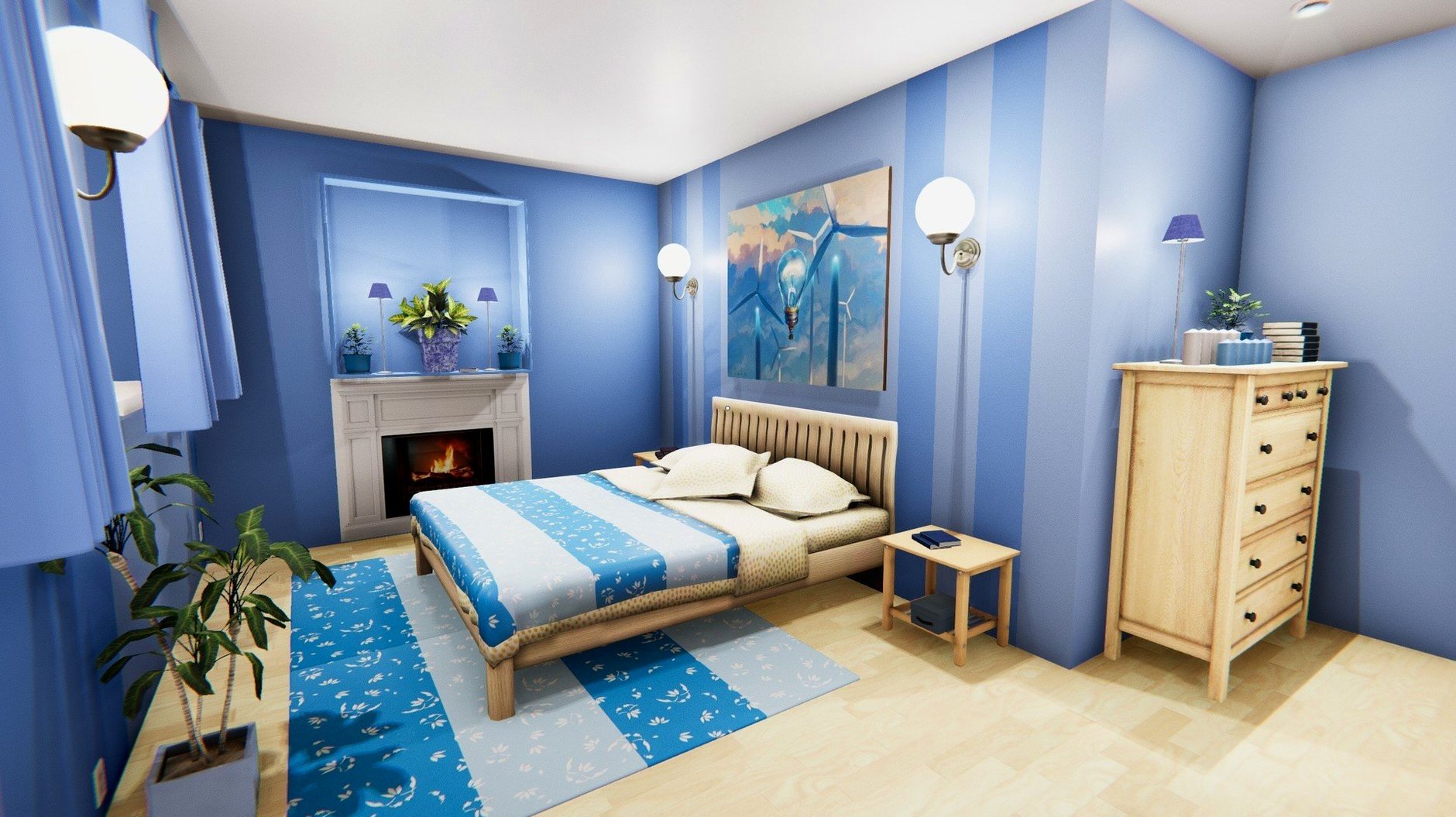
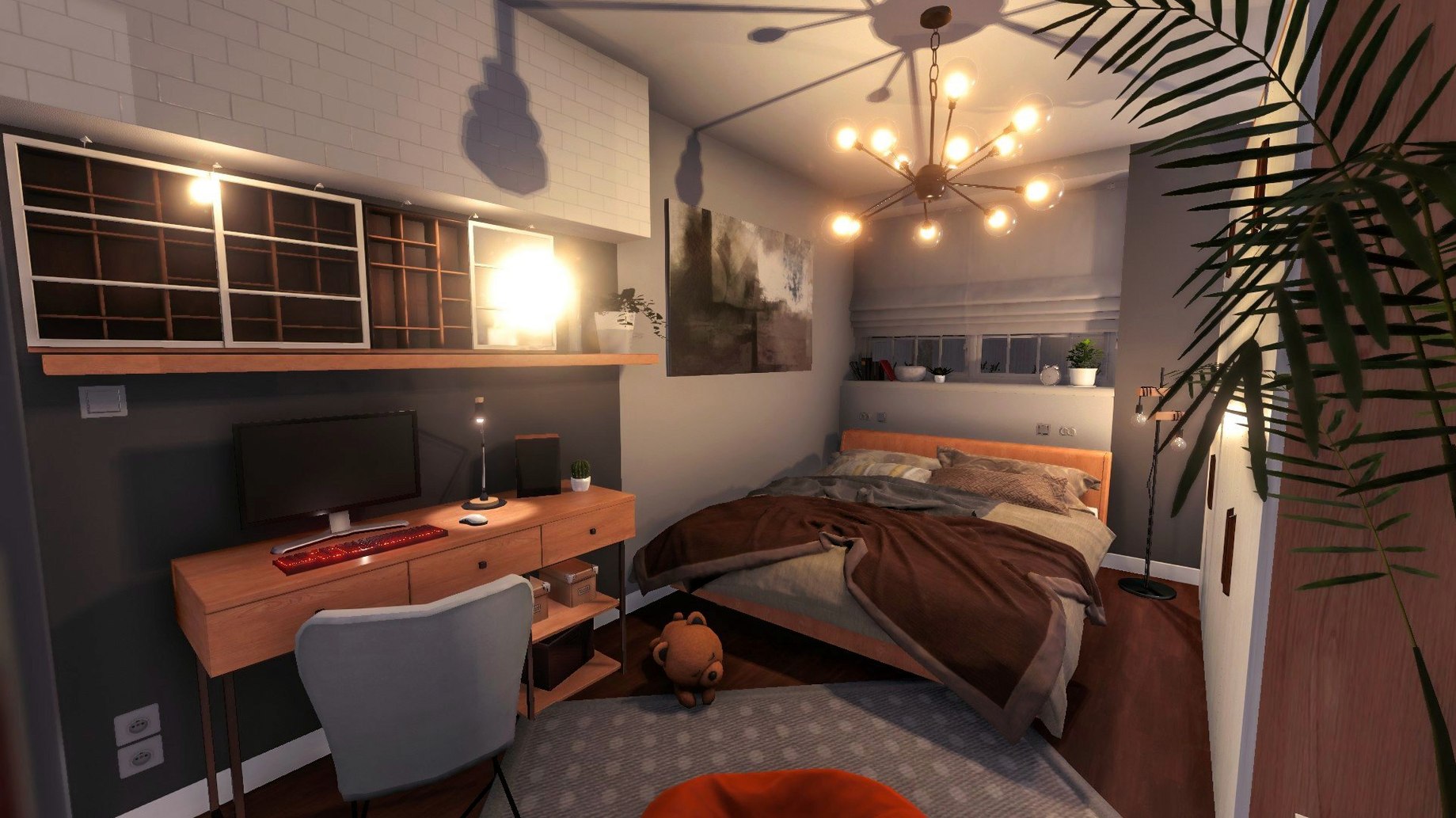
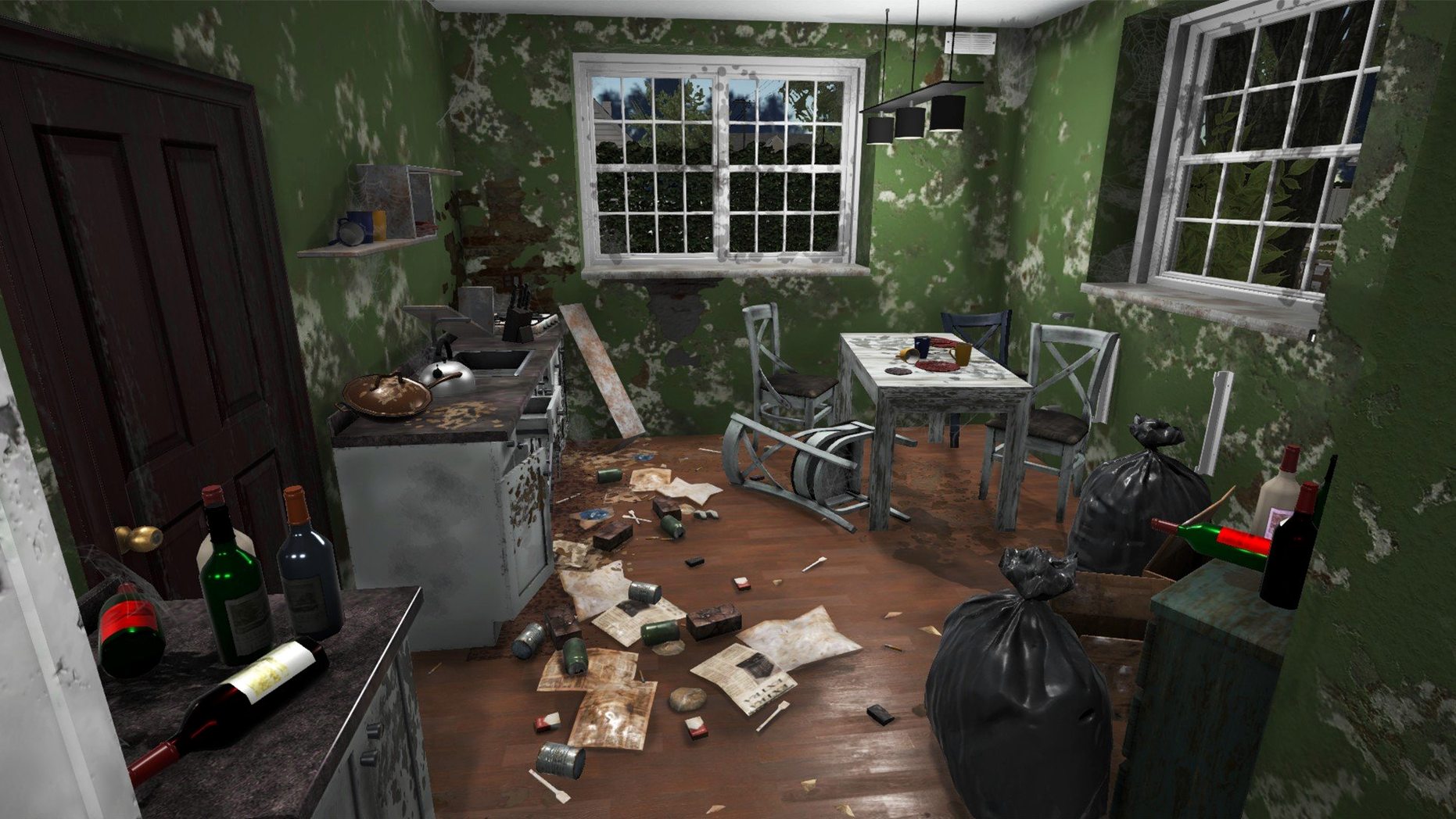
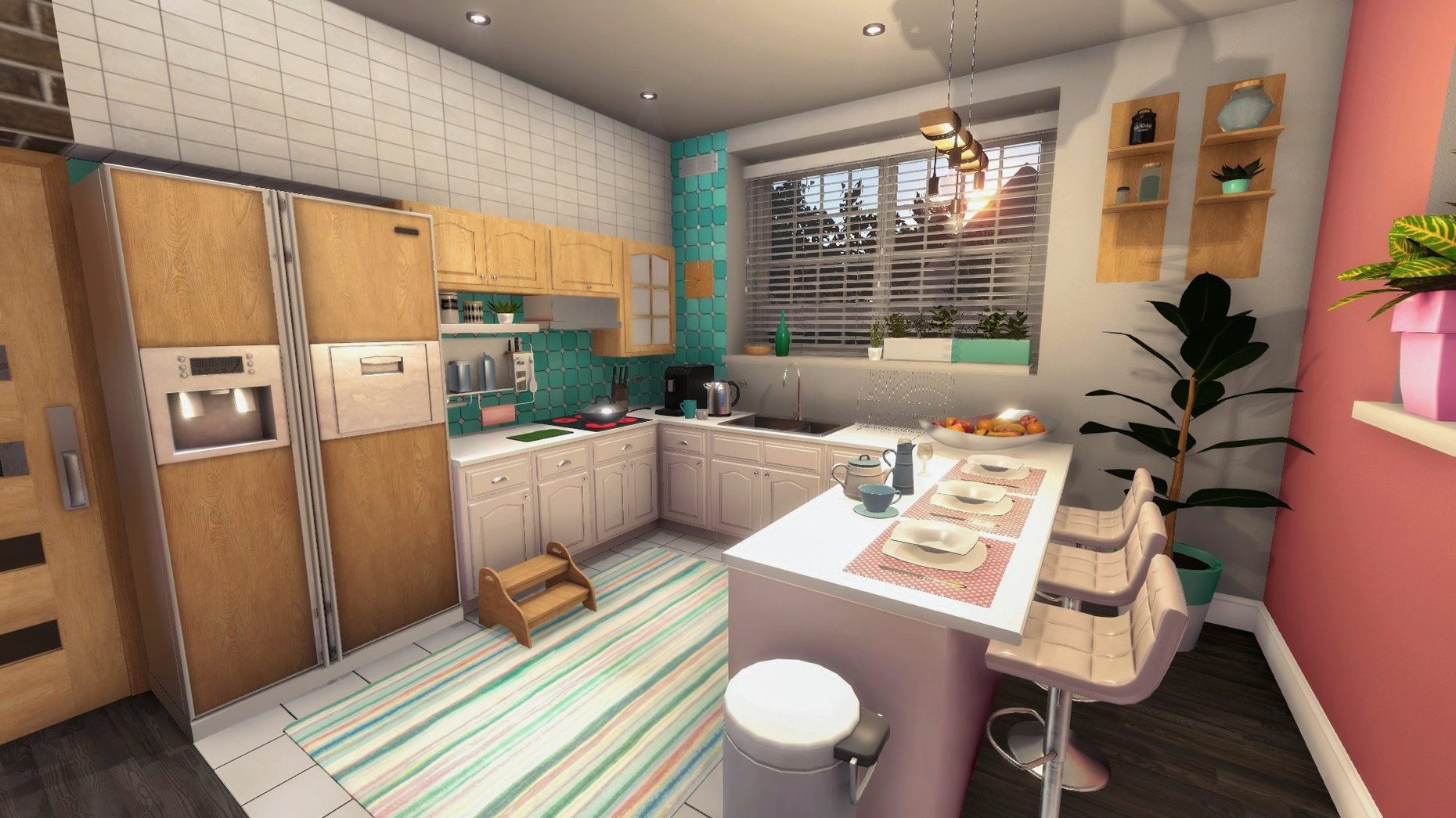
Scroll the row, it snaps to each screenshot. Click one to see it wider.
House Flipper on Mac makes that possible. The simulation game assigns you properties to clean, repair, and furnish. You earn experience with every tool you use, and that experience unlocks better skills for bigger jobs. The current version is 1.26252.
- Version 1.26252 runs on macOS Tahoe and was tested on a Mac mini 2024 M4.
- Supports both Intel and Apple Silicon Macs.
- Interface languages include English, Russian, German, Spanish, Italian, French, and 13 others.
- Audio is music accompaniment — no voice lines.
- You can demolish walls, remove trash, and install new furniture.
- Controls work with keyboard and mouse; no special controller required.
Tested on M4 Mac Mini with macOS Tahoe
House Flipper 1.26252 runs on both ARM and Intel (64-bit x86) Macs, so it works with any M-series machine and older Intel models. The game was tested on macOS Tahoe using a Mac mini 2024 M4, which gives a good baseline for Apple Silicon performance. On Intel Macs, results depend on your GPU — integrated graphics will handle basic renovation jobs, but houses with more furniture and debris may feel heavier. The game does not require activation, so after dragging the app into Applications, you're ready to start without signing in or entering a license key.
One thing to keep in mind: the audio is music accompaniment only. There are no voiceovers or dialogue, which keeps the file size reasonable and means you can play with headphones or speakers without missing story cues. The interface supports 20 languages, so if English isn't your first language, check the settings menu for your preferred option before starting.
Plays on Intel Macs with Slower Performance
Can I play this on an older Intel Mac?
Yes. The 64-bit x86 architecture means any Intel Mac running a supported version of macOS can run it. Just don't expect the same responsiveness you'd get on Apple Silicon — older hardware will handle cleaning and painting fine, but demolishing walls and removing lots of objects at once may cause frame drops.
Do I need an internet connection?
No. The game is fully offline after installation. There are no online check-ins, no DRM, and no required account.
Does it support controllers or trackpads?
Keyboard and mouse are the primary controls. The game does not require a controller, and there's no special input device needed. A standard mouse with a scroll wheel works well for selecting tools and rotating furniture.
Installs Like a Normal Mac App, No Background Processes
House Flipper behaves like any normal Mac app. It lives in your Applications folder, launches from Launchpad or Spotlight, and quits cleanly with Command+Q. Because it does not install background processes or kernel extensions, it won't interfere with other software you run — no conflicts with backup tools, cloud sync clients, or antivirus utilities.
The game's file system footprint is modest. Save files are stored locally, so you can back them up with Time Machine or copy them between Macs if you want to continue a renovation project on another machine. The app uses Metal or OpenGL for rendering, which integrates with macOS's graphics stack without needing additional drivers.
If you use virtualization software like Parallels or VMware, note that House Flipper runs natively on Mac — no need for Windows emulation. That keeps things simple: one app, one install, no extra layers.
Set Your Language Before Starting Your First Job
Before you start your first job, open the game's settings menu. Set your language if it isn't English — the game supports Russian, German, Spanish, Italian, French, and many others. Pick what you're comfortable with.
If you're on an older Intel Mac, lower the graphics preset. The game's visual quality options affect shadows, reflections, and object detail. On Apple Silicon Macs, the default settings should work fine, but you can still adjust them to suit your screen's resolution.
Consider rebinding the camera controls if you prefer a different mouse sensitivity. The default settings are reasonable for most players, but adjusting the look speed early on saves you from tweaking it mid-job.
Finally, check the audio volume. The music accompaniment is ambient, so you might want to lower it or mute it if you prefer playing your own playlist while cleaning and renovating. The game does not have separate sound effect and music sliders in the current build — just one master volume.
Performance on Intel Macs will vary depending on the integrated or discrete GPU.
- macOS version not specified by developer
- Architecture: Intel and Apple Silicon
The install order
- Mount the downloaded disk image.
- Drag the app into the Applications folder shortcut.
- After copying finishes, launch the app from Launchpad.