
Free download (467 MB) Previous versions
- Version
- 1.6.15.24357.8705766150
- Developer
- ConcernedApe
- Languages
- Russian, English, German, Hungarian, Spanish, Italian, Chinese (Simplified), Korean, Portuguese, Turkish, French, Japanese
- License type
- DRM-free
- Released on
- 27.02.2016
- Installed and checked on
- macOS Tahoe, Mac mini 2024 M4
- Audio language
- Music only
| Chip | Apple Silicon, Intel 64-bit |
|---|---|
| Download | 467 MB |
| Previous versions | 5 on file |
Screenshots
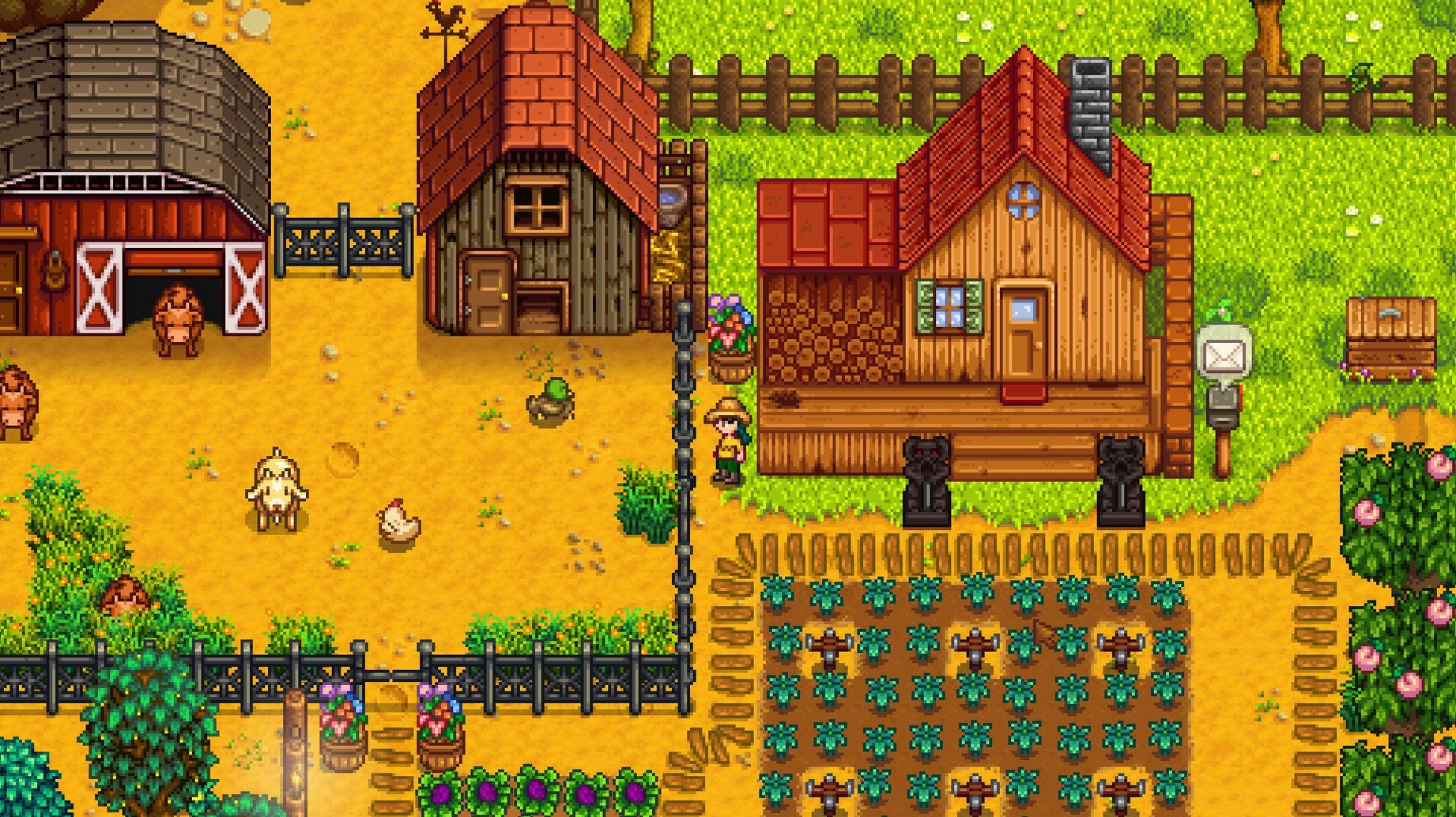
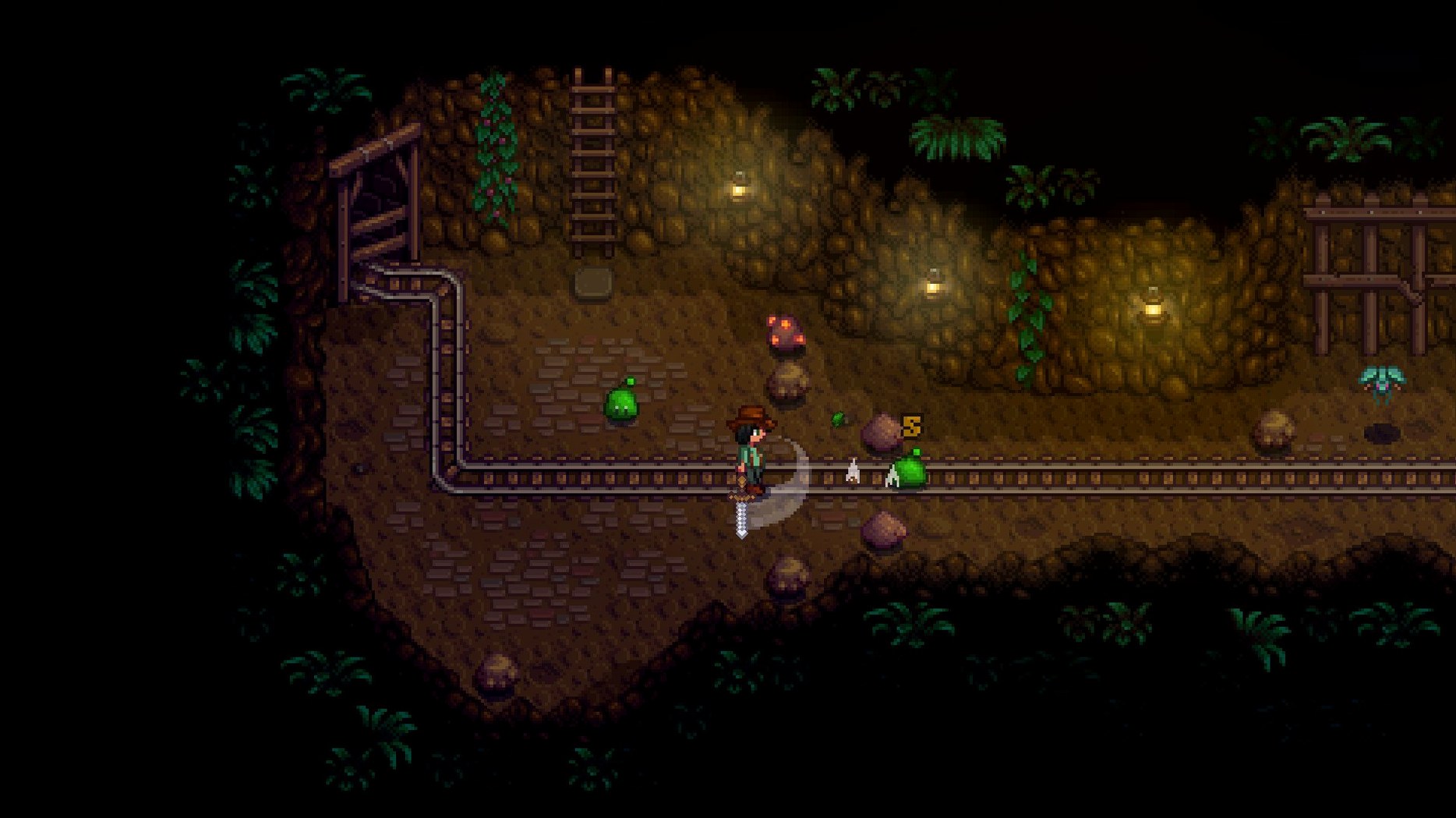
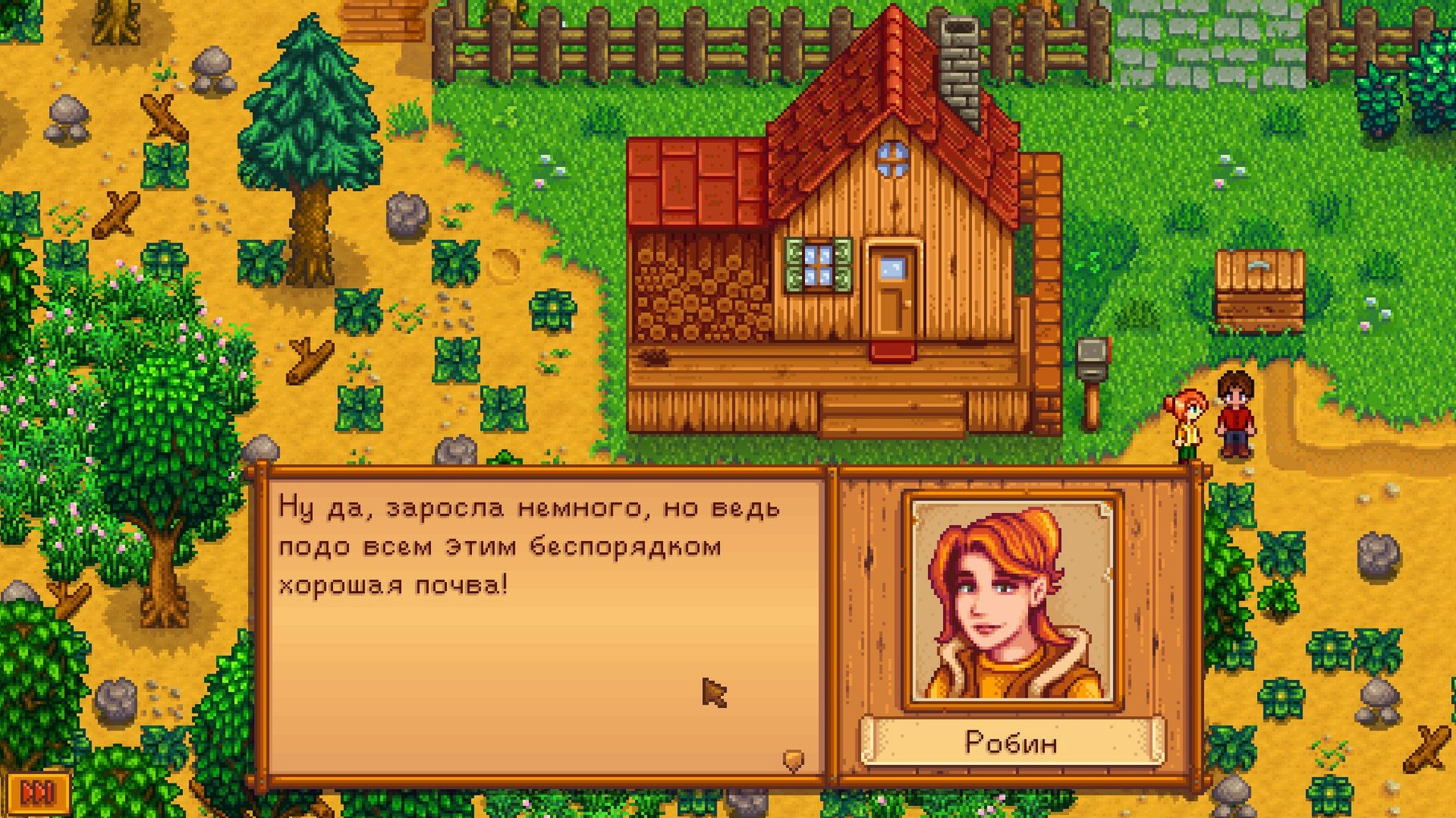
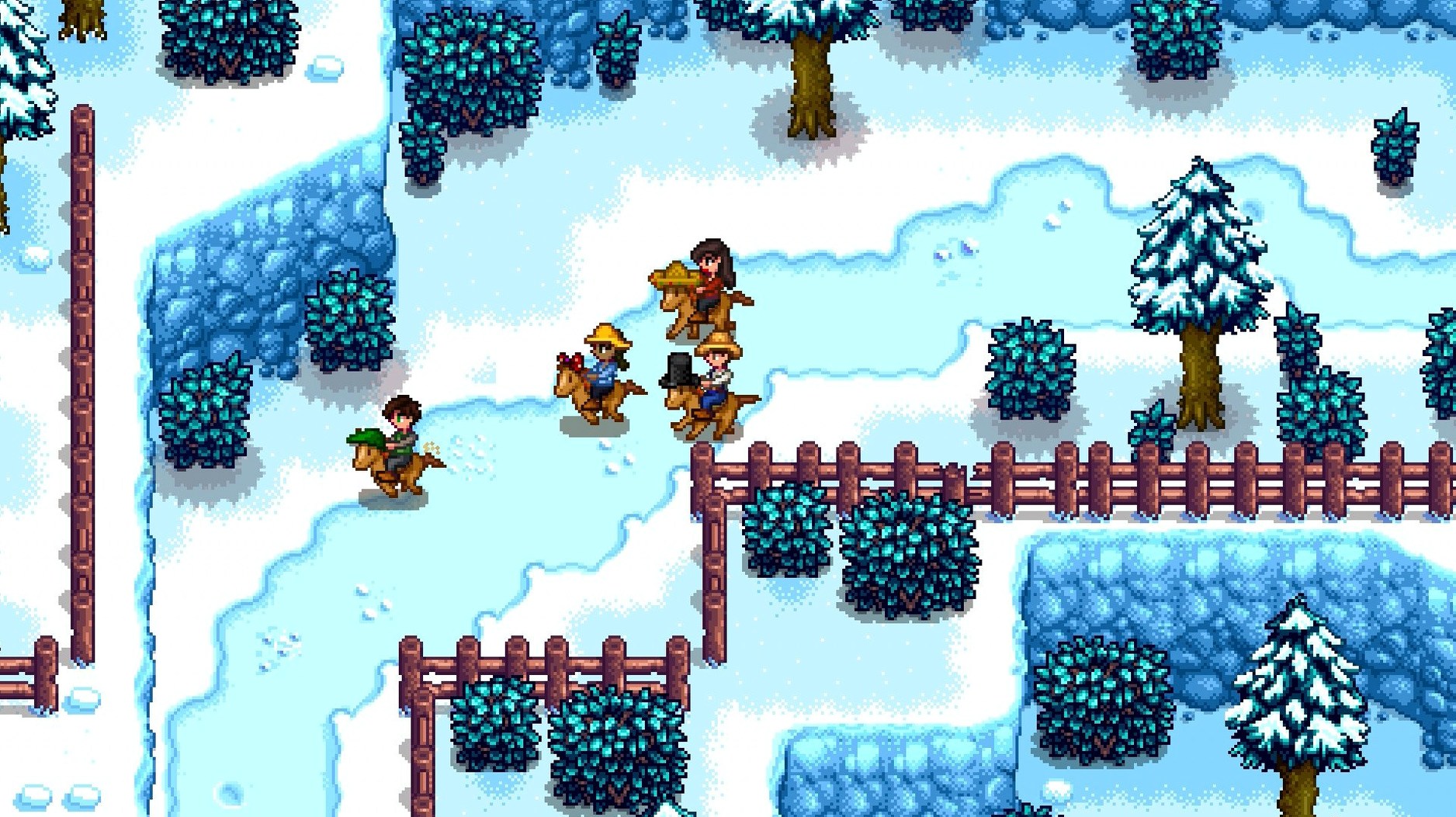
Scroll the row, it snaps to each screenshot. Click one to see it wider.
Stardew Valley is a country-life RPG where you rebuild a run-down farm and help restore a small town.
On a Mac, the game runs as a standard 64-bit app for both Intel and Apple Silicon. The installer is straightforward: mount the disk image, run the installer, and pick your install location at the end. Choose the Applications folder if it is offered.
Once installed, you farm, mine, fish, and socialize with the townsfolk. Joja Corporation has a presence in the valley, so you can decide whether to support the local community or the corporate route. The current version adds a Junimo bundle button to fridge and mini-fridge interfaces, so you can track bundles without leaving the kitchen.
Controls are mouse-and-keyboard by default, and performance optimizations in this build keep things responsive on recent Macs. Interface languages include English, German, Spanish, French, Japanese, and more.
Who This Build Works For
A part-time streamer who plays Stardew Valley between work shifts. They boot the game on a MacBook Air during a lunch break, plant a spring crop, fish for an hour, then shut the lid. The save resumes on a Mac mini at home the same evening. It just works.
Another common user is the former Harvest Moon player who skipped the franchise after the series shifted away from handhelds. Stardew Valley fills that gap on macOS without needing a console or Windows partition.
Save Files in Finder and iCloud
The game integrates with macOS at the OS level better than most ports. You can use Finder to browse your save files, back them up to iCloud Drive or an external disk, and restore them on another Mac without any conversion step. The saves are plain files in the user data folder, so they transfer cleanly between Intel and Apple Silicon systems.
You can also drag the game window to a second display or use macOS virtual desktops to keep a wiki or spreadsheet open on another screen. The game does not lock the cursor or disable keyboard shortcuts for system functions, so you can hit Command-Tab to check mail or switch to a browser.
If you use Time Machine, the game data is included in your backup set. That means a full system restore brings your farm back exactly where you left it.
Pick a Short Farm Name for Menus
The first screen asks for a character name and farm name. Pick something short for the farm name — it shows in tooltips and menus later.
Gameplay tips:
- Spend the first day clearing a few rocks and weeds, not the whole farm. The energy bar depletes fast, and stamina carries over to the next day.
- Talk to every townsperson the first week. The social system opens quests and recipes you miss if you only farm.
- Check the fridge interface after version 1.6.15.24357.8705766150 — the Junimo bundle button is there, so you can see what you have stored without walking to a bin.
- Fish ponds produce roe more often in this build. If you place a pond early, the daily roe income adds up by summer.
- Save manually before the first major mine trip. The game saves on sleep, but the mine floors reset if you pass out.
For language settings: the game matches the system language on first launch. If you want a different interface language, change it in the options menu before you start a save. The list covers English, Russian, German, Hungarian, Spanish, Italian, Simplified Chinese, Korean, Portuguese, Turkish, French, and Japanese.
If you download stardew valley for mac and run it on an ARM Mac, the game uses the native ARM build. No Rosetta translation needed. The same installer works on x86 machines, too.
The game is DRM-free. No launcher, no online check. You can copy the install folder to another Mac and run it from there.
- Legendary fish ponds produce roe more often and have a higher average daily value.
- Performance optimizations added.
- Junimo bundle button added to fridge and mini-fridge interfaces.
- Several crashes, multiplayer issues, and localization issues fixed.
- macOS (64-bit)
- Intel or Apple Silicon
Questions I get about this line
Yes, the macOS version supports both Intel and Apple Silicon architectures as a 64-bit app.
It includes Russian, English, German, Hungarian, Spanish, Italian, Simplified Chinese, Korean, Portuguese, Turkish, French, and Japanese.
The install order
- Open the downloaded disk image and run the standard installer.
- Choose the install location at the end of installation.
- Select the Applications folder if offered.