
Free download (78 GB) Previous versions
- Version
- 1.127.41.1030
- Developer
- Electronic Arts
- Languages
- Russian, English, German, Danish, Spanish, Italian, Chinese (Traditional), Chinese (Simplified), Korean, Dutch, Polish, Portuguese, Finnish, French, Czech, Swedish, Japanese
- License type
- Not required
- Released on
- 2.09.2014
- Installed and checked on
- macOS Sonoma, MacBook Air (M1. 2020)
- Audio language
- Music only
| Chip | Apple Silicon, Intel 64-bit |
|---|---|
| Download | 78 GB |
| Previous versions | 8 on file |
Screenshots
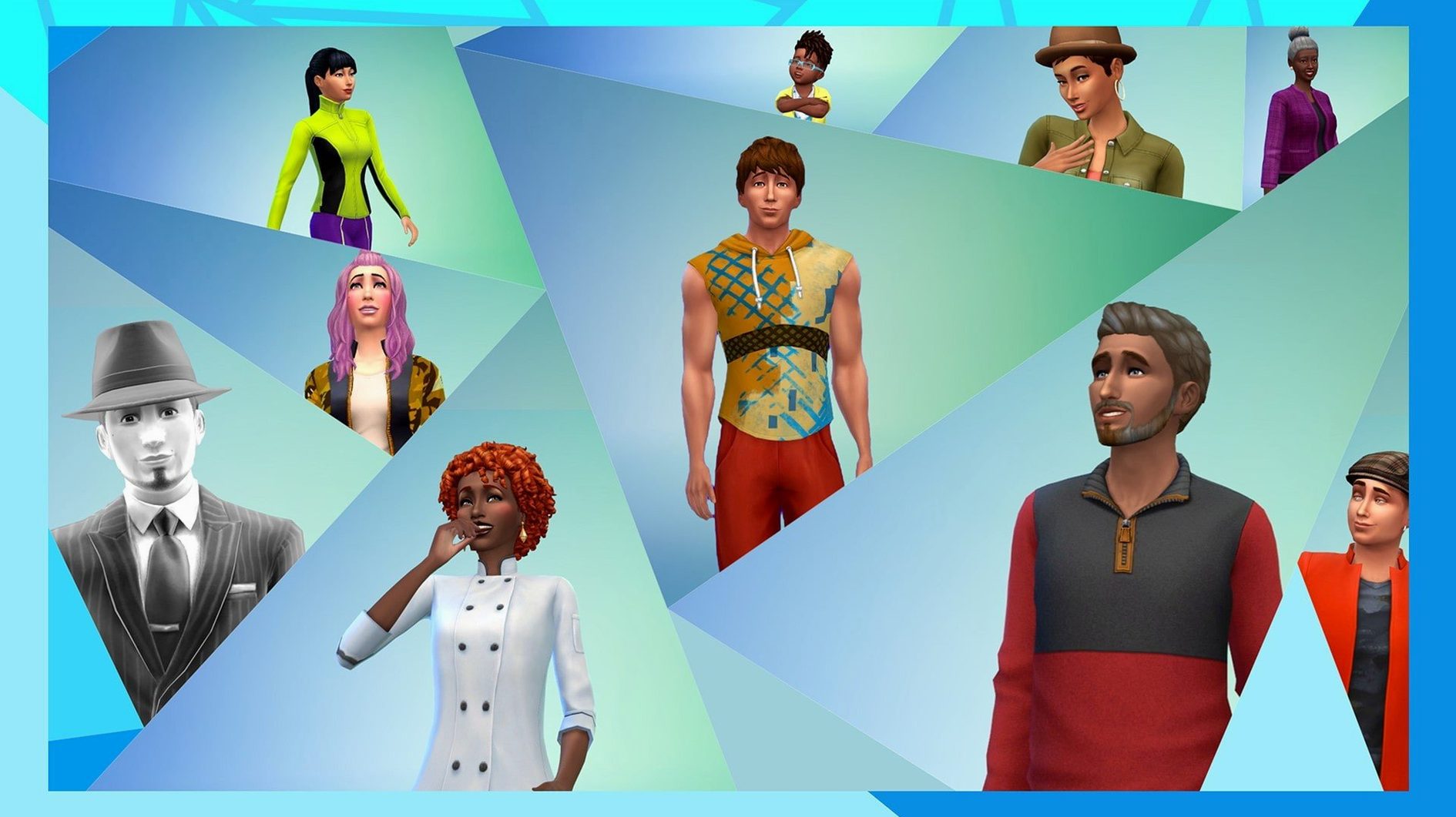
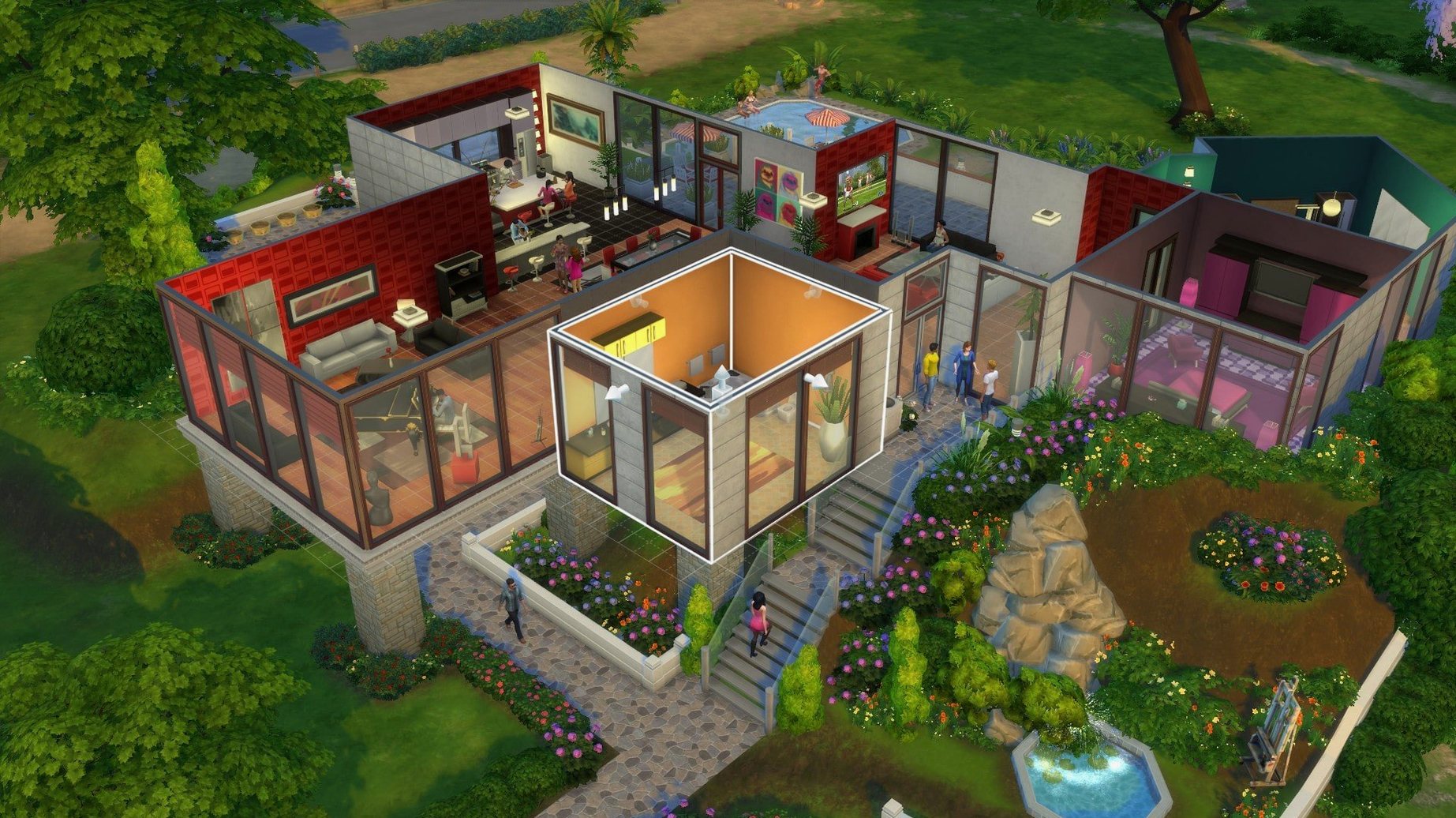

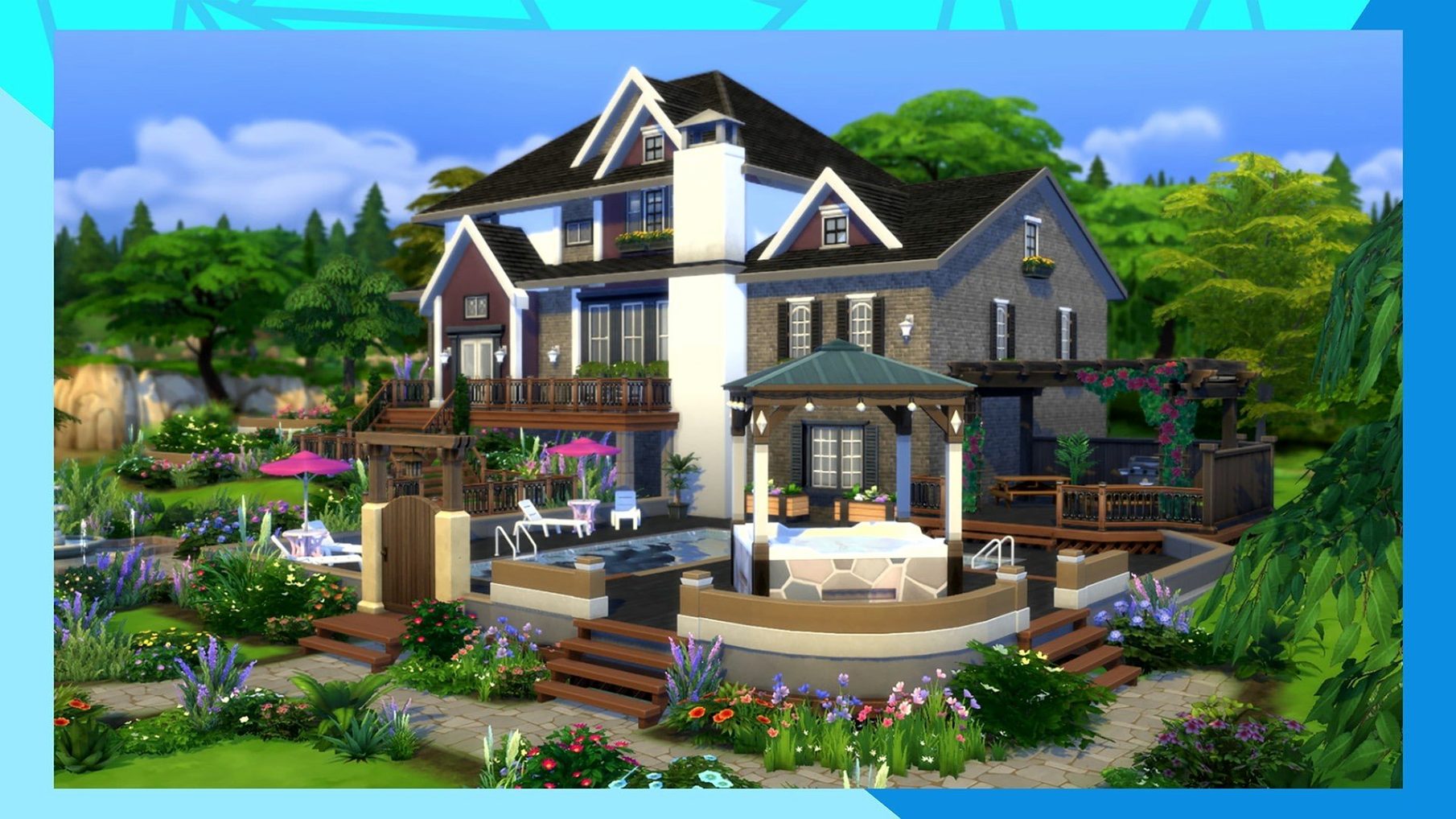
Scroll the row, it snaps to each screenshot. Click one to see it wider.
Marketplace browsing got faster in version 1.127.41.1030, and images cache after the first download — small quality-of-life improvements for a game that’s about the big picture.
Create and Control Sims
You design Sims from appearance to personality, then direct their daily lives. Relationships, careers, skills — every choice shapes their story.
Build and Furnish Homes
The build mode lets you construct houses room by room, choose furniture, and set the mood. From a starter bungalow to a mansion, it’s all yours to arrange.
Follow Their Daily Lives
Sims go to work, make friends, fall in love, and age over time. You can jump in at any moment or let them run on their own.
For Character Crafters and Slow Storytellers
Players who like crafting characters and directing slow, unscripted stories get the most out of The Sims 4. If you spend an hour in a character creator before starting a game, this is your pace. The same goes for builders — the room-by-room construction and furniture placement reward anyone who enjoys interior design without real-world costs. Storytellers who invent drama, comedy, or quiet domestic scenes will find the Sims respond well to prompting. The game does not push a main quest. You decide what matters each day.
Runs Inside the EA App With Standard macOS Controls
The Sims 4 runs inside the EA app, which handles updates and library management. On macOS, the game respects standard window controls — you can snap it to a side of the screen and switch to a browser or Finder without trouble. The save files live in Documents > Electronic Arts > The Sims 4, so Time Machine backups or manual copies to an external drive are straightforward. Screenshots captured with Cmd-Shift-3 or Cmd-Shift-4 land on the desktop, same as any other Mac app. The game does not require bridging tools like WINE or Boot Camp; the native macOS build runs directly on ARM and Intel machines.
Set Language First; Fix Splash Screen Freezes
- Set the language in the EA app before launching the game. Instructions are in the included readme for the EA DLC Unlocker — read that file first.
- If the game freezes on the initial splash screen, close it, go to Documents > Electronic Arts > The Sims 4, and remove everything except the Tray, Saves, and Mods folders. The game will rebuild default files on the next launch.
- Spend the first session in Create-a-Sim. Make three or four Sims with different traits to see how personalities affect behavior. This helps later when you want specific story outcomes.
- Build a small house. The tutorial nudges you toward a furnished starter home, but you can also place a pre-built lot from the gallery if you want to jump straight to daily life.
- Save manually every thirty minutes at first. The auto-save interval is generous, and losing an hour of build work is frustrating.
- If you plan to add expansion or stuff packs later, download the DLC add-ons as separate files and follow the EA DLC Unlocker steps after each batch. Trying to add everything at once makes troubleshooting harder.
A 3D Suburb vs. Stardew Valley's Pixel Farm
Stardew Valley focuses on a single farm, seasonal crops, and pixel-art charm. The Sims 4 gives you a whole suburb and detailed 3D characters. Stardew Valley has a fixed calendar and clear goals; The Sims 4 leaves you to set your own pace with no time pressure.
Paralives, still in early access, promises a similar open-ended life sim with a different approach to build mode. The Sims 4 is mature and widely supported, with years of updates and a large library of player-made content. Paralives has fewer features today, and its macOS support is not as broadly tested.
Second Life is an online social world, not a single-player simulation. Your avatar interacts with other real people, and the economy is player-driven. The Sims 4 is entirely offline by default, with no strangers dropping into your living room. If you want control and privacy, The Sims 4 fits better.
- Marketplace browsing improved
- Marketplace images cached after first download
- Bug fixes included
- macOS: Sonoma (tested)
- Architecture: Intel 64-bit and Apple Silicon (ARM)
- Hardware: MacBook Air (M1, 2020) used in testing
The install order
- Download EA DLC Unlocker.
- Read the included instructions for EA DLC Unlocker.
- Download the DLC add-ons as separate files or as one file.
- Open EA App without the DLC Unlocker to change the language.
- In the game properties, find the language setting and select the desired language.
- Save the change, close the window, then click Update to refresh the game.
- After the download finishes, launch the game.
- If the game freezes on the initial splash screen, clean the The Sims 4 folder in Documents and keep only Tray, Saves, and Mods if needed.