- Version
- 2.0
- Developer
- IzanagiGames, Too Kyo Games, Grounding Inc., ESQUADRA
- Languages
- Russian, English, German, Arabic, Spanish, Italian, Chinese (Traditional), Chinese (Simplified), Korean, Dutch, Portuguese, Turkish, French, Japanese
- License type
- Not required
- Released on
- 30.11.2021
- Installed and checked on
- macOS Monterey, MacBook Air (M1. 2020)
- Audio language
- English, Japanese
| Chip | Intel 64-bit |
|---|---|
| Download | 3.5 GB |
Screenshots
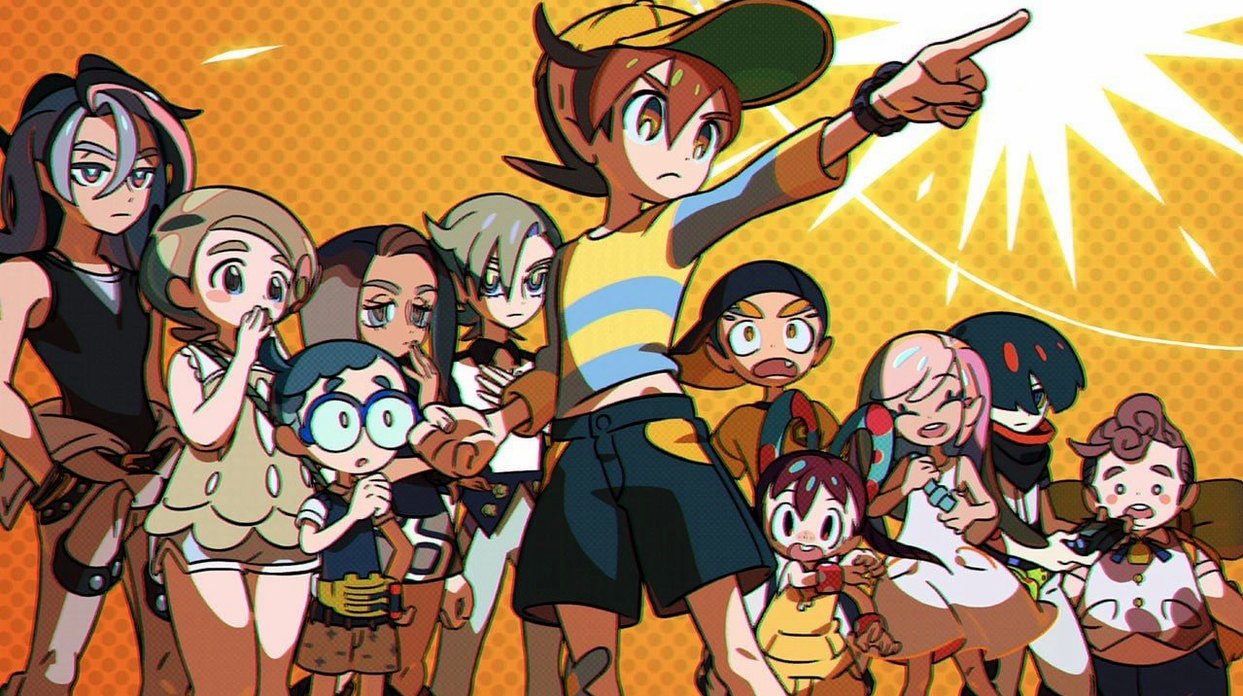

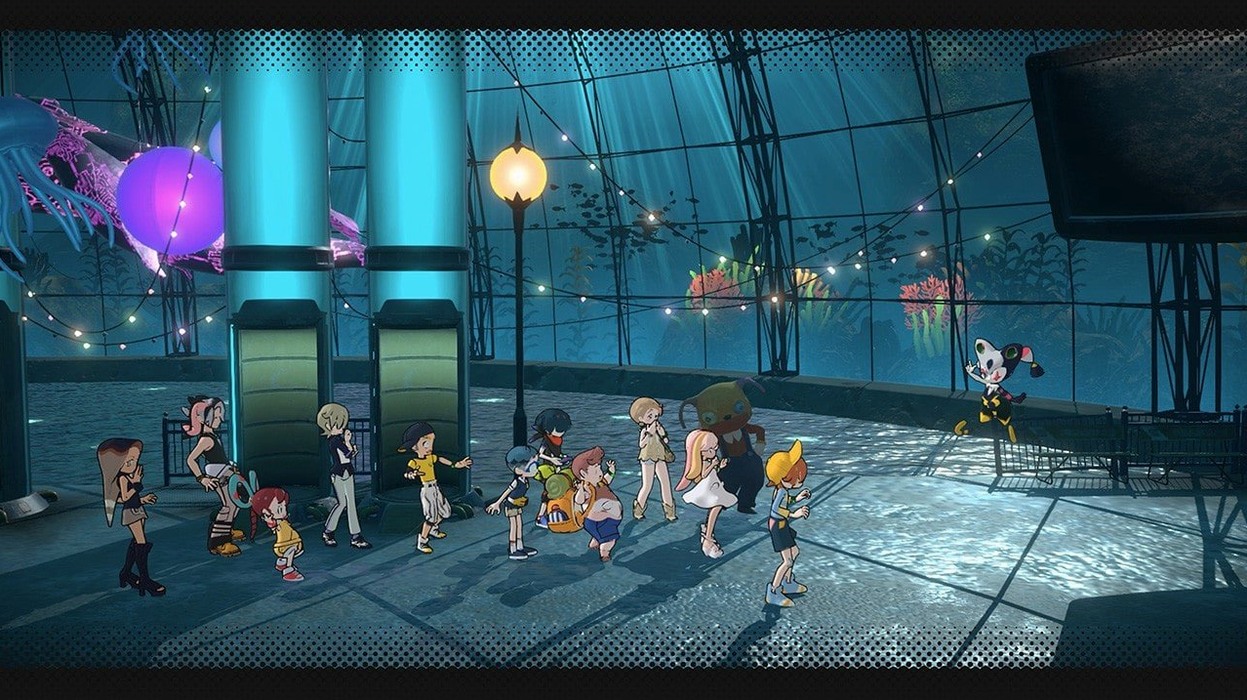


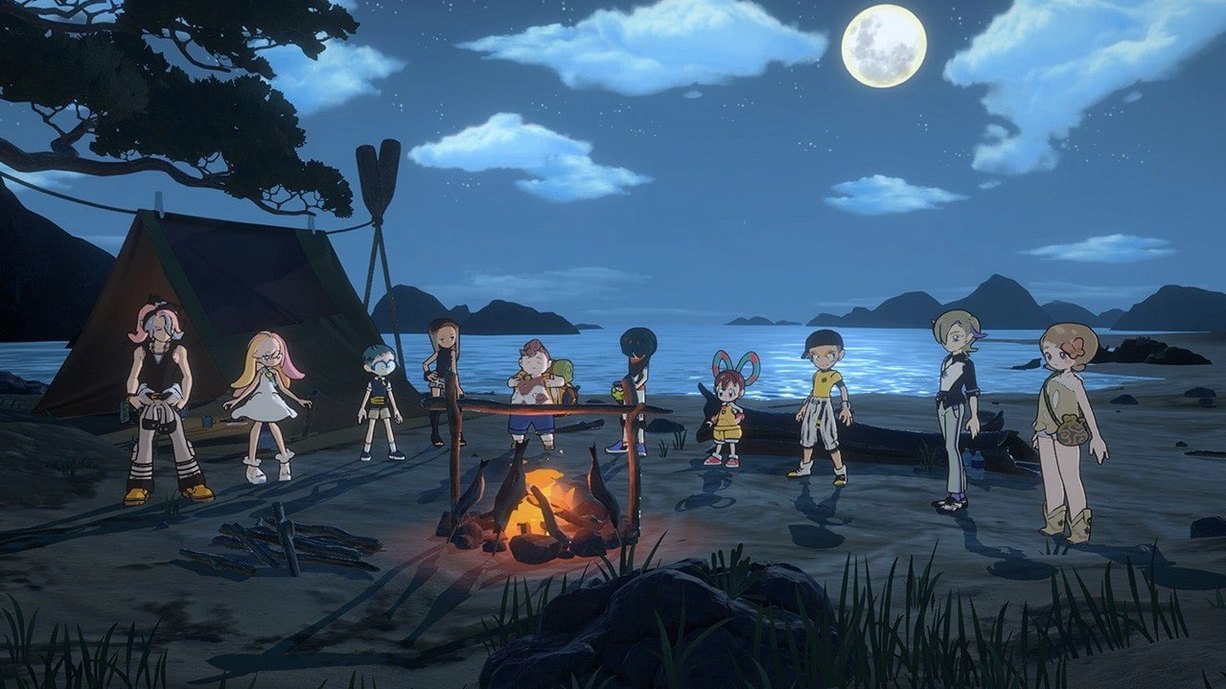
Click a screenshot to see it wider.
The current version, 2.0, brings the full journey into focus. World's End Club for macOS is a side-scrolling action-adventure where your decisions matter. When the group of children disagrees, your choices determine the outcome.
| Detail | Info |
|---|---|
| Genre | Action-adventure |
| Characters | 12 |
| Story | 1200 km journey |
| Stages | STORY, ACT, CAMP |
| Scenario/Director | Kotaro Uchikoshi |
The story starts with children trapped in an underwater amusement park. They awaken unusual abilities and set off on a long journey. The game blends side-scrolling action with adventure elements. In the STORY stage, you follow the plot. ACT brings the action sequences. CAMP lets you review the story and talk with companions. With 12 characters and branching paths, each playthrough can take a different turn.
Objective Display and CAMP Dialogue Logs
The interface shows your current objective clearly, so you never lose track of the next goal. The map screen highlights which characters are available for conversation during CAMP phases. Dialogue logs in the CAMP stage let you revisit past conversations if you missed a detail. The game auto-saves after each story decision, removing the need to manually track save slots. You can adjust audio language between English and Japanese without restarting. Subtitles cover 14 languages, making it easy to switch to your preferred text language.
Workflow: A Branching Choice Sequence
A typical play session might look like this. You start in the STORY stage. The group reaches a fork in the road. A disagreement triggers a choice prompt. You pick an option. The game auto-saves.
Next, you enter the ACT stage. The side-scrolling action begins. You move through the environment. Simple controls handle jumps and attacks. Puzzle elements appear as obstacles. You reach the end of the ACT stage.
Back in STORY, the group reacts to your earlier decision. A new dialogue branch opens. You talk with companions. The CAMP stage becomes available. You check the story log to see how your choice changed the path. You speak with a character whose relationship shifted. The stage repeats until the group reaches Tokyo.
The flow repeats: story choice, action sequence, camp reflection. Each decision narrows or widens the narrative branches. Twelve character arcs mean multiple routes through the 1200 km journey.
Quick-Flip Menu Navigation
The menu system lets you jump directly between the three stage types without returning to a main hub. During an ACT sequence, you can pause and review the current story objective. The CAMP screen lists every character who has something new to say, saving you from cycling through the whole cast. The map screen in STORY mode shows your progress along the 1200 km route, with visited locations marked. These small shortcuts keep the pacing tight.
Workflow: Using CAMP to Unlock a Branch
Some narrative branches only open after you build a relationship with a specific companion. Here is how to trigger one.
- Progress through STORY until you reach a CAMP prompt.
- Open the character list. Speak with every available companion, not just the one with the exclamation mark.
- Note which dialogue options produce a positive reaction. The game does not track affinity scores visibly, but the companion’s response changes.
- Exit CAMP and continue to the next STORY segment. The branching choice now includes a new option that was locked before.
- Select that option during the group disagreement. The story shifts to a route you could not access earlier.
The CAMP stage is not just for catching up on lore. It functions as a relationship builder that directly affects the branching map. Repeating this workflow with different characters reveals alternate scenes and endings.
world's end club macos download version 2.0 supports all 14 text languages and both English and Japanese voice tracks without requiring a language pack download. The disk image contains the full build.
- macOS version not specified
- Intel architecture
Questions I get about this line
The CAMP stage is used to review the story and speak with companions.
The install order
- Mount the downloaded disk image.
- Drag the app into the Applications folder alias.
- After copying finishes, launch the app from Launchpad.