- Version
- t6 1290 fix
- Developer
- Limbic Entertainment
- Languages
- Russian, English, German, Spanish, Italian, French
- License type
- DRM-free
- Released on
- 29.03.2019
- Installed and checked on
- macOS Sequoia, MacBook Air (M1. 2020)
- Audio language
- English, German, Spanish, Italian, French
| Chip | Intel 64-bit |
|---|---|
| Download | 40 GB |
Screenshots
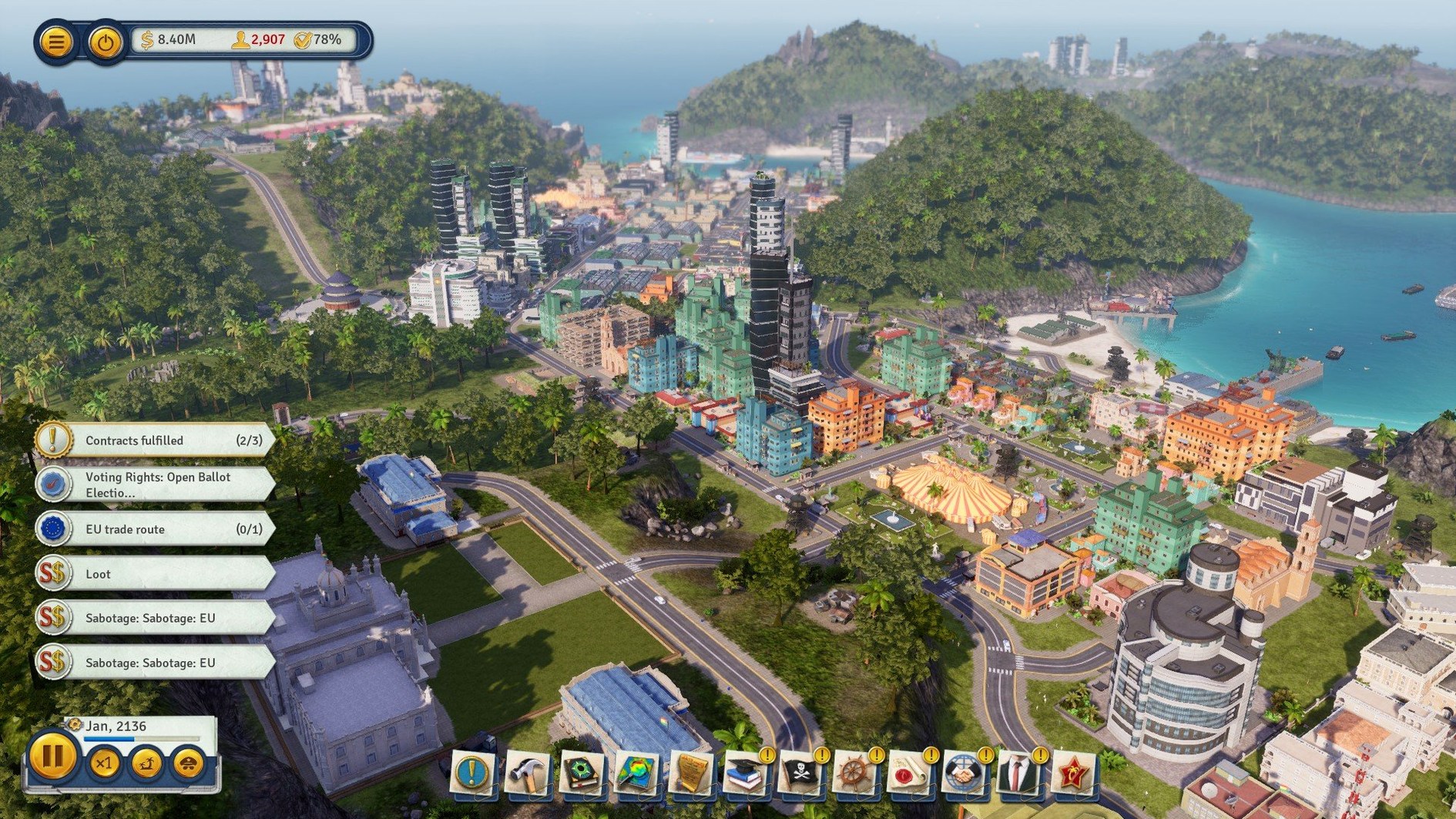
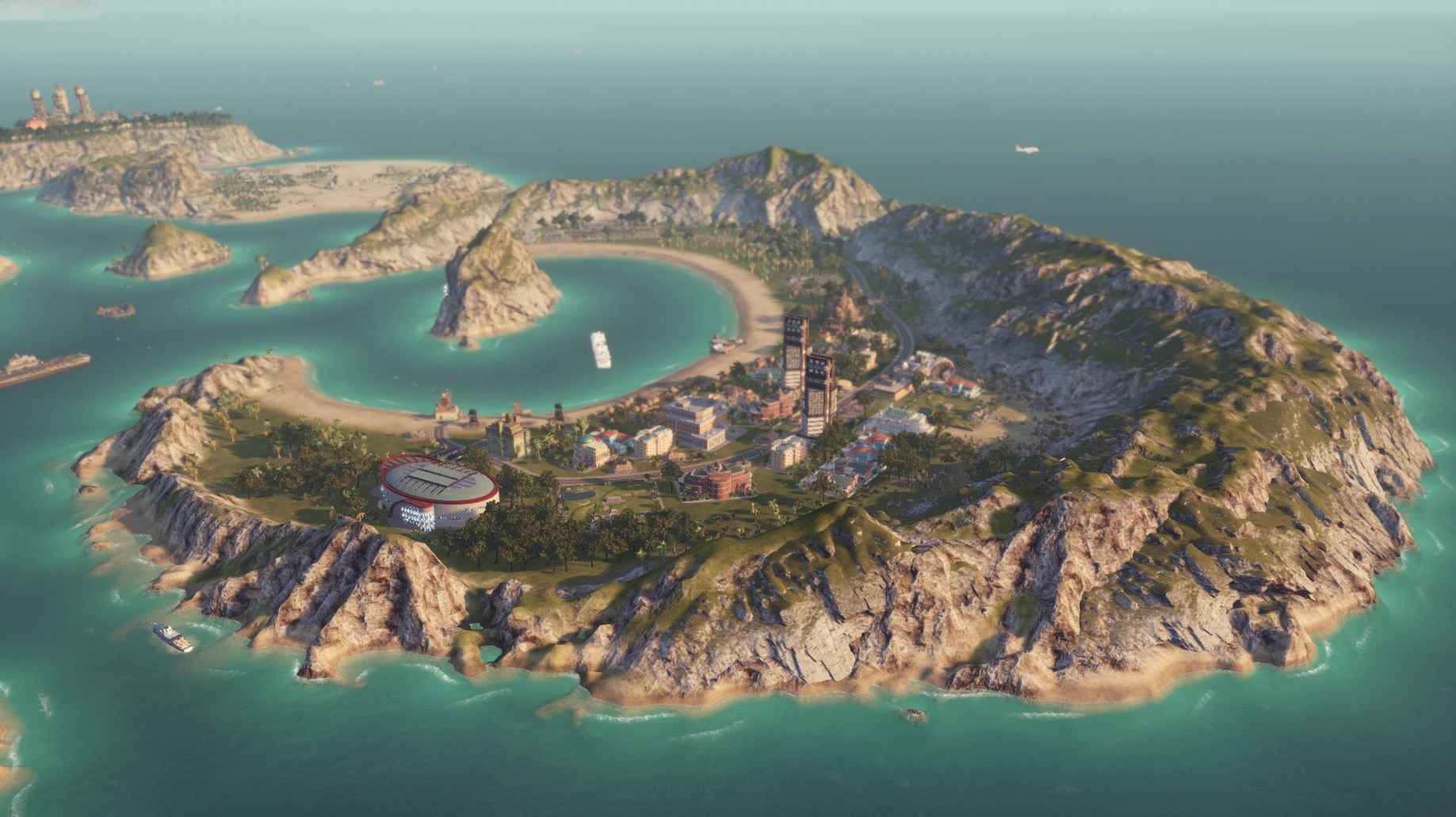
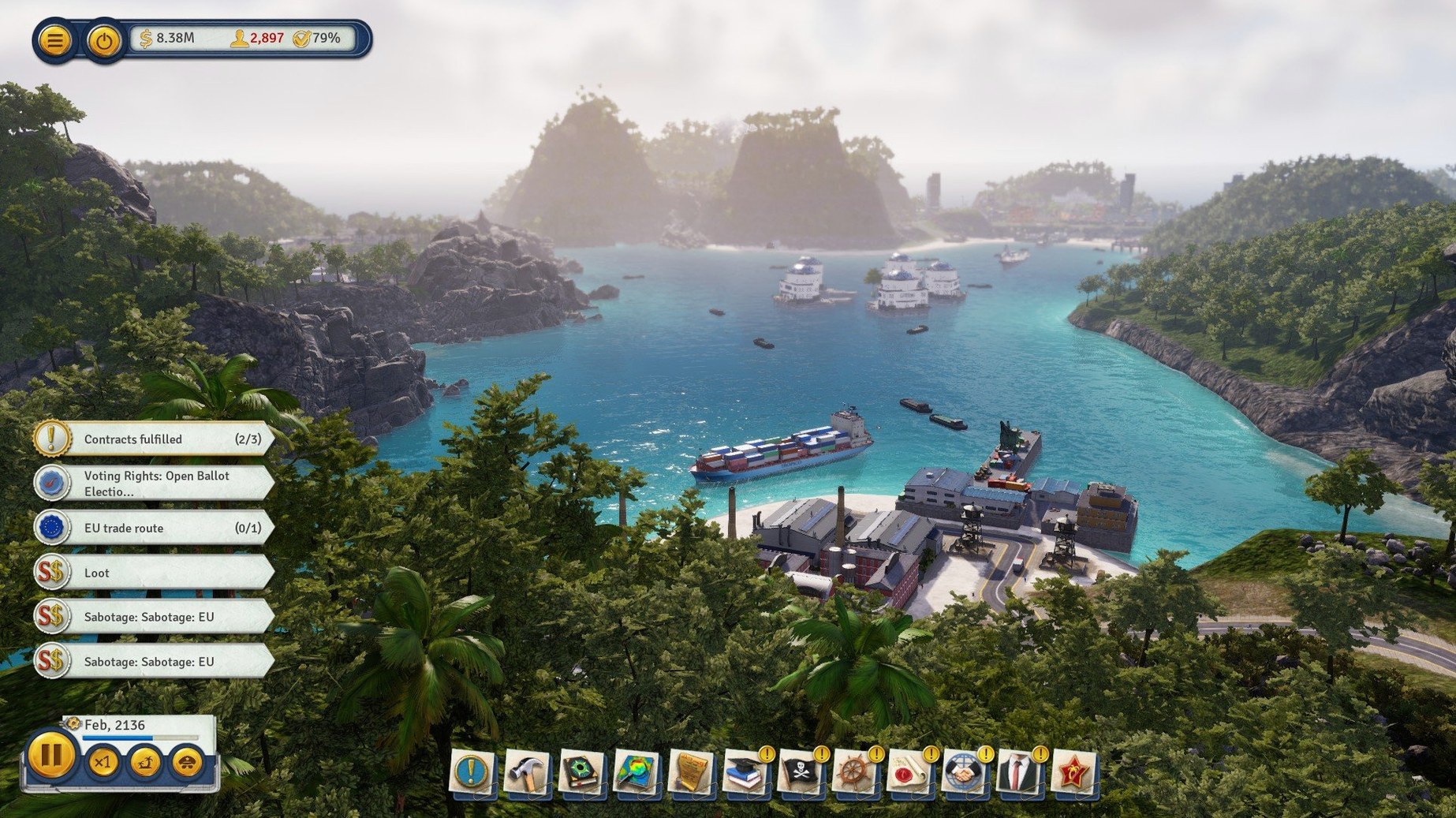
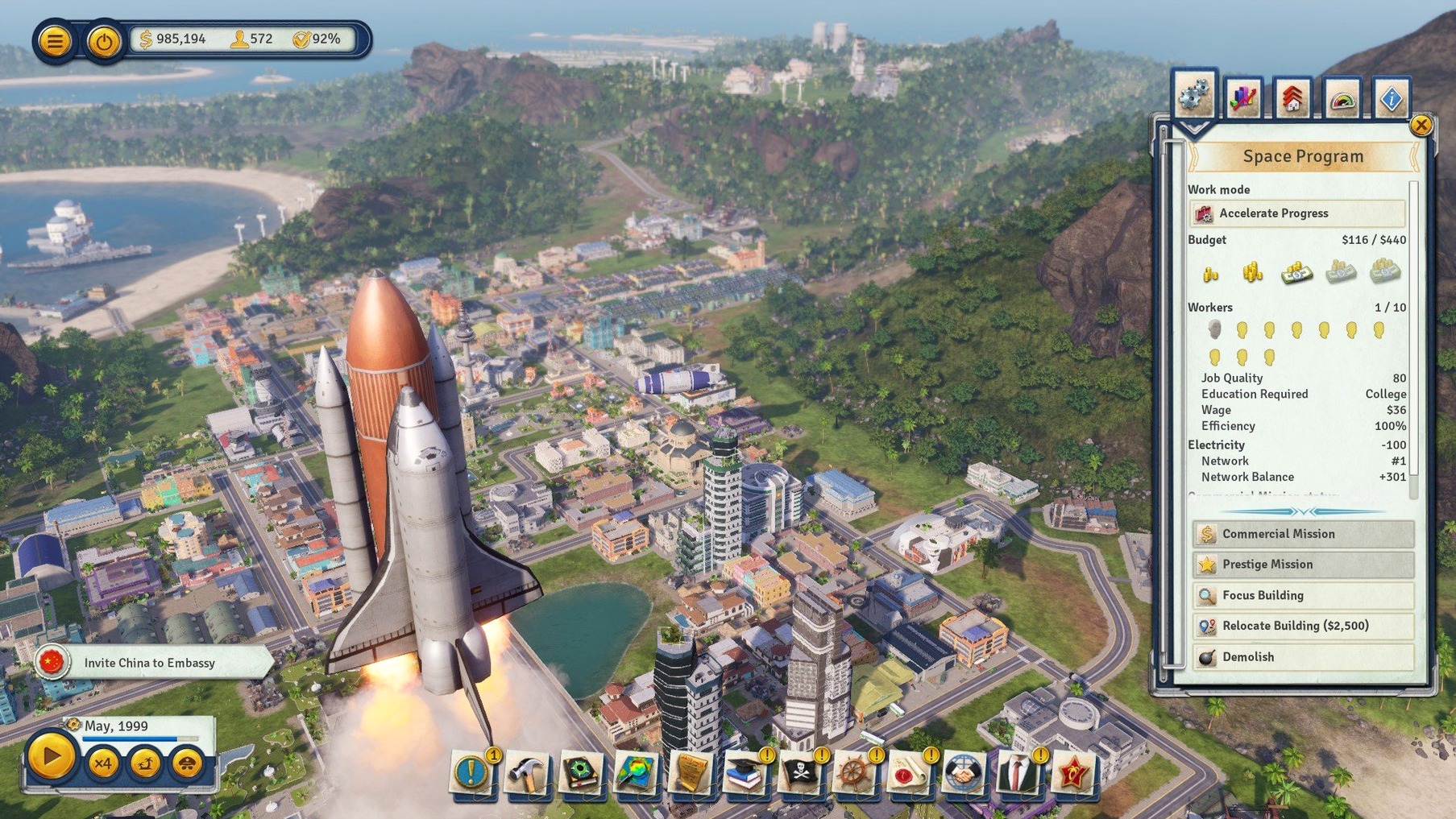
Scroll the row, it snaps to each screenshot. Click one to see it wider.
Build a bridge, and suddenly the whole island opens up. That is the core of Tropico: you develop and control a state, piece by piece. You connect islands with bridges, then run transport systems—taxis and cable cars get workers to jobs and tourists to beaches. You strengthen defenses when unrest grows, and you balance budgets while keeping your people fed. Minute to minute, you are juggling construction timers, route efficiency, and approval ratings. It is a strategy game, but the real work is logistics and damage control.
- Scout the map and pick bridge and road placements that actually shorten commute times.
- Queue up new buildings—homes, farms, factories—and manage the power grid.
- Adjust taxi and cable car routes when districts get congested.
- Upgrade defenses and position guard posts before rebels cause trouble.
- Watch the treasury and adjust trade deals to stay solvent.
The current build, t6 1290 fix, runs on Intel Macs with at least 8 GB of RAM. If you like city builders where every decision has a consequence, this one keeps you busy.
Building an Island Economy From Scratch
Start a new game on a medium-sized island with one small town and a basic dock. Your first move: open the build menu and place a logging camp near the forest, then a teamster's office beside it. That gets raw materials moving. Next, drop a lumber mill downstream from the camp. Now you have planks for construction. Queue a simple housing block near the mill so workers do not walk across the map.
Open the budget screen. Set taxes to medium for low-income citizens and high for luxury goods. That funds your next step: a dirt road from the dock to the mill. Once the road finishes, a cargo ship arrives. Export planks immediately. The cash inflow lets you build a grocery and a church near the housing. Approval ratings climb, and you unlock the next tier of buildings.
Tying It Together With macOS and Other Tools
Tropico runs as a standard macOS app. I keep it in Applications like anything else. When I need to check a trade route or a rebel position quickly, I press Cmd+Tab to flip to Finder for a reference map or a notes file. The game respects macOS window management: you can split-screen it with a browser if you want to look up a building's efficiency formula on a fan wiki. I have also used macOS' screenshot shortcut (Cmd+Shift+4) to capture a crowded intersection and study the traffic pattern later. The game's own save system writes to the Documents folder, so Time Machine backs up your island progress automatically.
The DRM-free package means you can copy the install folder to an external drive and run it on another Intel Mac without reauthorizing. Handy for moving between a desktop and a laptop.
Construction Queue and Trade Deal Defaults Fixed
- Construction queue priorities are more predictable. Buildings start in a logical order now instead of defaulting to alphabetical.
- Trade deal defaults show the per-unit profit before you sign. No more guessing if you are overcharging.
- Voiceovers in Spanish, Italian, and French no longer stutter on mid-range Intel hardware.
- Bridge placement highlights snapped to adjacent islands more reliably. Saves a reload when the span is off by a pixel.
The fix does not overhaul the game. It tightens the edges that wear on you after fifty islands.
- Intel architecture
- 64-bit processor and OS
- Quad-core i5 or i7 at 3 GHz or better
- 8 GB RAM
- Metal, Shader 5 compliant GPU with 2 GB VRAM
- 16 GB available storage
Questions I get about this line
The tested system is macOS Sequoia on a MacBook Air with M1, so it can run. The required architecture is Intel, but it works under Rosetta.
Interface languages include Russian, English, German, Spanish, Italian, and French. Voice languages are English, German, Spanish, Italian, and French.
You need a 64-bit OS, a Quad-core i5 or i7 at 3 GHz or better, 8 GB RAM, a Metal-capable GPU with 2 GB VRAM, and 16 GB of storage.
The install order
- Run
tropico6_english_t6…pkgand follow the standard installer prompts. - Choose an installation location when asked.
- Select the Applications folder if it appears as an option.