- Version
- 1.13.11
- Developer
- Paradox Development Studio
- Languages
- Russian, English, German, Spanish, Chinese (Simplified), Korean, Polish, Portuguese, Turkish, French, Japanese
- License type
- Not required
- Released on
- 25.10.2022
- Installed and checked on
- macOS Tahoe, Mac mini 2024 M4
- Audio language
- Music only
| Chip | Apple Silicon, Intel 64-bit |
|---|---|
| Download | 9 GB |
Screenshots
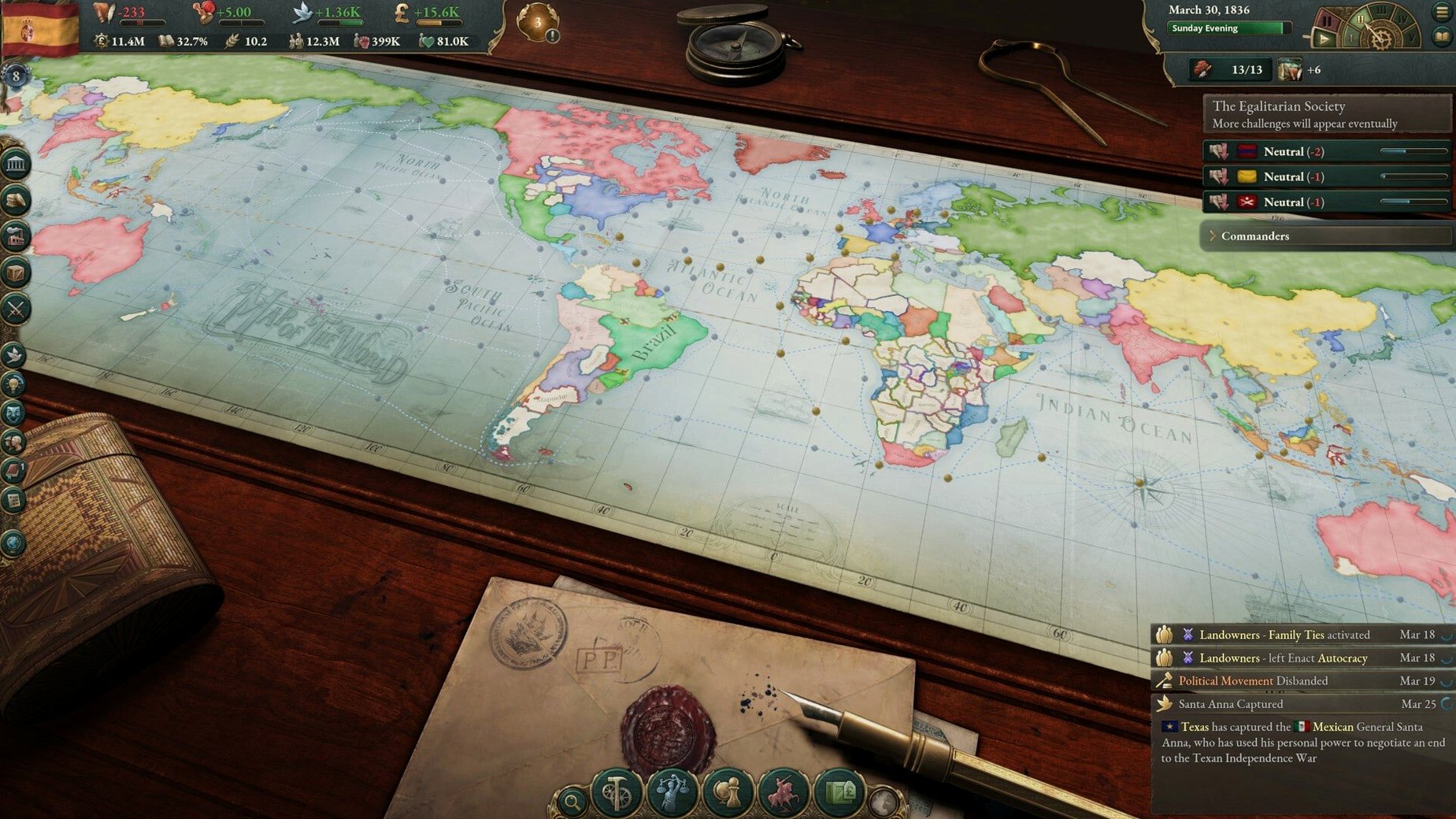
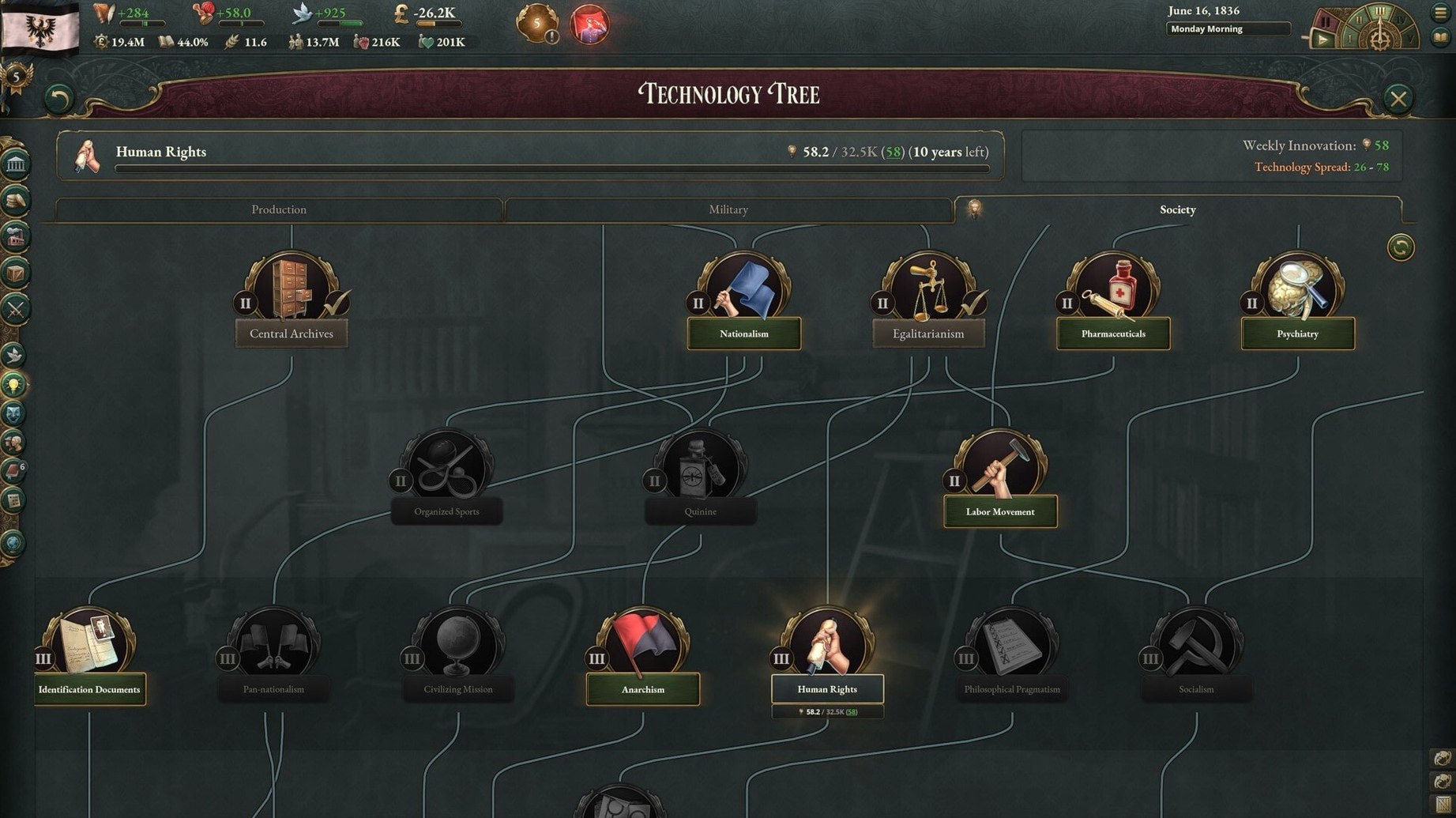
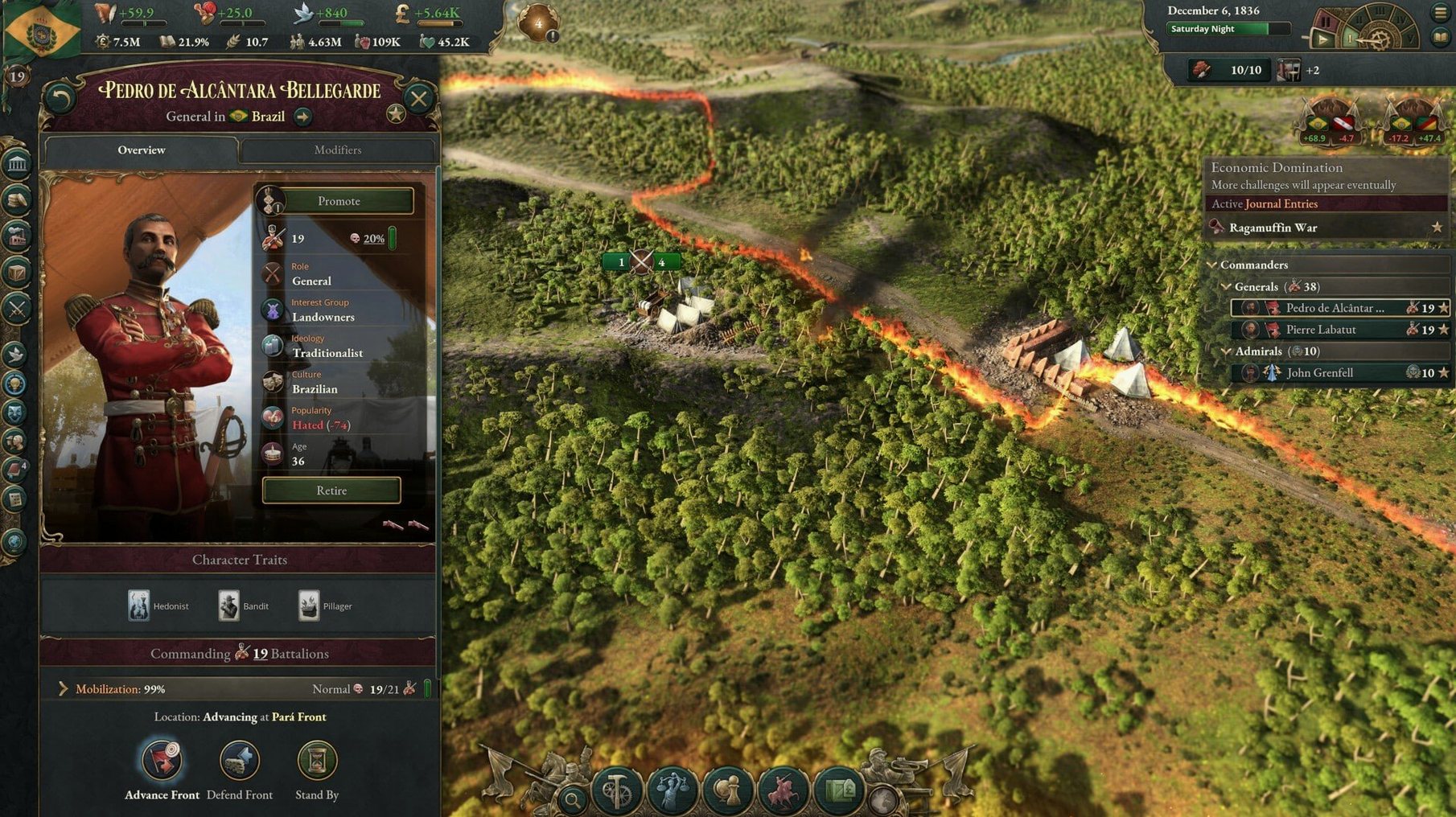
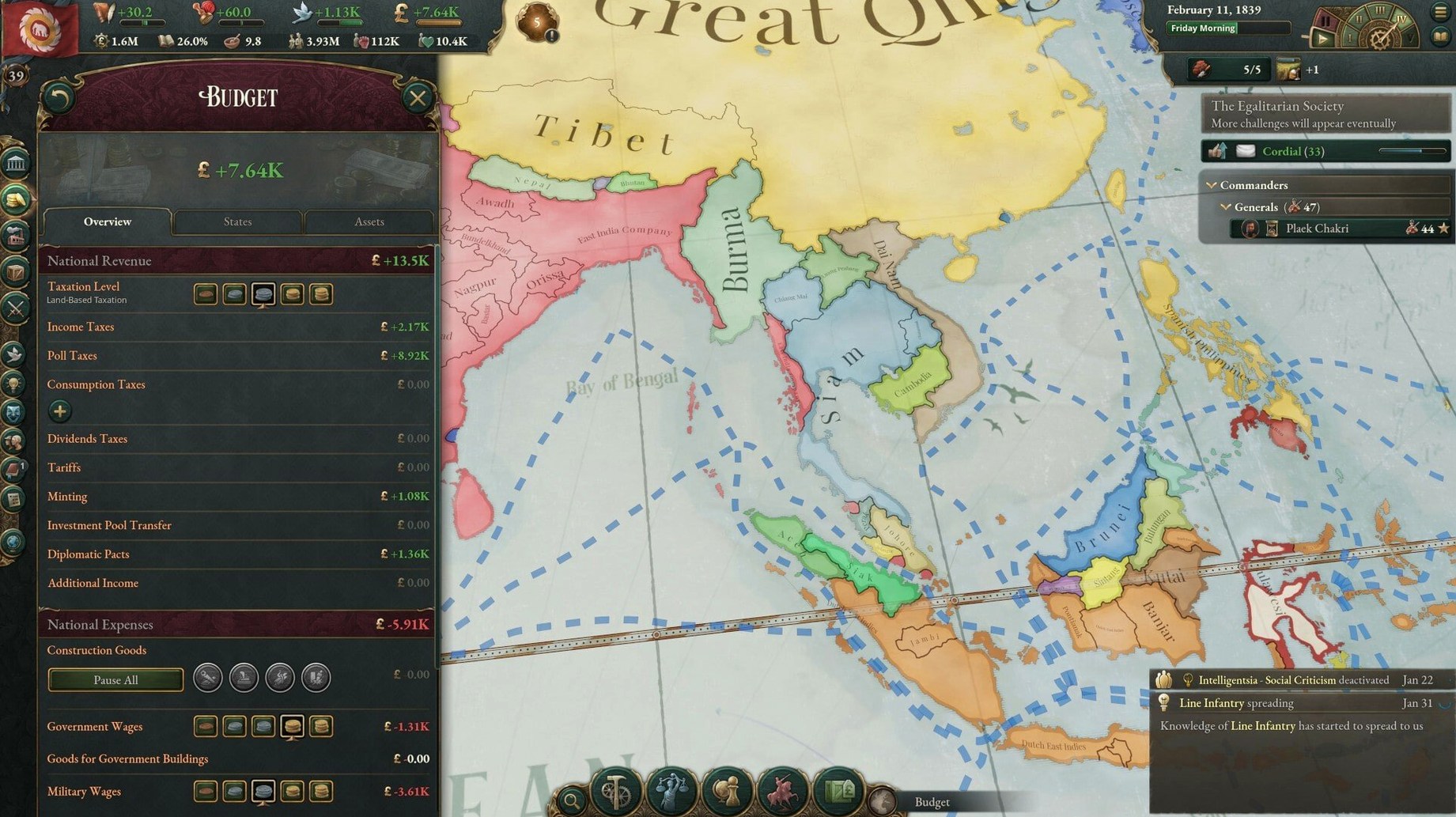
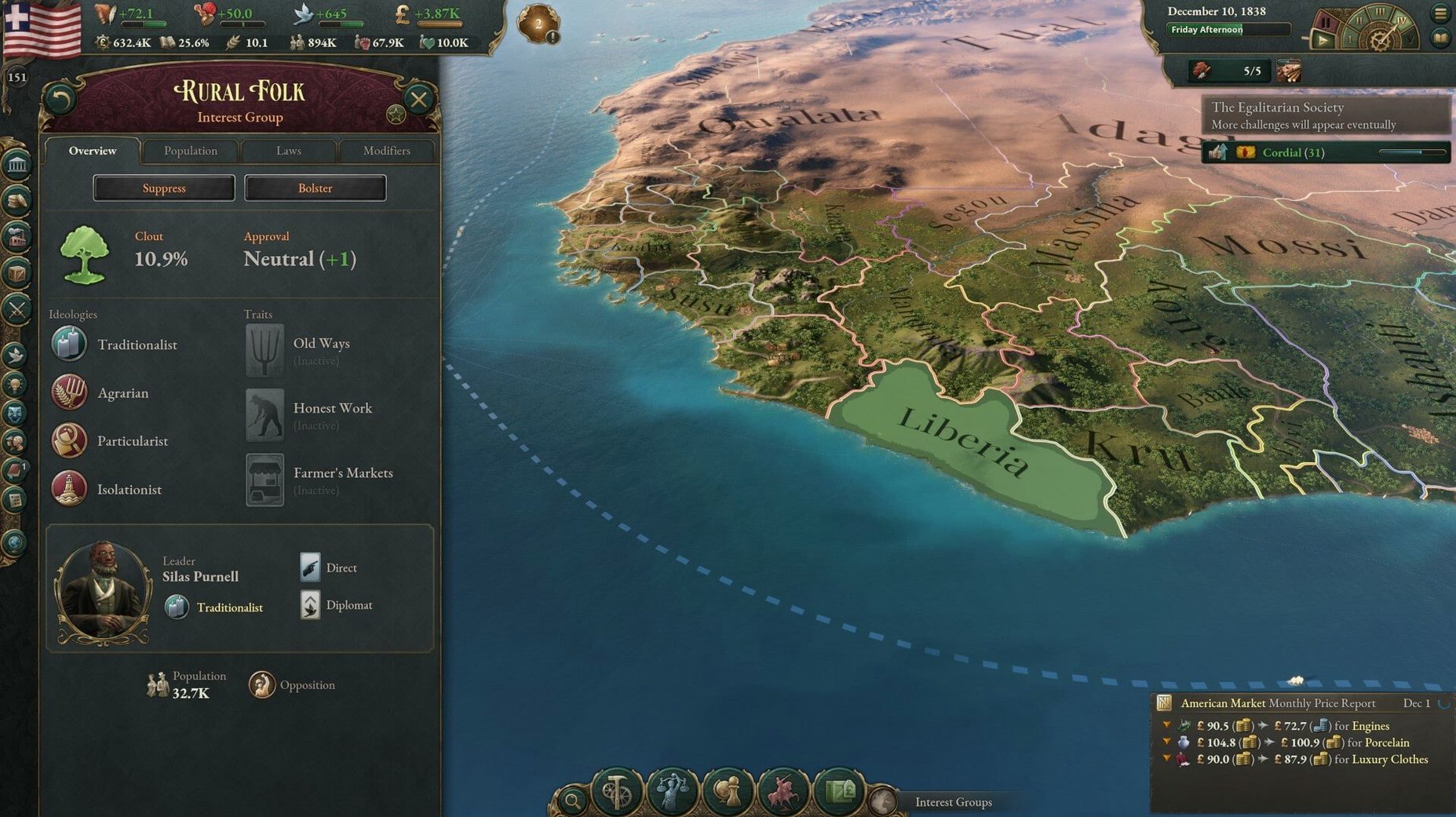
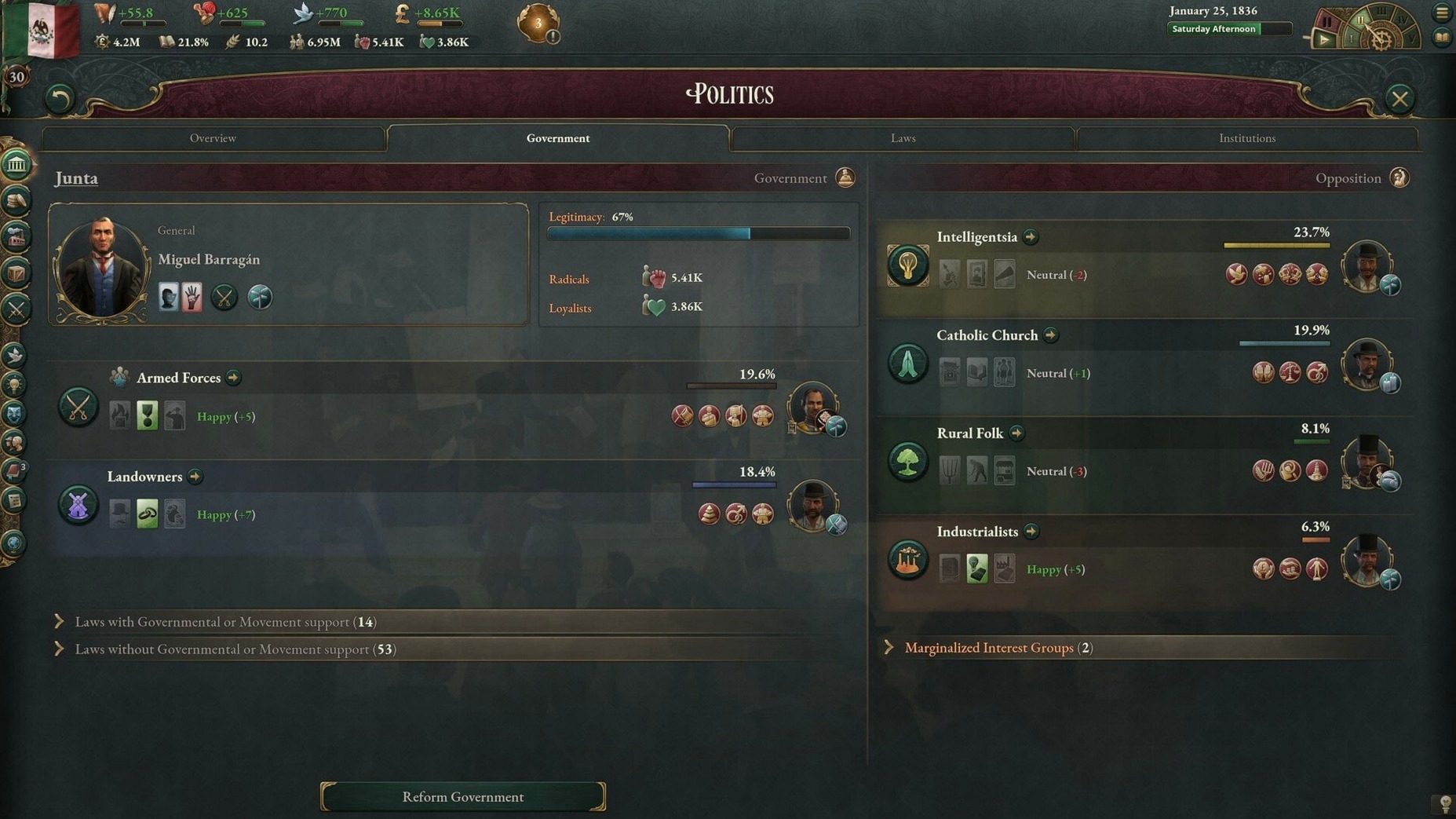
Scroll the row, it snaps to each screenshot. Click one to see it wider.
Government reforms and constitutional changes are how you reshape society in Victoria, the grand strategy game from Paradox Development Studio that covers one hundred years of politics, economy, and diplomacy from 1836 to 1936. On a Mac, the game runs natively on both Apple Silicon and Intel machines. Controls map well to a trackpad or mouse — the interface is menu-driven, so you never need a right-click or a keyboard shortcut you can’t remap. Performance is solid on an M2 MacBook Air; expect smooth play through the mid-game and some slowdown once the world fills with units and events around the 1880s, which is typical for this engine. Version 1.13.11 is a hotfix release that fixes a month-turn crash related to sway offers in diplomatic plays and adjusts Banana Plantation output values.
For the Patient Strategist Who Loves Deep Systems
This game is built for the patient strategist who enjoys long sessions and deep systems. You'll get the most out of it if you:
- Like historical simulation. Victoria doesn't hand you simple victory conditions. It asks you to manage literacy rates, political movements, and supply chains across decades. If Civilization feels too fast and Europa Universalis too combat-focused, this fills the gap.
- Enjoy economic modeling. The population groups (POPs) each have their own needs and loyalties. Balancing industry, trade, and tax rates becomes a genuine puzzle. Players who like spreadsheets and gradual optimization will find a lot here.
- Play on a MacBook Air or Pro. The game runs on both ARM and Intel architectures, so it works on any recent Mac. The menu-driven interface means you don't need a gaming mouse or external keyboard. Trackpad gestures handle camera movement fine.
Start with Sweden, Brazil, or Japan to Survive the First Hours
Victoria has a steep learning curve. These tips help you get past the first few hours without frustration:
- Start with a smaller country. Pick Sweden, Brazil, or Japan — not the United Kingdom or Prussia. Fewer POPs and simpler diplomacy let you learn the systems one at a time.
- Let the tutorial tooltips guide you. Hover over any icon or number. The game explains what each stat means. Don't ignore the budget screen or the population tab.
- Pause often. Use the space bar to pause and review events, reforms, and diplomatic offers. The turn-of-the-month crash fixed in 1.13.11 is gone, so you can safely let the game run while you read notifications.
- Check the trade screen early. If your industries lack raw materials, your factories shut down. Set up imports for coal, iron, and tropical wood before you need them.
Keep Victoria on Its Own Desktop with Mission Control
Victoria runs as a standard Mac app, so integration with the OS is straightforward:
- Mission Control and Spaces. I keep Victoria on its own desktop. With Mission Control, I swipe left to a browser for the Victoria 3 wiki or right to a reference sheet. No alt-tabbing through cluttered windows.
- macOS screenshot tools. Use Shift-Command-3 or Shift-Command-4 to capture interesting political maps or trade stats. Drop them into a notes app for strategy planning later.
- Folder organization. Victoria stores saves and settings in
~/Library/Application Support/Victoria 3/. If you play multiple campaigns, back up this folder. Reinstalling or moving to another Mac is painless. - Compatibility with other Paradox games. If you already play Stellaris or Hearts of Iron on your Mac, the interface style and hotkey layout will feel familiar. Muscle memory transfers.
Victoria 3 torrent downloads are available for those who want to test the game before committing. The 1.13.11 build is stable and well-tested on macOS Tahoe and newer systems.
- Fixed a crash at the turn of the month when sway offers were pending in a diplomatic play.
- Adjusted Banana Plantation output values.
- Tweaked the outcome options for the A Doctrine of Iron and Steel event.
- macOS (version not listed on official page)
- Apple Silicon or Intel processor
The install order
- Mount the downloaded image.
- Drag the app into the Applications folder alias.
- Launch the app from Launchpad after copying finishes.