- Version
- 1.7.1 fix
- Developer
- CREATIVE ASSEMBLY, Feral Interactive
- Languages
- Russian, English, German, Spanish, Italian, Chinese (Traditional), Chinese (Simplified), Korean, Polish, Portuguese, Turkish, French, Czech
- License type
- Not required
- Released on
- 23.05.2019
- Installed and checked on
- macOS Sequoia, MacBook Air (M1. 2020)
- Audio language
- Russian, English, German, Chinese (Simplified), Korean, French
| Chip | Apple Silicon, Intel 64-bit |
|---|---|
| Download | 27 GB |
Screenshots
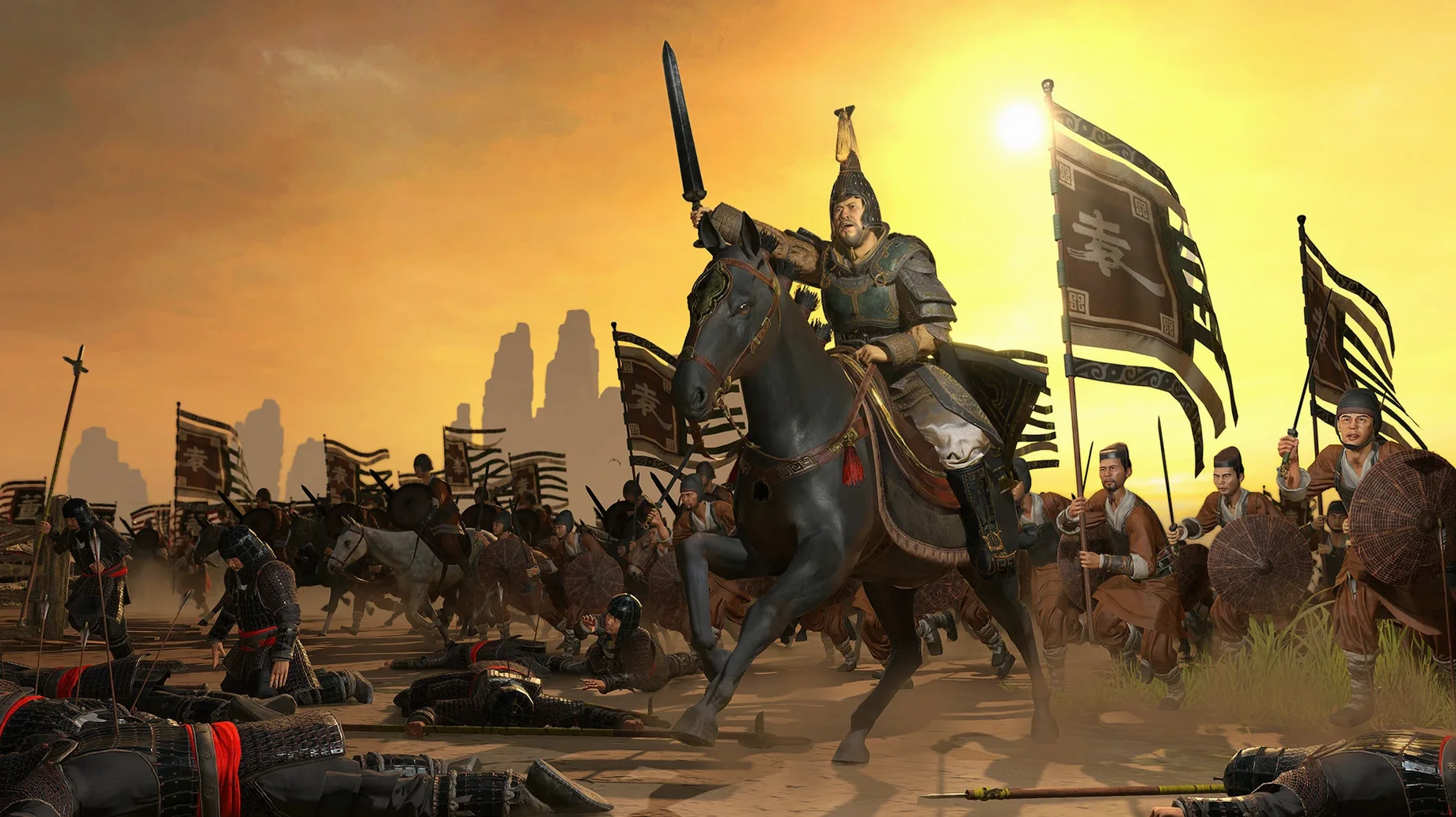
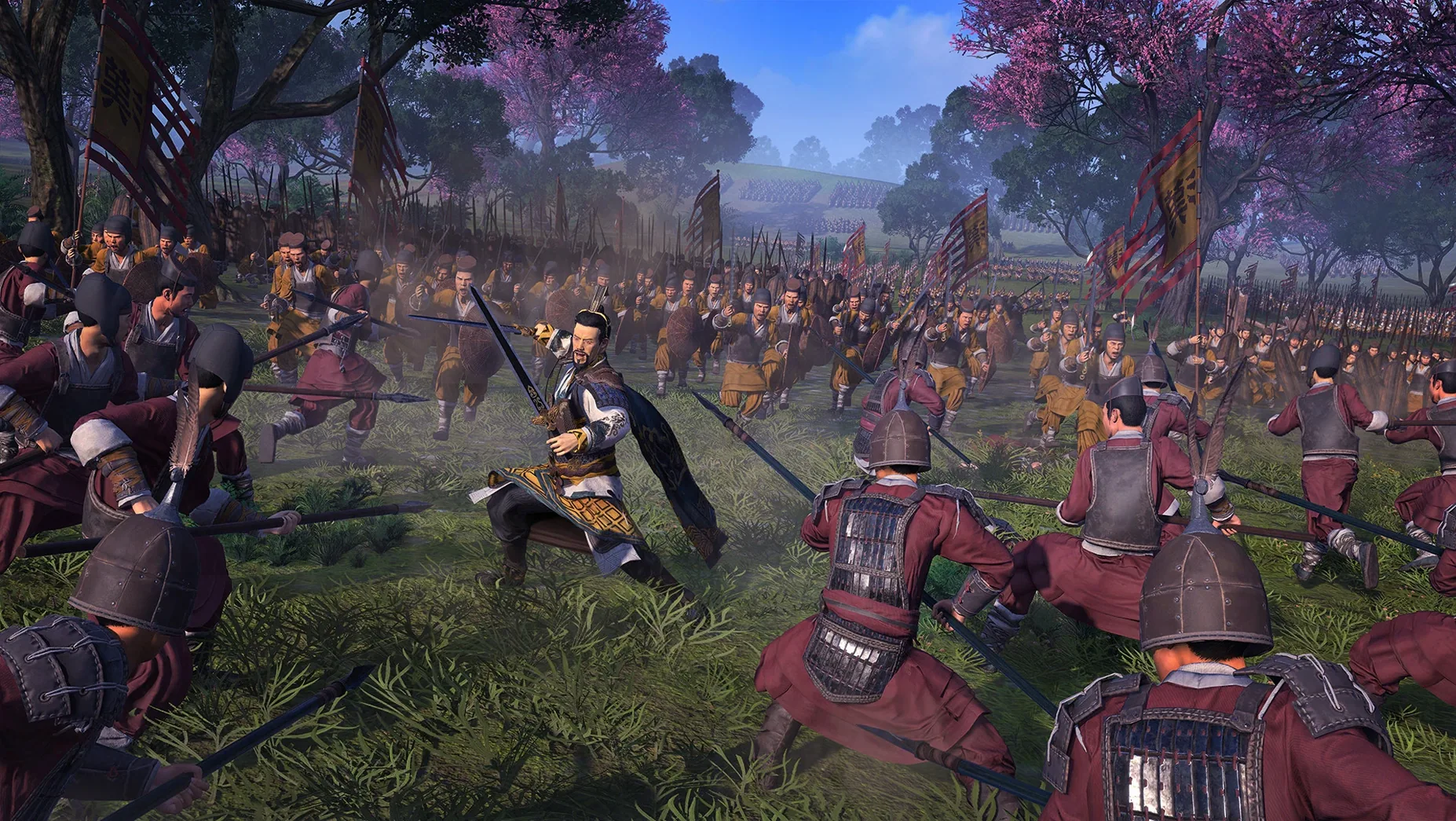
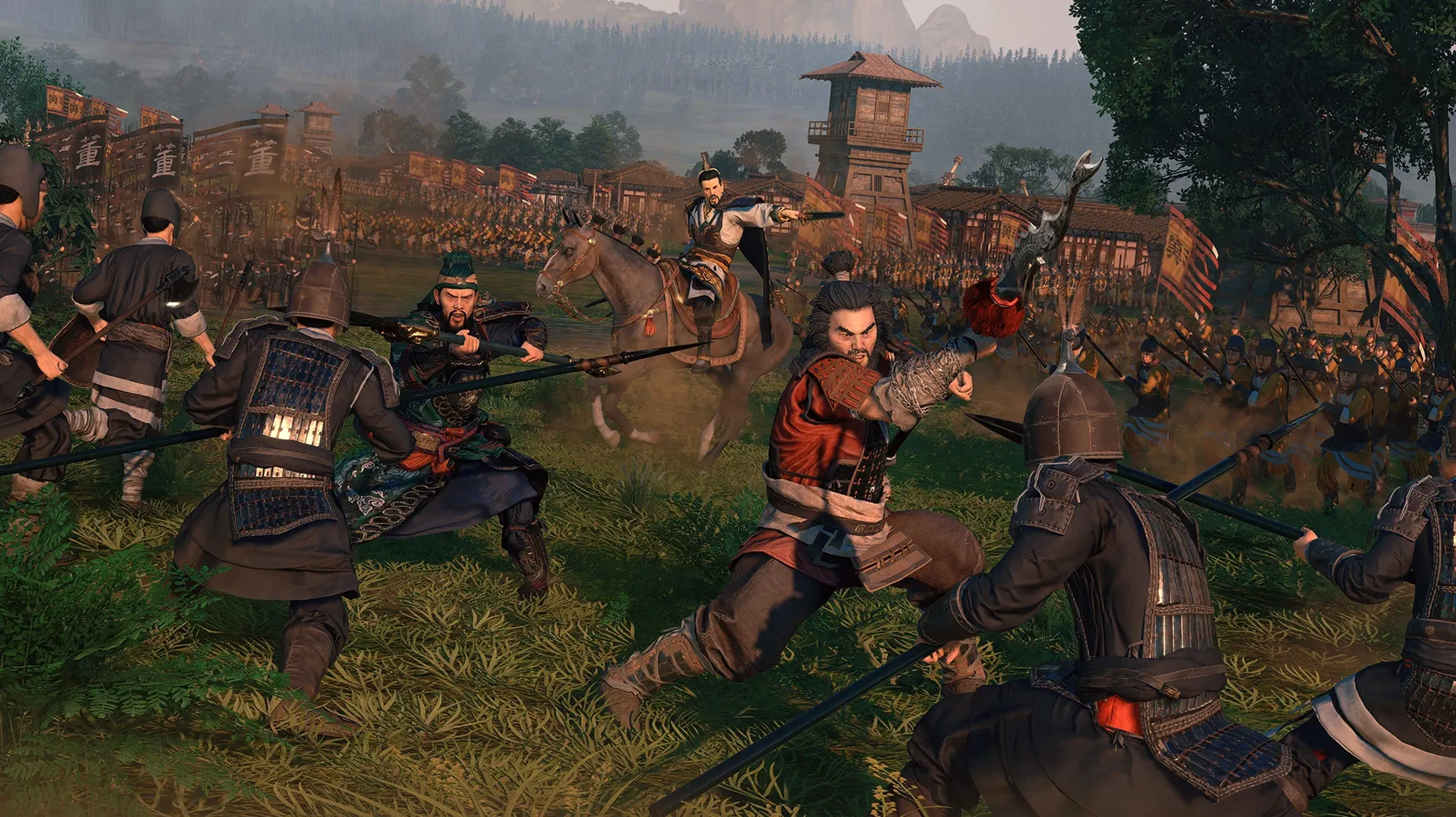
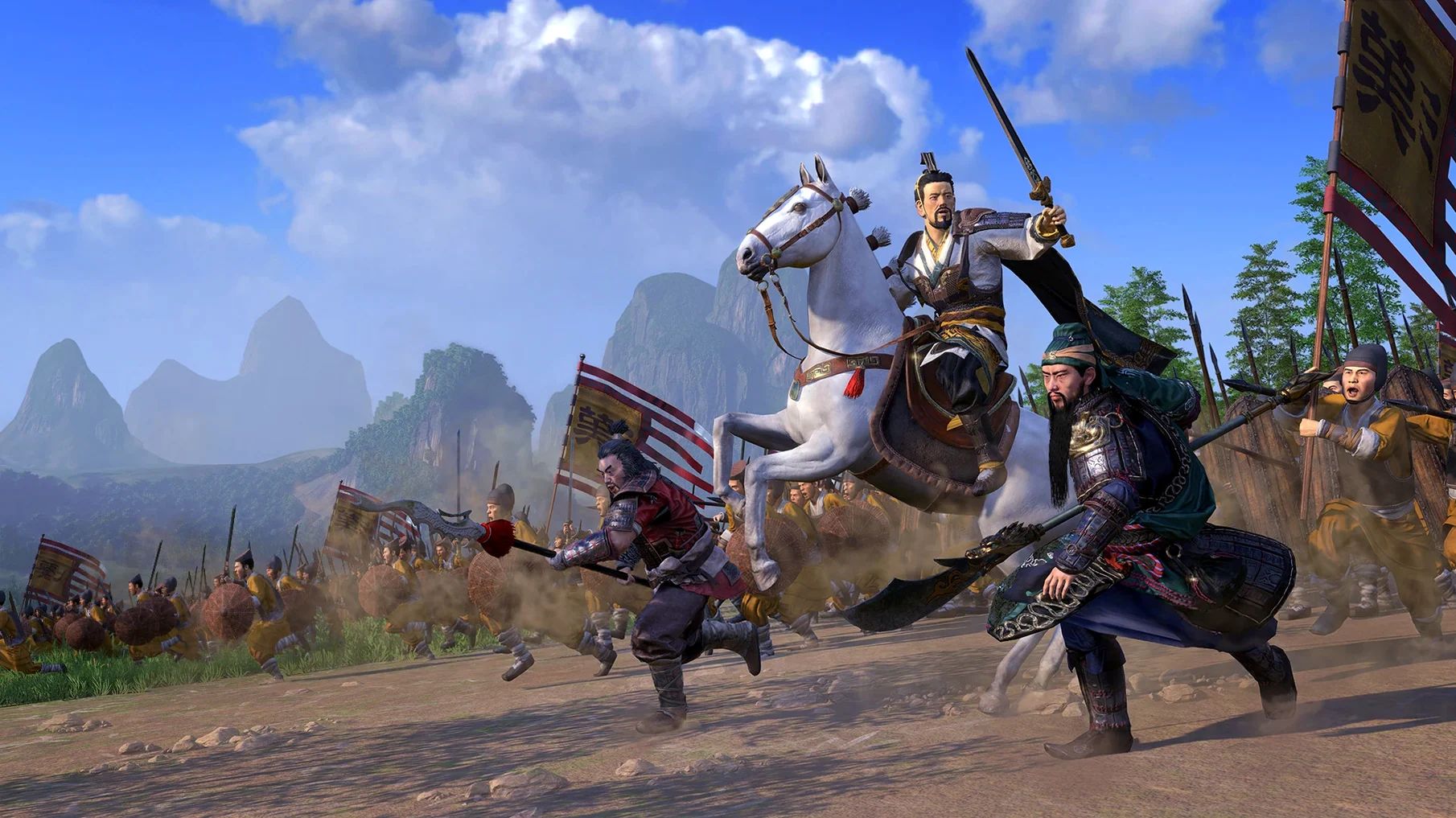
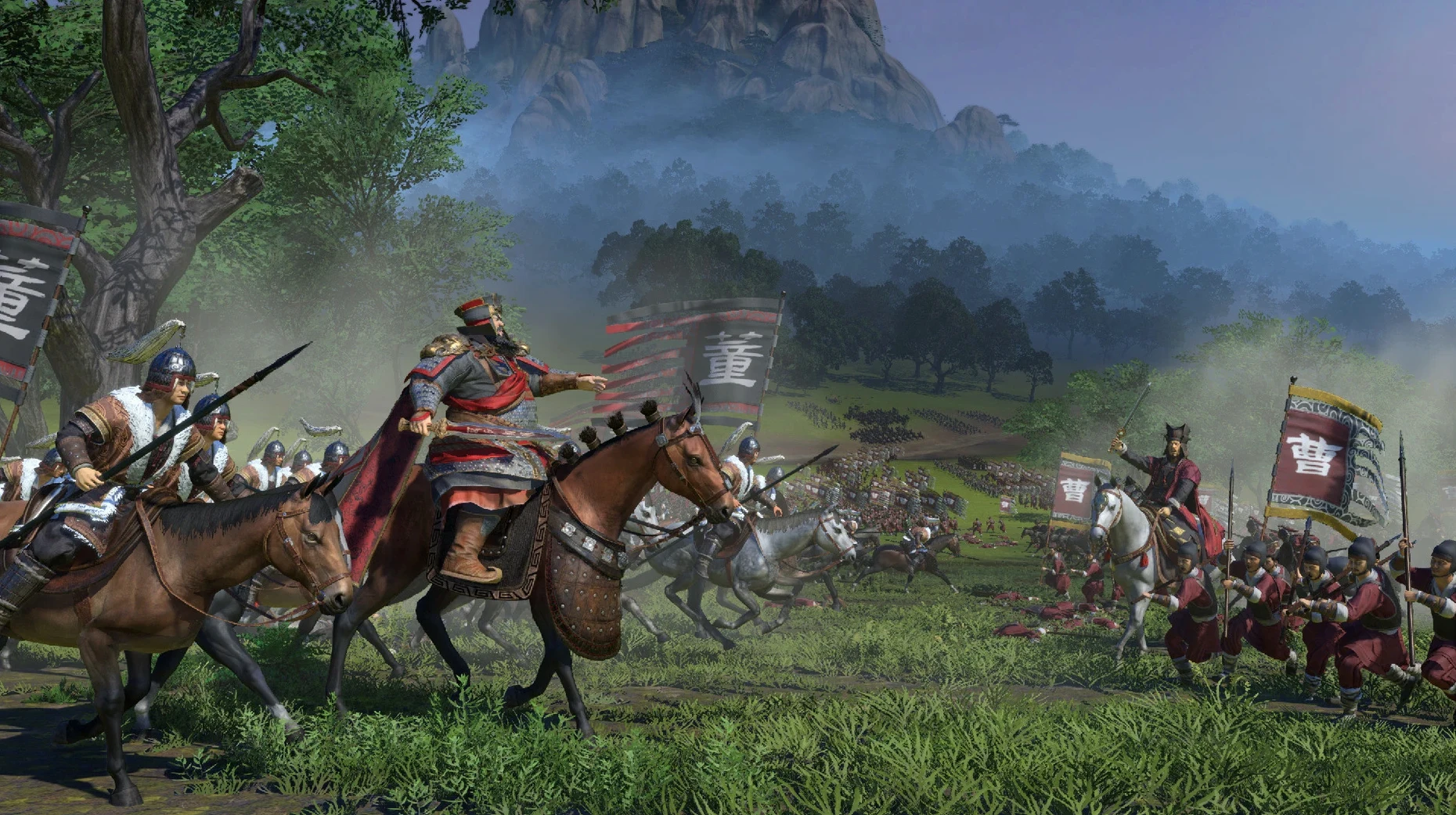
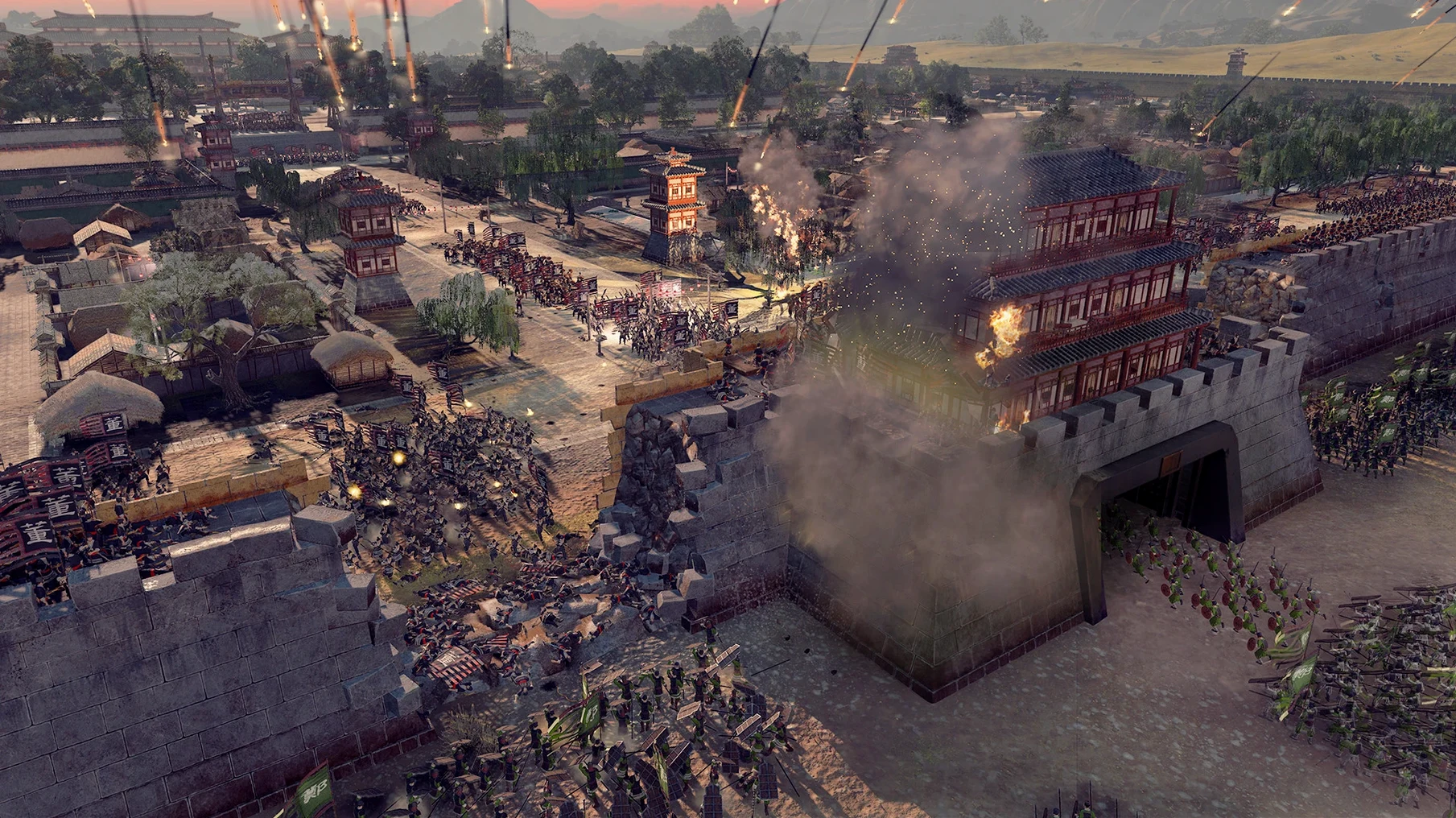
Click a screenshot to see it wider.
Total War: THREE KINGDOMS is a turn-based strategy game with real-time battles set in ancient China, starting in 190 CE. You pick one of twelve warlords and guide them through diplomacy, war, and character-driven politics.
Deep Campaign Layers and Guanxi Relationships
You will like this if you enjoy deep campaign layers and character management. The guanxi relationship system makes every general matter, not just as a unit leader but as a political asset. The mix of city building, army movement, and battlefield tactics keeps the pace varied. Fans of the Three Kingdoms period will appreciate the setting, including landmarks like the Great Wall and the Yangtze River.
Demanding Battles and Steady Campaign Attention
If you prefer pure action or quick sessions, this may not be for you. Battles are demanding, and the campaign map requires steady attention. The character focus adds complexity that casual strategy players might find overwhelming. But if you have the time, the depth is rewarding.
Game Won't Start After Install
Even a solid build can trip you up if you miss a detail. Here are a few things people run into and how to sort them out.
- Game won't start after install. The image needs to be fully mounted before you drag the app into the Applications folder. If you get a blank screen or a crash, unmount, re-mount the disk image, and copy the app again. Make sure you launch from Launchpad, not from the mounted volume.
- Voice language mismatch. The game supports Russian, English, German, Simplified Chinese, Korean, and French voice languages. If dialog plays in the wrong language, check your macOS system language settings and the in-game audio options. The text languages are a separate list, so don't expect voice to match text for every option.
- Trim old game installs or move media off before starting. The copy process takes a while; let it finish without interrupting the machine.
- Performance on Apple Silicon. The build is tested on macOS Sequoia with an M1 machine and supports both ARM and Intel architectures. If you notice stutter in battles, reduce the unit scale or graphics detail in the settings menu. No frame-rate tweaks are guaranteed, but turning down shadows helps.
Workflow: Starting a Cao Cao Campaign
This walkthrough gets you from the desktop to your first real turn.
- Launch Total War: THREE KINGDOMS from Launchpad.
- Select "New Campaign" and pick Cao Cao from the warlord list. His starting position near the central plains gives you strong trade routes and early diplomatic options.
- Set the difficulty to your taste. For a first run, "Normal" campaign and "Normal" battle difficulty are sensible.
- On the campaign map, review your initial settlement and army. Cao Cao starts with one general and a small force. Queue a building that boosts food or public order in your capital.
- Use the diplomacy screen to send a non-aggression pact to a nearby warlord like Tao Qian. This buys you time to build up.
- End the first turn. Let the AI move. When a battle triggers, deploy your units on high ground if possible. Use Cao Cao's unique abilities to buff your troops in the first clash.
- After the battle, recruit a second general from your character pool. Keep an eye on guanxi relationships — generals who dislike each other hurt your army's morale.
That is the start of a solid run. From here, expand your territory, manage your court, and watch for the grand alliance triggers that define the Three Kingdoms period.
- macOS 10.14.4 or later
- Apple Silicon or Intel (64-bit x86)
- 46 GB free disk space
Questions I get about this line
Yes, it supports both ARM and 64-bit x86 architectures, so it runs natively on Apple Silicon Macs and Intel Macs.
You need macOS 10.14.4 or later, and at least 46 GB of free storage.
The game includes English, Russian, German, Spanish, Italian, Traditional Chinese, Simplified Chinese, Korean, Polish, Portuguese, Turkish, French, and Czech.
The install order
- Mount the downloaded disk image.
- Drag the app into the Applications folder shortcut.
- After copying finishes, launch the app from Launchpad.