
Free download (5 MB) Previous versions
- Version
- 2.1.2
- Developer
- Johnson Fung
- Languages
- English
- License type
- Included
| macOS range | macOS 14 or later |
|---|---|
| Chip | Apple Silicon, Intel 64-bit |
| Download | 5 MB |
| Previous versions | 1 on file |
Screenshots
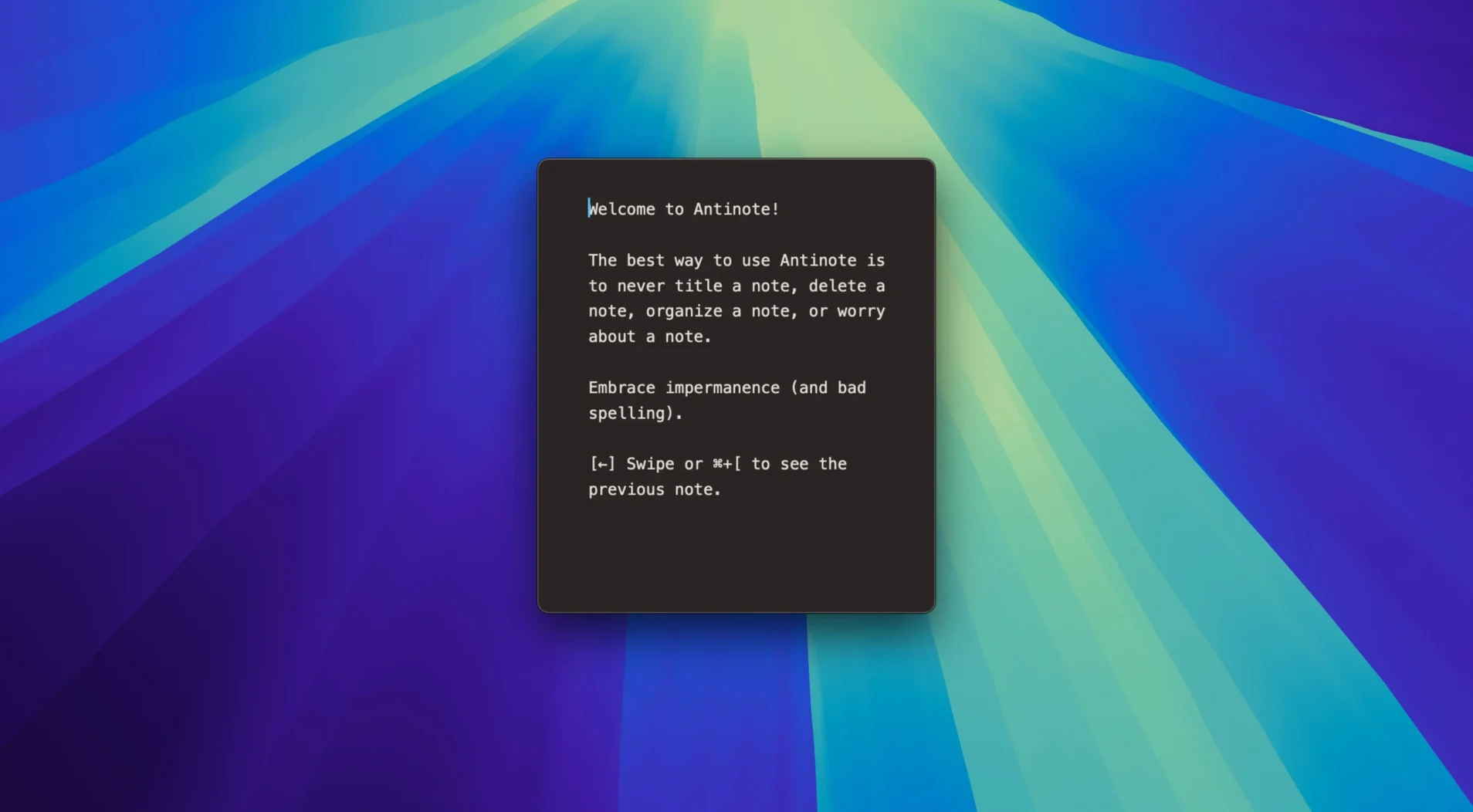
Think of the sticky note app you already use, then strip out the permanence. Antinote is that: a scratchpad that holds temporary text, quick calculations, and the kind of half-formed thoughts you don't want cluttering your Notes library. It lives in the menu bar and pops up with a global hotkey, so it's always one keystroke away.
What sets it apart is the math. Type a calculation inline while you're jotting something down, and it evaluates as you go—units, currency conversions, the works. Small custom calculators with variables handle repeated work. Paste in a screenshot and OCR pulls the text out, formatting and indentation stripped clean. Checklists respond to keyboard commands, which beats clicking checkboxes when you're mid-thought.
The whole thing is built for speed over storage. Notes are meant to be temporary; when you're done, they're gone. That's the point. For IT folks juggling ticket numbers, IP addresses, and quick config snippets all day, it's a handy layer between your brain and a real notes app.
One workflow: convert a currency and log it
You have a clipboard of raw data: "PCIe riser cable, $47.50 USD". You want the euro equivalent and a clean note you can post to a colleague.
- Press your global hotkey. Antinote opens in front of whatever you're working on.
- Paste with
Command-V. Formatting and indentation disappear. The line reads "PCIe riser cable, $47.50 USD" without stray styles. - Type a new line below it:
47.50 USD in EUR. As you finish the line, the app converts it inline. You see the result beside your text. - Add a checklist item on the next line. Type
- [ ] order cable. The app recognizes the bracket syntax and turns it into a clickable checkbox. - Export the note. Open the File menu (or use whatever key you bind), choose Export as Markdown, pick a folder. The file lands as clean
.mdtext with no hidden styling.
That's the whole loop: paste, convert, checkbox, save. No opening Safari for a converter, no pasting into TextEdit to strip formatting, no switching apps mid-record.
Small conveniences you miss until you need them
- Link shortening on paste. Long URLs auto-shorten to smart endings instead of eating up your note space.
- The Void. If you trash a note and immediately need it back, File > Recover Notes from The Void brings it back. No backup app required.
- Clipboard watcher. Antinote can watch what you copy and paste it in automatically. Good for repeated data intake during system audits.
- Three modes. Run it as a dock icon, menu bar app, or dropdown panel. One person's dock clutter is another's quick-launch preference.
- Export to Bear, Obsidian, Apple Notes. When a temporary note turns out to be permanent data (server serials, firmware versions), you push it to a real notes app without re-typing.
The design is keyboard-first through and through. Once the hotkey and export paths are muscle memory, the trackpad stays untouched.
- Fixed a hotfix for shortcuts firing twice on first launch of 2.1.1.
- Added File > Recover Notes from The Void for accidentally deleted notes.
- Temporary hotfix release.
- macOS 14 or later
- Intel or Apple Silicon
- English interface
Questions I get about this line
Yes, in version 2.1.2 you can go to File > Recover Notes from The Void to bring back accidentally deleted notes.
Yes, Antinote 2.1.2 runs on both Intel and Apple Silicon Macs, as long as you're on macOS 14 or later.
The install order
- Open the downloaded disk image.
- Drag the app into the Applications folder shortcut.
- After copying finishes, launch the app from Launchpad.