
Free download (68 MB) Previous versions
- Version
- 11.1.0
- Developer
- GraphPad Softwar
- Languages
- English
- License type
- Not required
| macOS range | macOS 11 or later |
|---|---|
| Chip | Apple Silicon, Intel 64-bit |
| Download | 68 MB |
| Previous versions | 3 on file |
Screenshots
Scroll the row, it snaps to each screenshot. Click one to see it wider.
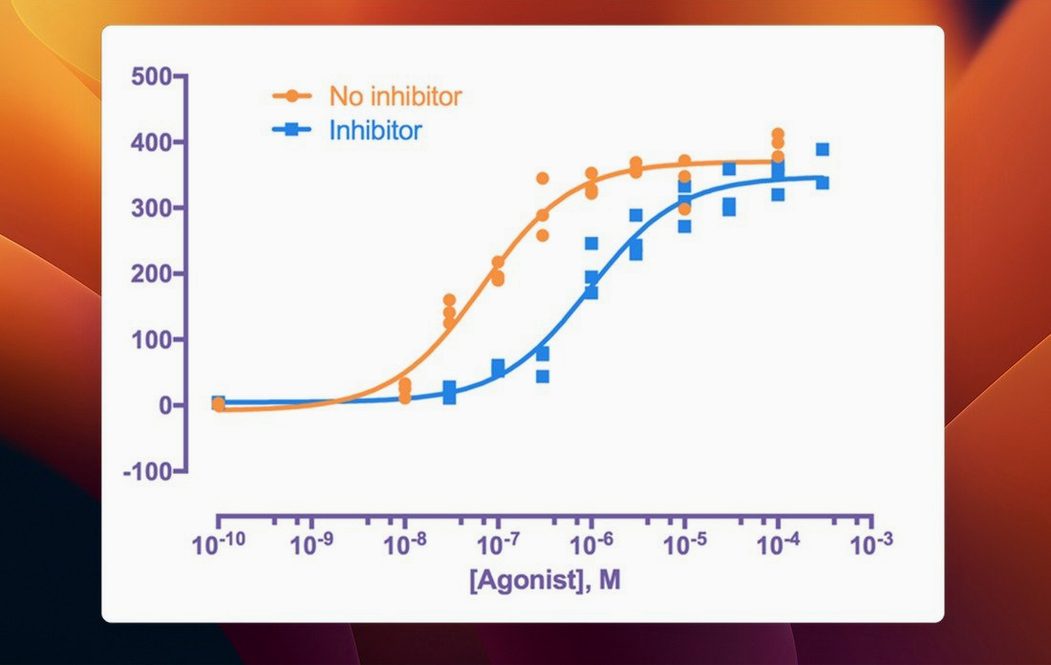
GraphPad Prism 11.1.0 is a scientific graphing and biostatistics application that also handles nonlinear regression and curve fitting.
Runs on macOS 11 and Both Apple Silicon and Intel Macs
Yes, on any Mac running macOS 11 or later. It supports both Apple Silicon and Intel 64-bit processors, so it works on current M-series Macs and older Intel models.
Combines Biostatistics, Curve Fitting, and Graphing in One Window
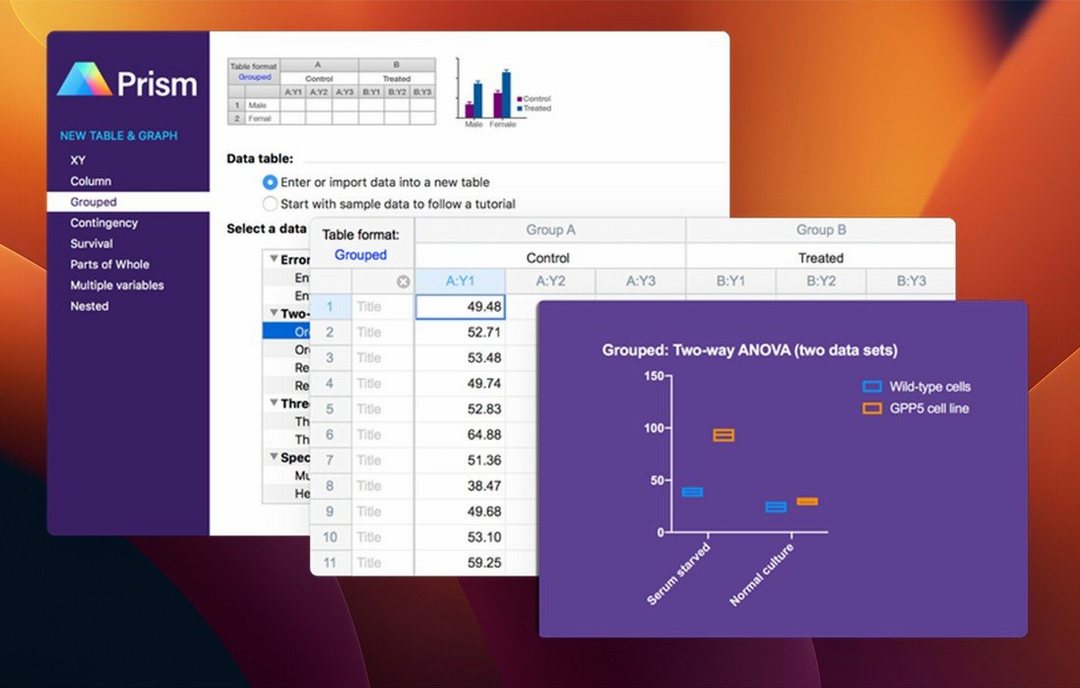
It combines biostatistics, curve fitting, and scientific graphing in one window. You can pick the right statistical test, run it, and interpret the results without switching apps.
New Graph Types and Streamlined Variable Selection in 11.1.0
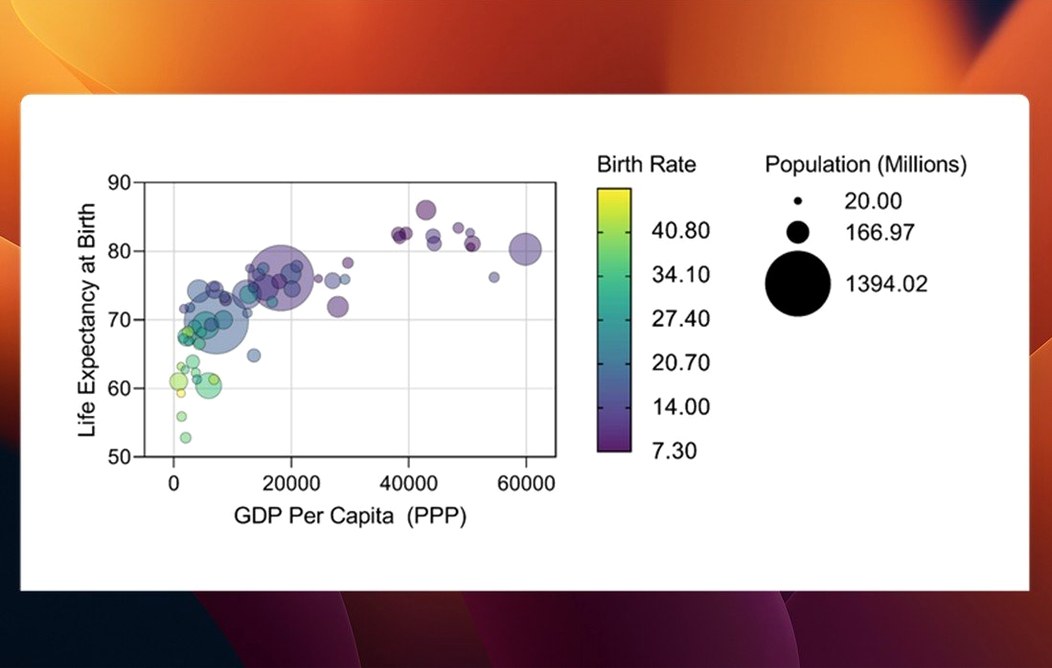
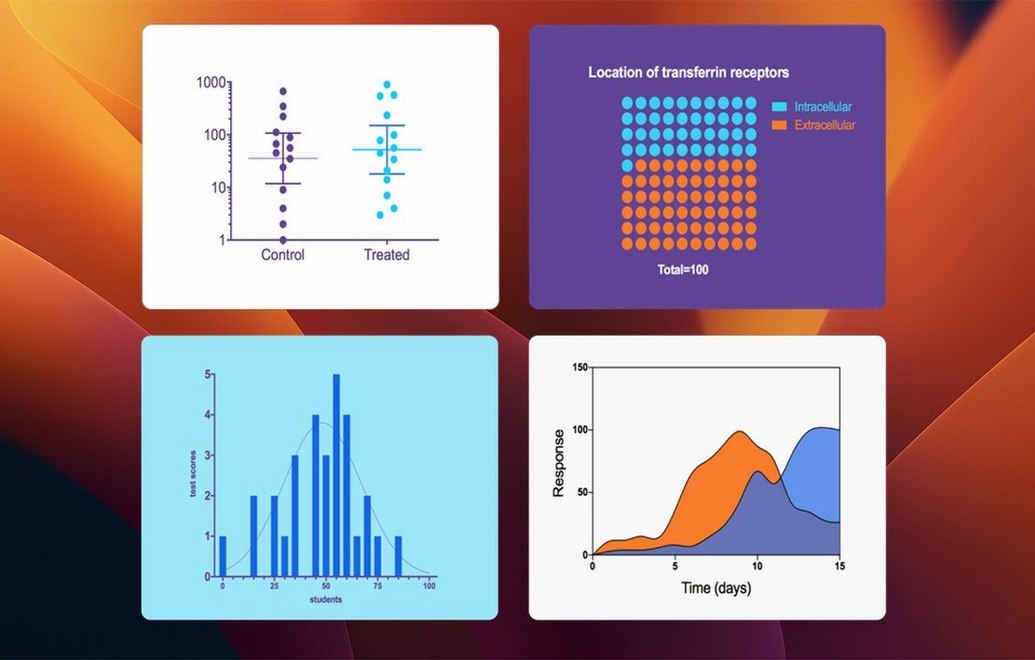
This version adds new graph types for multiple variables tables and lets you order categorical levels. It also streamlines variable selection in dialogs for t tests, ANOVA, nonlinear regression, and survival analysis.
From Repeated-Experiment Data to a Box-and-Whisker Plot with Two-Way ANOVA
Say you have a repeated experiment with three treatment groups and a control, measured at four time points. You want a box-and-whisker plot with a two-way ANOVA.
- Set up the data table. Choose the multiple variables table type. Enter your categories (treatment, time point) and the measured values in separate columns. Use the new categorical level ordering in 11.1.0 to set the display sequence of treatments and time points before you graph.
- Pick the graph. Select the table, then click the new graph types for multiple variables tables. Choose a box-and-whisker plot. The graph appears instantly, showing the distribution for each combination of treatment and time point.
- Run the analysis. Open the analysis dialog. The streamlined variable selection in 11.1.0 lets you pick your dependent variable and grouping factors in one pass. Select two-way ANOVA. Prism checks assumptions and runs the test.
- Read the results. The results sheet shows the ANOVA table, p-values, and post-hoc comparisons. Interpretation notes appear automatically, so you don't have to look up test assumptions.
- Polish the graph. Adjust colors, axis labels, and legends. Export as TIFF or PDF for journal submission.
That's the whole pipeline in one app. No exporting to a statistics package, no redrawing in a second tool.
How Prism fits into a Mac workflow
If you use macOS, Prism works like a native app. Drag the data from Numbers or Excel straight into a data table. Copy a finished graph and paste it into Pages, Keynote, or Word for Mac. The vector graphics stay sharp at any zoom.
Prism also ties into macOS automation tools. You can script data imports with Automator or run AppleScript commands to batch-export graphs. For labs that use cloud storage, save your Prism files to iCloud Drive or Dropbox and pick up work on another Mac.
The browser-based license activation added in 11.1.0 makes sense if your lab uses enterprise SSO. You authenticate through your organization's portal, no license keys to type or lose.
Best for Research Scientists Running Repeated-Measures Experiments
Research scientists running repeated experiments are the core audience. Prism handles the repeated-measures designs that are common in biology and pharmacology labs. You can keep all the data from a six-month study in one file, with analyses and graphs linked so updates propagate automatically.
Graduate students writing theses benefit from the built-in interpretation guides. If you're still learning which test to use, Prism's suggestions cut down the time spent flipping through textbooks.
Data analysts in clinical or preclinical settings who need reproducible results. Every analysis step is logged, so you can revisit a project months later and see exactly which test was run and why.
For occasional users who only need basic t tests and bar charts, simpler tools exist. Prism is built for people who do statistics as part of their job and want it done in one place without switching between packages.
English only. If you need localized menus, this isn't it.
- Adds new graph types for multiple variables tables.
- Adds categorical level ordering for multiple variables data tables.
- Streamlines variable selection in analysis dialogs.
- macOS 11 or later
- Apple Silicon or Intel 64-bit
- Interface: English
Questions I get about this line
Yes, it supports both Apple Silicon and Intel 64-bit Macs.
You need macOS 11 or later.
The install order
- Open the downloaded disk image.
- Drag the app to the Applications folder.
- Launch the app from Launchpad after copying finishes.