Free download (23 MB) Previous versions
- Version
- 8.1.2 [MAS]
- Developer
- Information Architects GmbH
- Languages
- Russian, English, German, Spanish, Italian, Chinese (Traditional), Chinese (Simplified), Korean, Portuguese, French, Japanese
- License type
- K'ed by TNT team
| macOS range | macOS 10.15 or later |
|---|---|
| Chip | Apple Silicon, Intel 64-bit |
| Download | 23 MB |
| Previous versions | 7 on file |
Screenshots
Click a screenshot to see it wider.
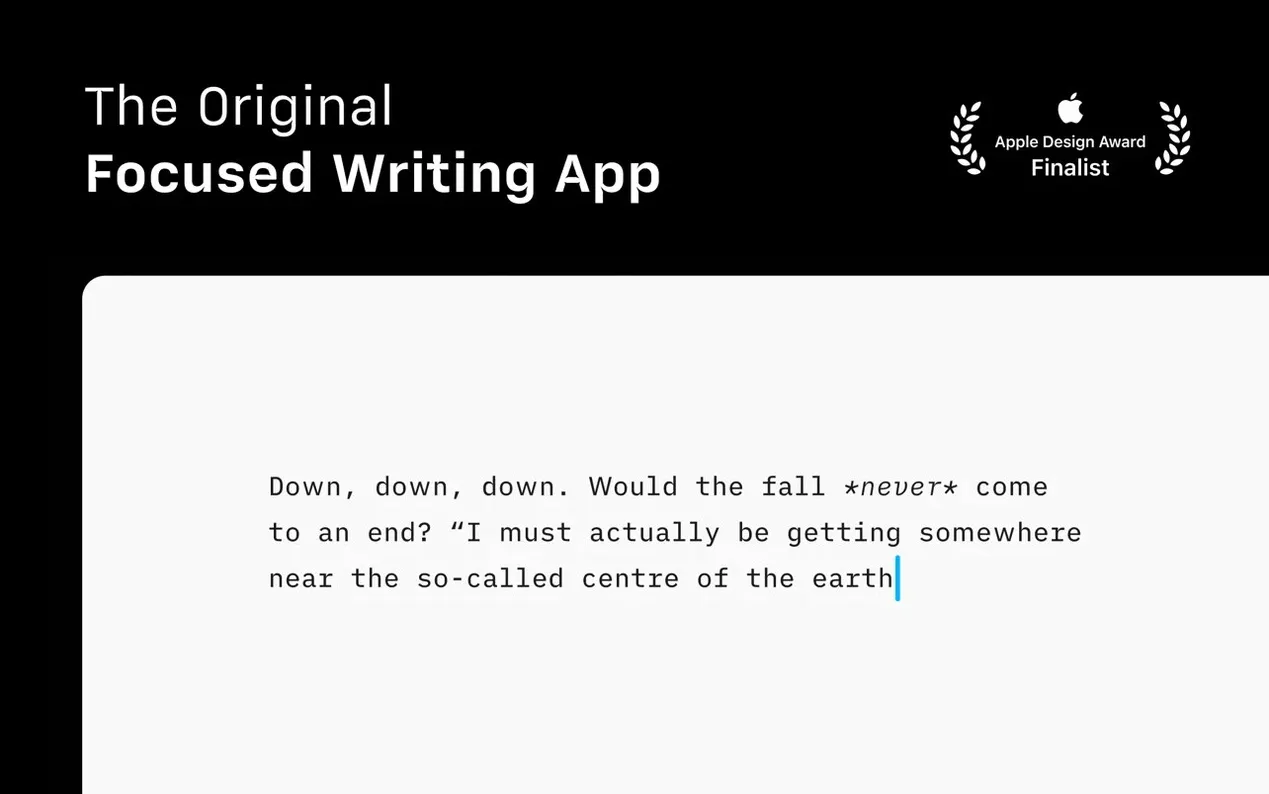
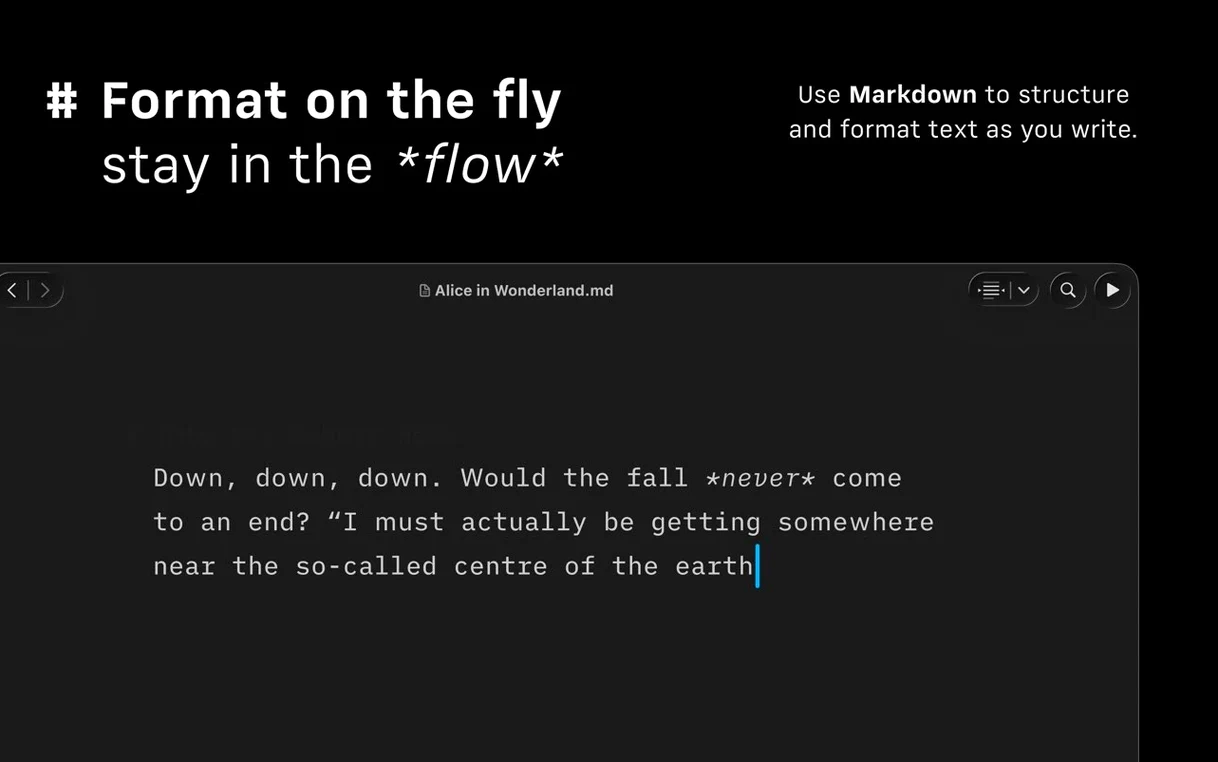
Most word processors clutter the screen with toolbars, fonts, and formatting options. iA Writer strips that away. You write in plain Markdown, and the app handles layout. For a newcomer, the first thing to do is open a new file and start typing. The interface is blank on purpose. Use # for headings, * for bold, and - for lists. The preview pane shows the formatted result automatically — links, images, and tables included.
Export and organize with version 8 tools
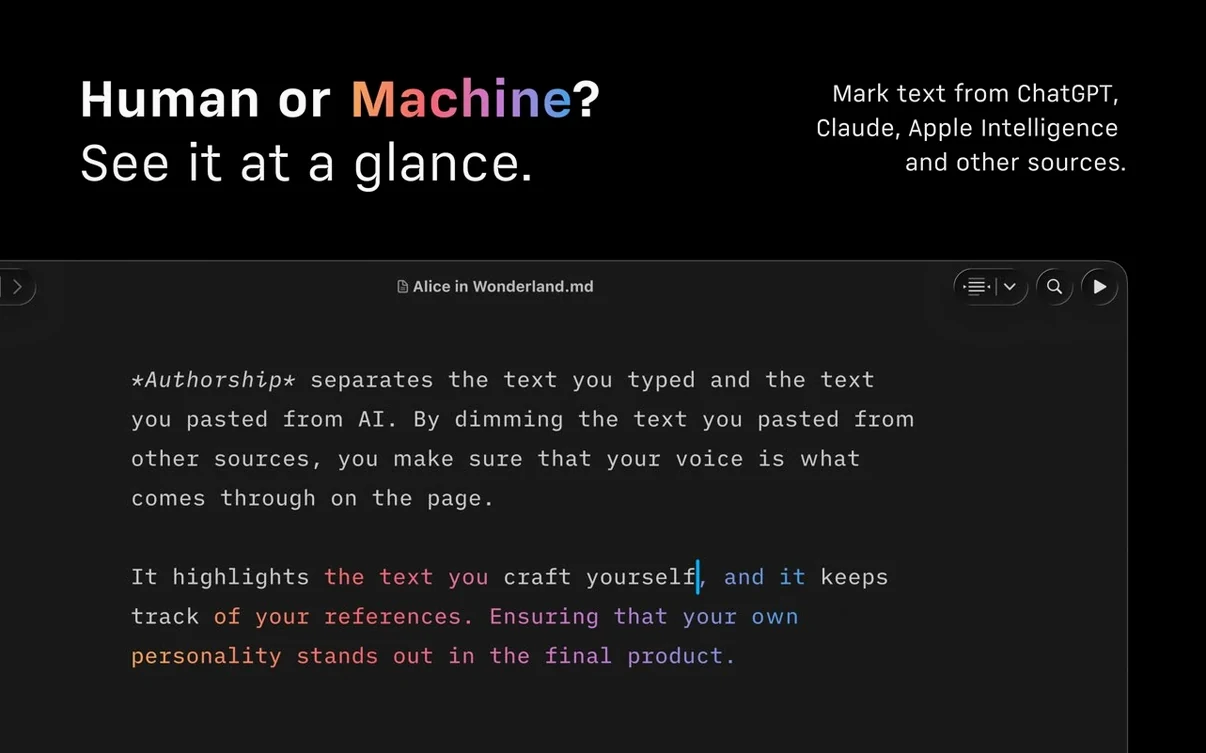
Once you have some text, hit Command-P to open the Command Palette. From there you can insert formatting, export to DOCX, HTML, or PDF, or check authorship indicators that show who wrote what. The Document Outline in the sidebar lets you jump between sections with Quick Search. For longer documents, it saves time. If you publish to WordPress or Medium, iA Writer posts directly. No copy-paste needed.
First-day setup for a freelance writer
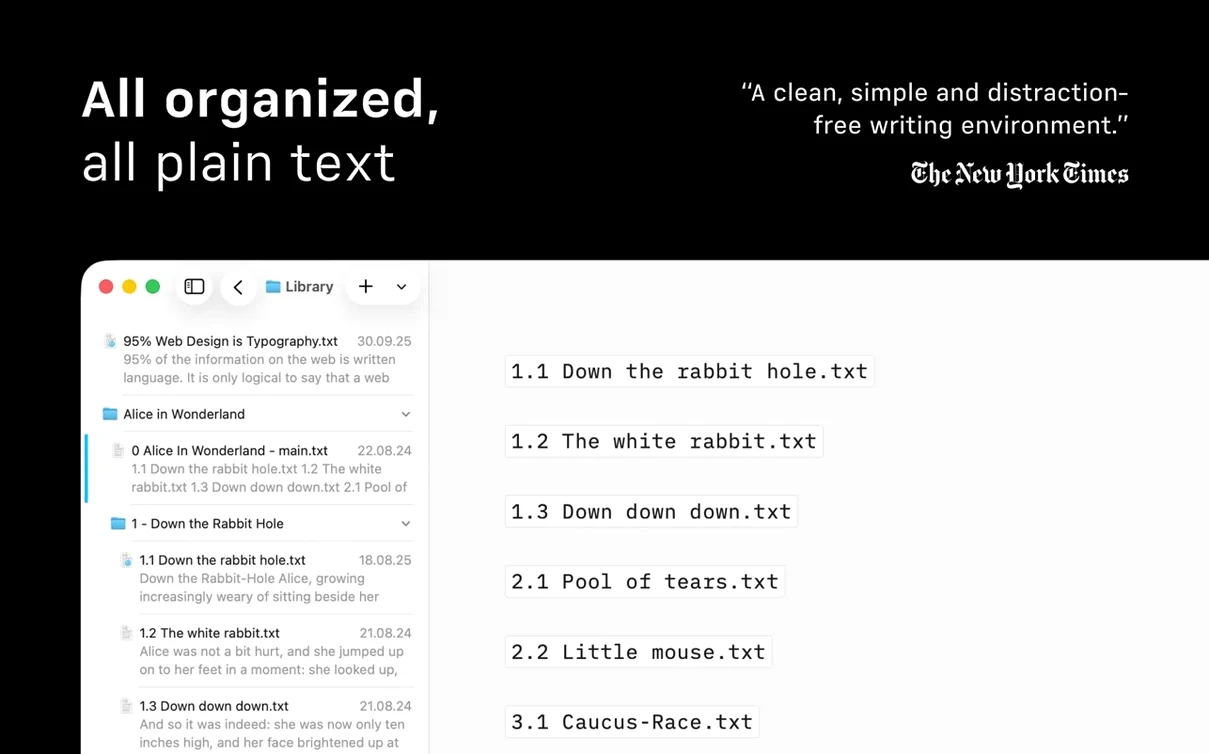
A freelance journalist who juggles drafts for three outlets and an occasional Substack column has one main problem: losing track of which file holds the latest version. With iA Writer’s library, you can point the app at a Dropbox folder and a local project folder at the same time. Sort by last modified. Open the file with the newest timestamp. The compact library layout (View > Library Layout > Compact) hides excerpts and dates until you hover. Less visual noise, faster scanning.
Focus Mode for messy drafts
Spend five minutes after installing to set these:
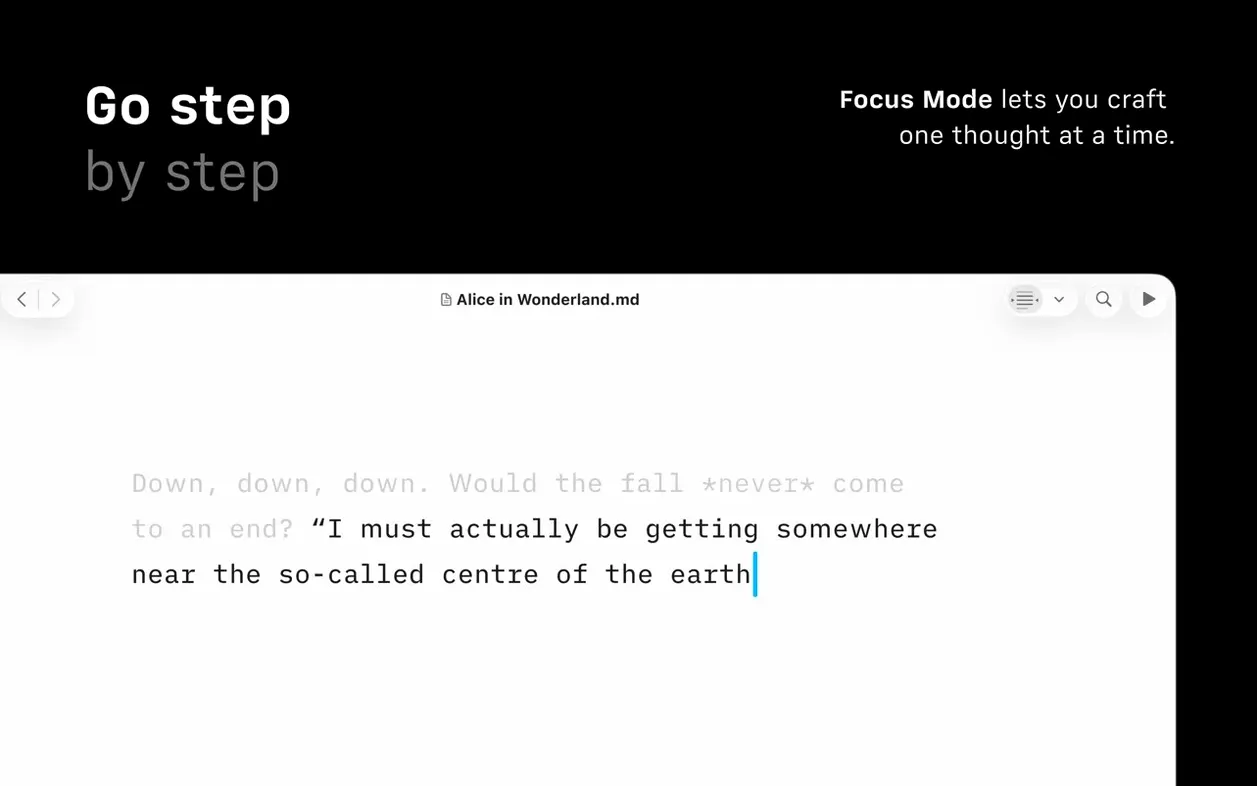
- Focus Mode – dims everything except the current sentence. Switch it on from View > Focus Mode or with Shift-Command-F. Good for the first pass of a messy draft.
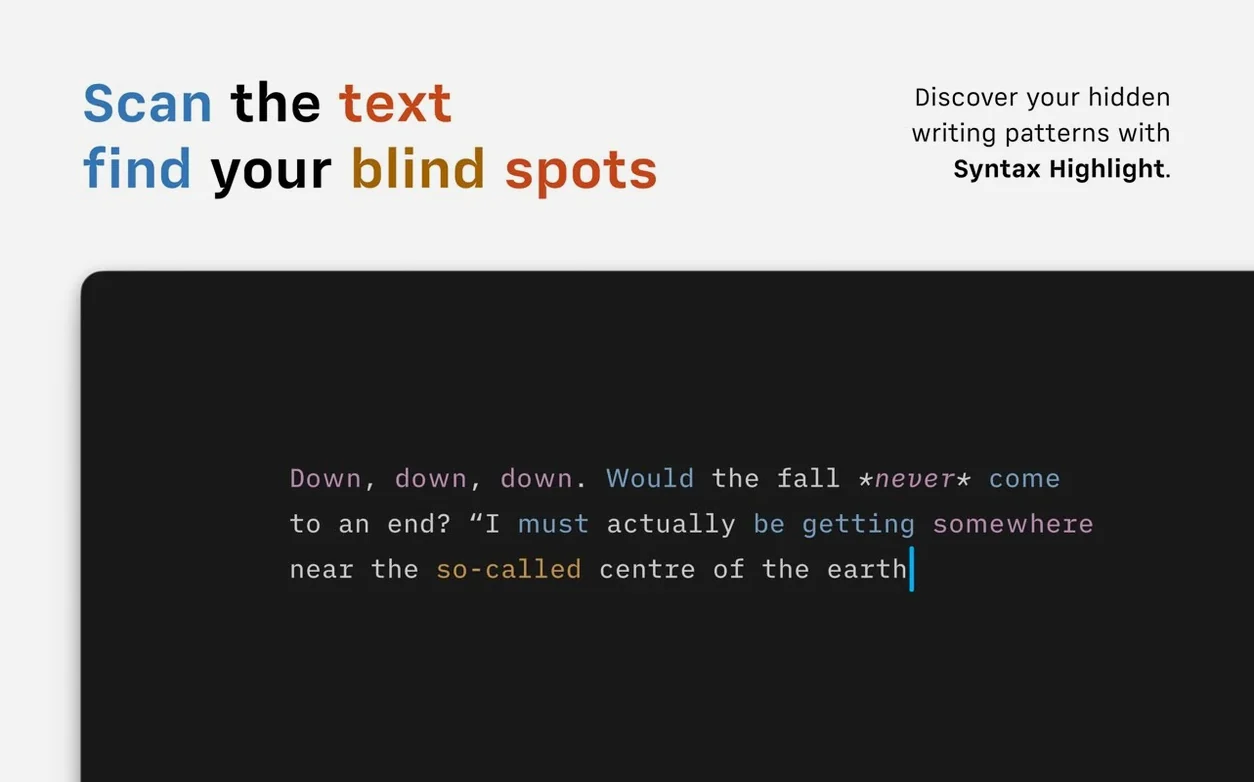
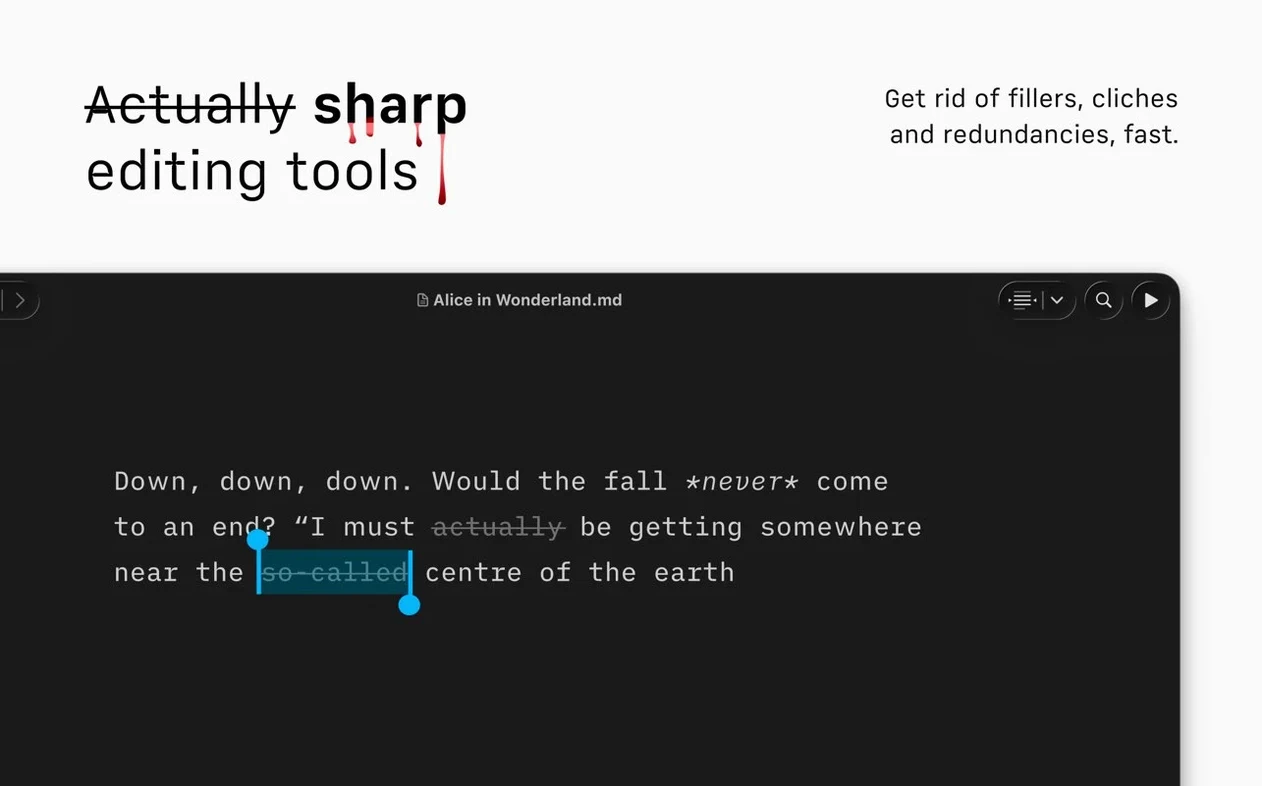
- Syntax Highlighting – Preferences > Editor > Syntax. Turn on extra adjectives, weak verbs, and repeated nouns. The app underlines them in gray. It catches filler words you normally skip when rereading your own copy.
- Appearance – Preferences > Appearance. Light or dark. If you write late, dark mode and Reduced Motion (Preferences > Accessibility > Reduced Motion) cut down on screen flicker.
- Autosave location – Preferences > Files > Library Folders. Add your cloud-synced folder here. The app saves to that folder automatically; you don't have to think about it.
Scratch.md and Command Palette search
Keep a single document called “scratch.md” in the library. Dump fragments, headlines, and quote snippets there. Later, use the Document Outline to drag sections into real drafts. The Command Palette (Command-P) can search inside that scratch file by heading, so you don’t scroll.
If you post to WordPress frequently, set the WordPress connection first (File > Publish > WordPress). Test it with a one-paragraph post before committing a long piece. The same applies to Medium. The export to DOCX works well for clients who still want Word files — run it once and check the template if the margins look off. Templates live under Preferences > Export > PDF Template if you export to PDF regularly.
iA Writer torrent versions are popular for a reason: the app does one thing and does it cleanly. For a writer on macOS 10.15 or later, version 8.0.9 is stable and the MAS build from TNT team activates without fuss. Mount the disk image, run the Gatekeeper bypass, drag to Applications, and start typing. That’s the whole setup.
Version 8.1.2 [MAS] is now available. Check the developer's site for the full release notes.
- macOS 10.15 or later
- Apple Silicon or Intel 64-bit
Questions I get about this line
Yes, iA Writer runs on both Intel and Apple Silicon Macs. It requires macOS 10.15 or later.
Yes, export to Microsoft Word DOCX, HTML, and PDF is built in.
The interface is available in Russian, English, German, Spanish, Italian, Traditional Chinese, Simplified Chinese, Korean, Portuguese, French, and Japanese.
The install order
- Mount the disk image and run Open Gatekeeper friendly.
- Press Enter in the Terminal window to bypass Gatekeeper.
- Drag the app to the Applications folder.
- Start the app when installation is complete.