Free download (14 MB) Previous versions
- Version
- 2.15.7
- Developer
- Vincent Miethe
- Languages
- English, German, Spanish, Italian, Chinese (Traditional), Chinese (Simplified), Polish, French, Japanese
- License type
- k'ed by CORE
| macOS range | macOS 10.14.6 or later |
|---|---|
| Chip | Apple Silicon, Intel 64-bit |
| Download | 14 MB |
| Previous versions | 1 on file |
Screenshots
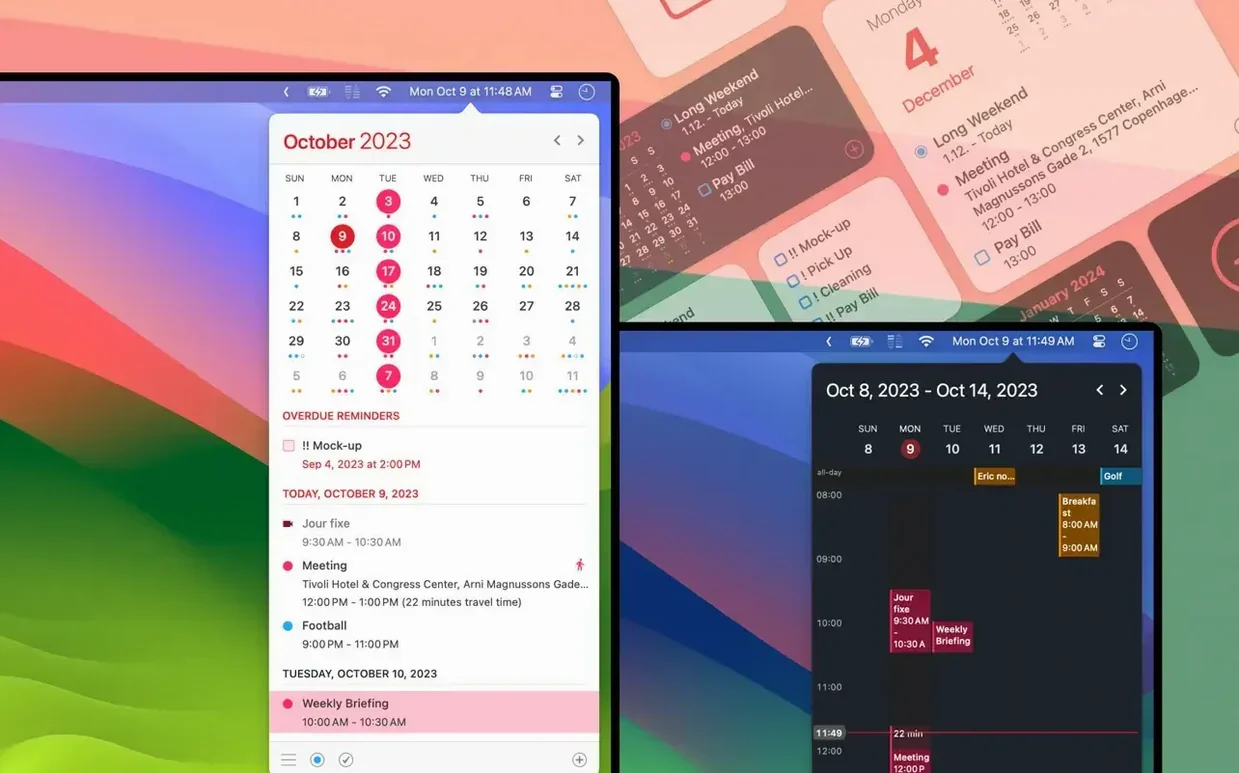
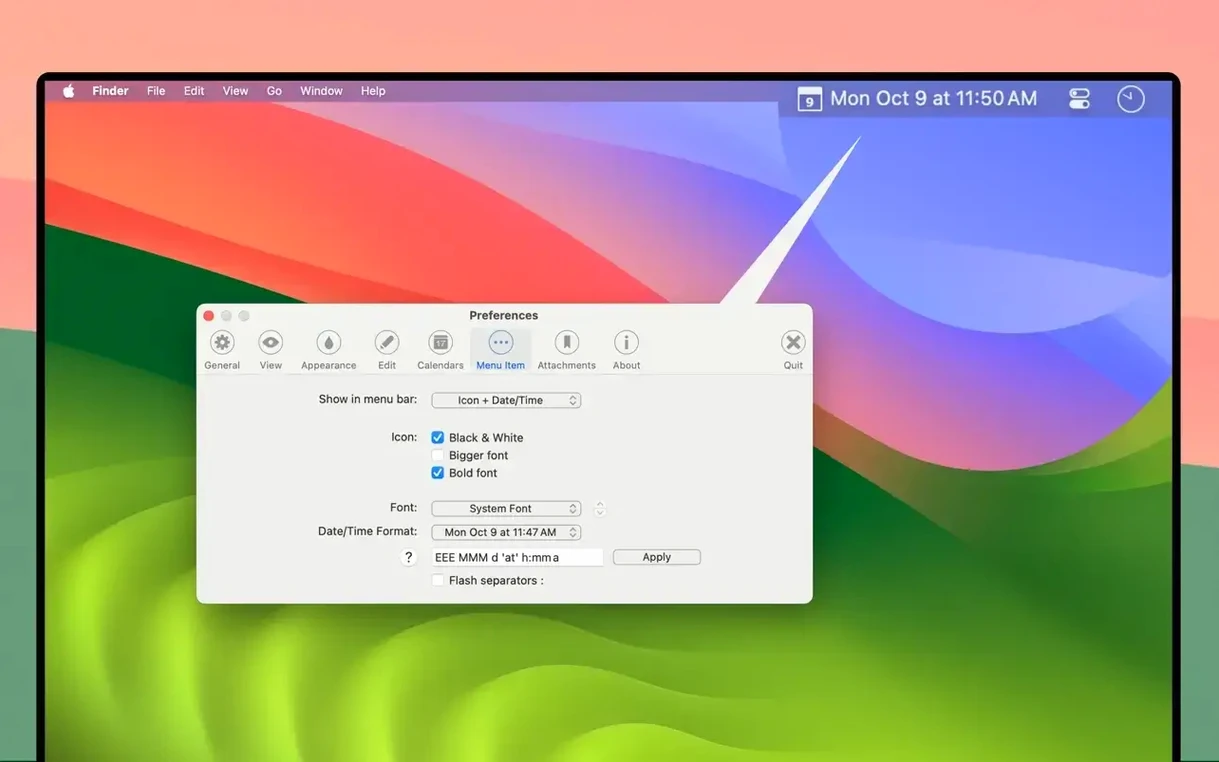
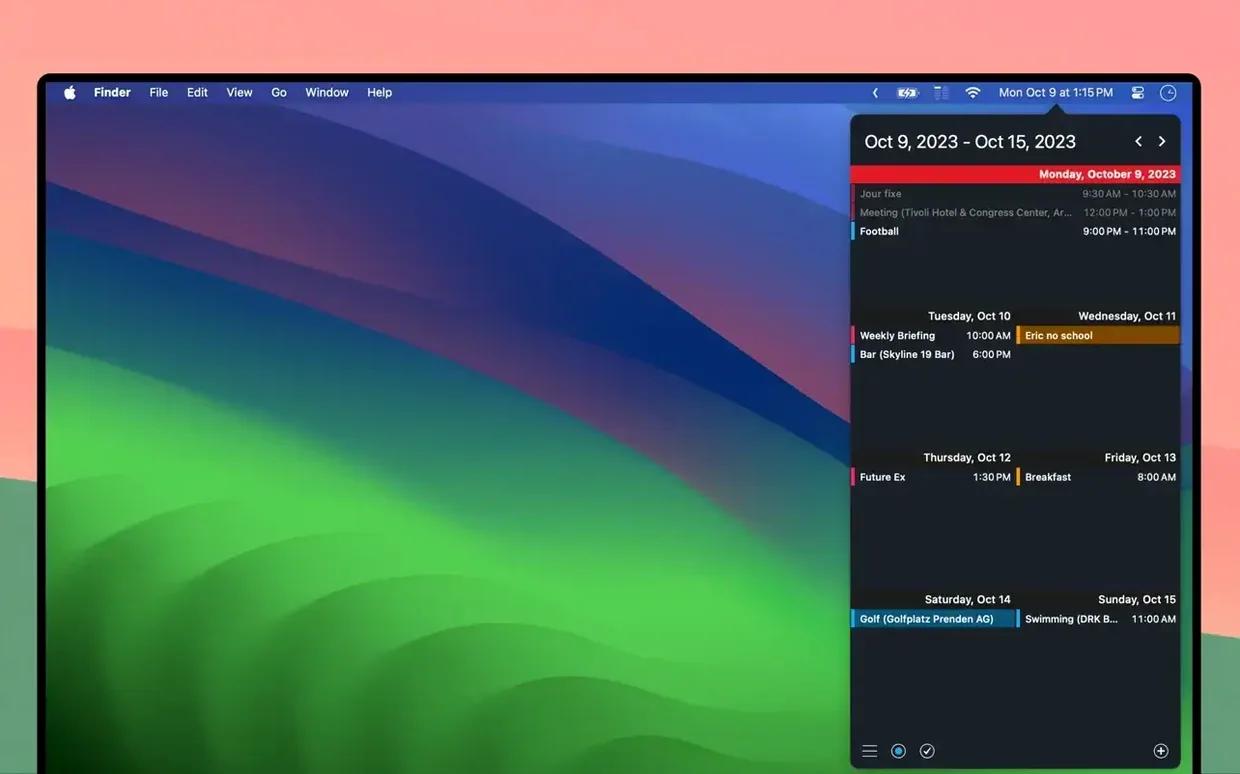
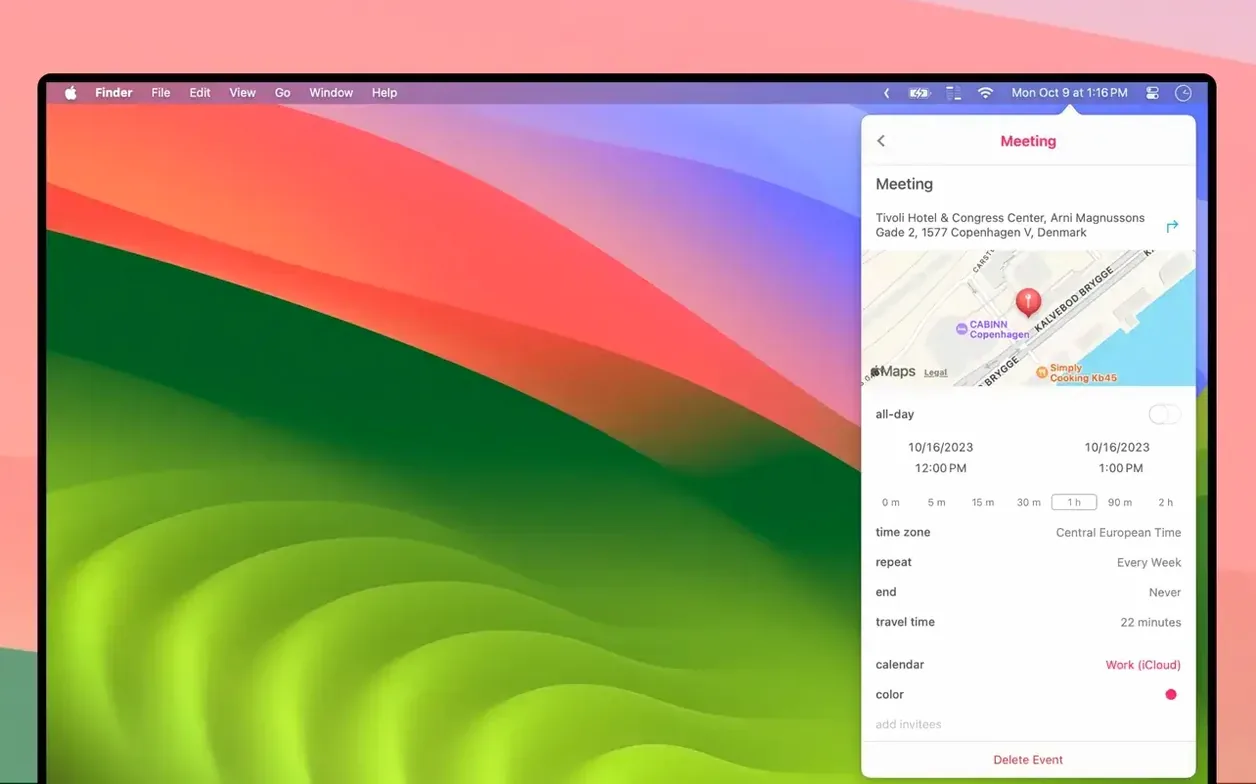
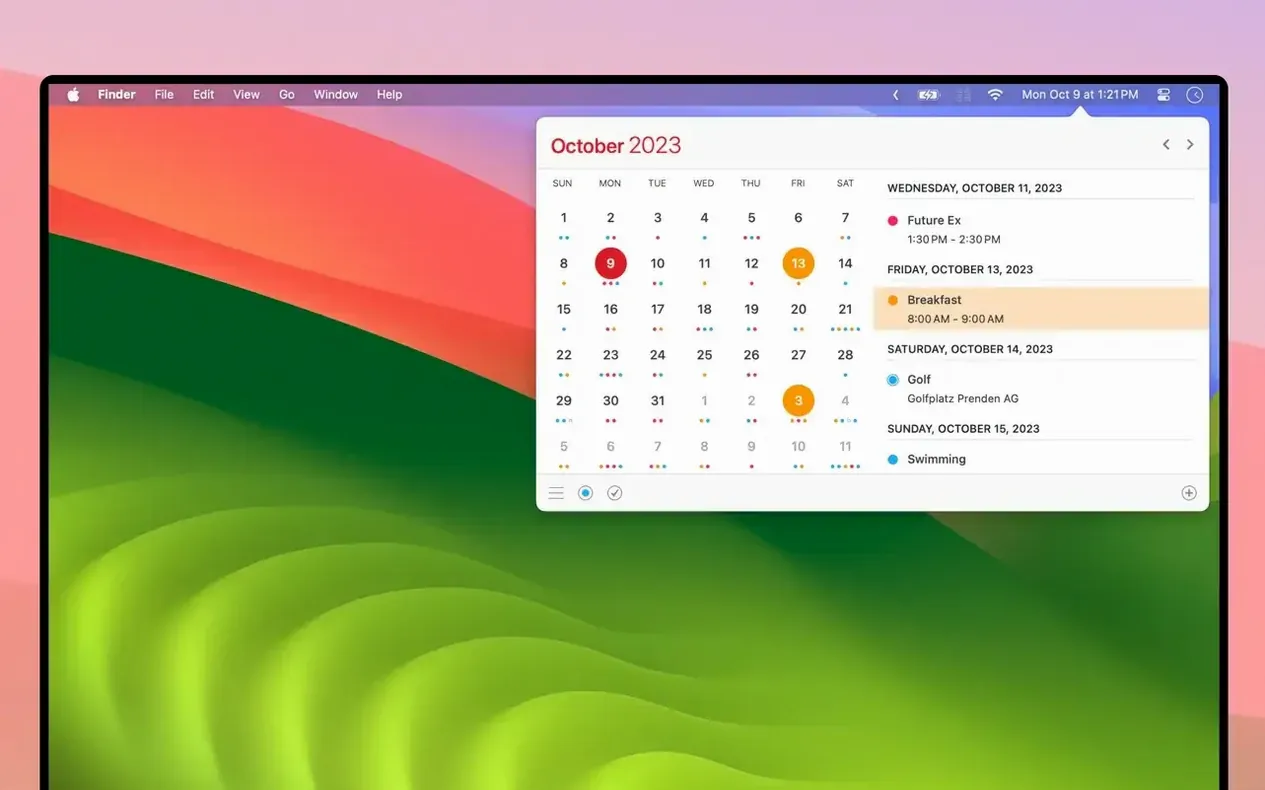
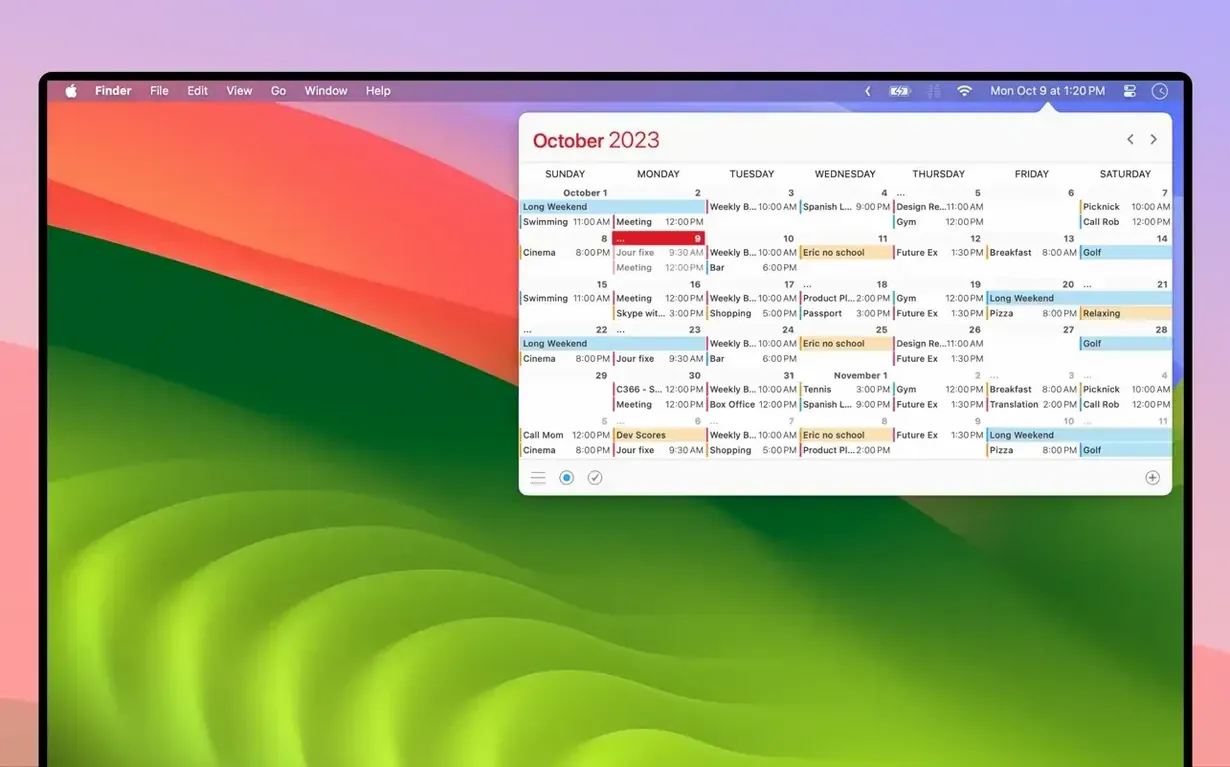
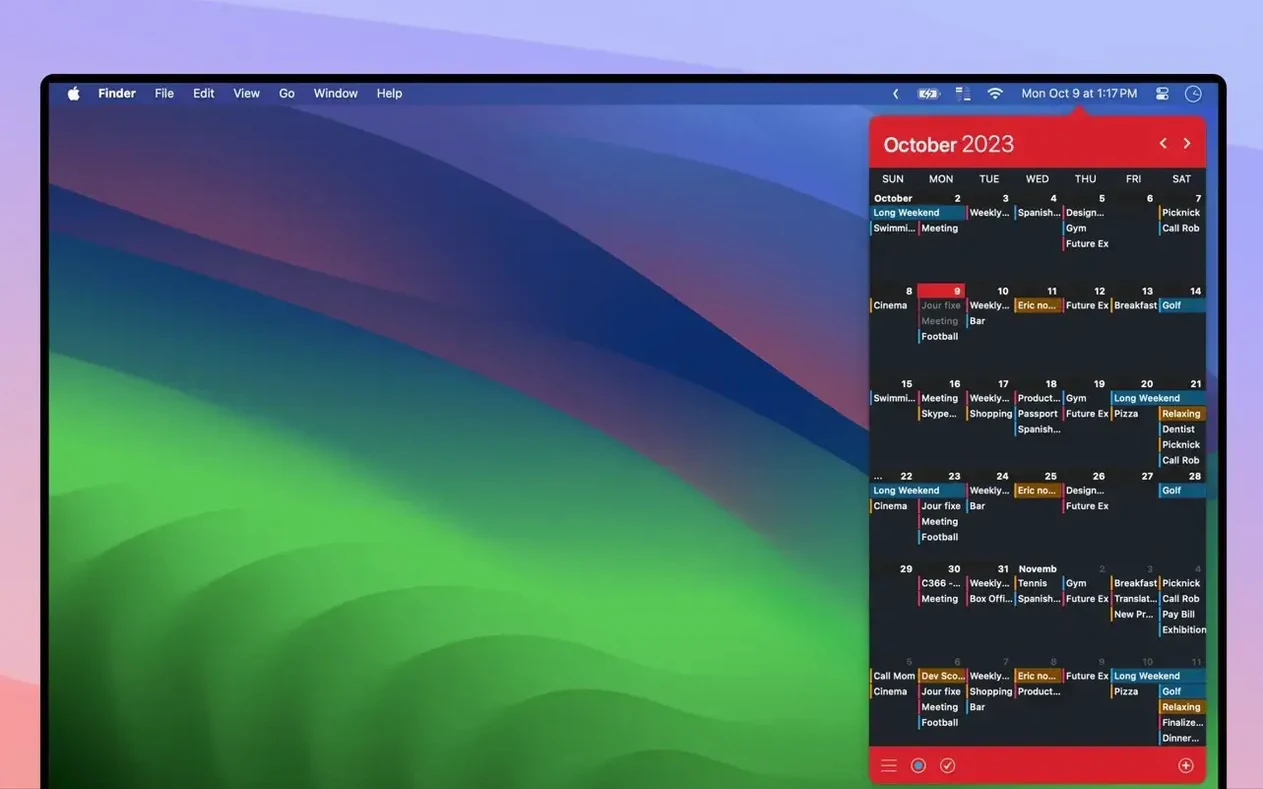
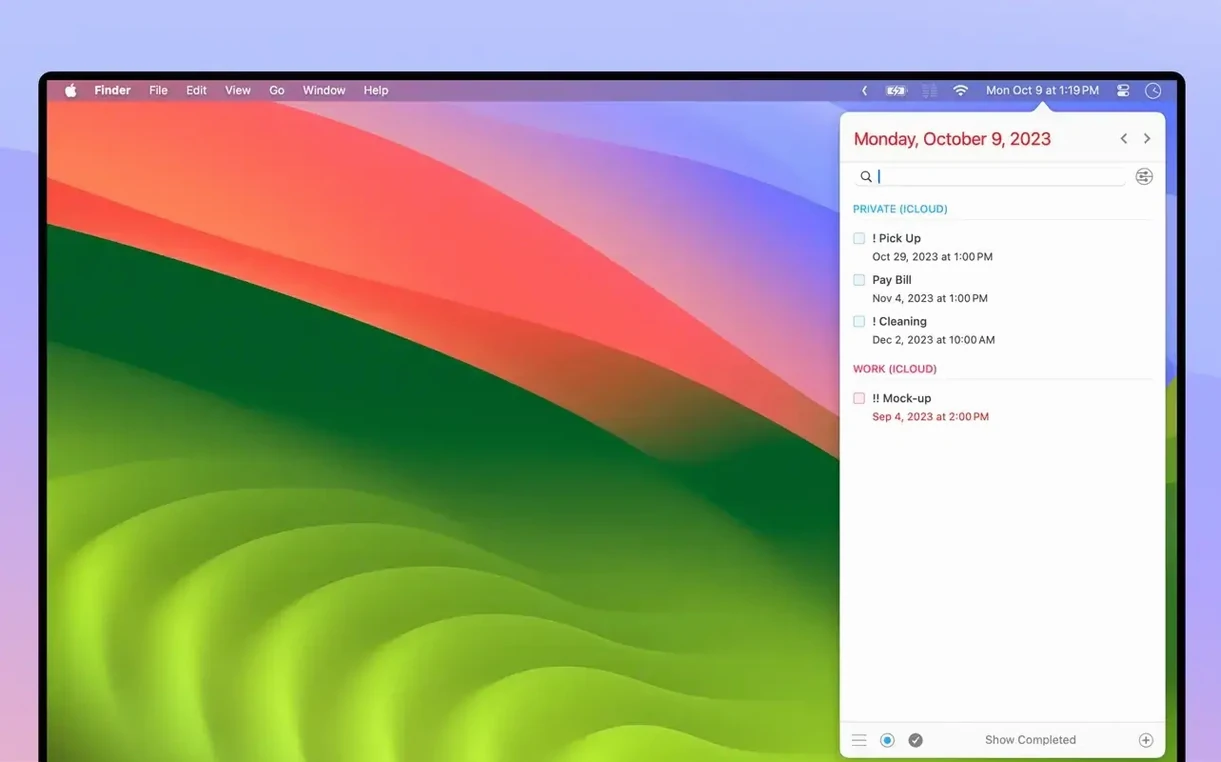
Click a screenshot to see it wider.
Open the menu bar, and Calendar 366 II gives you a full calendar without covering your work. Resize it portrait or landscape, bump the font size if you're squinting, and it stays out of the way until you need it.
- Events and reminders: create, copy, or move them by drag and drop. Color-code each one so schedules stay readable at a glance.
- Time zones: see when that call lands in your zone, not just the sender's.
- Travel time: pick driving or walking, and the app calculates how long to leave before an appointment.
- Shortcuts and a hotkey: jump to today, switch views, or open the calendar without touching the trackpad.
- Week numbers: useful for project planning and recurring deadlines.
- Small but useful: custom colors, multiple languages, and it runs on both Intel and Apple Silicon Macs.
It sits quietly in the menu bar, works with the calendars you already have, and handles the day-to-day scheduling details that Apple's default view skips. For a lightweight calendar that doesn't demand a full-screen window, it's a practical addition.
Calendar sets cut the clutter
New users often overlook the calendar sets feature. They add every work and personal calendar at once, then wonder why the list is cluttered. Calendar sets let you group calendars by role — one set for work, another for home — and switch between them. Worth setting up early.
Another miss: custom font sizes. The default text works for most, but if you have the menu bar calendar resized to portrait, bumping the font up a notch makes events easier to scan. It's in the preferences, not hidden.
Drag and drop trips people up, too. You can move events between days or copy them by holding Option while dragging. Beginners try right-click menus first, but the drag action is faster once you get the hang of it.
Scenario: a freelance project manager
Sarah runs a small creative studio out of her home office. She uses iCloud for personal events and Google Calendar for client meetings. Calendar 366 II combines both in one menu bar view. She sets a hotkey to open the calendar without leaving her design software. For each client project, she enters deadlines as reminders with custom colors — red for urgent, blue for review. Travel time estimates help her plan which meetings she can schedule back-to-back and which need a gap for the drive across town. Week numbers keep her sprint planning on track. She downloads calendar 366 ii for mac, sets it up once, and it runs at login without another thought.
Common beginner mistakes
The biggest one: not setting up calendar sets first. New users add every shared work calendar, then every family calendar, and the menu bar becomes a wall of colored blocks. Take five minutes to create sets — work, personal, volunteer — and switch between them. Much cleaner.
Beginners also ignore the resize options. The default size works, but if you run a second display or work in split screen, dragging the calendar wider shows a full week at once. Portrait mode is better for a quick scan; landscape for planning ahead. Try both.
Another frequent miss: invitations. Users see the "invite participants" option and assume it's only for Exchange or Outlook. It works with iCloud and Google too. If you manage team meetings, use it. Saves the back-and-forth of separate email threads.
Scenario: a dental office scheduler
Mike runs the front desk at a small dental practice. He manages three hygienists' schedules, patient follow-ups, and supplier deliveries. He uses Calendar 366 II with the practice's shared CalDAV calendar and his personal iCloud. He sets calendar sets: one for the office schedule, one for his own reminders. Custom colors flag new-patient slots in green, emergency slots in red. The travel time feature helps when a patient needs to be referred to a specialist across town — he knows exactly how much buffer to leave. Week numbers keep track of recall appointments that fall on the same week every six months. He downloads calendar 366 ii for mac, sets the hotkey to Option-Space, and it runs at login. No extra clicks.
- macOS 10.14.6 or later
- Intel or Apple Silicon
The install order
- Open the downloaded package.
- Drag Calendar 366 II to your Applications folder.
- Launch the app and follow the activation instructions included in the package.