Free download (442 MB) Previous versions
- Version
- 5.9.8 [MAS]
- Developer
- Time Base Technology Limited
- Languages
- Russian, English, German, Spanish, Italian, Chinese (Traditional), Chinese (Simplified), Korean, Dutch, Portuguese, Thai, Turkish, French, Japanese
- License type
- K'ed by TEAM HCiSO
| macOS range | macOS 10.15 or later |
|---|---|
| Chip | Apple Silicon, Intel 64-bit |
| Download | 442 MB |
| Previous versions | 1 on file |
Screenshots
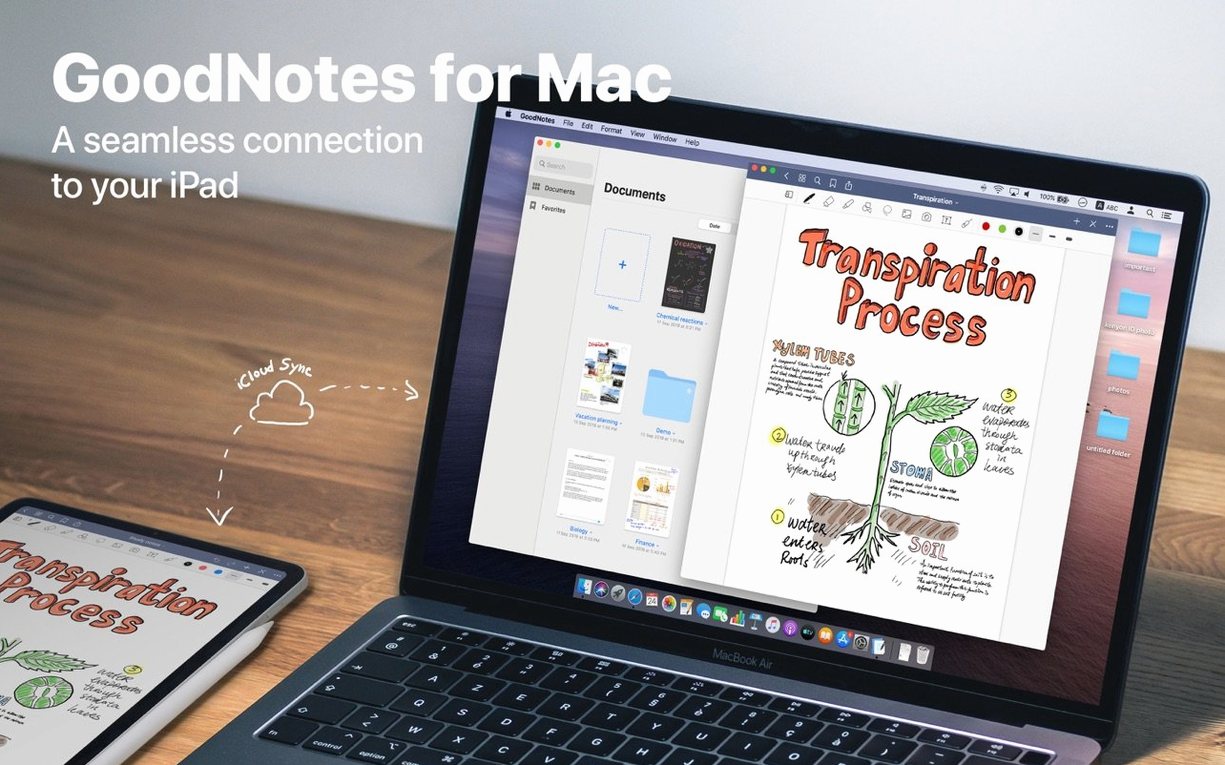
Scroll the row, it snaps to each screenshot. Click one to see it wider.
GoodNotes 5.9.8 for Mac brings the full note-taking experience to the desktop. You can view, edit, and organize your handwritten documents without touching an iPad.
What tools matter for power users?
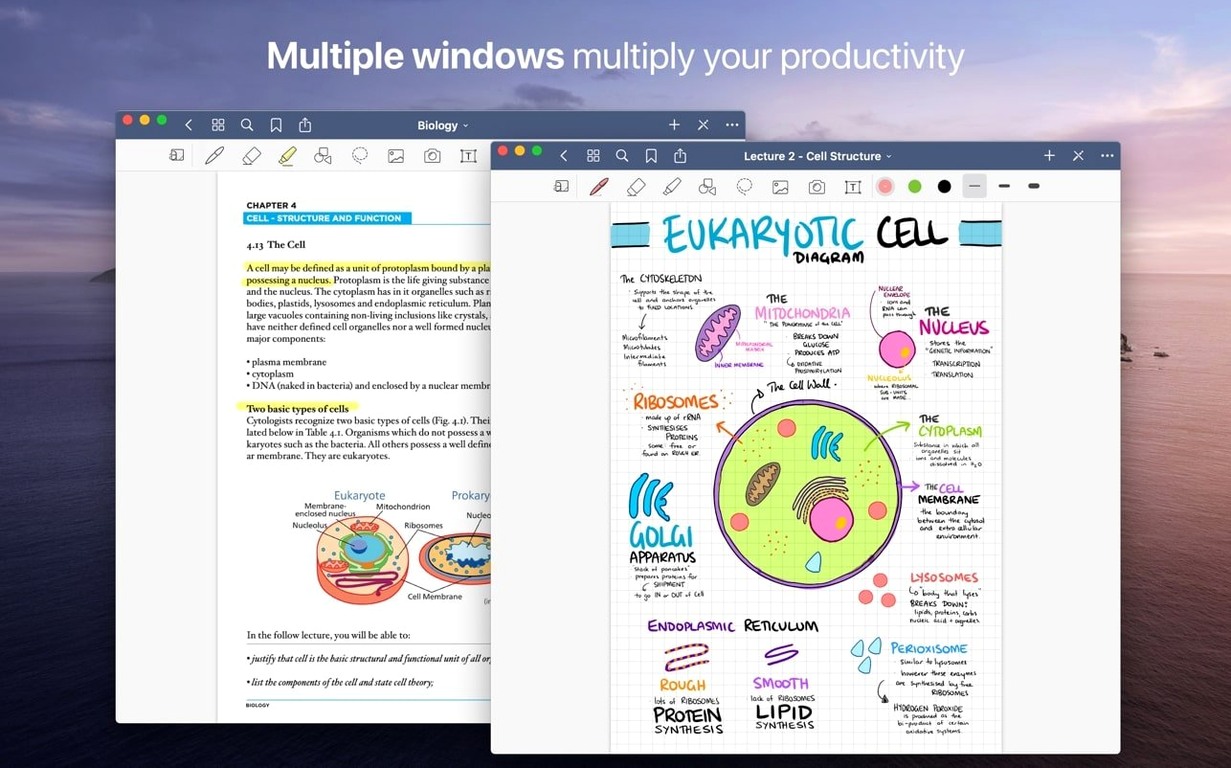
The eraser is precise: it removes an entire stroke or just a slice of it. The Shapes tool snaps your freehand lines into clean geometry. You can also select handwriting and move, rotate, resize, or recolor it after the fact.
How does document management work?
Drag and drop PDFs from the Mac hard drive into your library. Imported PDFs keep their live hyperlinks. For longer notebooks, build a custom table of contents to jump straight to the section you need.
Is export flexible?
Yes. Drag a page or an entire document out of GoodNotes to get a PDF. That works for sharing or archiving.
Marker-Only Eraser Saves Redrawing
The marker-only eraser option deserves a mention. If you highlight text with marker ink, you can set the eraser to remove only that layer and leave your pen strokes intact. That saves redrawing notes after a highlight mistake.
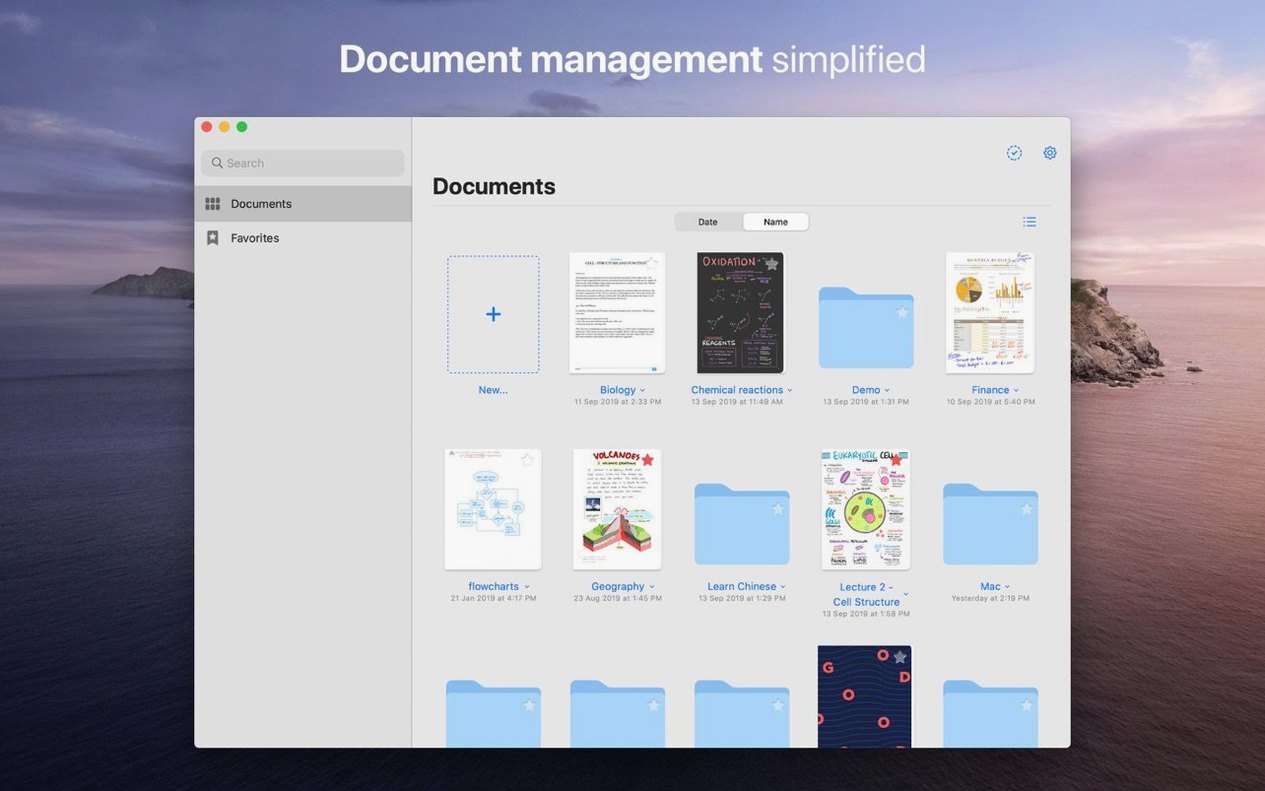
Favorites work across the app. Mark a folder, a notebook, or a single page, and it appears in the Favorites list for quick access. No digging through subfolders for the one document you reference every day.
Custom tables of contents aren't just for long notebooks. Use them in imported PDFs to create bookmarks for chapters or sections that didn't have navigation built in.
Real-world scenario: a grad student organizing research
A graduate student reads thirty PDF papers per semester. She imports each PDF into GoodNotes, highlights key passages with marker ink, and adds handwritten margin notes. The live hyperlinks in the PDFs still work, so she can jump to references or linked figures. When it's time to write her literature review, she drags individual annotated pages out of GoodNotes as PDFs and drops them into her draft document. The iCloud sync means she can review papers on her iPad at the library and clean up notes on her Mac at home without extra steps.
Folder Hierarchy Speeds Navigation
Spend a few minutes setting up your folder structure before you import anything. A hierarchy of folders and subfolders makes later navigation faster than sorting through a flat list of notebooks.
Test the marker-eraser combination early. Open a test notebook, write a few lines, highlight them, then switch the eraser to marker-only mode. That way you know the behavior before it matters.
Drag a PDF into GoodNotes and try the custom table of contents feature. Add entries for the main sections you use. Once you see how quick it is to jump around, you will do it for every imported document.
Use the Favorites list for anything you open daily. One or two clicks to reach the notebook beats scrolling through the library.
goodnotes dmg files are straightforward: open the disk image, drag the app to Applications, and launch. No extra configuration needed.
iCloud keeps your iPhone, iPad, and Mac versions aligned. Write on the iPad, review on the Mac, and the changes appear everywhere.
- macOS 10.15 or later
- Apple Silicon or Intel Mac
Questions I get about this line
Yes, drag a single page out of the document to export it as a PDF file.
The install order
- Open the downloaded disk image.
- Drag the GoodNotes app to the Applications folder alias.
- After copying finishes, launch the app from Launchpad.