
- Version
- 16.93
- Developer
- Microsoft Corporation
- Languages
- Russian, English, German, Hungarian, Greek, Danish, Indonesian, Spanish, Italian, Korean, Dutch, Polish, Portuguese, Slovak, Thai, Turkish, Finnish, French, Czech, Swedish, Japanese
- License type
- Volume license
| macOS range | macOS 13 or later |
|---|---|
| Chip | Apple Silicon, Intel 64-bit |
| Download | 2.4 GB |
Screenshots
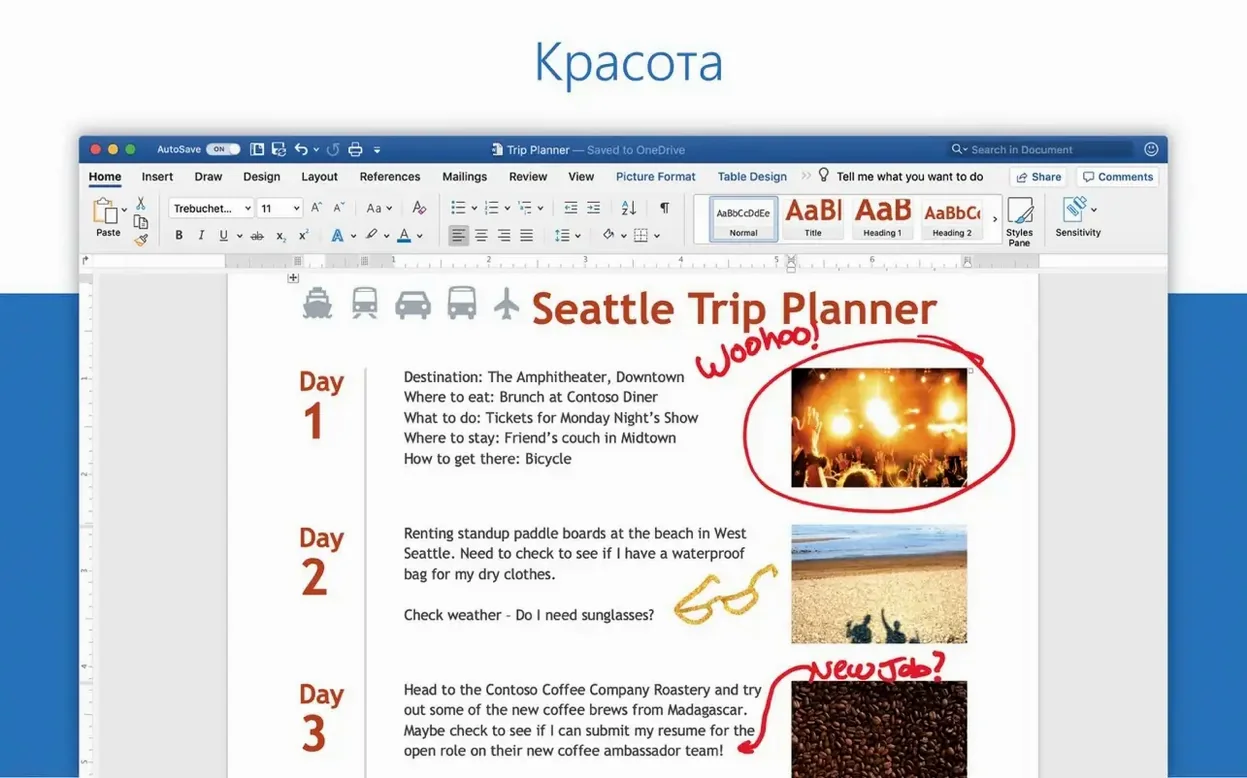
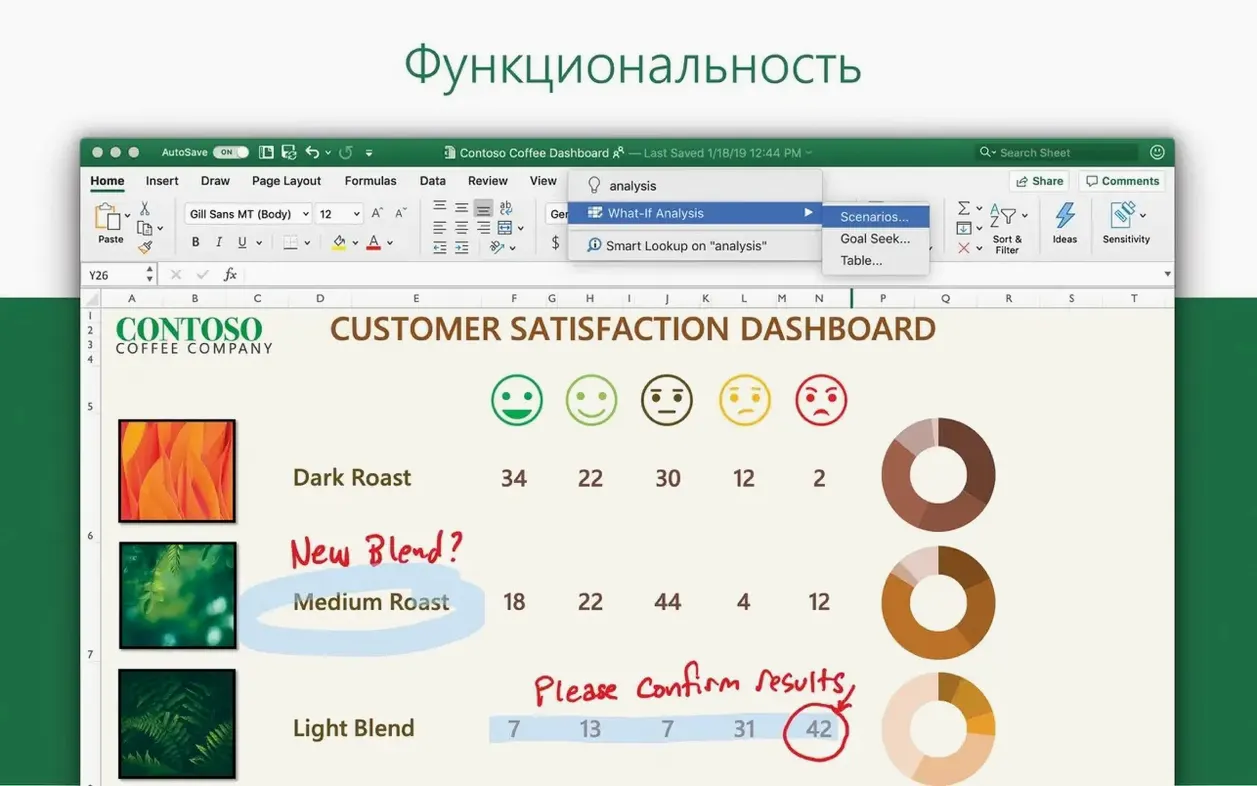
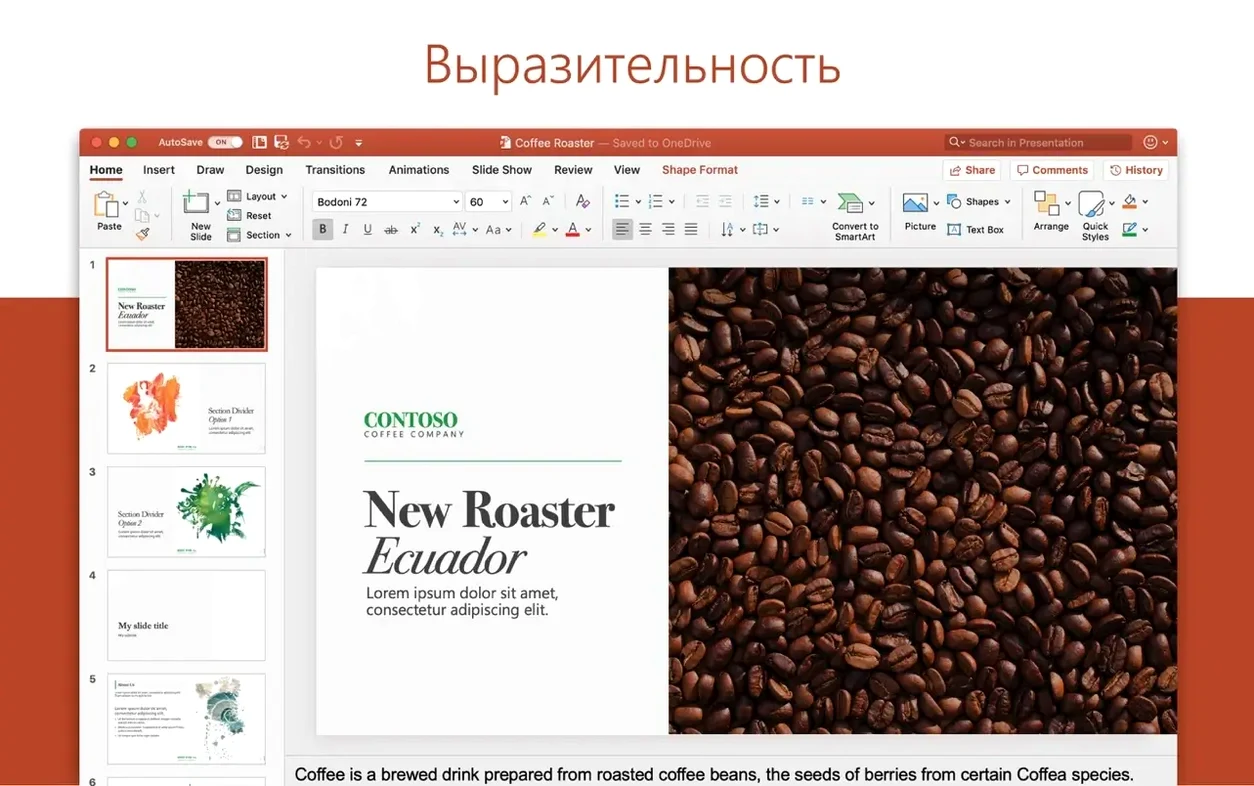

Scroll the row, it snaps to each screenshot. Click one to see it wider.
Word 16.93 runs on any Mac with macOS 13 or later, on both Intel and Apple Silicon. If your Mac is older than that, this version won't install. The app is part of Microsoft 365, alongside Excel, PowerPoint, Outlook, OneNote, and OneDrive.
Real-Time Collaboration and Equation Fixes
- Create, edit, and share text documents.
- Collaborate on documents with others in real time.
- Work with files attached to email messages.
- Equation editing now works as expected.
Compatibility notes
Word for Mac 16.93 is a universal build, so it runs natively on both Intel and Apple Silicon Macs. It supports 19 interface languages, including English, Spanish, German, French, Japanese, and Korean. The current release focuses on quality and performance, plus a fix for equation editing.
Cursor Freeze and Equation Edits Resolved
Version 16.93 is a maintenance release, so the everyday feel of Word hasn't shifted. The two visible fixes matter most if you work with equations. Before the update, editing an existing equation sometimes froze the cursor or ignored changes. That's corrected. If you write technical papers, lab reports, or math-heavy handouts, you'll notice the difference on the first edit.
The quality and performance improvements are the sort you don't see until you don't have them. Fewer odd hangs when saving to a slow network share. Smoother scrolling through a long document with tracked changes on. Nothing dramatic, but the kind of polish that keeps you from swearing at your screen.
Workflow: Format a long report from start to finish
You've got 60 pages of raw text, no headings, no styles. Here's the fast path to a clean document.
- Apply heading styles. Select each section title, then choose Heading 1 or Heading 2 from the Styles pane. Don't bother with font size yet — styles control that.
- Build a table of contents. Place the cursor where you want the TOC. Go to the References tab and pick Table of Contents. Word reads your heading styles and generates the entries.
- Set page numbers. Insert a header or footer, then add page numbers from the Header & Footer tools. Start numbering on page 2 if your cover page shouldn't show a number.
- Add a cover page. Use the built-in cover page gallery. Pick one, then replace the placeholder text with your title, author, and date.
- Check your fonts. If the document goes to a client or a printer, stick to standard fonts like Calibri, Arial, or Times New Roman. Custom fonts break on the other end.
- Run a final review. Turn on Track Changes, read through once, then accept or reject each change.
Equation Editing and Collaboration Fixes
Word won't open a document
If the file is from an older version of Word or another word processor, try opening it through File > Open. If that fails, drag the file onto the Word icon in the Dock. Corrupt files from email attachments sometimes recover this way.
Collaboration tools don't show changes
You and a colleague are editing the same document, but you see nothing. Check that both of you have the same version — 16.93 — and that the document is saved to a shared location (OneDrive, SharePoint, or a network drive). Local files don't sync changes.
Fonts look different on screen than on paper
That's usually a print driver issue. Go to Print, then click Page Setup and pick a different paper size or orientation. Sometimes that forces Word to re-render the page. If that doesn't help, check your printer's driver for updates.
Equation editing still broken after update
If the fix didn't take, close Word, open it again, and retry. If the problem persists, reset the Equation Editor cache: in Finder press Command+Shift+G, type ~/.config/Microsoft/Word, delete the EquationEditor folder, then restart Word.
Real-world scenario: A project manager's weekly status report
Maria runs weekly status reports for a 15-person marketing team. She used to paste text from emails into a plain text file, then manually format everything. Now she keeps a Word template with pre-set heading styles, a table of contents, and a standard header block. Every Friday she opens the template, replaces last week's data, and shares the document via OneDrive. The team adds notes directly in the document using comments. Maria reviews changes, accepts the relevant ones, and publishes the final PDF. The whole cycle takes about 20 minutes. The equation fix doesn't matter to her. The stability improvements do — she used to lose unsaved changes when Word quit unexpectedly. That hasn't happened since 16.93.
- Quality and performance improvements.
- Fixed an issue where editing equations may not work as expected.
- macOS 13 or later
- Intel or Apple Silicon
Questions I get about this line
Yes, Word 16.93 supports both Intel and Apple Silicon architectures.
You need macOS 13 or later.
Yes, Word is included with Microsoft 365 for Mac, along with Excel, PowerPoint, Outlook, OneNote, and OneDrive.
The install order
- Install the standard Office 2024 package.
- Or download the package for Word, Excel, PowerPoint, Outlook, or OneNote from the provided links.
- Packages download from Microsoft servers.
- Install Microsoft Office LTSC 2024 VL Serializer to activate.
- Install Microsoft AutoUpdate (MAU) for future updates.