
- Version
- 16.93
- Developer
- Microsoft Corporation
- Languages
- Russian, English, German, Hungarian, Greek, Danish, Indonesian, Spanish, Italian, Korean, Dutch, Polish, Portuguese, Slovak, Thai, Turkish, Finnish, French, Czech, Swedish, Japanese
- License type
- Volume license
| macOS range | macOS 13 or later |
|---|---|
| Chip | Apple Silicon, Intel 64-bit |
| Download | 2.4 GB |
Screenshots
Scroll the row, it snaps to each screenshot. Click one to see it wider.
Juggling separate email and calendar apps slows you down. Microsoft Outlook for Mac solves that by putting mail, calendar, and contacts in one window. You get a single inbox for Outlook.com, Microsoft 365, Gmail, Yahoo, POP, or IMAP accounts — no switching between apps.
Version 16.93 is the current release, enhanced for Apple Silicon and requiring macOS 13 or later. It feels fast on the M2 MacBook Air I manage daily. You can view multiple calendars side by side, drag emails into meeting invites, and set up rules to sort incoming mail automatically.
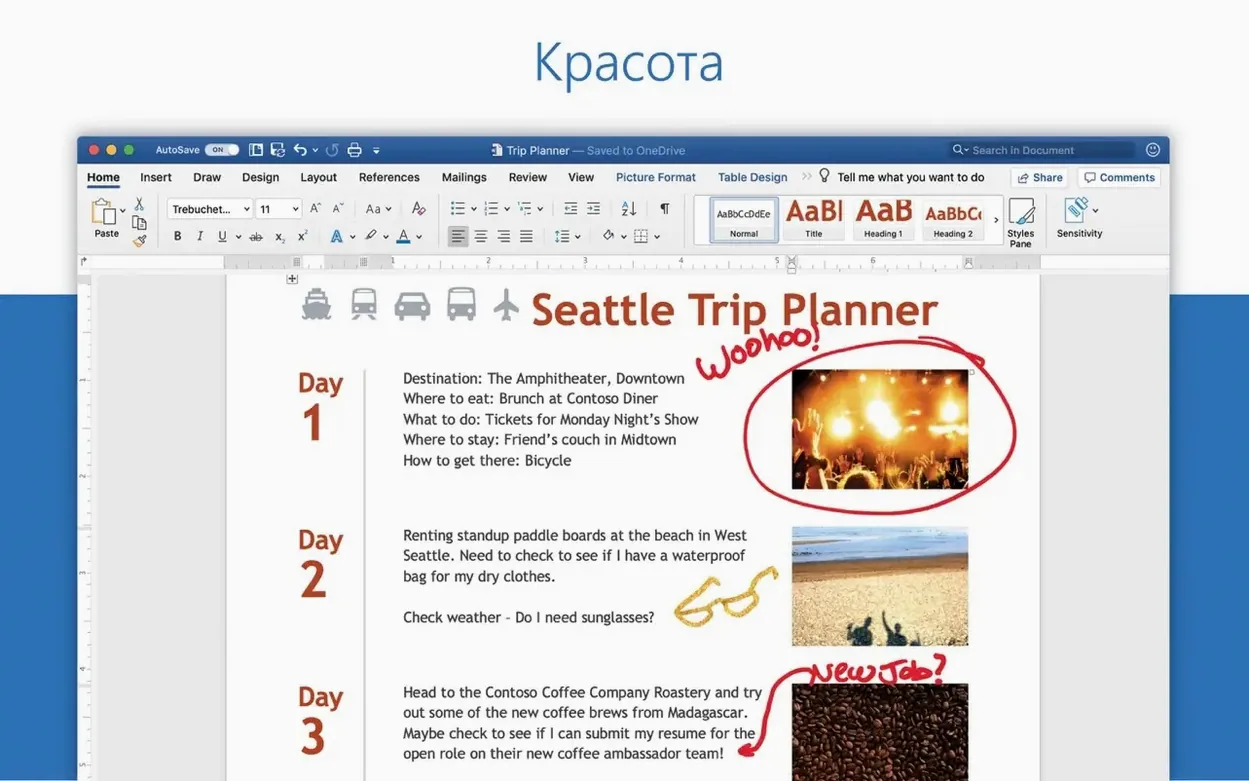
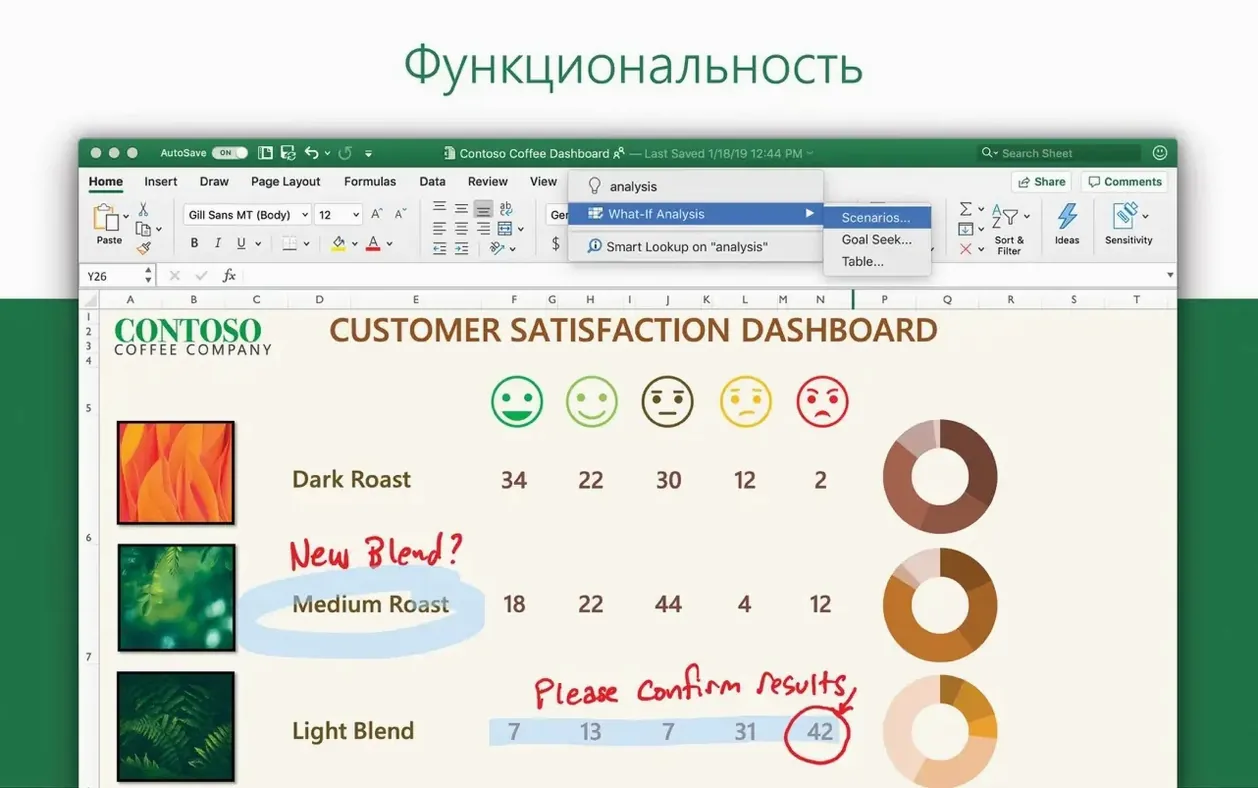
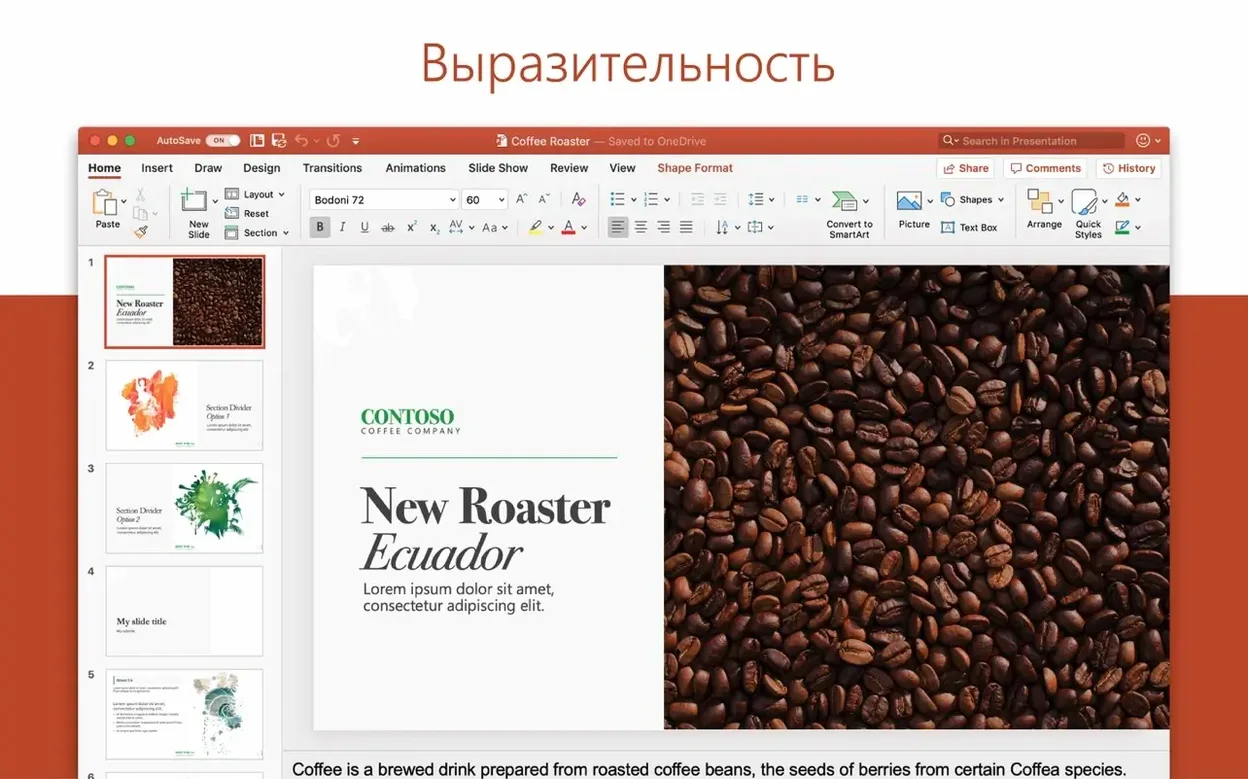
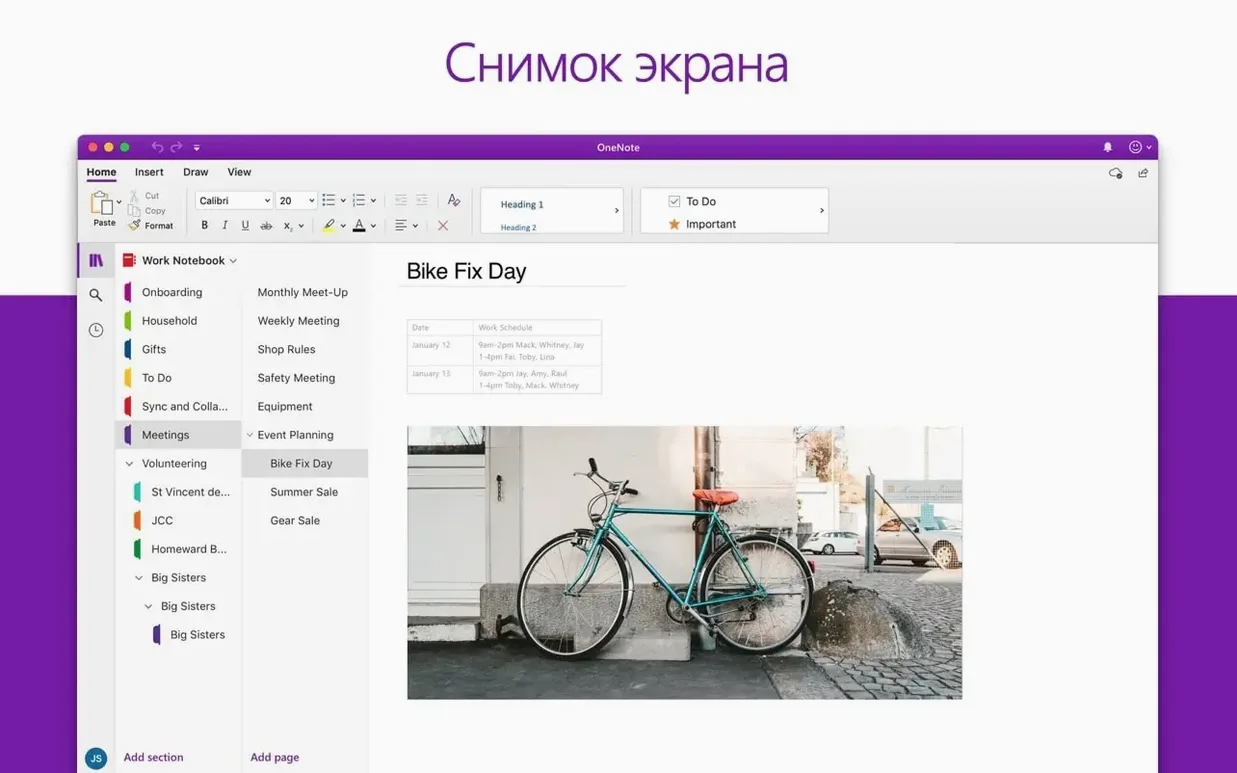
Outlook ships as part of the Office suite alongside Word, Excel, and PowerPoint. It’s available in 20 languages including English, German, Spanish, French, Japanese, and Russian. The install procedure is the standard Office 2024 process, and Microsoft AutoUpdate keeps it current.
Treating Outlook like Apple Mail
I see the same patterns when IT brings Outlook to a new clinic or office. People treat it like Apple Mail with a different skin, then wonder why it feels off. Here are the common ones:
- Forgetting to set a default account. Outlook grabs the first account you add and sends from that by default. If you add a work account first and a personal one second, personal replies go out with your work signature. Fix it in Settings > Accounts > Default account.
- Ignoring Focused Inbox. Apple Mail doesn't have it, so people don't expect Outlook to sort mail into Focused and Other tabs. Check that it's doing what you want, or switch to a plain ungrouped inbox in Preferences > Reading.
- Not setting a calendar time zone. Outlook pulls the system time zone, but if you travel or remote into machines in different zones, it can double-book or show wrong meeting times. Set the calendar time zone explicitly under Calendar > Time Zone.
- Relying on archiving the same way as Gmail. Outlook's Archive button moves messages to an Archive folder, not Gmail's All Mail. If you use Gmail via IMAP, test a few archives to confirm they land where you expect.
Turning on AutoUpdate first
You don't need to configure everything at once. These steps take five minutes and prevent headaches later:
- Turn on Microsoft AutoUpdate before you do anything else. Go to Help > Check for Updates and set it to download and install automatically. The 16.93.2 update from January 28 fixed a sharing issue — you want those patches.
- Set up one email alias or a shared mailbox early. If the clinic uses a shared inbox like frontdesk@, add it under Accounts > Delegation & Access. Saves you from logging in and out later.
- Drag your most-used calendars into the sidebar. Outlook shows them with color overlays — green for yours, blue for shared. Rearranging them now beats hunting for the right calendar mid-meeting.
- Write a quick rule for vendor emails. Right-click a message, choose Rules > Create Rule, send invoices straight to a subfolder. Rules run server-side for Exchange accounts, so they work even when Outlook is closed.
- Test drag-and-drop between mail and calendar. Drag an email about a patient reschedule onto a new meeting window. It preserves the subject line and body as the invite details.
Real-world scenario: front desk coordinator
Sarah runs the front desk at one of the clinics we service. She juggles appointment confirmations, vendor invoices, and provider schedule changes across two Gmail accounts and a shared Microsoft 365 mailbox. Before Outlook, she kept Gmail open in one browser tab and the Google Calendar web app in another, plus a third tab for the shared inbox. Tabs crashed. She missed appointment reminders.
With Outlook 16.93, she added both Gmail accounts via IMAP and the shared Microsoft 365 mailbox as a delegate account. She now sees all three inboxes in one folder list. The shared calendar sits overlaid on her personal calendar in the same pane. When a hygienist swaps shifts, Sarah drags the email notification directly onto the calendar to create an updated event. She turned on Focused Inbox for the Gmail accounts to keep vendor quotes out of her main view. Her setup took under ten minutes, and she hasn't opened a browser for email since.
- Outlook included in Office suite release 16.93.
- January 28, 2025 update 16.93.2 included Outlook.
- January 21, 2025 update 16.93.1 included Outlook.
- macOS 13 or later
- Apple Silicon or Intel processor
Questions I get about this line
Outlook for Mac supports Outlook.com and Microsoft 365 accounts, plus Gmail, Yahoo, POP, and IMAP accounts.
The install order
- Install Office 2024 using the standard procedure.
- Alternatively, download the required package for Outlook from the provided links.
- Packages download from Microsoft’s official servers and require activation.
- Install Microsoft AutoUpdate to receive future updates.