Free download (19 MB) Previous versions
- Version
- 5.2
- Developer
- Dirk Holtwick
- Languages
- English, German
- License type
- K'ed by TNT team
| macOS range | macOS 10.13.6 or later |
|---|---|
| Chip | Apple Silicon, Intel 64-bit |
| Download | 19 MB |
| Previous versions | 2 on file |
Screenshots
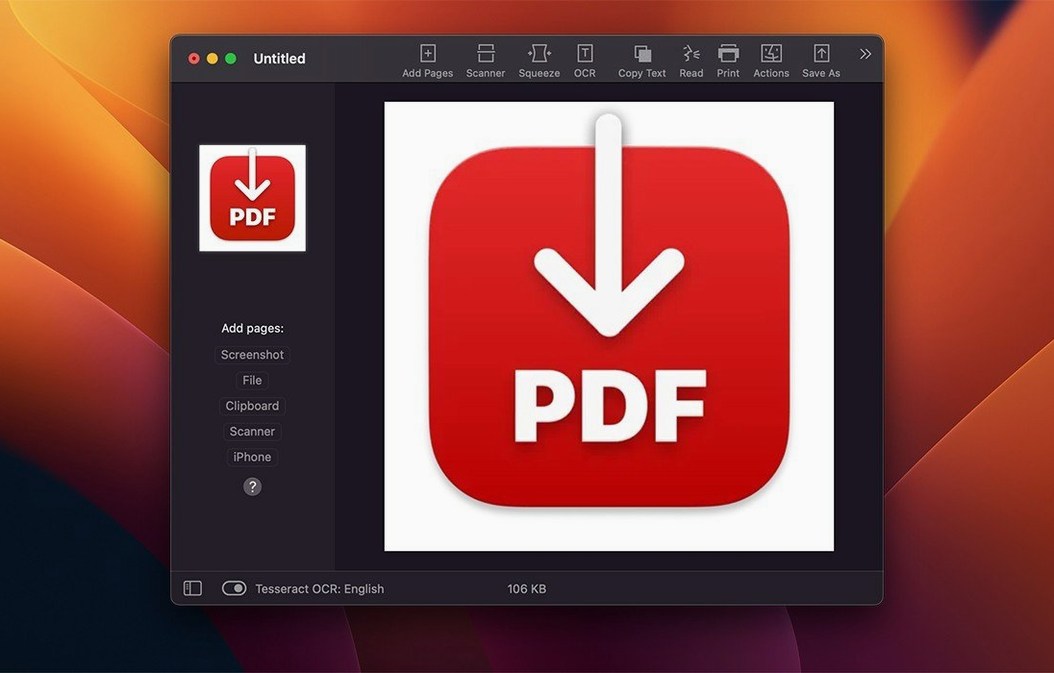
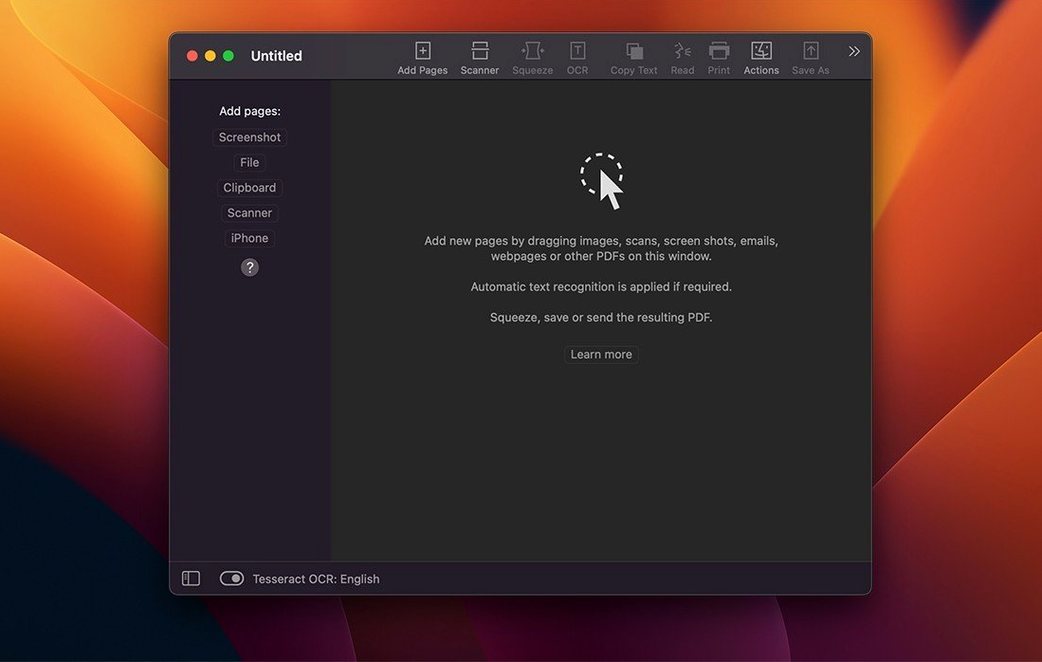
Click a screenshot to see it wider.
PDFify works on any Mac from macOS 10.13.6 onward — Intel 64-bit or Apple Silicon. No hardware gotchas.
Turn dusty scans into searchable PDFs
Open a dusty JPEG from your scanner. Click OCR. PDFify runs the text through Apple’s built-in recognition (or Tesseract if you prefer it). In a few seconds you have a searchable PDF with selectable text.
How do you pull text out of it?
One button copies all the text to your clipboard. Or use the new App Shortcut to export it as JSON if that fits your workflow better.
Anything else that matters day to day?
Yes. You can shrink the PDF to a smaller file, insert pages straight from the clipboard, and even aim your iPhone camera at a paper document — the app treats it like a scanner. ScanSnap users can set PDFify as the destination for their scans. The scanner dialog was redesigned for macOS 14 and up.
What the install looks like on your machine
The disk image mounts like any other. You'll run into Gatekeeper on recent macOS builds — that's standard for unsigned apps from outside the Store. One Terminal command to bypass it, then drag the app into Applications and you're done. No background services, no installer wizard. It sits in your Applications folder and opens when you need it.
A real session: scan, OCR, file out
I had a stack of printed invoices from a vendor who still faxes. Laid them flat, opened PDFify, used the built-in scanner dialog — the redesigned one on macOS 14 — to pull in each page. The app read the pages as images. From there I selected all thumbnails and hit OCR using Apple's text recognition. It processed the whole batch in one pass.
After OCR finished I copied all text with the single-click copy function, pasted it into a spreadsheet for the accounts file. Then I compressed the resulting PDF using the new Grayscale preset. The file shrunk noticeably. Saved it as PDF/A-2u for archiving. From start to finished PDF it was maybe a minute of hands-on work.
If you prefer batch workflows, the Finder Quick Actions do the same thing without opening the app. Right-click a folder of images, run the PDFify Quick Action, and walk away. The app handles the rest.
What your Mac needs (and what it gets)
PDFify 5.2 runs on any Mac from High Sierra (10.13.6) onward. Intel and Apple Silicon both work. The app is small, no extra frameworks or background helpers. Interface is in English or German.
You get the standard set of PDF tools: OCR, compression, conversion to PDF/A-2u for archiving. The app handles images, scans, screenshots, emails, web pages. It reads text aloud if you need that. The clipboard insert is useful for patching together documents from different sources.
A typical working session
Say you have a batch of photos of handwritten notes from a meeting. Open PDFify, drag the photos into the window. The app shows them as thumbnails. Select all, run OCR with Apple text recognition. The notes become selectable text in a searchable PDF.
If the file is large, apply one of the new compression presets — Grayscale or Black & White. That cuts the file size without making it unreadable. Then save the result as PDF/A-2u if you need long-term archiving. Done.
For single-page jobs like a receipt or a business card, use the iPhone camera as a scanner. PDFify treats it like a flatbed. Shoot the document, the app imports it, OCR runs automatically if you set it up that way. Copy the text out with one click, paste it where you need it.
The App Shortcuts added in 5.2 let you trigger common actions without opening the app — compress, OCR, convert to PDF/A, read aloud, export text as JSON. If you use macOS shortcuts, those slot right in. Otherwise the main window has the same buttons.
- Redesigned scanner dialog on macOS 14 and later.
- App Shortcuts for compressing PDFs, OCR, converting to PDF/A, reading text aloud, and exporting text as JSON.
- Added Grayscale and Black & White compression presets.
- macOS 10.13.6 or later
- Intel 64-bit or Apple Silicon
- Languages: English, German
Questions I get about this line
Yes. The app has a built-in text-to-speech feature that reads the PDF contents aloud.
The install order
- Mount the disk image and run Open Gatekeeper friendly.
- Press Enter in Terminal to bypass Gatekeeper.
- Drag the app into the Applications folder.
- Open the app from Applications.