Free download (6 MB) Previous versions
- Version
- 5.8.1
- Developer
- Running with Crayons Ltd
- Languages
- English
- License type
- K'ed by TNT team
| macOS range | macOS 10.14 or later |
|---|---|
| Chip | Apple Silicon, Intel 64-bit |
| Download | 6 MB |
| Previous versions | 3 on file |
Screenshots
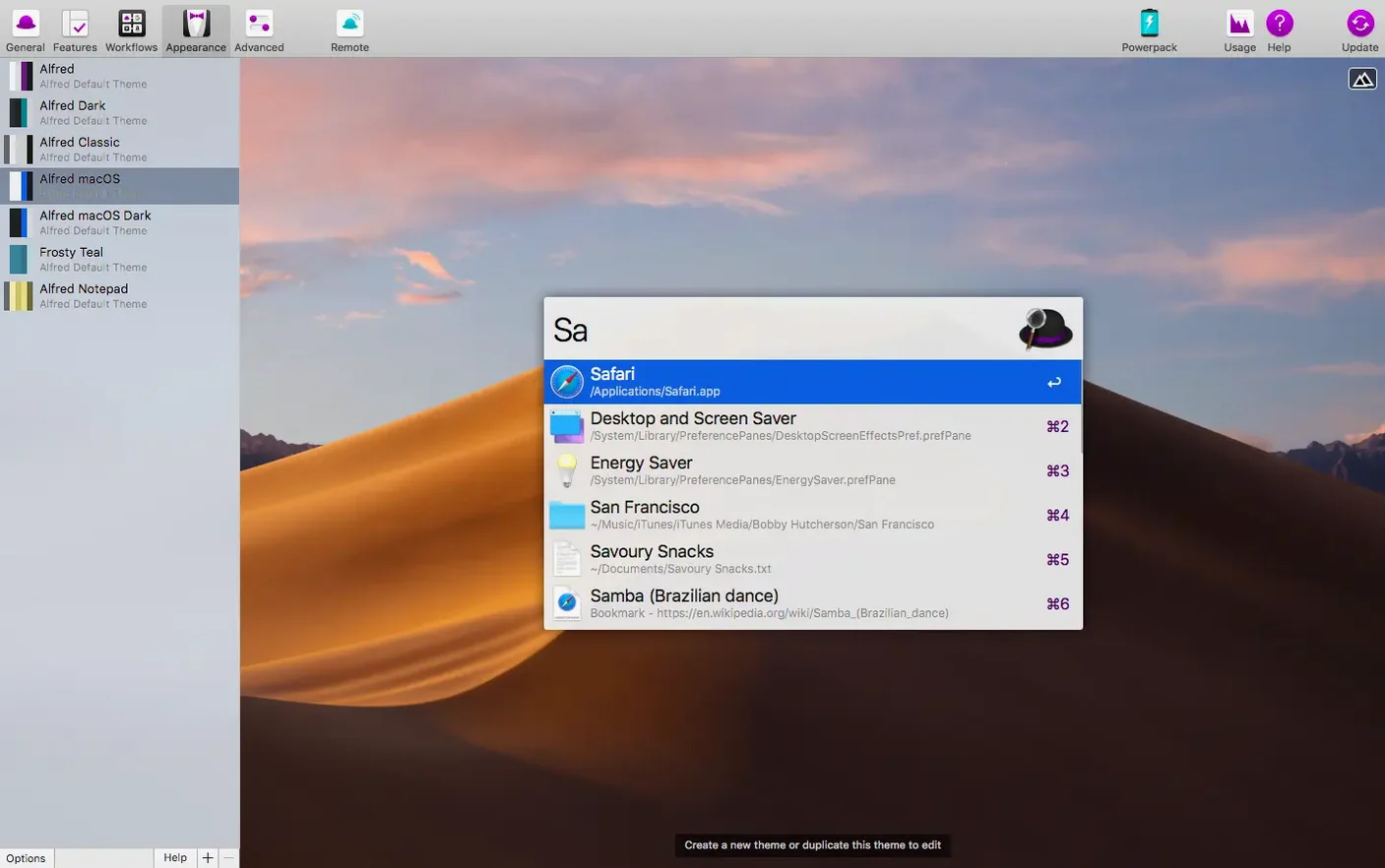
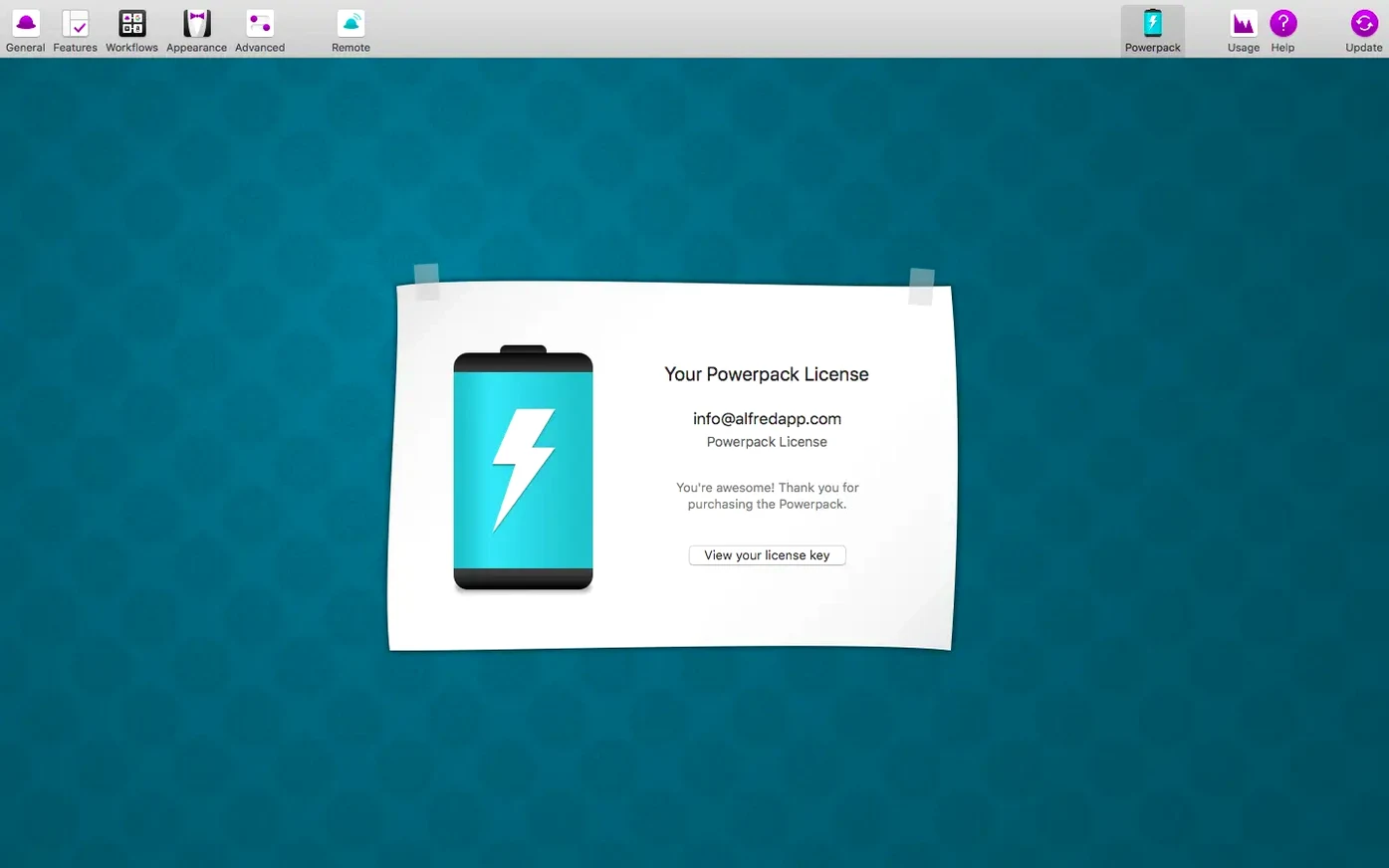
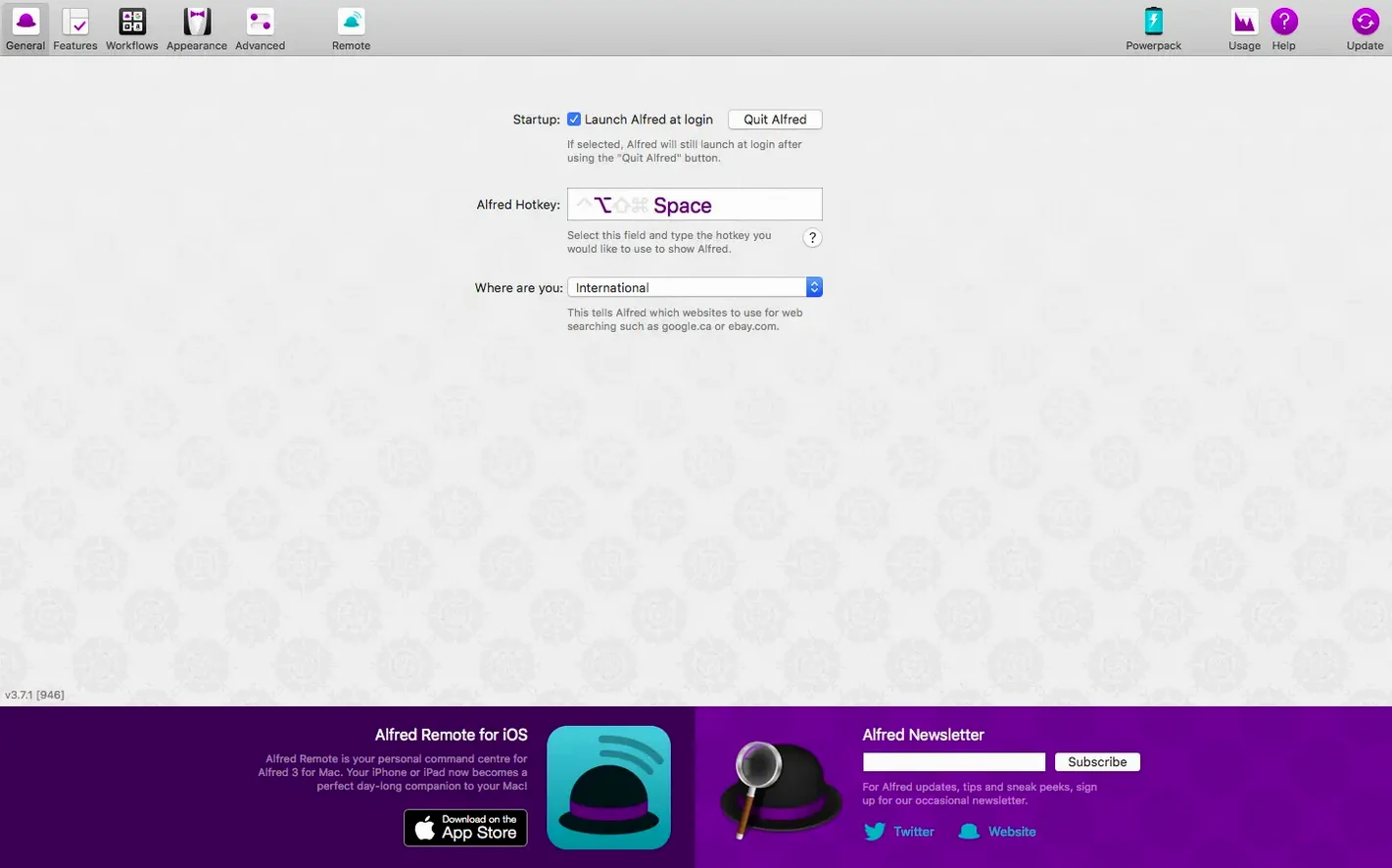
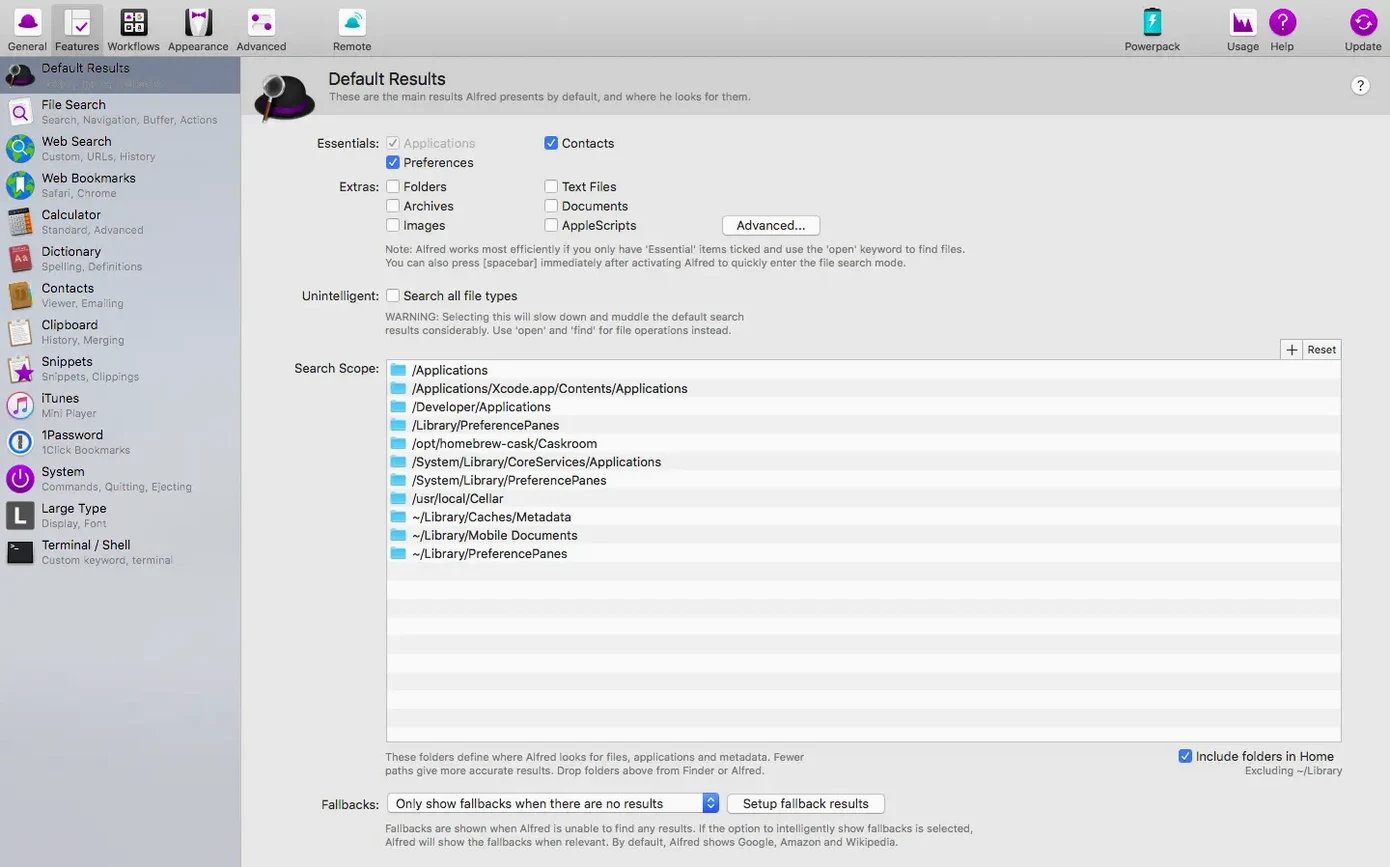
Click a screenshot to see it wider.
Alfred 5 Powerpack 5.8.1 adds a layer of automation and customization on top of the core Alfred app. It requires macOS 10.14 or later and runs on both Intel and Apple Silicon. The interface is English.
- Workflows to automate repetitive tasks
- Support for Alfred 5 workflow objects and automation tasks
- Themes to change the look
- Integrated with macOS, so you don't have to remember where folders live
- Improved Light Mode support in the updated General preferences
- Fixed Chrome bookmarks search to include all bookmarks
If you already use Alfred, the Powerpack is the upgrade that turns quick launching into a full productivity toolkit. Just make sure your Mac is on at least Mojave.
Cuts clicks for keyboard-centric workers
The Powerpack is aimed at people who spend their workday at the keyboard. If you regularly open files, launch apps, or search for snippets of text, the extra automation layers cut down the number of clicks. Developers, writers, and system administrators all fit here.
For IT and support staff, the workflow system is the main draw. You can chain actions together — search for a file, paste its path into Terminal, then copy the result — without touching the mouse. That saves time when you're managing multiple machines or troubleshooting remote setups.
Clipboard history is another reason to install it. Anyone who copies and pastes text throughout the day will find it useful. Instead of losing a copied URL or a code snippet, you get a searchable history that persists across restarts. No more re-copying from the original source.
Users who prefer keyboard shortcuts over menu navigation will also appreciate the expanded search options. The Powerpack lets you find files by name, content, or tags without browsing in Finder. That's useful for anyone with a cluttered desktop or a deep folder structure.
Runs on macOS 10.14+ with Apple Silicon support
The Powerpack runs on macOS 10.14 Mojave or later. It supports both ARM (Apple Silicon) and 64-bit x86 Intel Macs. The installer is a disk image that you mount and drag to the Applications folder. After that, you open the app and it runs as a background process.
Because it's a feature add-on, the core Alfred app must be installed first. The Powerpack itself adds the workflow objects, themes, clipboard history, and file-search capabilities. You don't need to configure anything extra if the base Alfred is already working.
The 5.8.1 update includes fixes for Light Mode in the General preferences, adjustments to System Settings search for iCloud and General results on macOS 27, and a correction for Google Chrome bookmarks search. If you use any of those features, the update is worth applying.
Opens files by typing name, skipping Finder clicks
You start your morning by hitting the Alfred hotkey. Instead of clicking through Finder to find yesterday's spreadsheet, you type the file name. Alfred's file search shows it as the top result. You press Enter and the file opens in Numbers.
Later, you need to email a colleague a snippet of server logs. You copy the logs from Terminal, then open the clipboard history with a quick key combination. The snippet is there, along with everything else you copied during the morning. You select it and paste it into the email body.
Midday, you're working on a deployment script. You have a workflow that takes a folder path, runs a cleanup command in Terminal, and sends a notification when it finishes. You activate the workflow from Alfred, paste the folder path, and let it run. No typing out commands by hand.
In the afternoon, you switch to a project with different color preferences. You open the theme picker in Alfred's preferences and switch to a dark theme. The change is instant.
Throughout the day, you use the Powerpack's automation to avoid repetitive steps. You type a keyword, and Alfred runs a series of actions that would normally take five separate clicks. By the end of the session, you've saved time without learning any scripting language.
- Improved Light Mode support in updated General preferences.
- Updated System Settings search to fix iCloud and General results on macOS 27.
- Updated Google Chrome bookmarks search to correctly search all bookmarks.
- macOS 10.14 or later
- 64-bit processor
- Intel or Apple Silicon
Questions I get about this line
Yes. It supports both Intel and Apple Silicon Macs, as long as you have macOS 10.14 or later.
It improves Light Mode support in General preferences, updates System Settings search for macOS 27, and fixes Google Chrome bookmarks search to include all bookmarks.
The install order
- Mount the disk image.
- Run Open Gatekeeper friendly.
- Press Enter in Terminal to bypass Gatekeeper.
- Drag the app to the Applications folder.
- Start using the app.