
- Version
- 8.9.14 (20260323)
- Developer
- iMobie Inc.
- Languages
- English, German, Arabic, Spanish, Chinese (Simplified), French, Japanese
- License type
- K'ed by TNT team
| macOS range | macOS 10.13 or later |
|---|---|
| Chip | Intel 64-bit |
| Download | 398 MB |
Screenshots
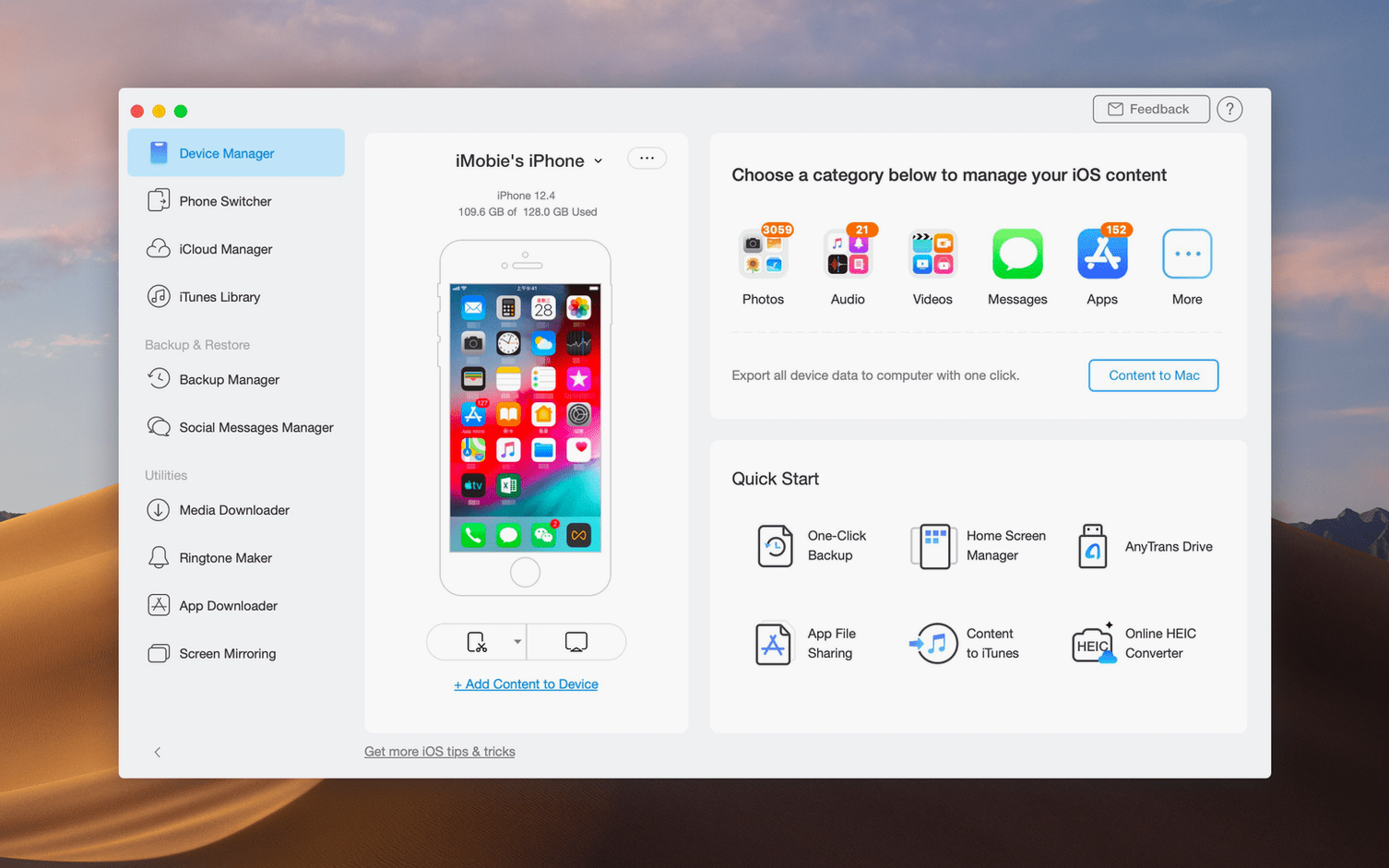
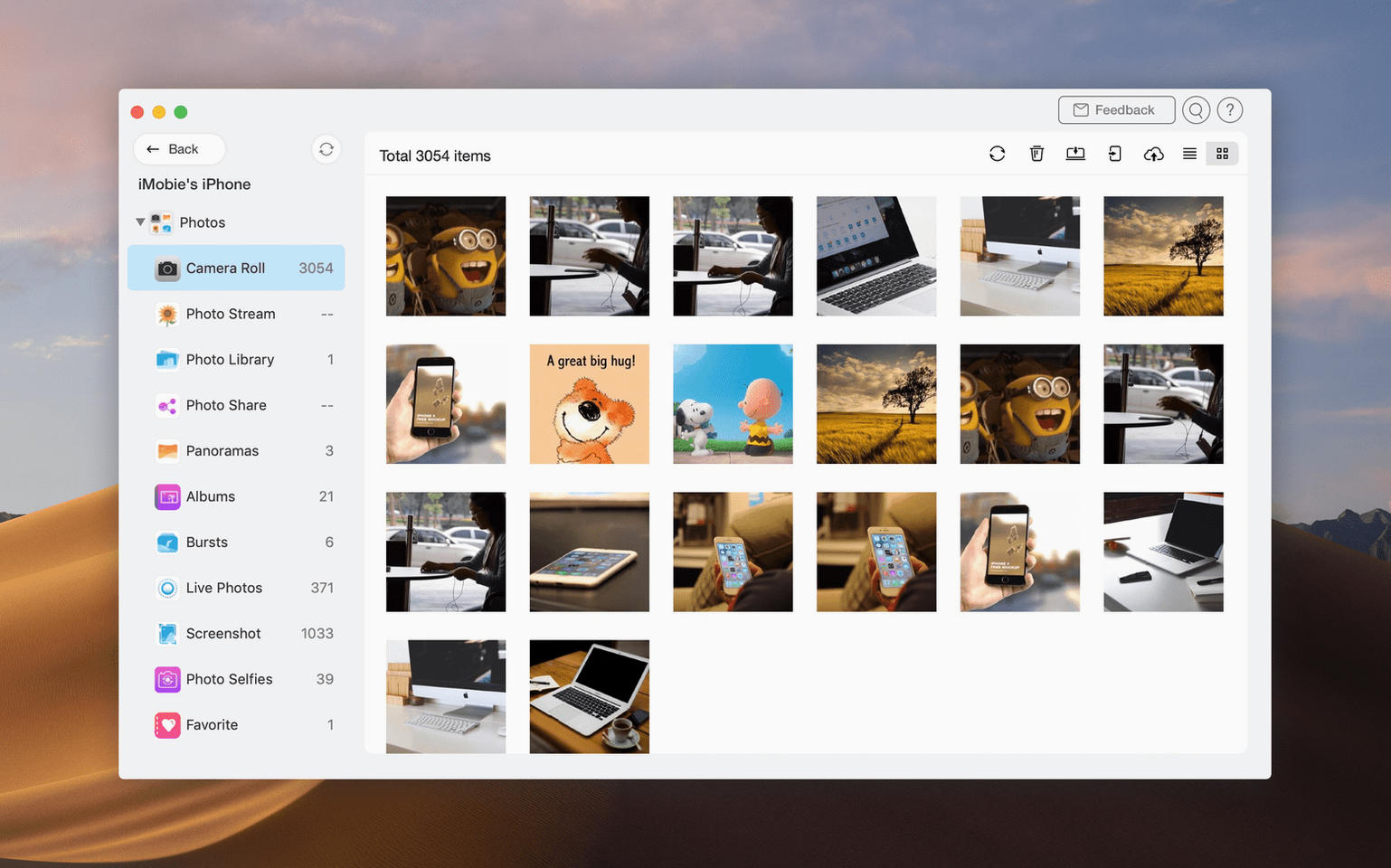
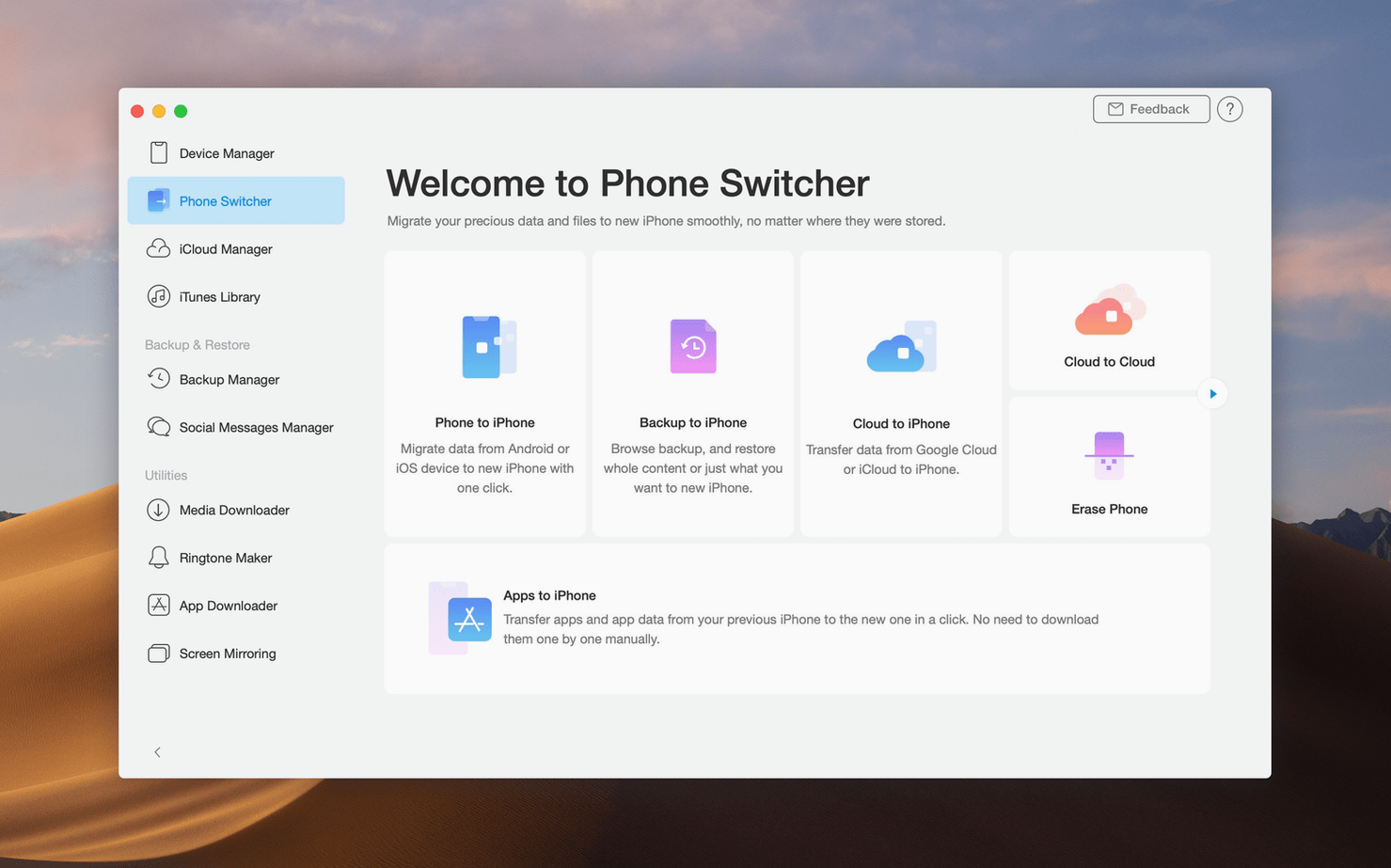
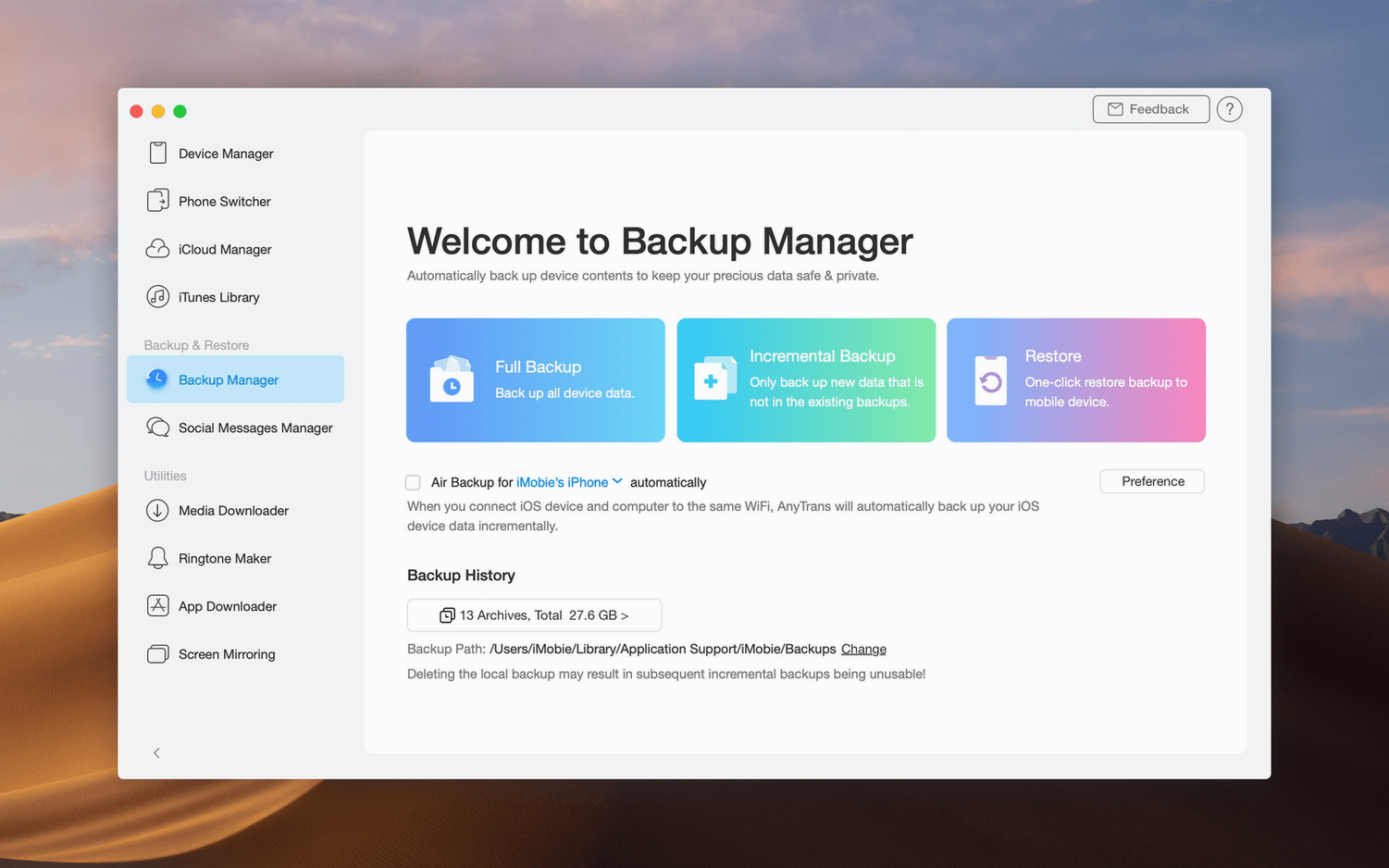
Scroll the row, it snaps to each screenshot. Click one to see it wider.
AnyTrans for iOS is a Mac app for transferring, backing up, and managing iPhone, iPad, iTunes, and iCloud data. It replaces or extends iTunes for everyday iOS content management. Before you install it, here are the questions people commonly ask.
- Does it work with iCloud? Yes, you can save iCloud files to your Mac and move content between iCloud accounts.
- Can it move data from an old iPhone or Android? Yes, it transfers content to a new iPhone.
- What about iTunes? It manages iTunes libraries and backups.
- How does it connect? Over USB to your Mac.
- Can it download media? It includes a downloader for audio and video from over 900 websites.
- Does it back up? It backs up iOS data on your Mac.
Start with a Single Device
Start with a single device. Connect your iPhone or iPad over USB. Open AnyTrans and give it a moment to index the content. The interface shows your device on one side and the destination on the other. Drag a few test files — photos or contacts — to the Mac. This confirms the connection is stable and the transfer works as expected.
Run a full backup next. AnyTrans can copy the entire device to your Mac in one operation. Do this before you try anything else. A backup gives you a safety net while you explore the other functions. After that, try moving a playlist from iTunes to the iPhone. Then connect an iCloud account and save a few files to the Mac. Each small test builds confidence without risk.
Keep the USB cable handy. Wireless transfers are not part of AnyTrans, so the cable is your only link. A good cable reduces disconnects. If a transfer stalls, unplug and reconnect the device, then retry. That usually clears it.
Bookmark the media downloader panel. It is for pulling audio and video from websites. Save one video to test the format and folder destination. The file lands in a location you can change later if needed.
Three Groups That Benefit Most
AnyTrans suits three groups in particular.
First, people migrating to a new iPhone from an older iOS device or from Android. The direct device-to-device transfer moves contacts, messages, and media without cloud services. It saves time compared to restoring from a backup and then re-syncing.
Second, anyone managing multiple iCloud accounts. Switching between accounts in a browser is slow. AnyTrans puts them side by side so you can drag files between them. This is useful for separating work and personal storage or merging old accounts into a new one.
Third, Mac users who still keep a local iTunes library and want to control what goes on the iPhone without letting iTunes dictate the playlist. AnyTrans reads the library and lets you pick content by category. You decide what transfers, not iTunes sync rules.
Casual users will find the backup function useful too, but the power features matter most when you need to move data between accounts or devices without extra steps.
Does Not Replace iTunes Completely
Will this replace iTunes completely?
No. AnyTrans handles transfers, backups, and cloud management. Most people keep both installed and use AnyTrans for the tasks iTunes does not do well, like direct device-to-device transfers or iCloud file management.
Does it work with an iPad that has no cellular data?
Yes. AnyTrans uses USB, not a network. The iPad only needs a wired connection to the Mac. This works in any environment where you can plug in a cable.
Can I preview what will transfer before it starts?
AnyTrans shows your device content by category. You select items individually or by group. The interface lets you review the selection before confirming the transfer. Nothing moves without your approval.
What happens if I disconnect the device mid-transfer?
The operation stops. AnyTrans does not corrupt the device, but the partially transferred files may be incomplete. Reconnect and run the transfer again. This is why a full backup first is a good habit.
Does the media downloader grab anything, or only certain sites?
It supports over 900 websites, but not every single page. The downloader pulls audio and video from supported sites. If a URL does not work, the downloader will not process it. There is no list visible in the app of supported sites, so test with a known working URL first.
Can I use AnyTrans with more than one iPhone at once?
Connect one device at a time. The app works with one connection. If you need to move data between two phones, connect the source device, transfer to the Mac, then connect the destination device and push the files to it. It is two steps, not one, but the result is the same.
For a utility that covers transfers, backups, and cloud management, AnyTrans handles the common tasks in one place.
- macOS 10.13 High Sierra or later
- Intel
The install order
- Mount the disk image and run Open Gatekeeper friendly.
- Press Enter in Terminal to bypass Gatekeeper.
- Drag the app to the Applications folder.
- Open the app after installation.