
Free download (17 MB) Previous versions
- Version
- 4.3.1
- Developer
- Incredible Bee Ltd.
- Languages
- Russian, English, German, Spanish
- License type
- K'ed by TNT team
| macOS range | macOS 15 or later |
|---|---|
| Chip | Apple Silicon, Intel 64-bit |
| Download | 17 MB |
| Previous versions | 3 on file |
Screenshots
Click a screenshot to see it wider.
Archiver is a macOS utility for handling archives: open, compress, split, combine, and encrypt.
Open and preview
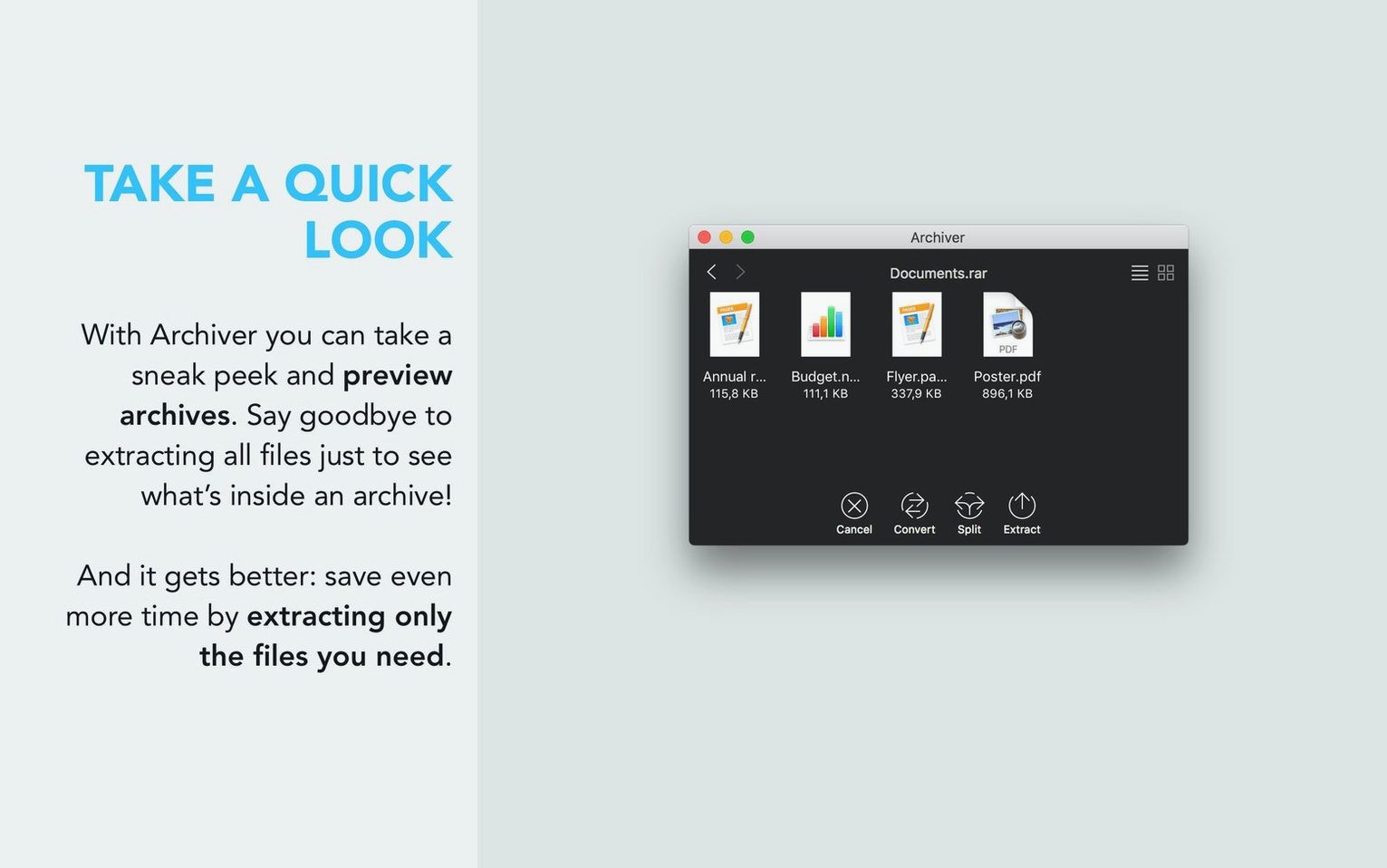
Archiver opens RAR, StuffIt, Zip, and 7zip archives. Before extracting, use Quick Look to preview files inside without unpacking the whole thing.
Compress with control
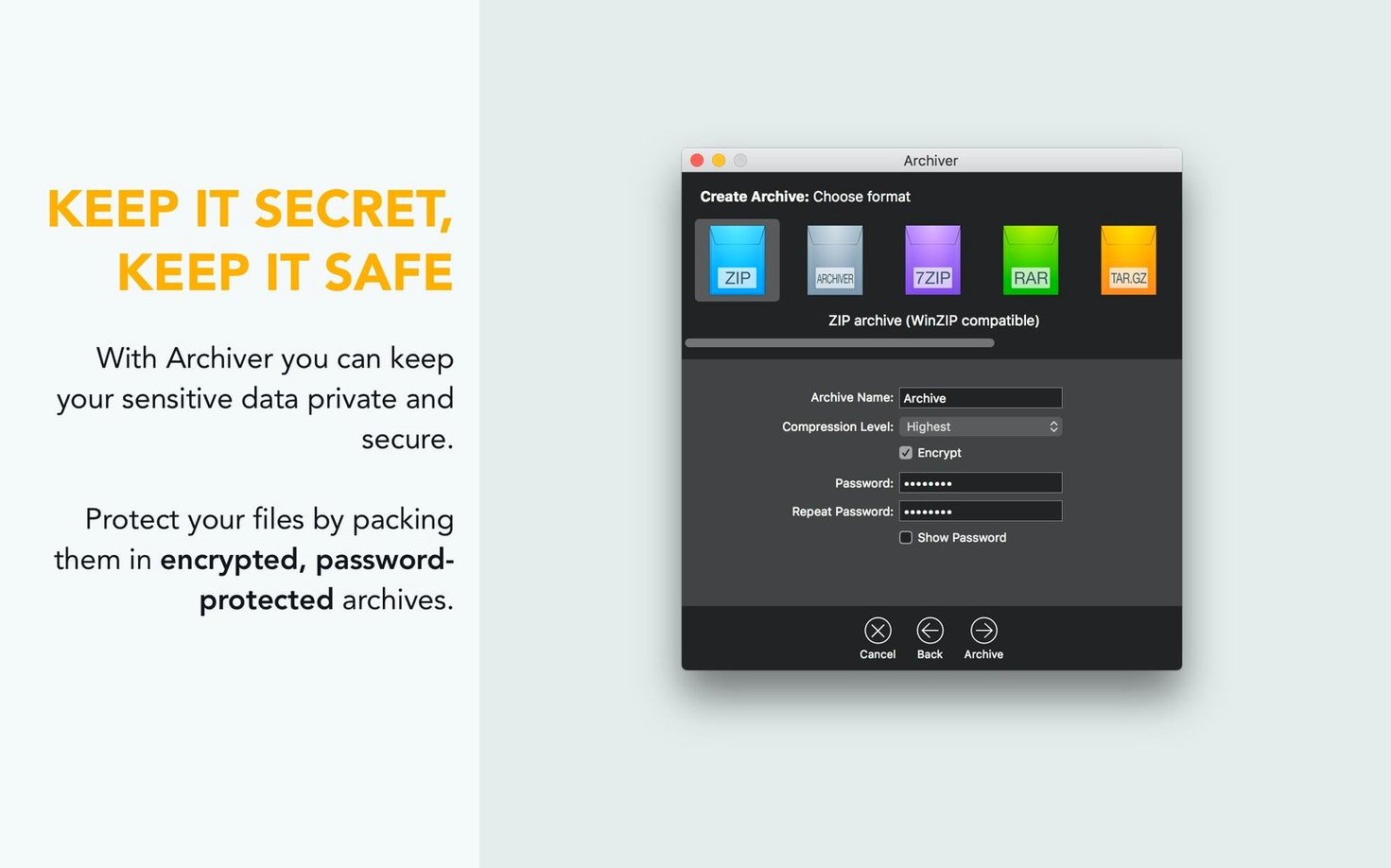
Pick a compression level when packing files. Need to restrict access? Encrypt files during compression, and decrypt archives when opening them.
Default output folder & auto-delete
Set a default output folder so extracted files land where you want every time. No hunting through the desktop afterward. Archiver also lets you delete the original archive automatically after extraction — useful if you are consolidating space and do not need the packed copy anymore.
Password protection
Password-protect an archive during compression. The same feature works in reverse: Archiver decrypts password-protected archives when you open them. Handy for sending files through email or storing sensitive data on a shared machine.
Image and audio compression
Archiver compresses image and audio files directly. Not all utilities treat media the same way, but Archiver handles them without extra conversion steps. Drag in a folder of photos or tracks and let it pack them at your chosen compression level.
One-click extraction
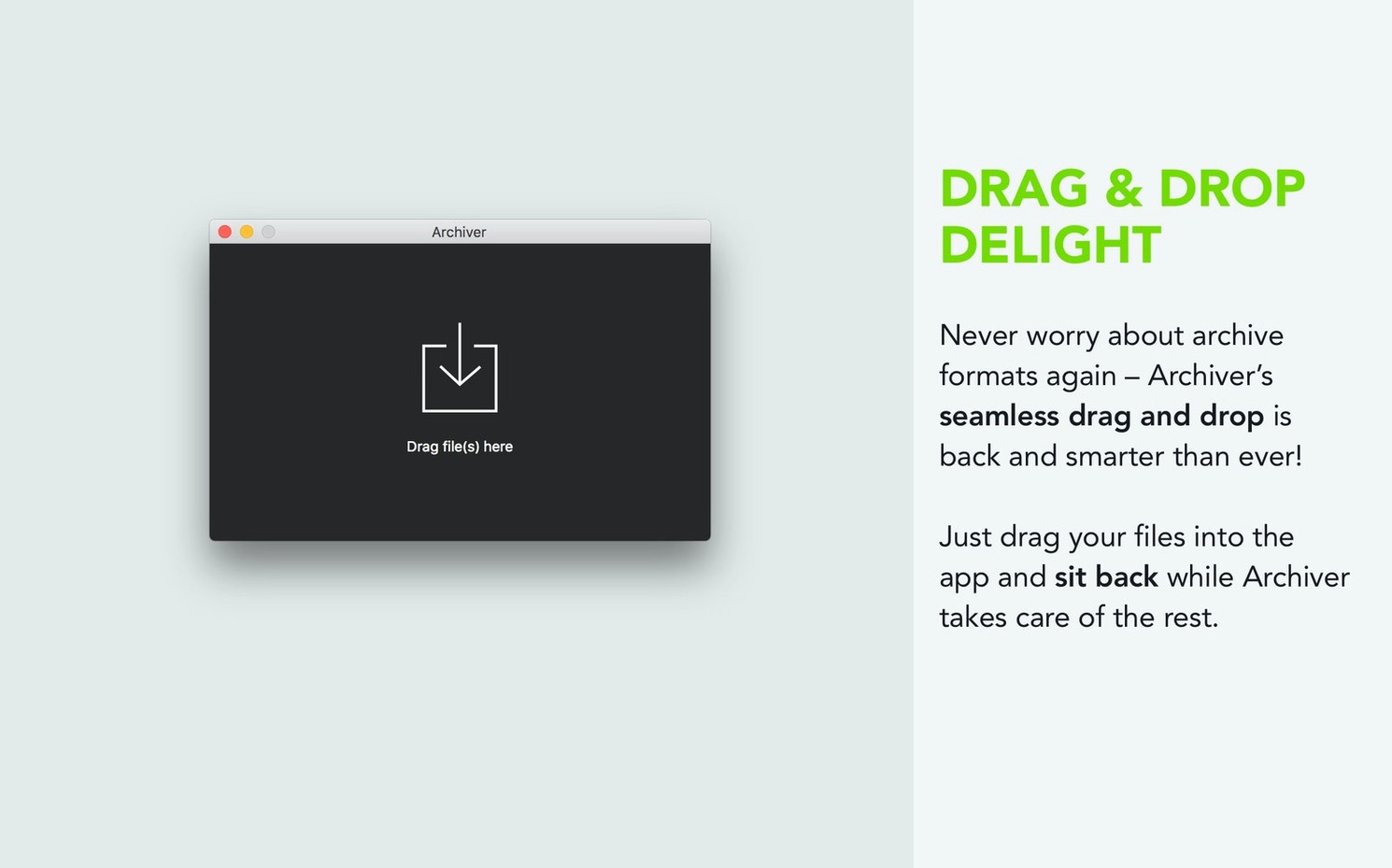
Right-click or use the main interface for extraction. Archiver supports one-click extraction of folders and files — no bouncing between menus to choose a destination. Combined with the default output folder, this makes batch tasks quick.
macOS 15 compatibility and Gatekeeper install
- Better macOS 15 compatibility across both Apple Silicon and Intel Macs. The app runs natively on ARM and x86 (64-bit).
- Gatekeeper bypass steps are still part of the install process. Mount the disk image, run the helper, press Enter in Terminal, then drag the app into Applications. Launch when done.
- Language options now include Russian, English, German, and Spanish. Switch in the preferences if your work environment uses a different locale.
Archiver macos download and archiver mac searches point to this tool for a reason: it covers the formats and tasks most users encounter without forcing you into a single workflow. If you handle mixed archive types or need password support on a Mac, it fits.
Small conveniences in daily use
A few details make Archiver less fiddly than other tools. The default output folder works across all archive types, so you are not setting a destination per format. That alone cuts out a step when unpacking a mixed batch of RAR and Zip files.
Password protection is consistent whether you are packing or unpacking. Type the password once during compression; Archiver asks for it again when decrypting. No separate keychain or profile setup to remember.
The compression level menu appears before you pack. Low, normal, high, maximum — pick one per job. For quick transfers, low compression saves time. For archiving media you rarely access, maximum reduces file size. The same menu works for images and audio, which is not true of every archiver.
Archiver also remembers your last-used compression level across sessions. If you always use maximum, it stays selected until you change it.
What changed in version 4.3.1
- macOS 15 compatibility — the update targets the current OS directly. No workaround needed for newer system security models beyond the initial Gatekeeper bypass.
- Architecture support — both ARM and x86 (64-bit) are covered in the same build. No separate Intel and Apple Silicon downloads to track.
- Language additions — Russian, English, German, and Spanish are available. Switch in preferences without reinstalling.
- Core functionality unchanged — extraction, compression, splitting, encryption, and Quick Look preview all work as before. The update focuses on compatibility, not feature changes.
For anyone searching for a mac rar archiver or b1 free archiver, Archiver handles RAR extraction and standard compression tasks without extra tools. The 4.3.1 release keeps it current for macOS 15 users on any Mac hardware.
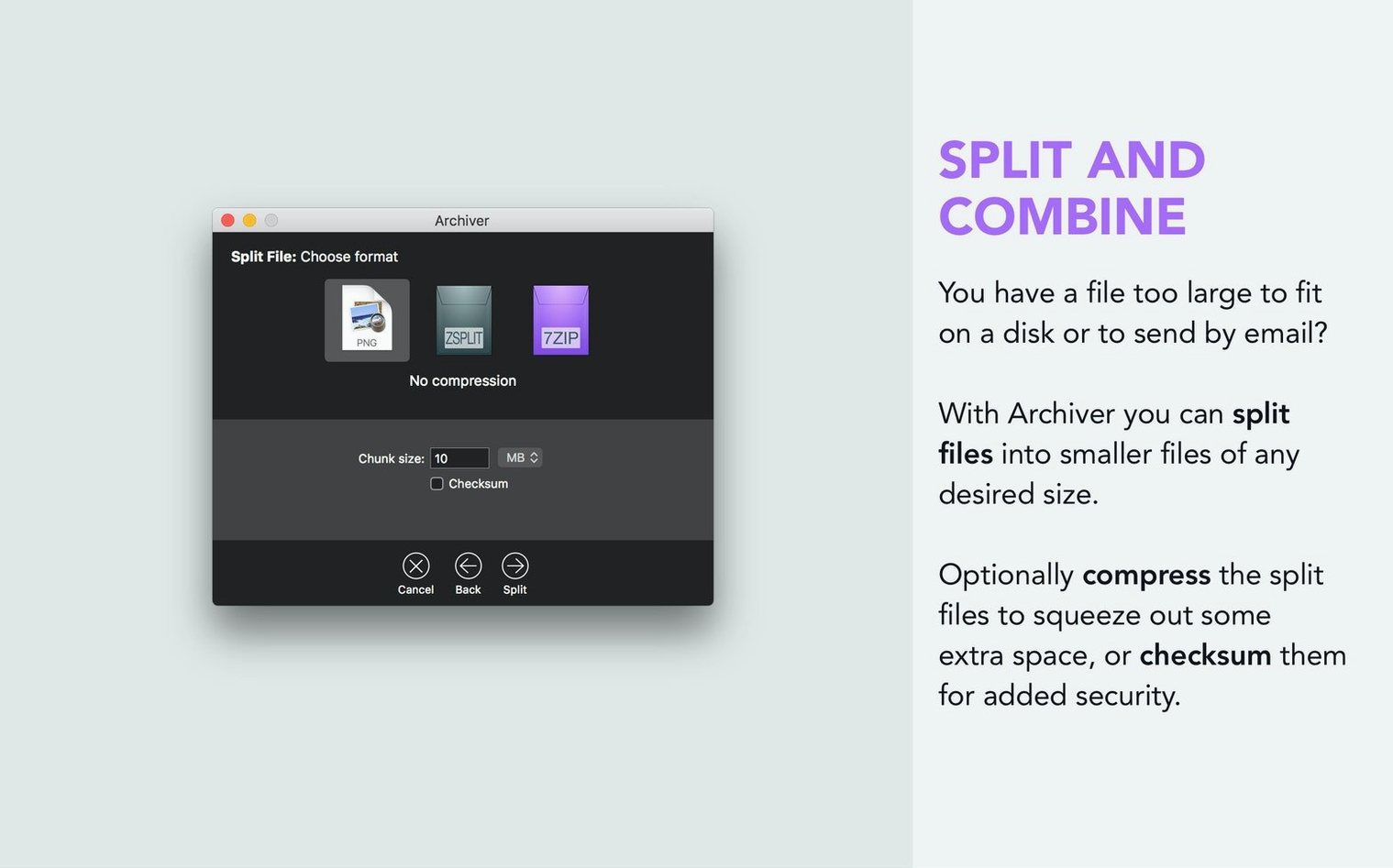
Archiver splits large archives into smaller parts or combines them back. Useful for moving files across drives with size limits.
- macOS 15
- Apple Silicon or Intel
Questions I get about this line
Yes, Archiver opens RAR archives, along with Zip, 7zip, and StuffIt formats.
Yes, you can encrypt files during compression and decrypt them when opening archives.
Yes, Archiver uses Quick Look to preview files inside an archive before you extract them.
The install order
- Mount the disk image and run Open Gatekeeper friendly.
- Press Enter in Terminal to bypass Gatekeeper.
- Drag the app into the Applications folder.
- Launch the app when installation is complete.