Free download (9 MB) Previous versions
- Version
- 4.34.2 (4.34.2) admin
- Developer
- Software Ambience Corp.
- Languages
- Russian, English, German, Spanish, Italian, Chinese (Traditional), Chinese (Simplified), Polish, French, Swedish, Japanese
- License type
- K'ed by TNT team
| macOS range | macOS 10.13 or later |
|---|---|
| Chip | Apple Silicon, Intel 64-bit |
| Download | 9 MB |
| Previous versions | 4 on file |
Screenshots
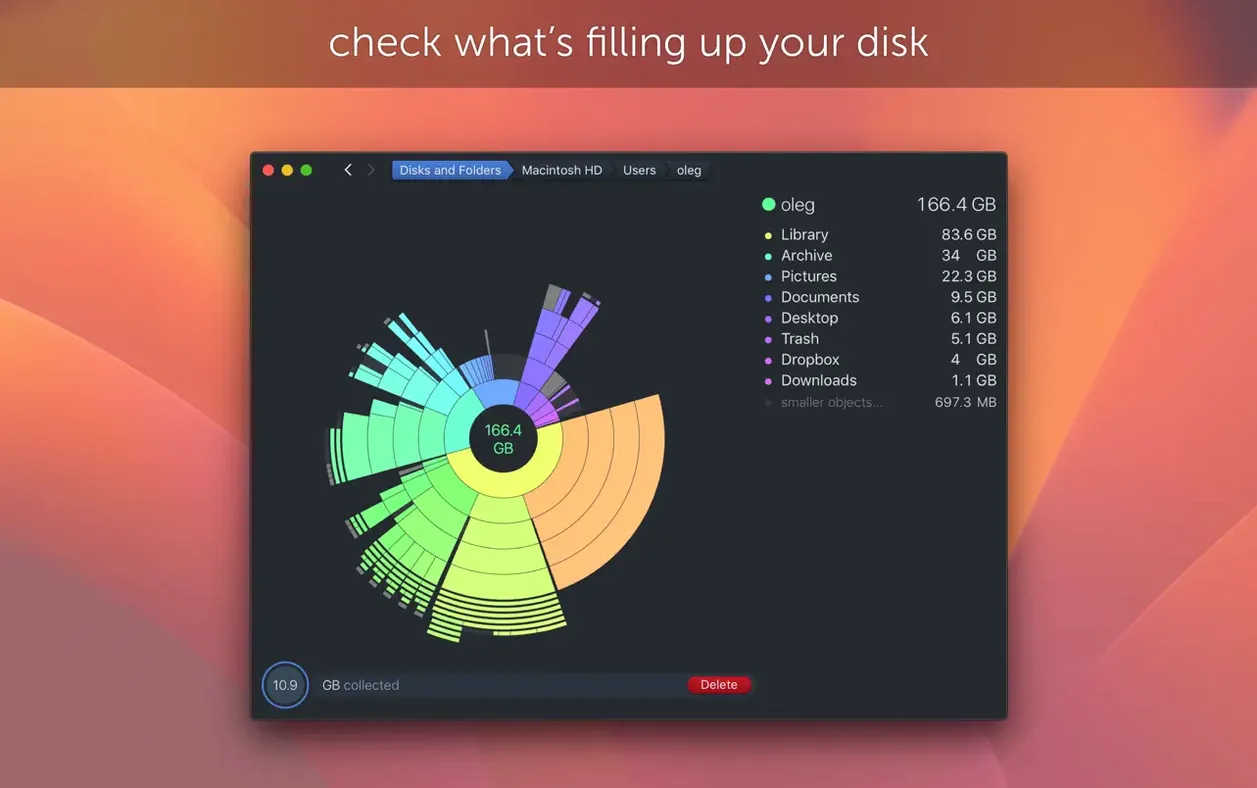
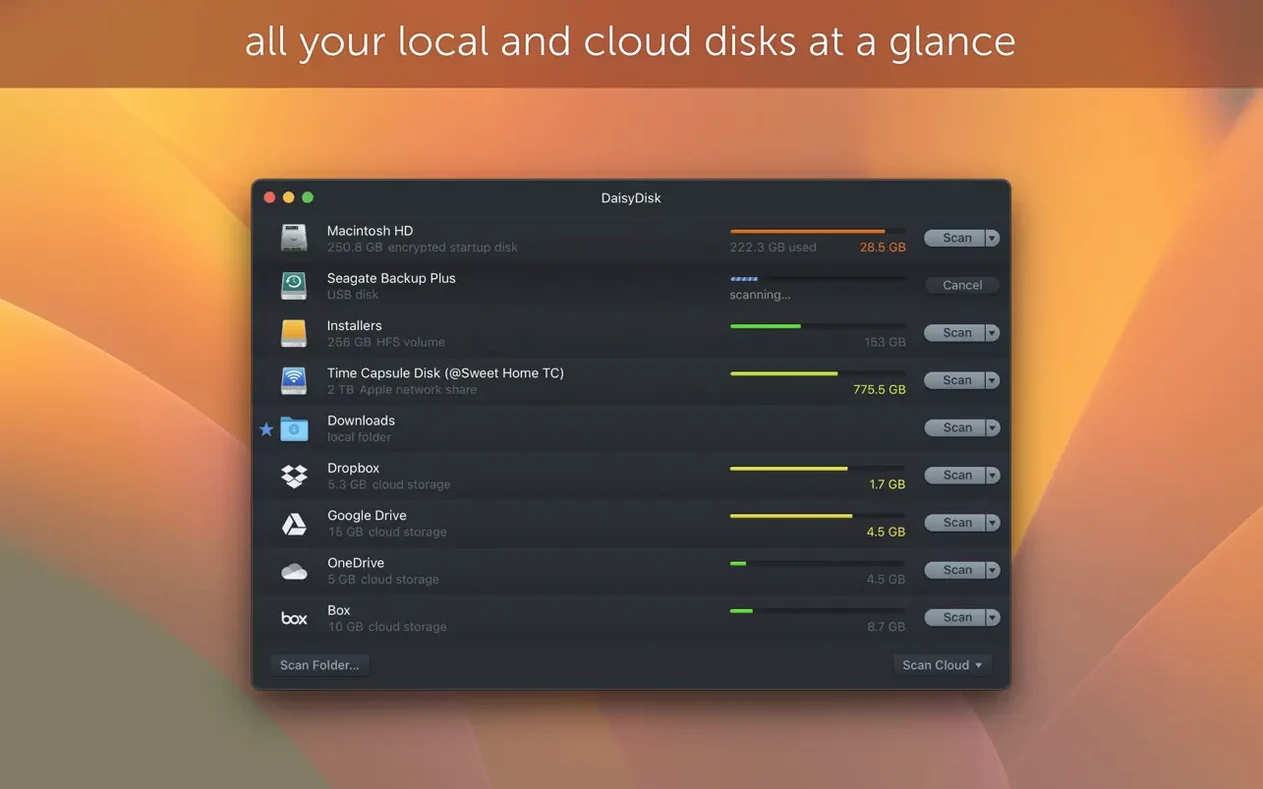
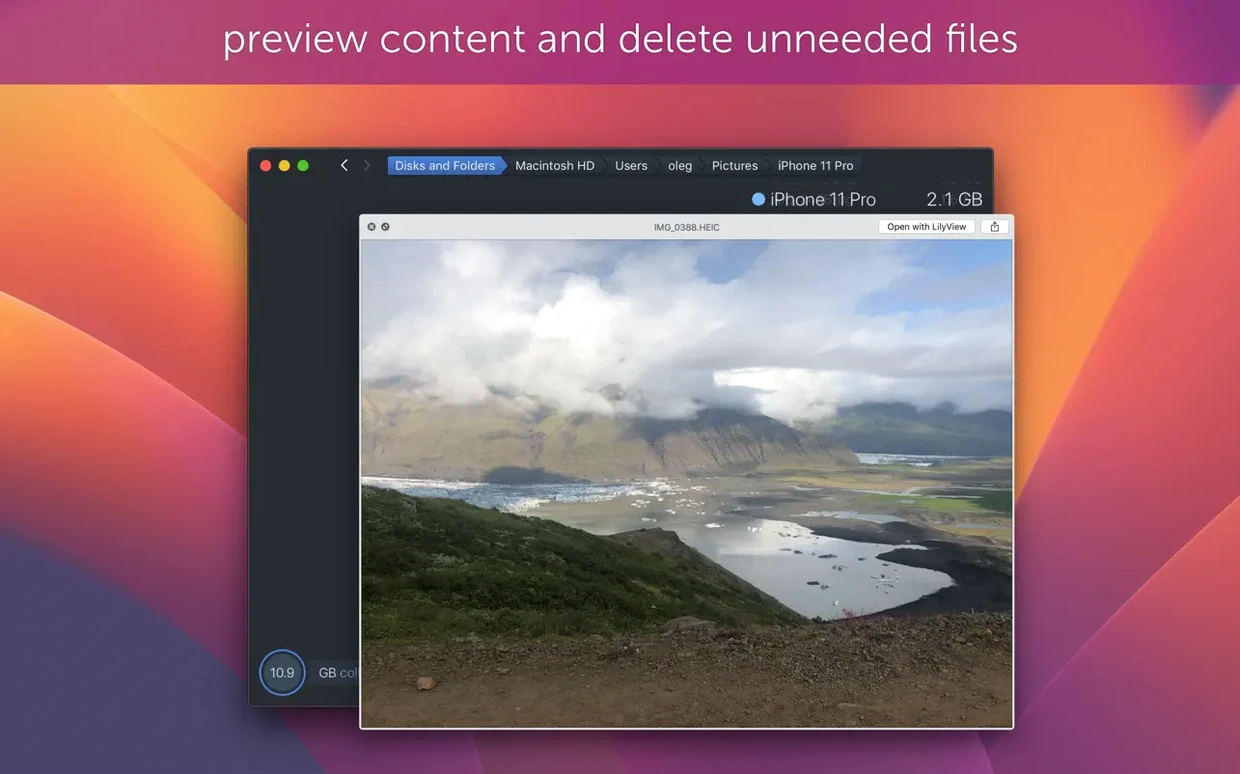
Scroll the row, it snaps to each screenshot. Click one to see it wider.
DaisyDisk maps your disk usage into an interactive visual map. Version 4.34.2 handles APFS clones correctly, counting each clone only once in used space.
Finding What Eats the 'Other' Category
- Finding what eats the "Other" category — DaisyDisk shows every file type, not just media and documents.
- Scanning APFS volumes with clones without double-counting storage.
- Quick Look integration so you preview a file before deleting it.
- Real-time info on mounted disks without rescanning.
- Retina display support for sharp rendering on modern Macs.
System Requirements and FAT32 Accuracy
- Requires macOS 10.13 or later.
- Version 4.33.2 fixed size estimates on FAT32 and exFAT drives — still accurate for those.
- Drag-and-drop to delete files works, but be deliberate about what you remove.
- Interface available in English, Russian, German, Spanish, Italian, Chinese, Polish, French, Swedish, Japanese.
Treating the Map as a Cleanup Tool Too Soon
New users tend to treat the map like a cleanup tool rather than an analyzer. It's easy to drag a large folder into the deletion area without checking what's inside it. DaisyDisk shows file names and sizes — use Quick Look to preview before deleting. The undo isn't a safety net for removed files.
Another common error is scanning only the user folder. System files and hidden data in the root drive can account for a lot of space, especially on Macs with small SSDs. Scan the whole disk, not just /Users.
Some people skip scanning external drives separately. DaisyDisk can scan mounted disks in parallel, but you have to select each one from the sidebar. If you plug in a USB drive and don't reselect it, the map still shows the last scan.
Beginners often ignore the "Other" breakdown. Click on that category in the map — DaisyDisk reveals what's inside. It's usually app caches, system snapshots, or leftover installers that you can remove safely.
Live Space Updates Without a Rescan
- Real-time disk info updates without a manual rescan. Check the sidebar for live changes to free space.
- Quick Look integration works on any file in the map. Press Space to preview images, documents, or archives before deciding.
- Drag-and-drop deletion is not the only way. Right-click an item and pick "Reveal in Finder" to handle it outside DaisyDisk.
- Parallel scanning means you can analyze your internal drive and a backup disk at the same time. The progress bars show each scan independently.
- The APFS clone awareness in version 4.34.2 applies to Time Machine snapshots and certain backup workflows. You'll see more accurate free space instead of inflated clone counts.
Default Scan to Root Volume
DaisyDisk works fine out of the box, but a few adjustments make it more useful from the start.
- Set the default scan to the root volume instead of the home directory. You'll get the full picture without an extra click each time.
- Enable scanning of hidden files and system folders if you plan to clean up cache directories. DaisyDisk includes them by default, but confirm they're turned on in preferences.
- Adjust the file size threshold for the map. The default shows everything; raising the minimum size reduces clutter and focuses on the big space-wasters.
- Turn on Quick Look integration if it's not active. It saves you from opening Finder just to check what a mystery file is.
These aren't buried options — they're in the Preferences panel under the main menu. Set them once and forget them.
- Adds support for APFS clones.
- Counts only the first occurrence of each APFS clone in used space calculations.
- Fixes a bug.
- macOS 10.13 or later
- Intel or Apple Silicon
Questions I get about this line
Yes. Version 4.34.2 adds support for APFS clones and counts only the first occurrence of each clone in used space calculations.
The install order
- Mount the disk image and run Open Gatekeeper friendly.
- Press Enter in Terminal to bypass Gatekeeper.
- Drag the app to the Applications folder.
- Open the app when installation is complete.