Free download (285 MB) Previous versions
- Version
- 26.3.0
- Developer
- Codeweavers
- Languages
- Russian, English, German, Amharic, Belarusian, Bulgarian, Danish, Spanish, Catalan, Czech, Estonian
- License type
- K'ed by TNT team
| macOS range | macOS 10.15 or later |
|---|---|
| Chip | Intel 64-bit |
| Download | 285 MB |
| Previous versions | 8 on file |
Screenshots
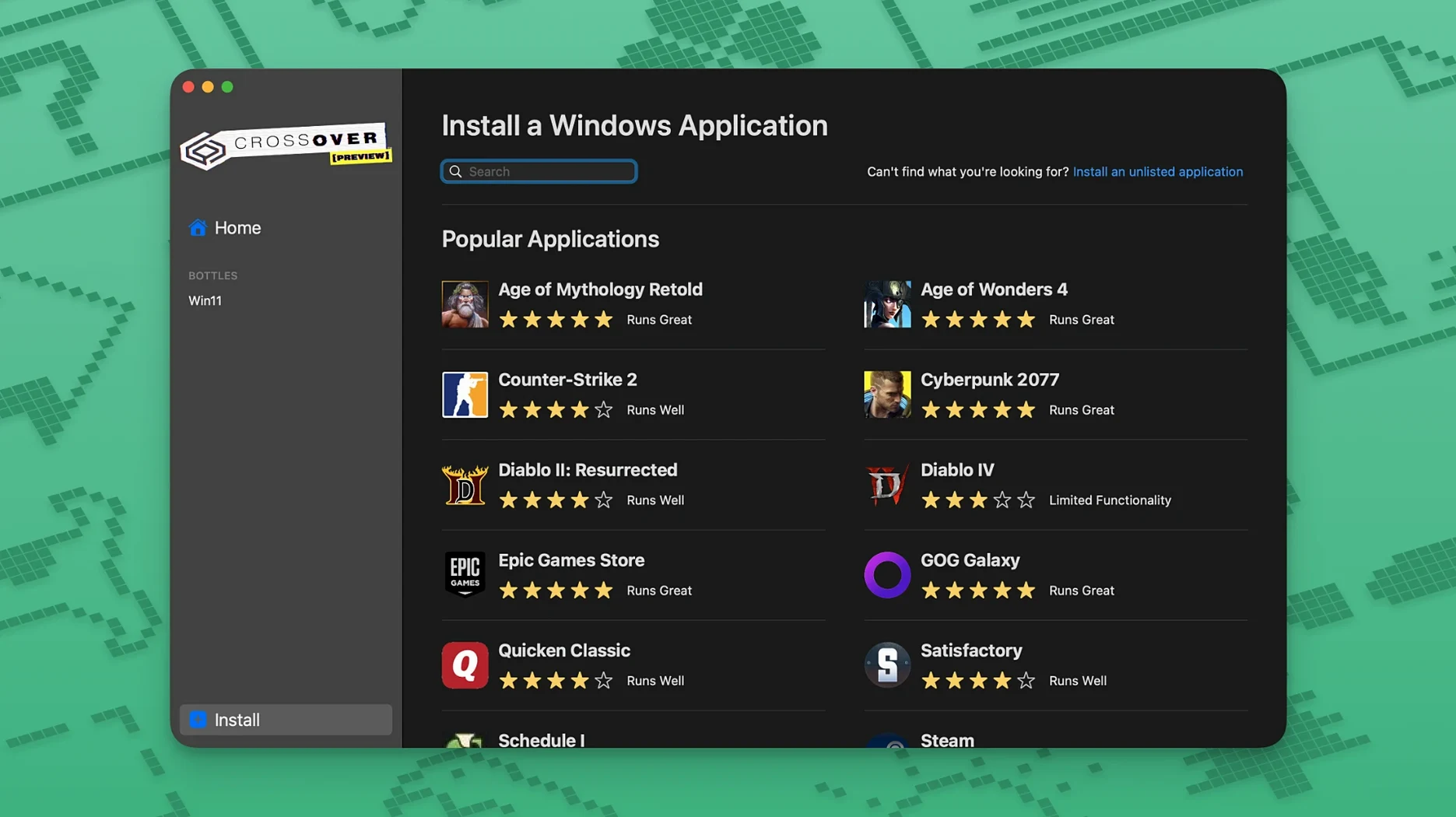
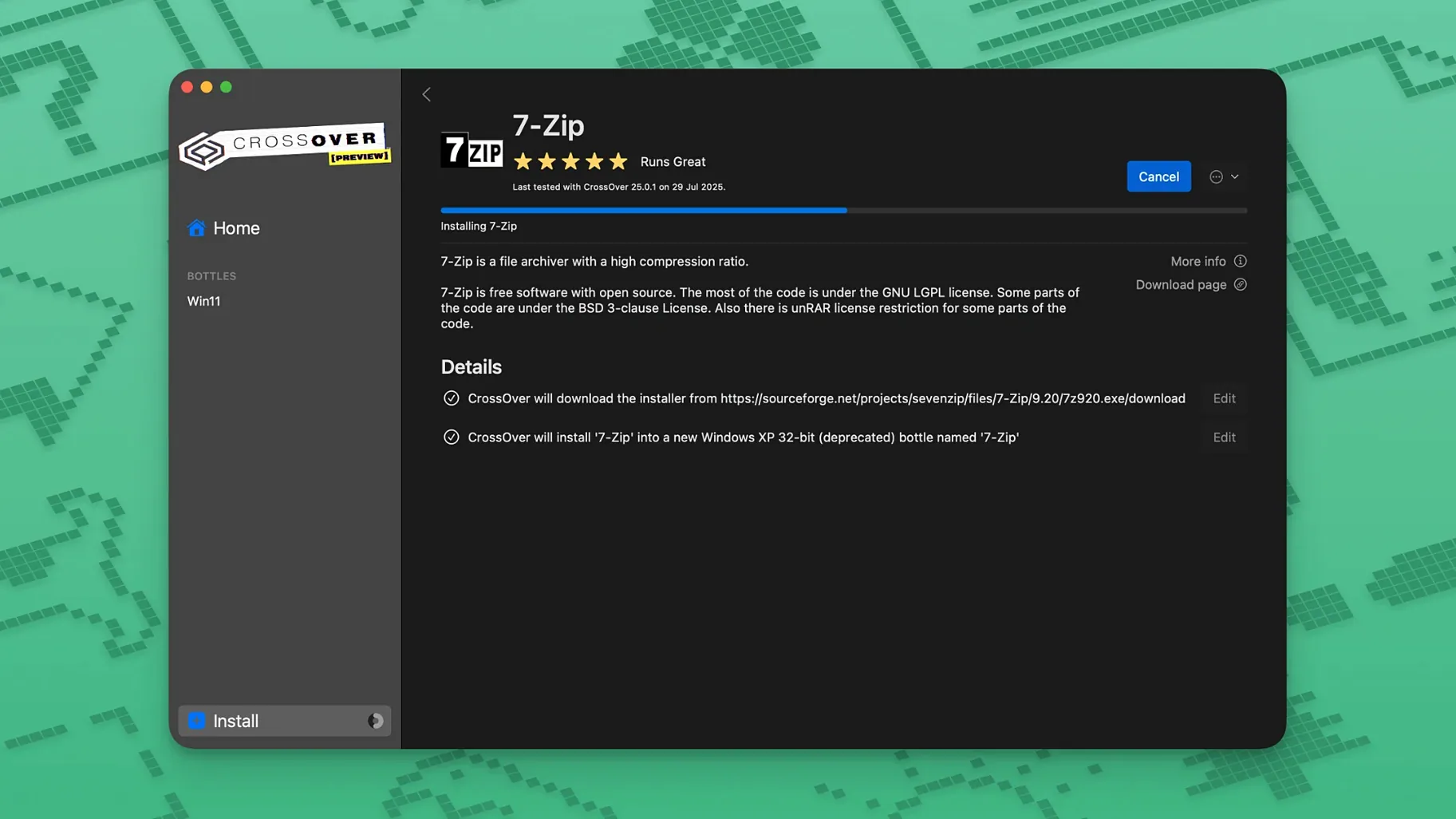
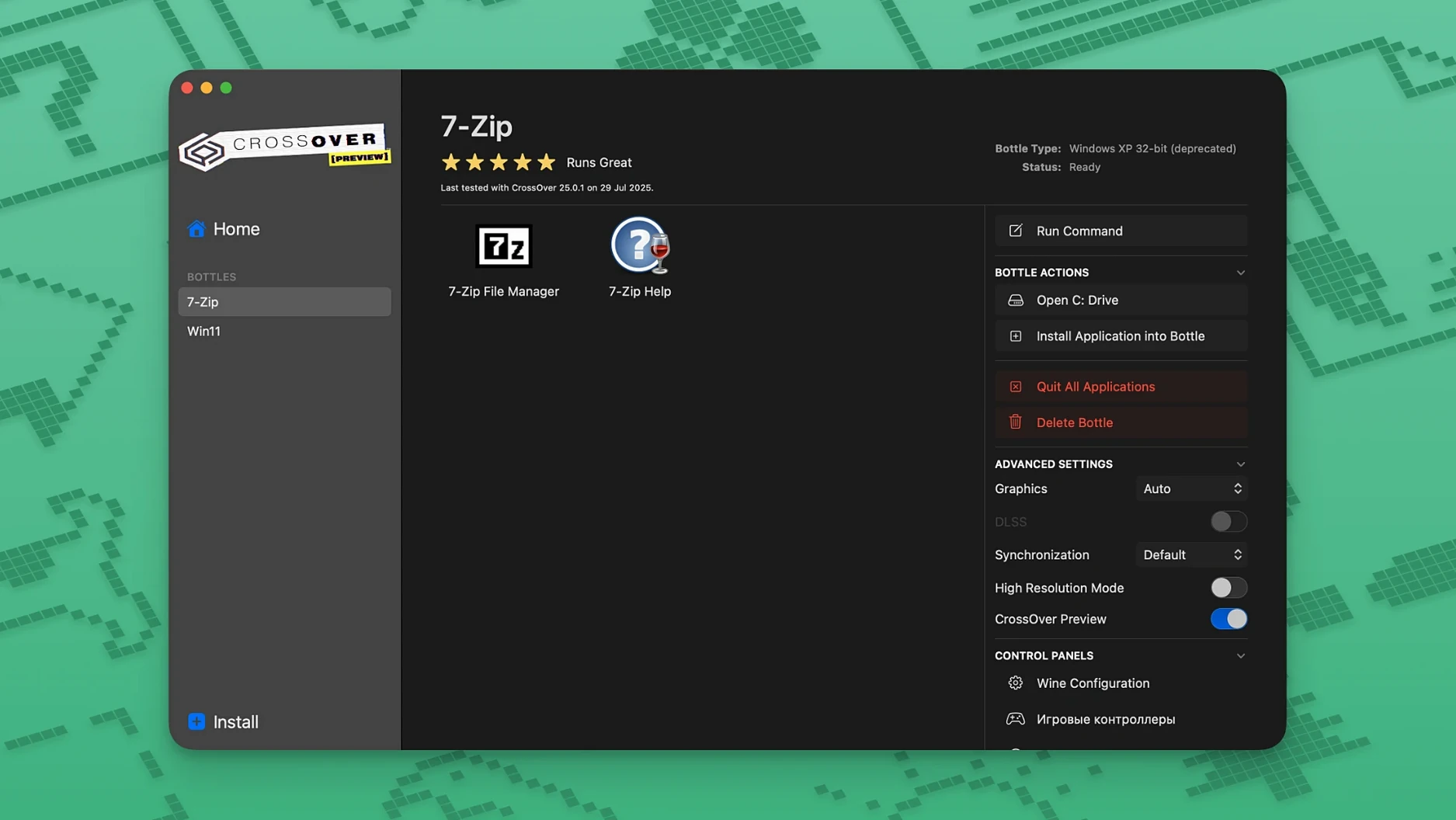
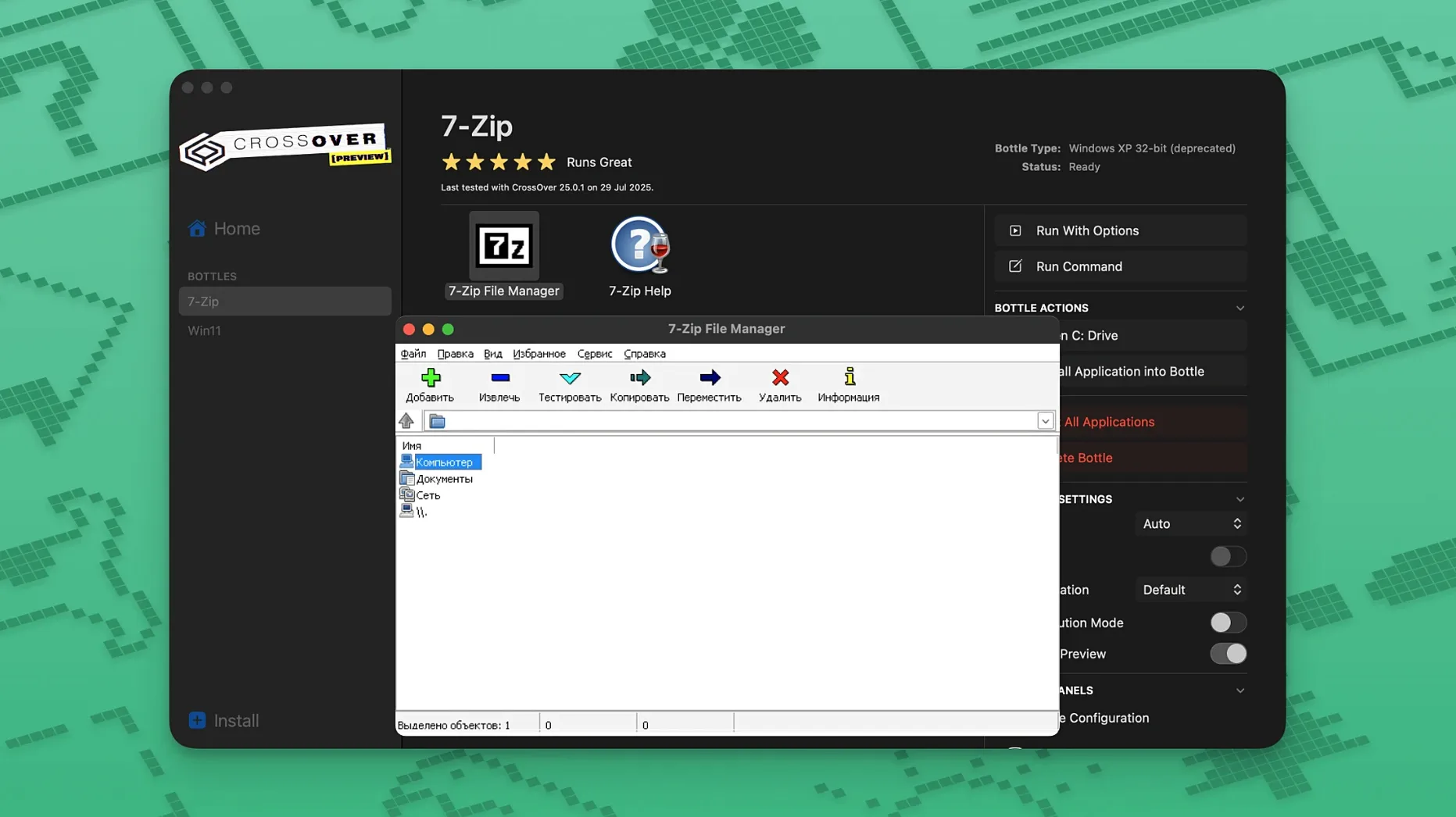
Scroll the row, it snaps to each screenshot. Click one to see it wider.
If you already use Wine to run Windows apps on macOS, CrossOver 26.3.0 streamlines the whole process. It translates Windows commands to macOS calls, so you skip dual-booting or a virtual machine. Here's what you get:
- Run many Windows business apps and games on Mac without installing Windows.
- Wine-based compatibility — no emulation overhead, just native-like performance.
- Fixed issues: Diablo IV now launches after a game update; Epic Games Launcher downloads work again; GOG Galaxy client loads properly.
- Supports macOS 10.15 Catalina and later (Intel only).
- Some apps need their own installer; unsupported software may be unstable.
- Interface in English, Russian, German, Spanish, and more.
Line-of-Business App Users
CrossOver fits three kinds of Mac users well. First, the office worker who depends on one or two Windows-only line-of-business apps — property management, medical billing, legacy accounting. Second, the IT admin managing a mixed environment. You can test Windows software on your MacBook without spinning up a full VM. Third, the gamer who wants to play Windows-native titles from the last five to ten years. Diablo IV runs now, which covers a lot of Blizzard players. Casual gamers who stick to Steam OS-native titles won't see much benefit.
If your workflow uses only macOS-native apps, CrossOver is overkill. But if you find yourself rebooting into Boot Camp once a month for one program, that's the audience.
Diablo IV and Epic Launcher Fixes
Three fixes landed in this release, all aimed at keeping things running after upstream updates broke them. First, Diablo IV would refuse to launch after a game patch. That's fixed — no manual tweaks needed. Second, Epic Games Launcher downloads stopped working on Mac after Epic changed something server-side. CrossOver 26.3.0 realigns the translation layer so downloads resume. Third, GOG Galaxy would hang or fail to load its library after an update. That's corrected now. If you use any of those three, the upgrade is worth your time. If you don't, the rest of 26.3.0 behaves identically to the previous build.
QuickBooks Desktop Bottle Setup
Say it's Tuesday morning and you need to run QuickBooks Desktop for a client's reconciliation. You open CrossOver, create a new bottle, and name it QB_Client. The bottle sets up a virtual C drive with the registry and folders Windows apps expect. You drag the QuickBooks installer .exe into the bottle window. The installer runs as if on a Windows 10 machine. You enter the license key, set up the company file path, and the app launches inside its own window on your macOS desktop.
You reconcile for an hour. The window stays responsive. You copy a PDF report to the macOS desktop — the file system inside the bottle is accessible from Finder. You quit QuickBooks, close the bottle, and the session is done. No rebooting. No switching desktops.
Later that day you want to play a round of Diablo IV. You open the bottle you created last month for Battle.net. Launcher opens, you click Play, and the game starts. You play for forty minutes, quit, and the bottle sits idle until tomorrow. No Windows license to think about.
How CrossOver Fits With Other Apps and macOS Features
CrossOver bottles appear in Finder like regular folders. You can copy files between the bottle's C drive and your macOS desktop with drag-and-drop. That works for PDFs, images, plain text — anything the Windows app can export. The bottles also integrate with macOS copy-paste for text, so you can grab a string from a Windows app and paste it into a macOS email client.
If you use Apple's built-in screenshots (Cmd-Shift-4), they capture the CrossOver app window normally. The Windows app doesn't know it's being screenshotted. For IT work, you can run a Windows command-line tool in a bottle and pipe its output to a macOS log file using Terminal. The bottle provides a native Terminal window you can script around.
CrossOver 24 mac download users upgrading to 26.3.0 keep their existing bottles — the update doesn't reset them. If you already have bottles for Epic Games or GOG Galaxy, the fix applies without recreating them. That's a practical win for anyone who has built up a library of Windows tools over time.
For IT admins, a bottle can be copied to another Mac running CrossOver and work immediately. That makes deployment straightforward: set up one reference bottle with your medical billing app and its settings, then copy it to every front-desk iMac. Each bottle stays self-contained, so one broken install doesn't affect the others.
CrossOver pirated versions are common in the IT field for exactly this reason — test once, deploy many. The workflow stays the same whether you're running the standard release or a build from other sources.
Just follow the install steps below.
- Fix for Diablo IV not launching after a game update.
- Fix for Epic Games Launcher downloads not working on Mac after an update.
- Fix for GOG Galaxy client not loading after an update.
- macOS 10.15 Catalina or later
- Intel processor
Questions I get about this line
CrossOver 26.3.0 for Mac is listed as an Intel download. It runs on Intel Macs under macOS 10.15 Catalina or later.
No. Some Windows apps need their own installer, and unsupported Wine applications may be unstable or not work at all.
CrossOver uses Wine to translate Windows commands directly to macOS, so you don't need a Windows license or a full virtual machine. It uses less system resources.
The install order
- Mount the disk image and run Open Gatekeeper friendly.
- Press Enter in Terminal to bypass Gatekeeper.
- Drag the app into the Applications folder.
- Open the Extra folder and copy the croslic folder to the desktop.
- In the croslic folder, right-click license.tool and choose Open With, then Terminal.
- Enter the Mac password in Terminal and wait for the process to finish.
- If activation problems occur, grant Terminal full disk access.