- Version
- 2.14
- Developer
- Electronic Team
- Languages
- English, German, Spanish, French, Japanese
- License type
- K'ed by TNT team
| macOS range | macOS 10.12 or later |
|---|---|
| Chip | Apple Silicon, Intel 64-bit |
| Download | 101 MB |
Screenshots
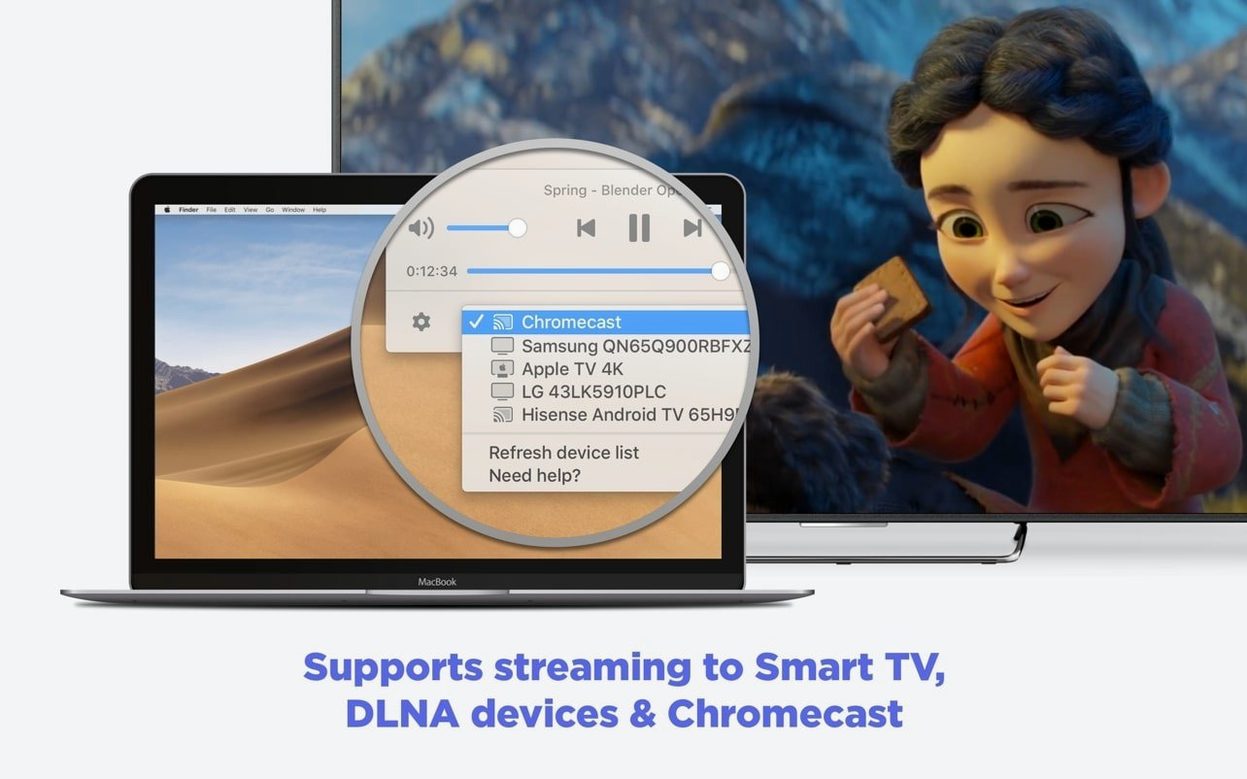
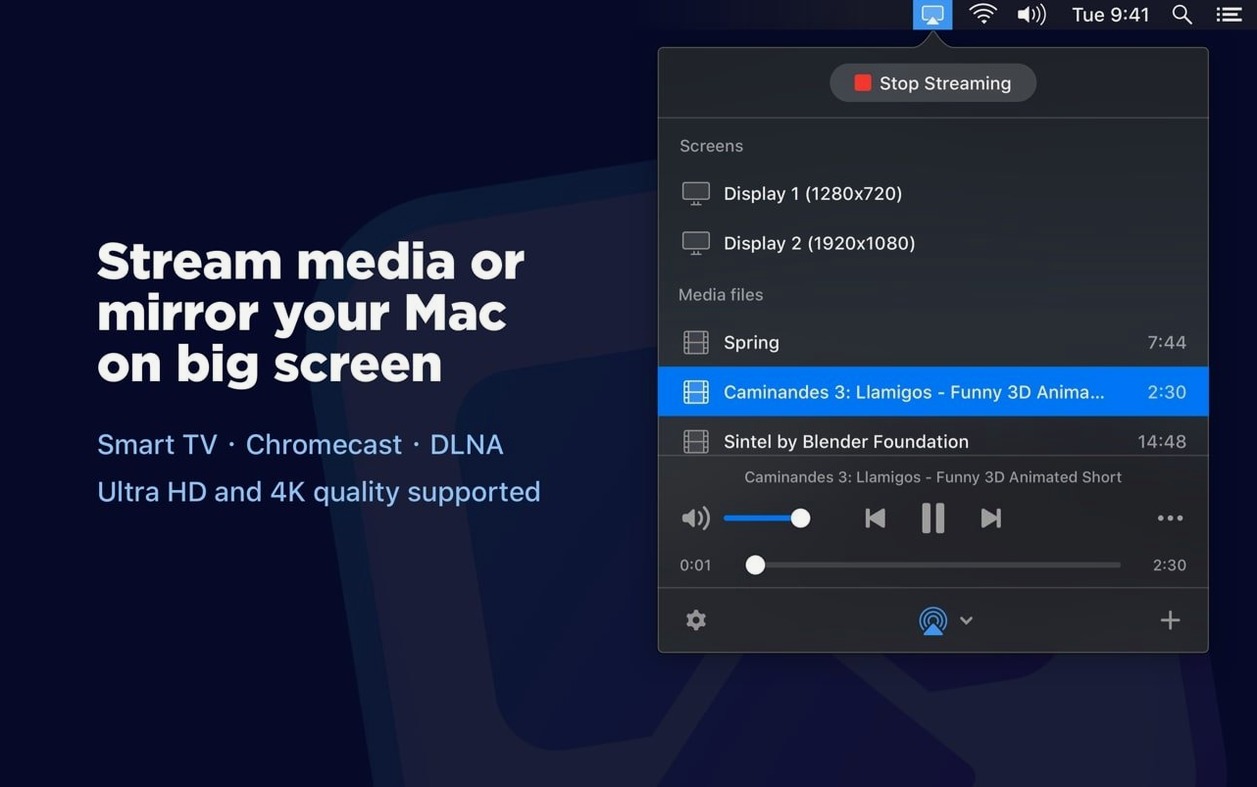
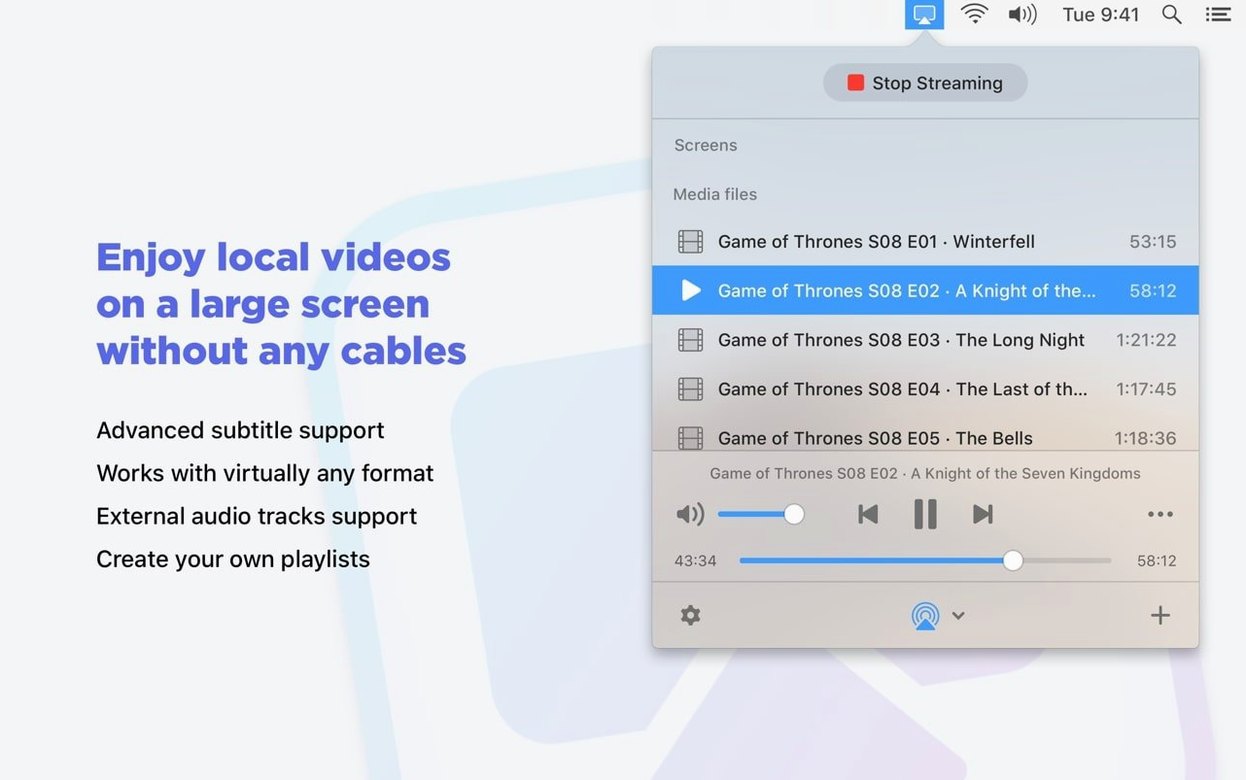
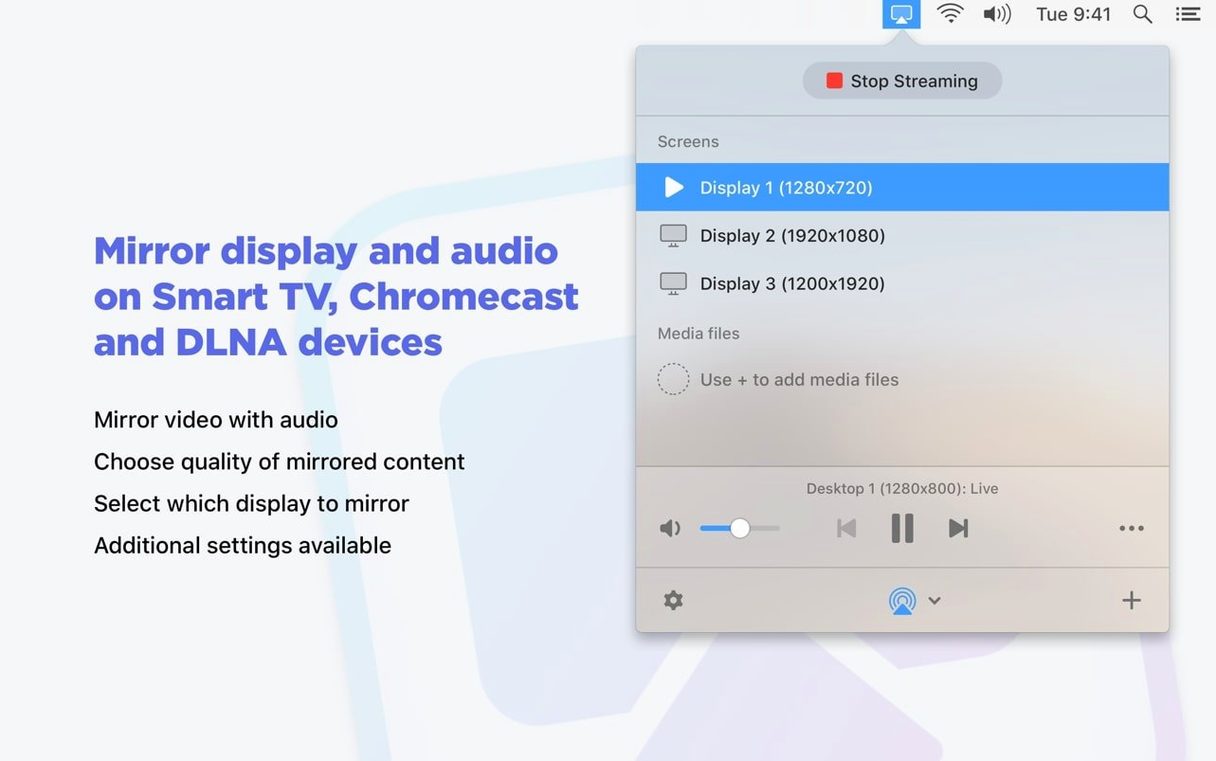
Click a screenshot to see it wider.
You’ve got a video on your Mac and a TV across the room. Cables are a hassle, and AirPlay doesn’t always reach. JustStream Pro fills that gap — it streams video from your Mac to Chromecast, Apple TV, and other devices without extra hardware.
- Install JustStream Pro on your Mac.
- Open the video file or paste a URL.
- Pick your streaming device from the list.
- Adjust subtitles if you’re on Chromecast — font, size, color.
- Hit play. The stream starts, and you can pause or resume anytime.
It handles external and embedded audio, and you can build playlists for continuous viewing. Mouse clicks can be captured too, which helps for demos. The app runs on both ARM and Intel Macs, and works with macOS 10.12 or later. Interface languages include English, German, Spanish, French, and Japanese.
If you already use tools like VLC or HandBrake, JustStream Pro fits right in — it’s the piece that gets the picture onto the big screen.
Set output quality to match your network
Before you start streaming, open Preferences and set output quality. Auto works for most setups, but if your network is solid, pick Full HD 1080p. For slower connections, HD 720p keeps the stream going without hiccups. Either way, you can change it later per session.
Turn on cursor capture if you plan to show anything on screen — presentations, demos, or just clicking around. That way your audience follows exactly what you’re doing.
Enable subtitles from the menu ahead of time if your video has them. On Chromecast, you can then tweak font, size, and color before you press play. That saves pausing mid-stream to fix a tiny subtitle.
Scenario: streaming a movie night playlist
Say you’ve got a folder of MP4 and MKV files for a weekend movie night. Drop them into JustStream Pro as a playlist, pick Chromecast, and let it run. The app transcodes on the fly, so you don’t need to convert anything ahead of time. Subtitles from the MKV files show up automatically — just set the font size once in preferences and you’re set.
If someone shows up late, hit pause. The stream holds until you resume. No cables, no moving the laptop. That’s the use case this app handles best: getting local media onto a big TV with minimal fuss.
Settings worth changing first
Open Preferences before your first stream. The defaults work, but a few tweaks save time later.
- Output quality — Auto is fine for mixed use. If you know your Wi-Fi is solid, switch to Full HD 1080p and leave it. For hotel or shared networks, HD 720p avoids buffering.
- Prevent sleep — Turn this on. Without it, your Mac might fall asleep mid-movie. The app handles this automatically now, but the toggle is worth checking.
- Mouse capture — Enable it if you ever stream presentations or demos. Disable it for pure video playback — no accidental cursor on screen.
- Subtitle defaults — Set font size and color once. On Chromecast, those settings stick for every stream. No need to adjust per file.
These live in the same preferences panel. Takes thirty seconds.
Scenario: demoing software to a client
You’re an IT consultant running through a new practice management app for a dental clinic. The client uses a Sony TV in the conference room with a Chromecast attached. Open JustStream Pro, mirror your Mac display, and enable cursor clicks. Walk through the interface while they watch on the big screen. Real-time transcoding means any format you open — MP4, MOV, even WMV — plays without pre-conversion. Pause when they ask questions. The app sits in the menu bar until you need it again.
For Mac IT work, it beats passing a laptop around the table. JustStream PRO for Mac torrent lets you wirelessly stream video from your Mac to any device.
- Improved compatibility with macOS 26.
- Better handling of sleep prevention while streaming.
- Fixed streaming to certain devices.
- Fixed errors when opening the device list.
- Fixed issues streaming some videos to Chromecast.
- Fixed a pause issue during streaming.
- macOS 10.12 or later
- ARM or 64-bit Intel Mac
Questions I get about this line
Yes. When streaming to Chromecast or Chromecast Ultra, you can change the subtitle font, size, and color.
It supports both ARM and 64-bit Intel Macs, and requires macOS 10.12 or later.
The install order
- Mount the disk image.
- Open Gatekeeper friendly — press Enter in Terminal to bypass.
- Drag the app to the Applications folder.
- Launch and use.