Free download (23 MB) Previous versions
- Version
- 7.50
- Developer
- Bjango Pty Ltd
- Languages
- Russian, English, German, Arabic, Hungarian, Vietnamese, Greek, Danish, Hebrew, Indonesian, Spanish, Italian, Catalan, Chinese (Traditional), Chinese (Simplified), Korean, Malay, Dutch, Norwegian, Polish, Portuguese, Romanian, Slovak, Thai, Turkish, Ukrainian, Finnish, French, Croatian, Czech, Swedish, Japanese
- License type
- Included
| macOS range | macOS 11 or later |
|---|---|
| Chip | Apple Silicon, Intel 64-bit |
| Download | 23 MB |
| Previous versions | 4 on file |
Screenshots
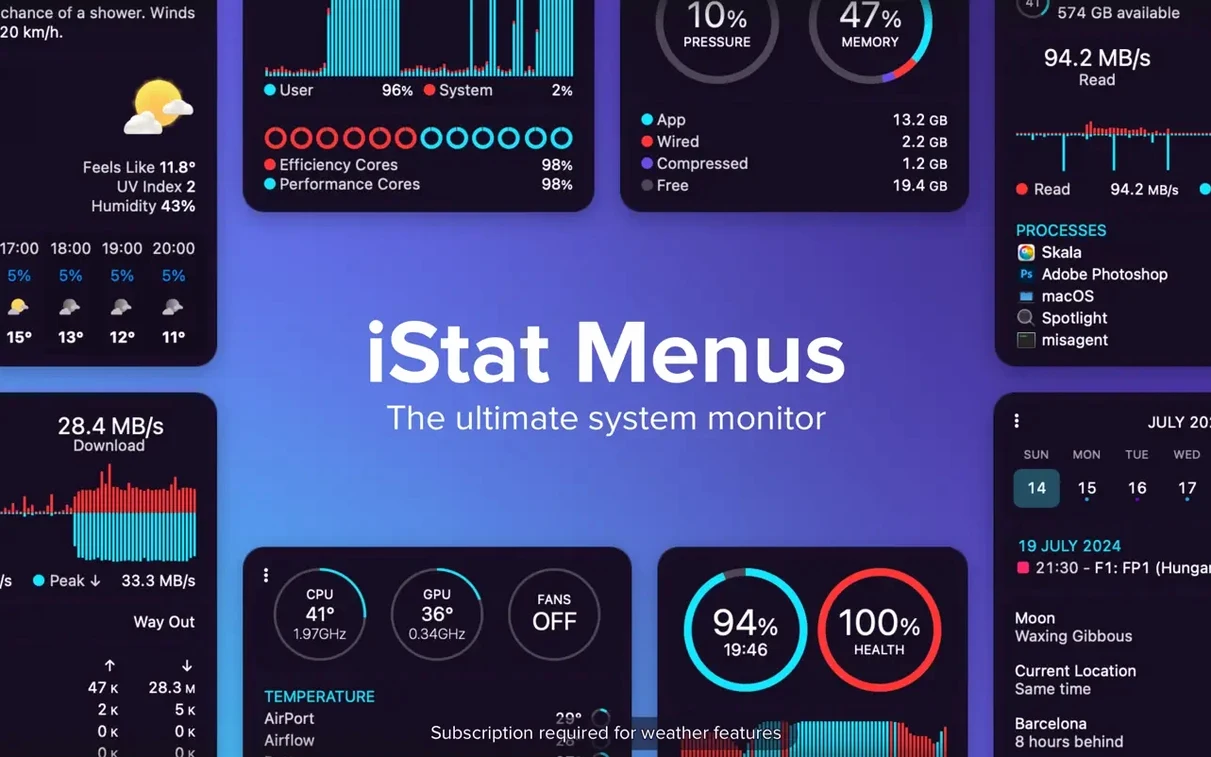
Scroll the row, it snaps to each screenshot. Click one to see it wider.
Version 7.50 of iStat Menus adds a new Astronomy item, plus forecasts for seeing, transparency, and cloud cover. That makes the menu bar monitor more useful for anyone who checks observing conditions before heading outside.
What You Can Track
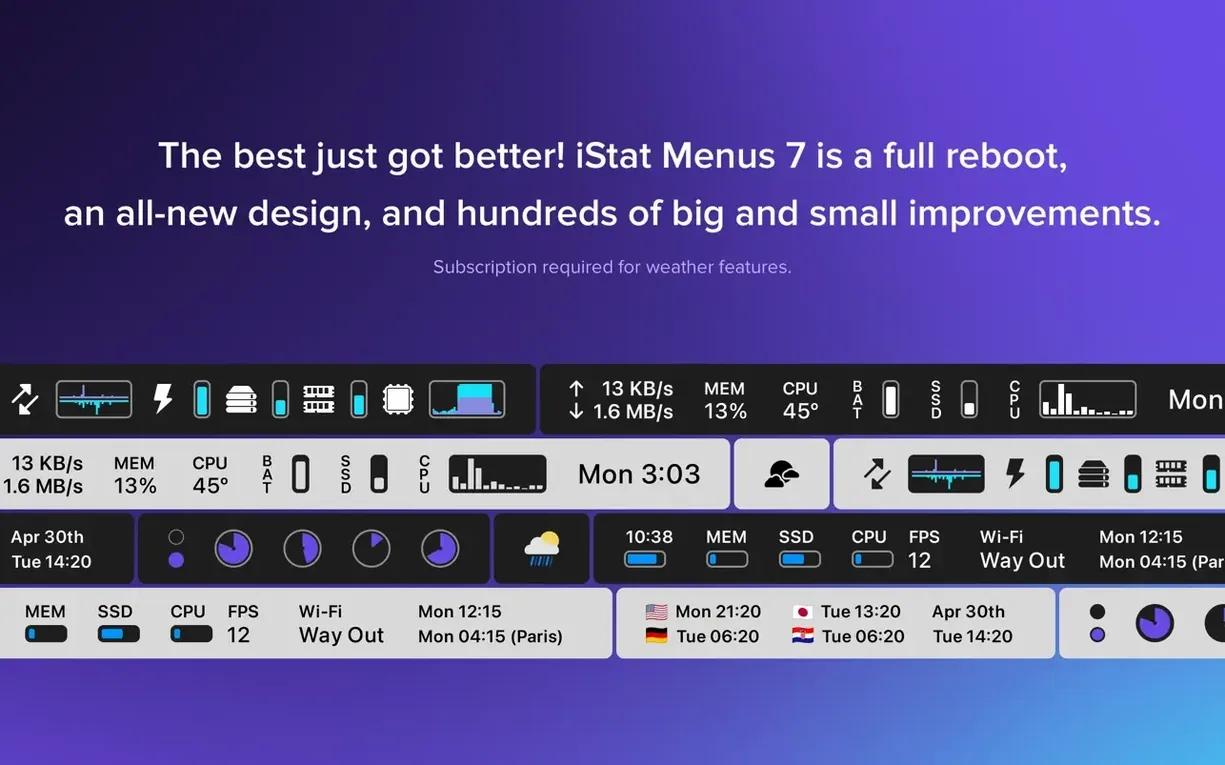
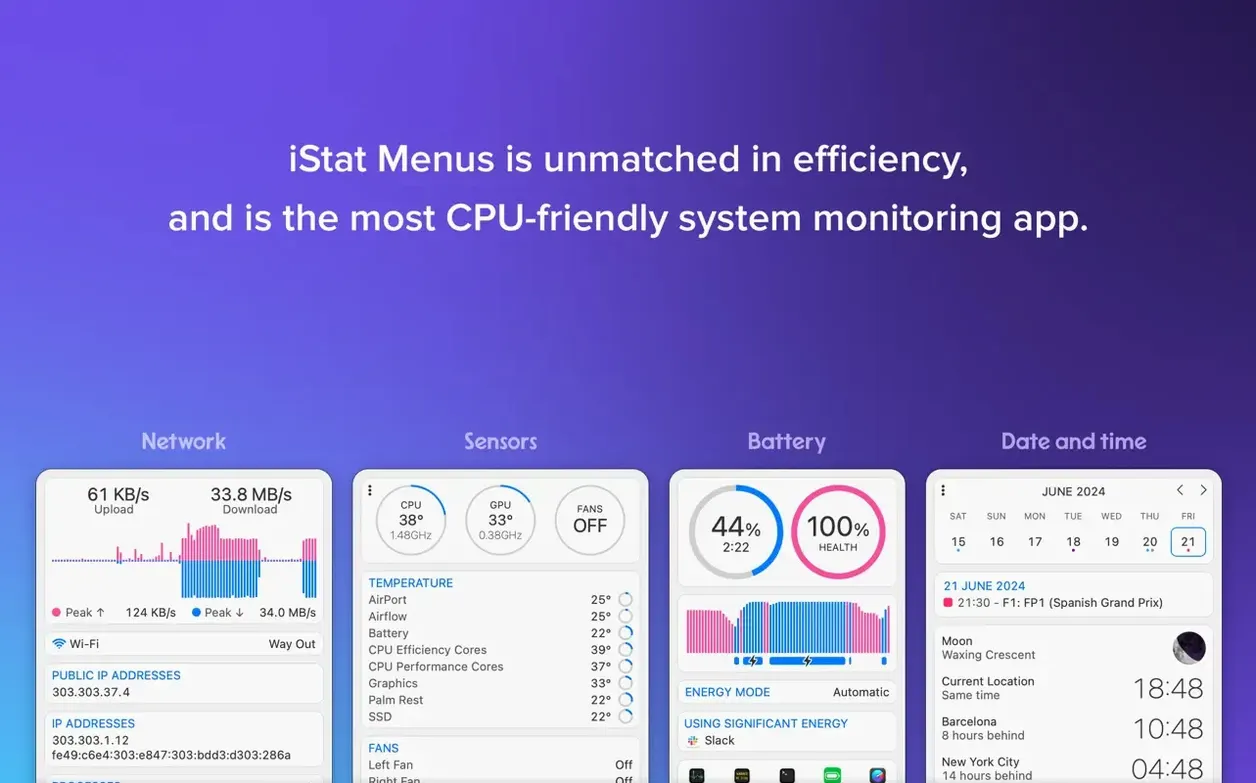
- Network connections and bandwidth per app
- Temperatures, fan speeds, power, voltage
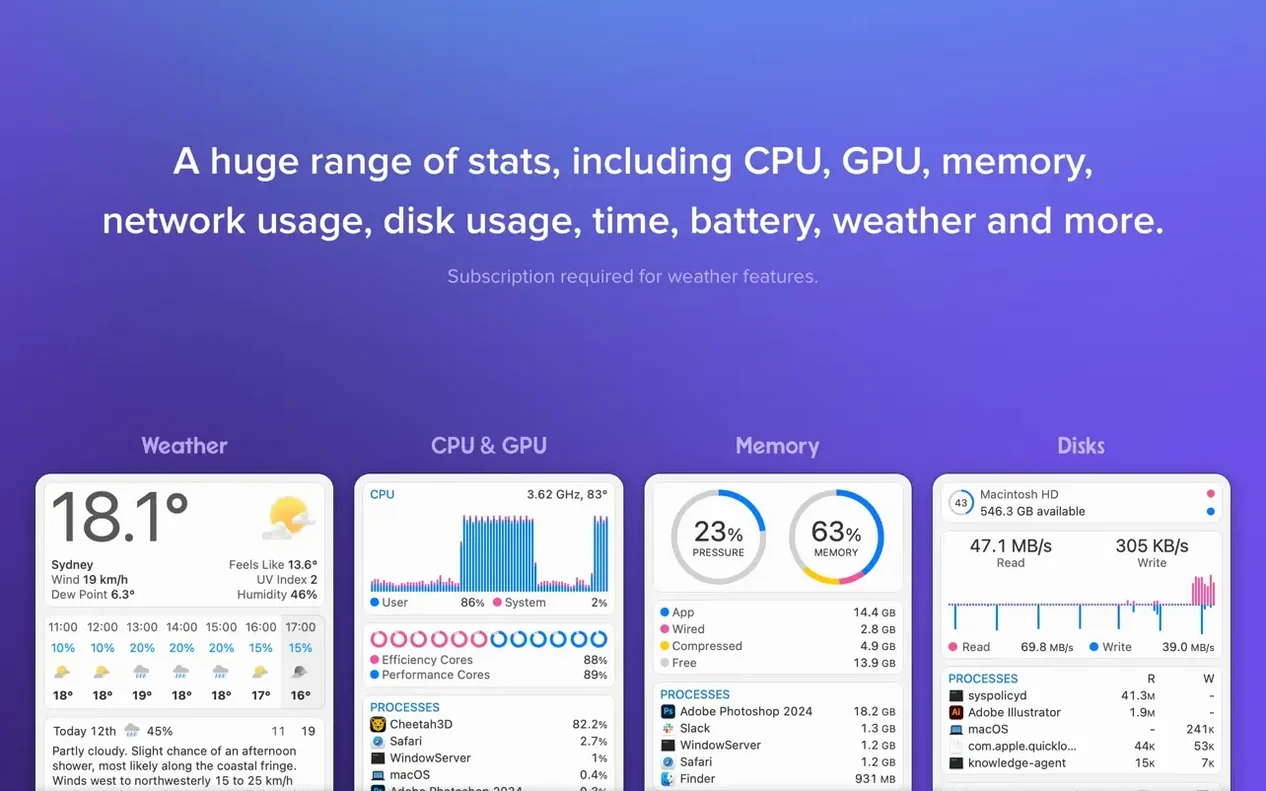
- Weather, moon phases, wind, dew point, world time, sun times
Working with It Day to Day
Set up iStat Menus once and it sits quietly in the menu bar. The key is picking the stats you actually check. I keep CPU and memory visible, then hide the rest. When a Mac feels slow, the memory list shows which app is hogging resources. The network section helps spot a runaway upload. Dark Mode support means the menu bar icons stay readable either way. It runs on macOS 11 or later, on both Apple Silicon and Intel.
A Quick Walk-Through
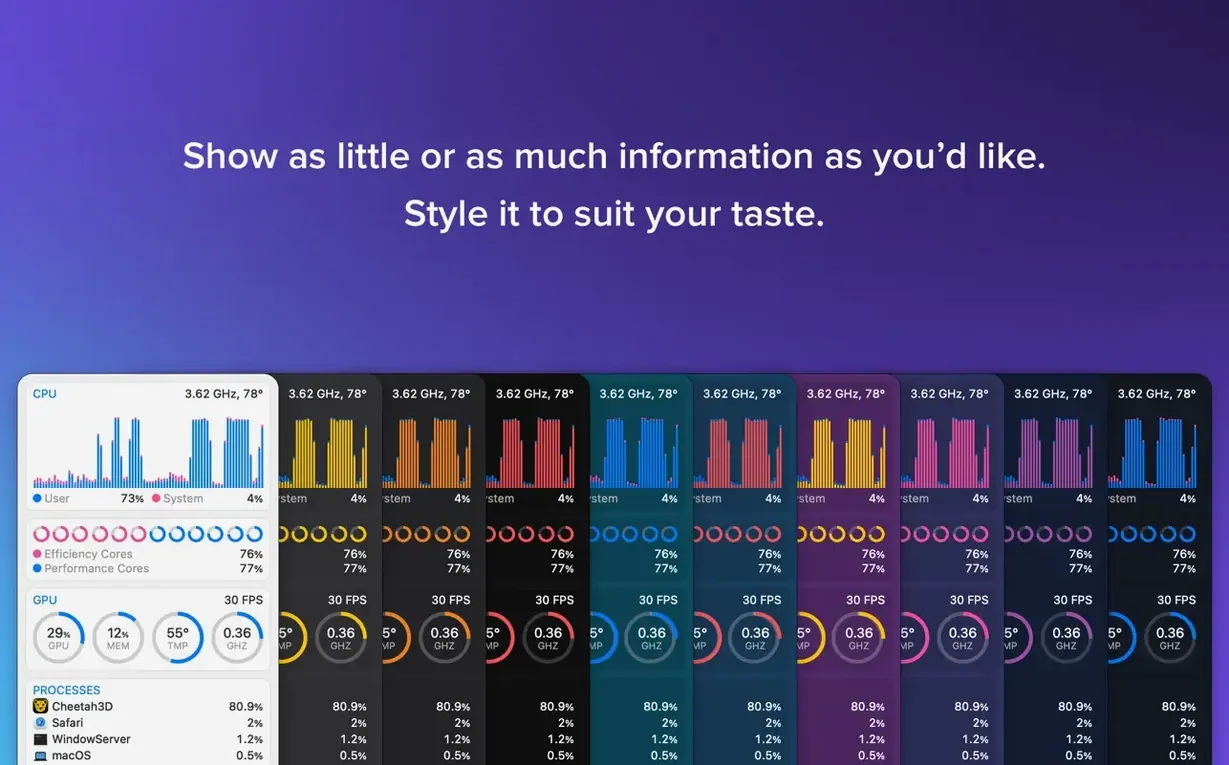
Here is how a typical session looks. I launch iStat Menus after a reboot. The menu bar populates with the stats I selected when I first set it up. CPU usage sits on the left. I click it to see the real-time load per core. I close the heavy app, and the CPU graph drops. No digging through Activity Monitor needed.
Later, I run a backup to an external drive. The disk section shows read and write activity. The S.M.A.R.T. status tab gives me confidence the drive is healthy. When the backup finishes, I check network bandwidth. iStat Menus charts my upload speed, so I know the backup is done. At night, I glance at the Astronomy item. It tells me the cloud cover forecast, so I know if I can take the telescope out.
Fitting into macOS
iStat Menus works with what is already there. It reads the same sensors and logs that macOS exposes, so there is no extra load. The Helper component handles temperature and fan speed readings. It runs only when needed. That is a nice touch for a laptop.
The app also ties into the calendar and clock. You can show time zones or sunrise times right in the menu bar. That saves a click to the clock widget. The weather data comes from an online source. It pulls in the forecast, moon phase, and wind speed, so you do not need a separate weather app open.
Astronomy and Clean Menu Bar
- The Astronomy item is new in 7.50. It shows seeing, transparency, and cloud cover forecasts. Great for anyone who watches the sky.
- You can hide stats you do not use. That keeps the menu bar clean. I only see CPU and memory by default.
- Localization. The interface is available in over thirty languages. Handy for a shared workstation.
- No extra software needed. The Helper is optional and only enables temperature and fan readings. The core app runs without it.
- Adds a new Astronomy item.
- Adds forecasts for seeing, transparency, and cloud cover.
- macOS 11 or later
- Apple Silicon or Intel
Questions I get about this line
Yes, the app supports both Apple Silicon and Intel Macs. macOS 11 or later is required.
It includes forecasts for seeing, transparency, and cloud cover, along with other observing conditions.
The install order
- Open the downloaded disk image.
- Drag the app to the Applications folder alias.
- Launch the app from Applications or Launchpad.