- Version
- 1.7.6 fix
- Developer
- 自力 黄
- Languages
- Russian, English, German, Arabic, Spanish, Italian, Chinese (Traditional), Chinese (Simplified), Polish, Portuguese, Thai, French, Japanese
- License type
- Not required
| macOS range | macOS 10.14.6 or later |
|---|---|
| Chip | Apple Silicon, Intel 64-bit |
| Download | 7 MB |
Screenshots
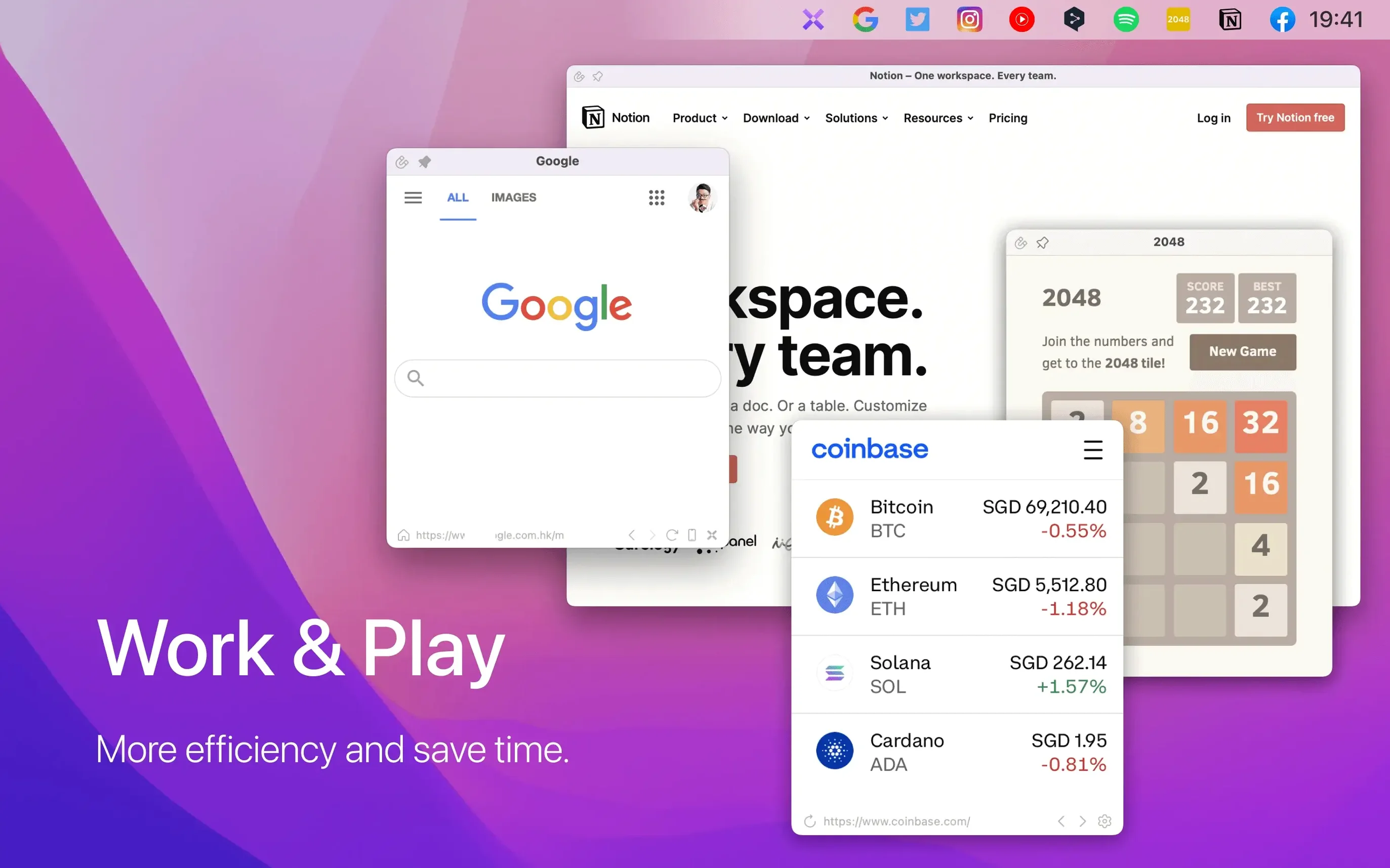
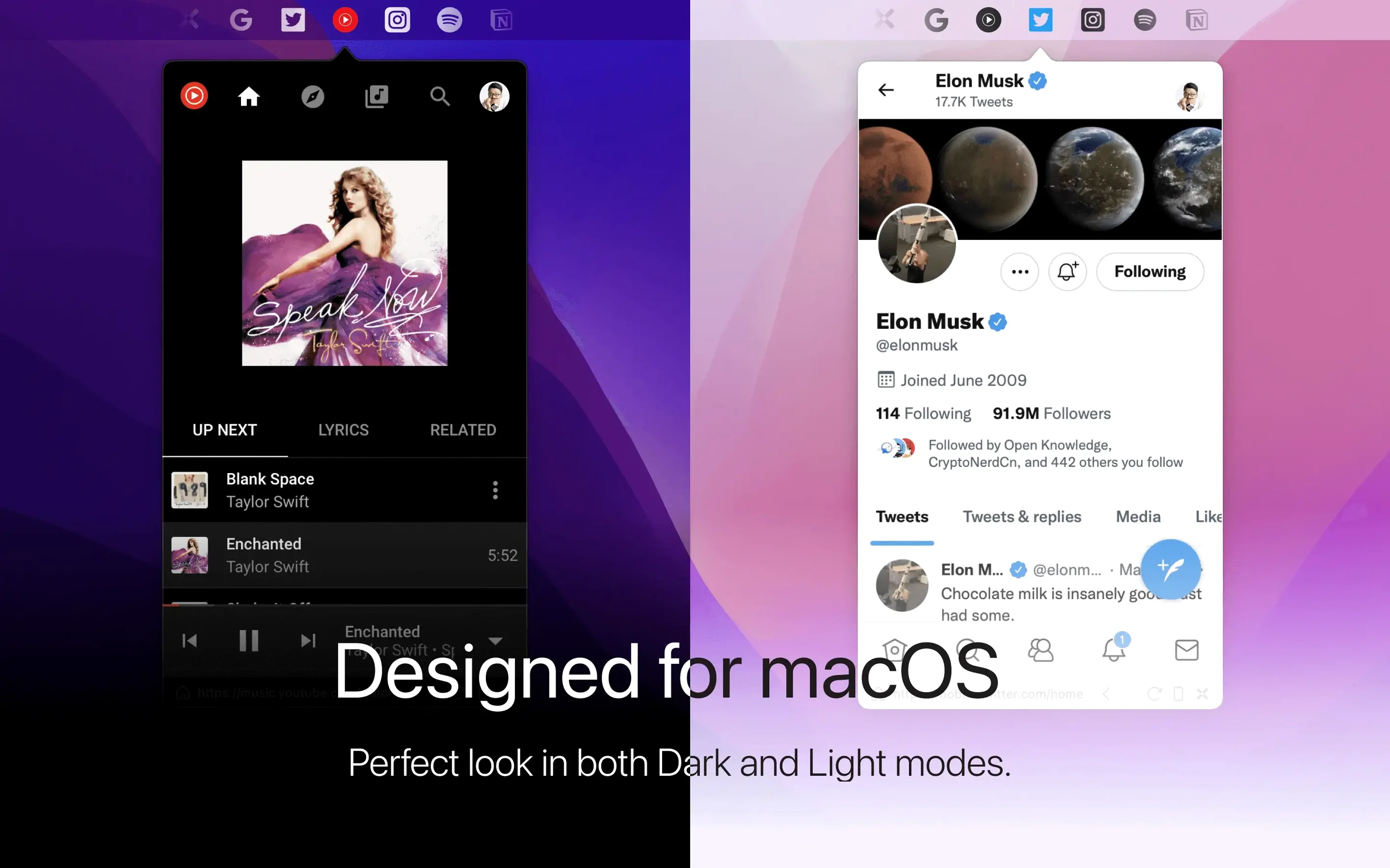
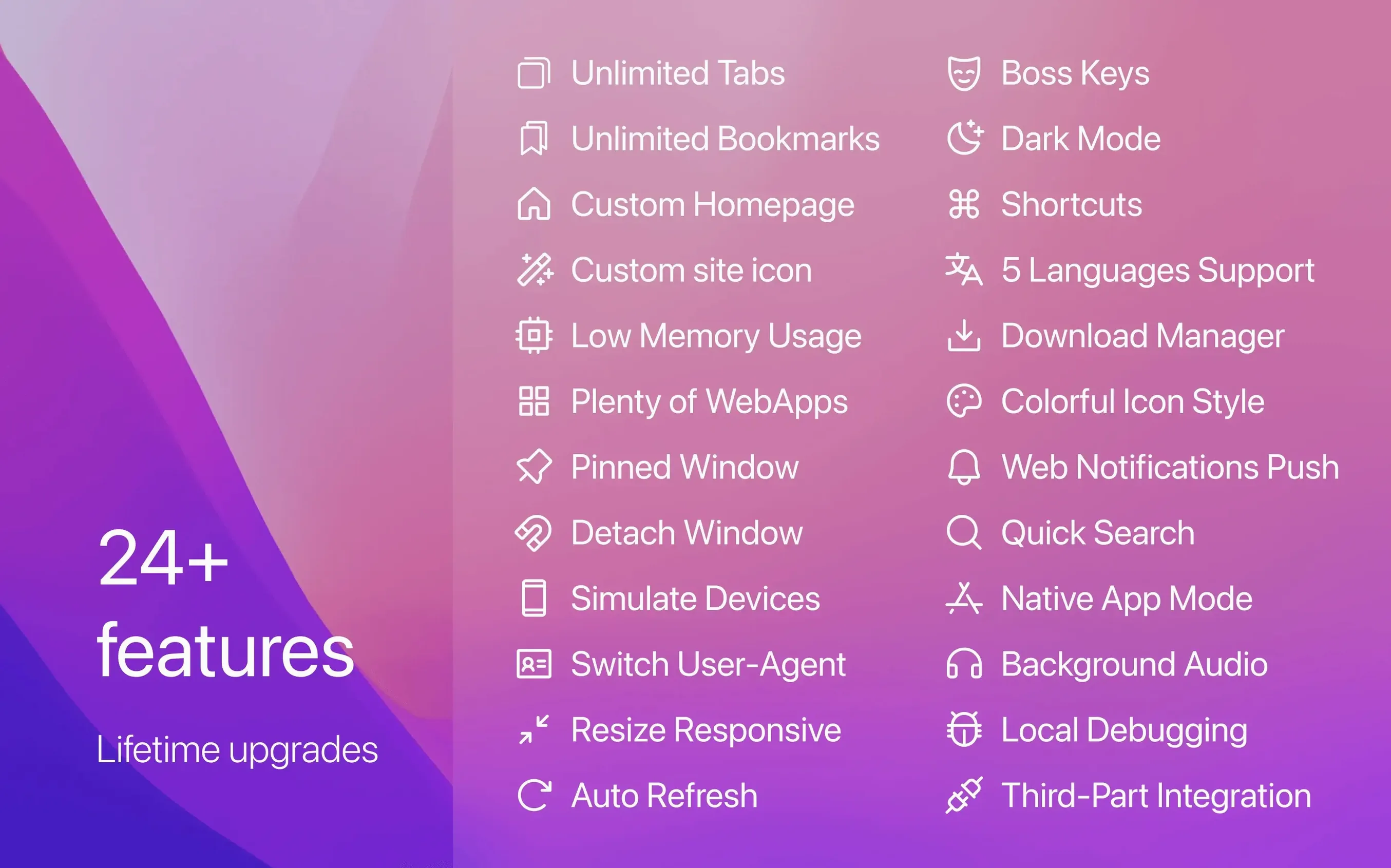
Click a screenshot to see it wider.
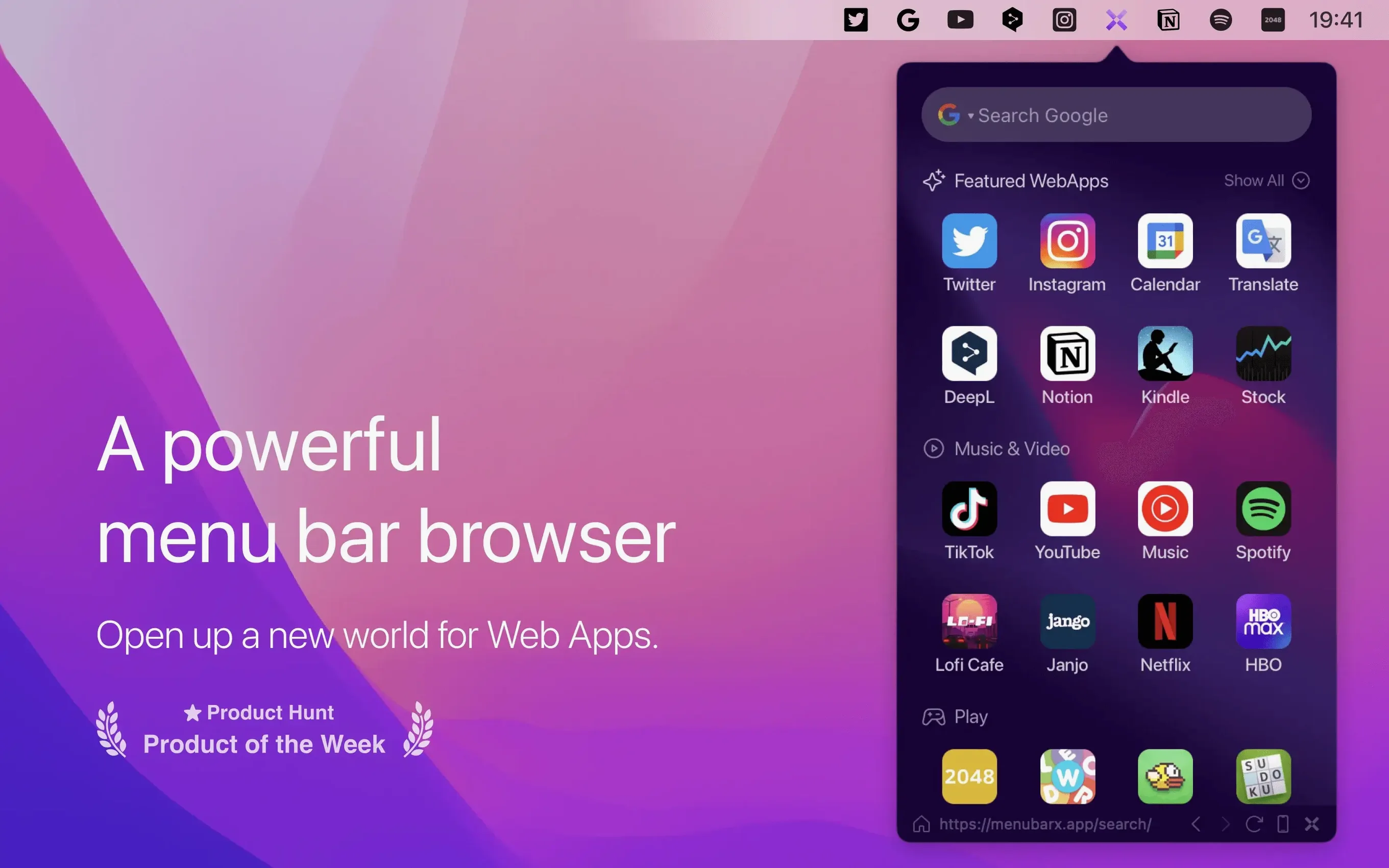
MenubarX Pro is for people who live in the menu bar. IT pros, power users, anyone who wants a web app or a quick reference page always one click away. It is a menu bar browser that handles web sites, WAP, and progressive web apps.
How does iCloud sync work across Macs?
Bookmarks and tabs sync through iCloud, so your setup moves between machines without manual export and import.
What kind of custom proxies does it support?
You can set HTTP or SOCKS5 proxies per bookmark or globally. Handy if you test internal tools behind a VPN or filter traffic through a specific gateway.
Don't treat it like a full browser
The most common one is treating MenubarX Pro like a regular browser. It is not Safari or Chrome. You don't need a full browser for a weather widget, a Slack status page, or a server uptime monitor. Keep each menu bar page focused: one function, one site.
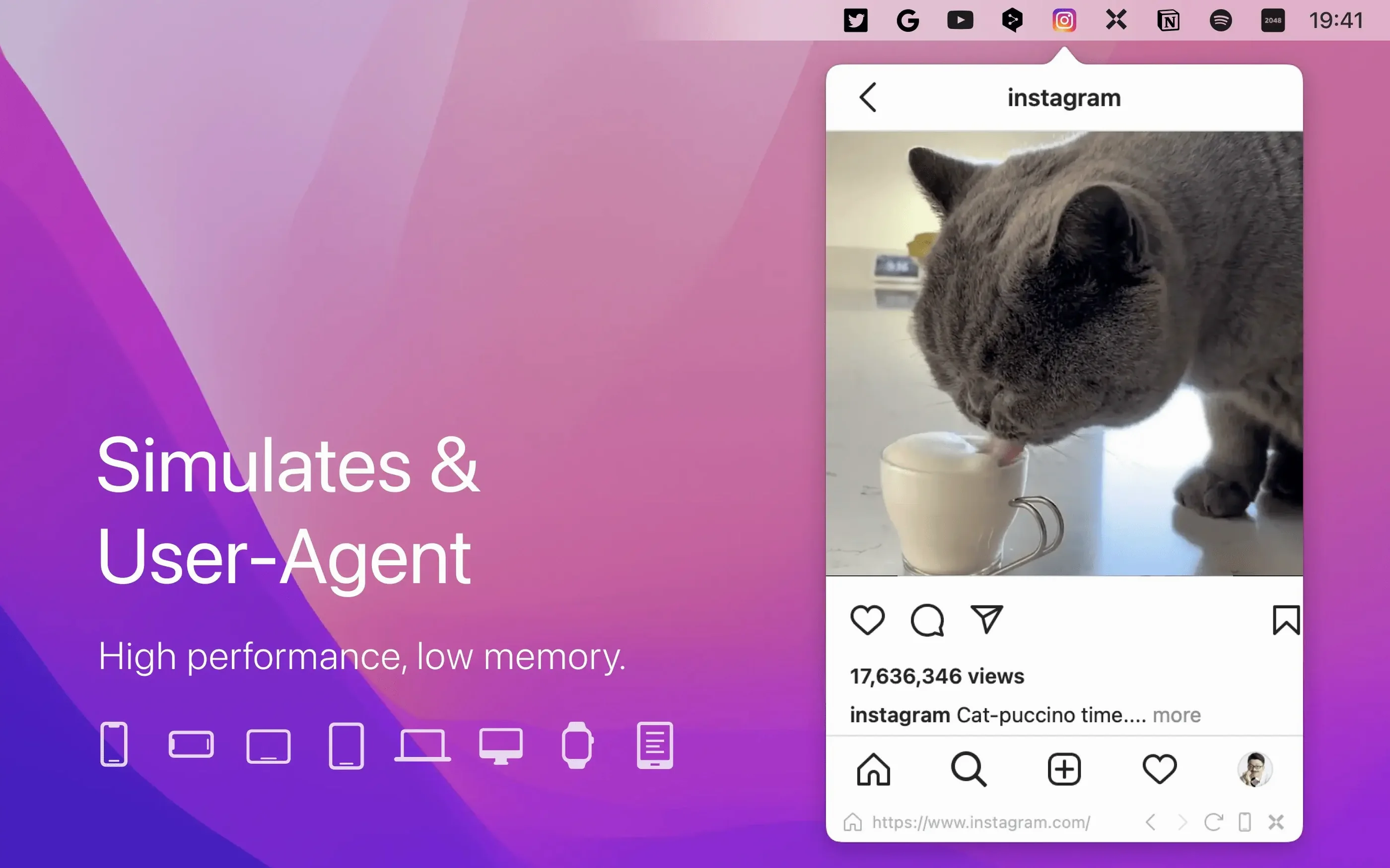
Another mistake is forgetting the device simulation feature. People log into mobile-only admin panels on their Mac and get a broken layout. Switch the view to iPhone or Android before you start. It takes two seconds and saves confusion.
New users also ignore the automatic page destruction setting. By default, pages stay in memory. If you add more than a dozen, things slow down. Turn on auto-destruction for pages you don't need persistent. The app frees resources when you close a tab.
Beginners also miss the download manager. They assume downloads go straight to the Downloads folder, but MenubarX Pro keeps its own download list. Check it if something does not appear in Finder.
Turn on hover-to-show before adding bookmarks
Go into preferences right after install. Here is what to adjust before you add any bookmarks.
- Enable the hover-to-show option. Version 1.7.6 added this. Hover over the menu bar icon and the window appears. No click needed. Makes a big difference for quick glances.
- Set a custom home page. Every new tab opens to this URL. Pick something fast and useful, like your company dashboard or a search engine.
- Configure the custom network proxy. If you run HTTP or SOCKS5 proxies at work, enter them now. Saves you from digging into settings later when a page refuses to load.
- Switch to dark mode. If your macOS is dark, enable dark mode in MenubarX Pro too. Some pages render poorly on a dark Mac with a bright app.
- Review the device simulation default. Set it to iPhone, iPad, Android, or Kindle depending on what you check most. You can override per page later.
One tip: bookmark your most-used pages early. Unlimited bookmarks means you can store everything, but keep your menu bar clean with only five to seven items. Use bookmarks for everything else — fast search handles the rest.
Yes. Pin any page so it stays on screen even when you click away. Useful for a dashboard, a chat client, or a monitoring panel.
- Option to show the window when hovering over the menu bar icon.
- Custom network proxy support (HTTP and SOCKS5).
- Remove bookmarks directly from the homescreen.
- macOS 10.14.6 or later
- Intel or Apple Silicon
Questions I get about this line
Yes, it includes ad blocking so pages render cleaner and load faster.
macOS 10.14.6 or later. It works on both Intel and Apple Silicon Macs.
The install order
- Open the downloaded disk image.
- Drag MenubarX Pro to the Applications folder shortcut.
- Launch it from Launchpad.