Free download (28 MB) Previous versions
- Version
- 2.10.0
- Developer
- Electronic Team
- Languages
- English, German, Spanish, Italian, Chinese (Simplified), Korean, Portuguese, French, Hindi, Czech, Japanese
- License type
- K'ed by TNT team
| macOS range | macOS 11.5 or later |
|---|---|
| Chip | Apple Silicon, Intel 64-bit |
| Download | 28 MB |
| Previous versions | 2 on file |
Screenshots
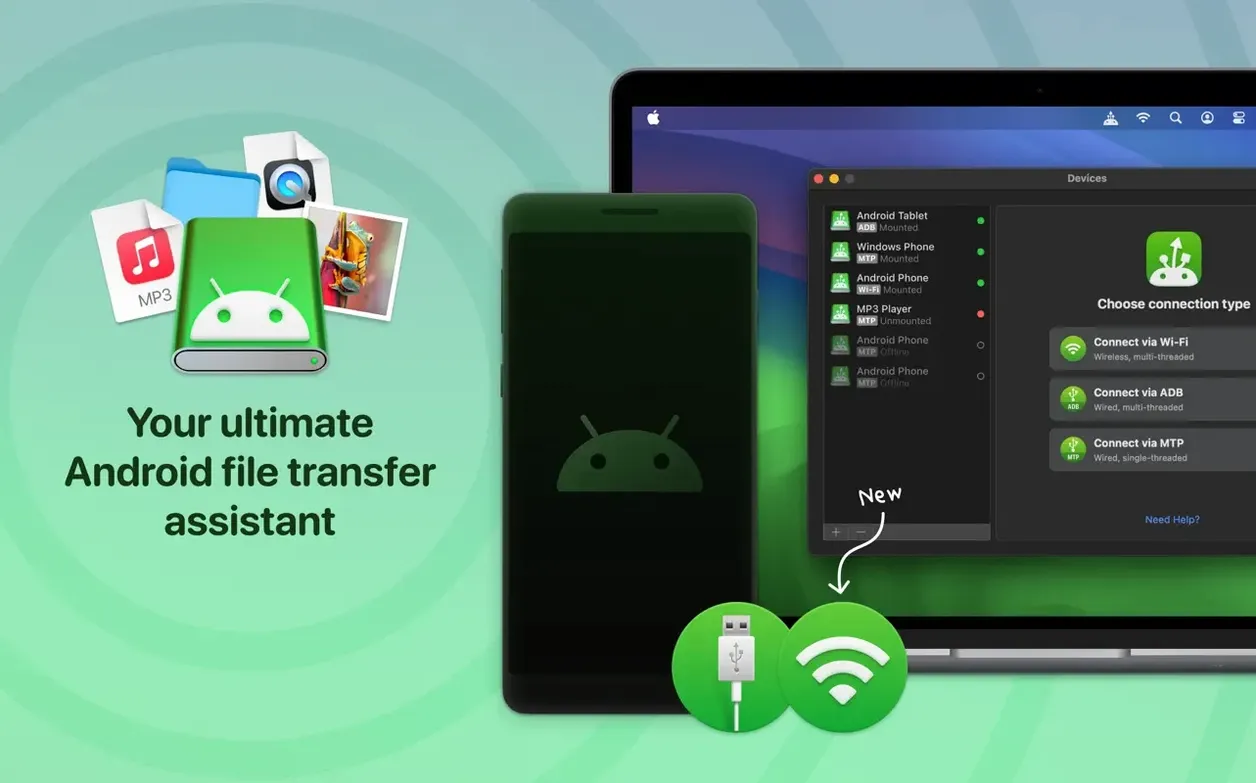
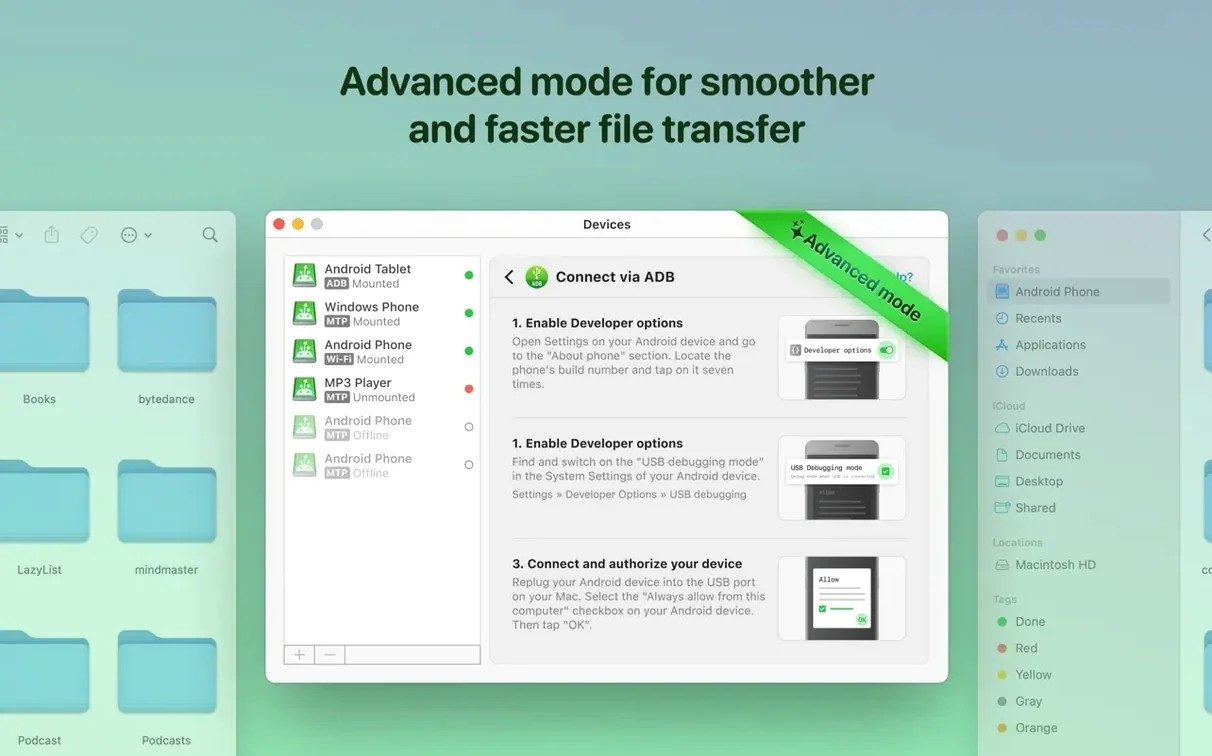
Click a screenshot to see it wider.
Version 2.10.0 of MacDroid brings a faster file listing experience and more reliable MTP connections, plus Traditional Chinese localization. If you're weighing whether to install it, here are the answers to the usual pre-install questions.
MacDroid — a utility for transferring and editing files between a Mac and an Android device, over USB or wirelessly.
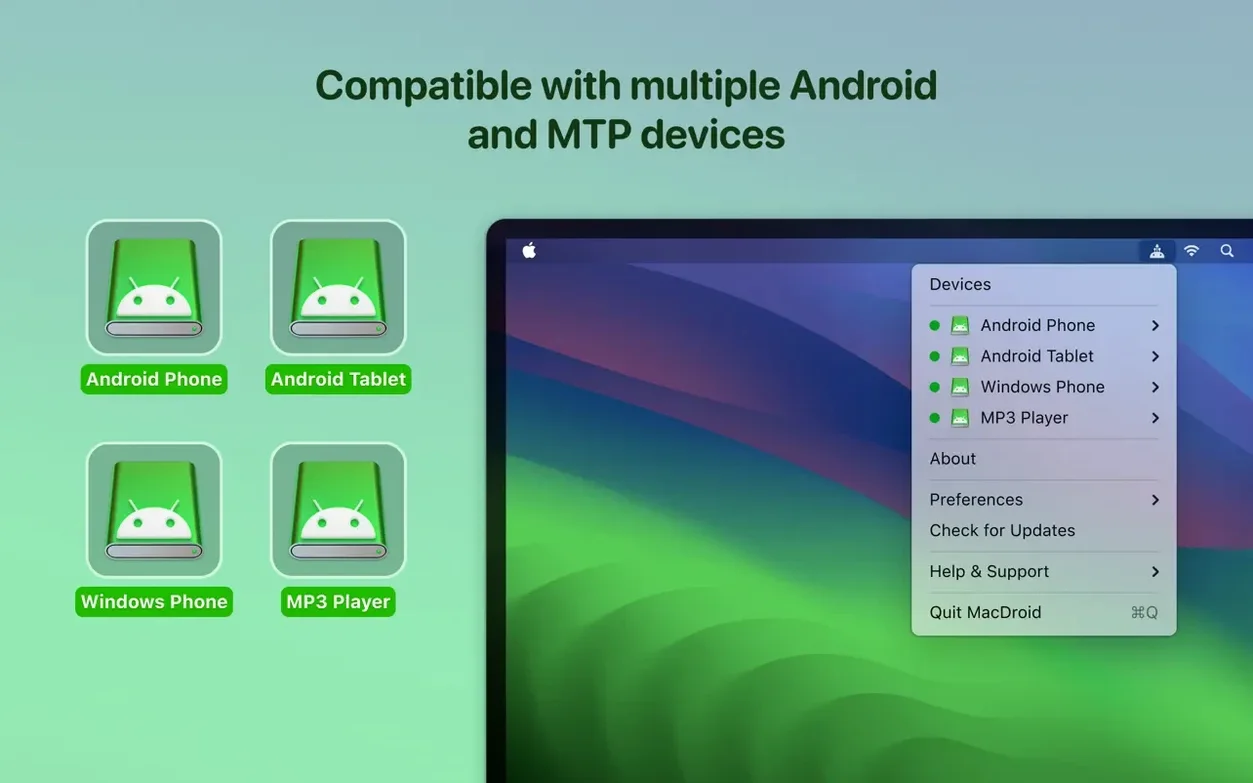
MTP support — MacDroid connects through MTP, the standard Android file protocol, so it works with most Android phones and tablets.
USB connection — plug in your Android device with a cable, and MacDroid sees it. No extra drivers needed.
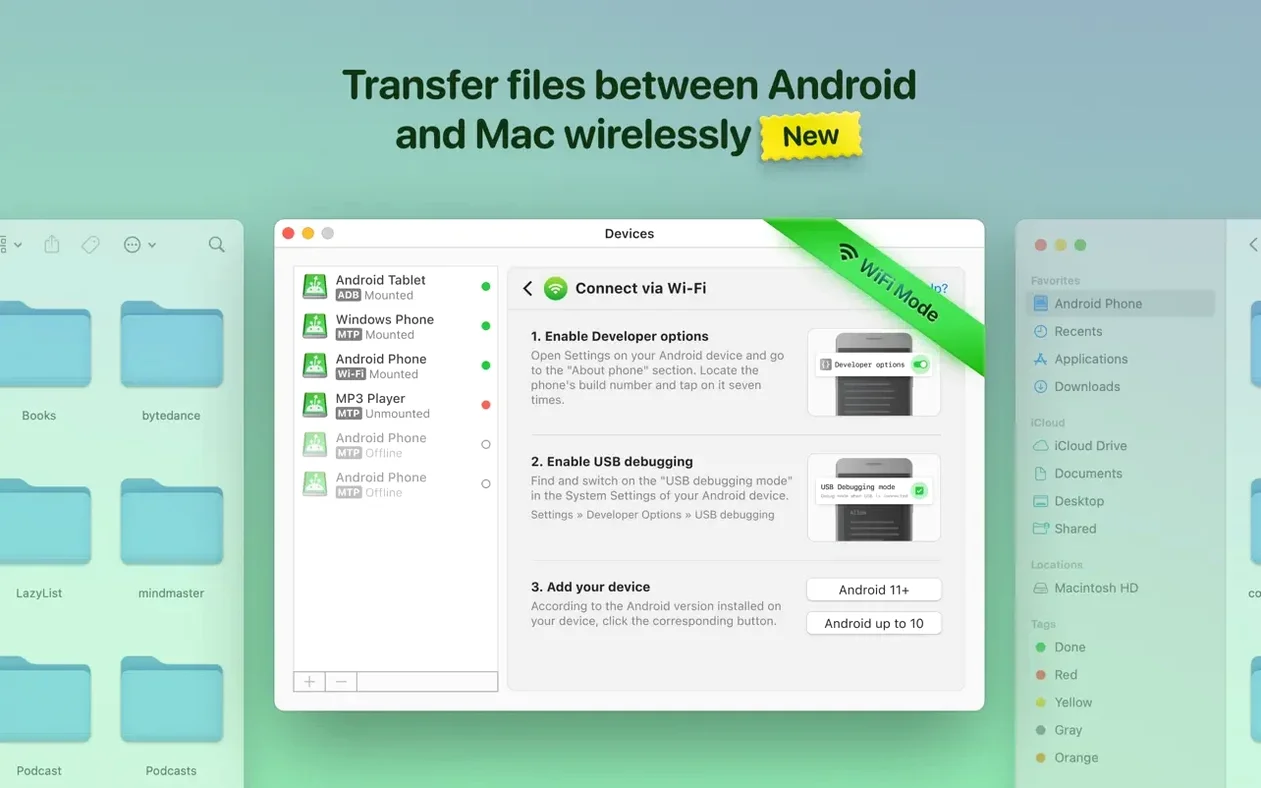
Wireless connection — connect over Wi-Fi when you don't want a cable. Set it once, then transfer files from anywhere on your network.
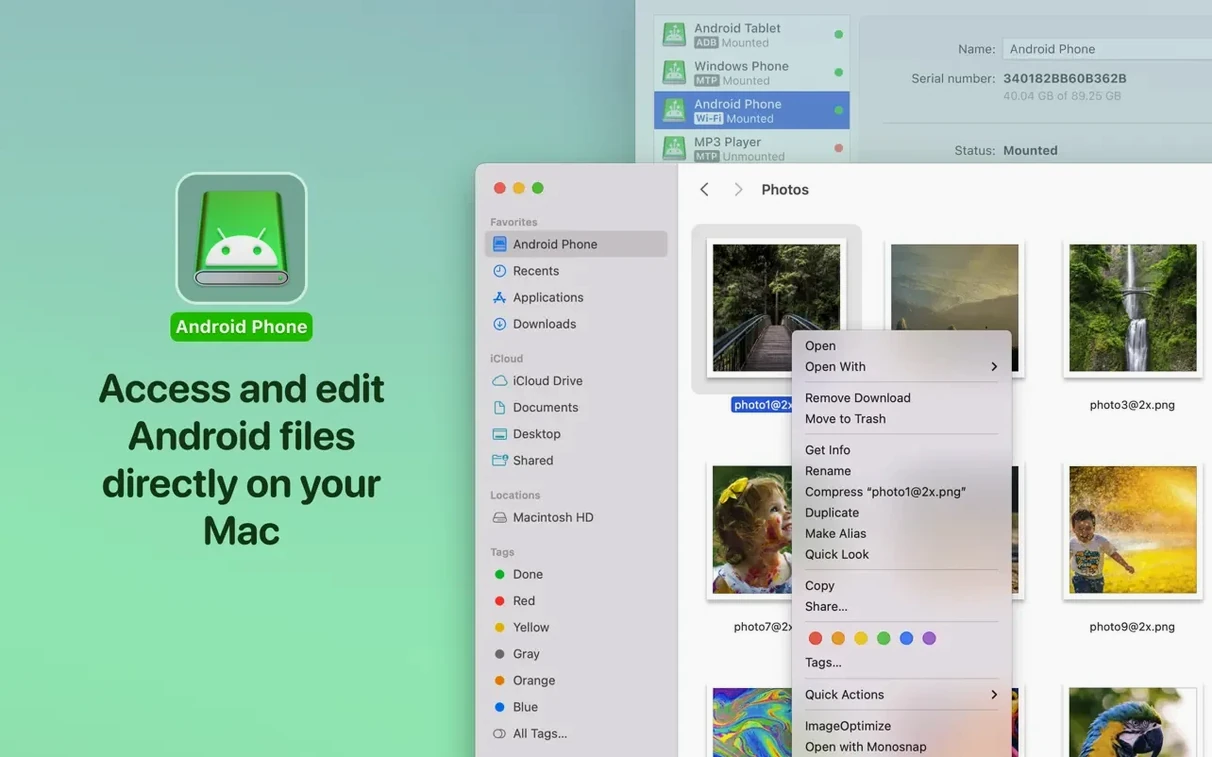
Editing without copying — open and edit files directly on the Android device from your Mac. Changes save back without moving the file first.
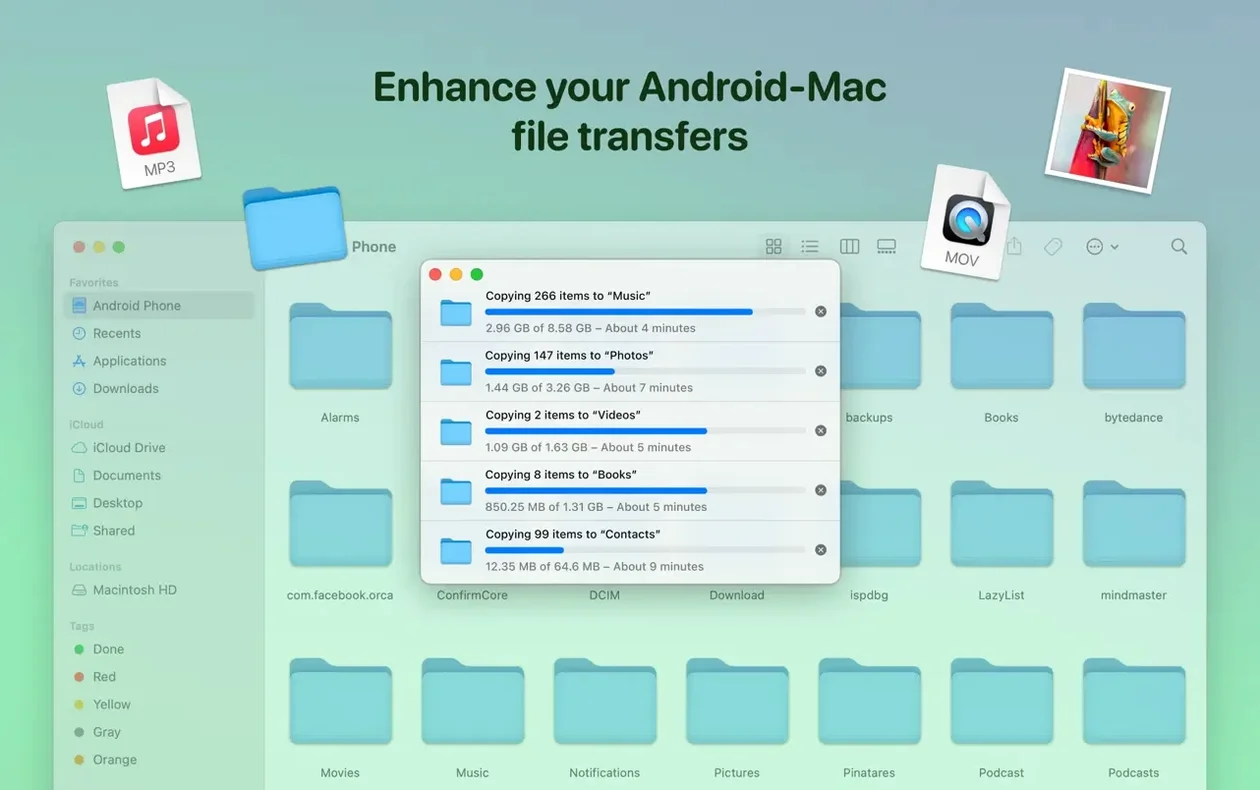
Folder transfers — move whole folders, not just individual files. Music, photos, and videos all go both ways.
macOS compatibility — runs on macOS 11.5 or later, on both Intel and Apple Silicon Macs.
How MacDroid Stacks Up Against Similar Apps
For moving files between Mac and Android, you have a few options. Commander One is a dual-pane file manager that handles Android over MTP, but it's built for general file management, not specifically for phone transfers. Its Android view can feel like an afterthought compared to MacDroid's dedicated interface.
Then there's Android File Transfer for Mac, a simpler tool focused on wireless transfers over Wi-Fi. It works, but it lacks the wired MTP and ADB modes that MacDroid offers. If your Wi-Fi drops out mid-transfer, you'll appreciate having a USB cable as a fallback.
MacDroid's edge is its three connection methods — MTP, ADB, and Wi-Fi — all in one app. Commander One covers MTP but not ADB for deeper device access. Android File Transfer for Mac skips USB entirely. If you switch between different Android devices or run into connection trouble, having all three modes available saves time.
Workflow: Offloading a Day of Photos
Here's one way to use MacDroid for a common task — pulling photos off your Android phone after a shoot. No card reader needed.
- Connect your Android phone to your Mac with a USB cable.
- Launch MacDroid. It mounts the phone as a drive on your desktop.
- Browse to the DCIM folder on the phone. You'll see all your photos listed.
- Select the folders or individual photos you want. Drag them into a folder on your Mac, just like moving files between two Finder windows.
- If you want to cull or edit before moving, open a photo directly from the phone in Preview or another app. Edit and save — the changes write back to the Android storage. No copying to the Mac first.
- When you're done, eject the device from MacDroid and unplug the cable.
That's it. The whole workflow stays inside Finder, no extra steps needed.
Real-World Scenario: A Touring Photographer
Jake shoots events on his Android phone and edits on a MacBook Air while on the road. He doesn't carry an SD card reader or USB hub. With MacDroid, he plugs his phone into the MacBook via USB after each gig, pulls the raw photos straight into Lightroom, and edits without waiting for a full copy to finish. He keeps the original files on the phone as a backup until he reaches his hotel Wi-Fi for cloud uploads. On days when he forgets the USB cable, MacDroid's wireless mode lets him transfer a few selects over the network from across the venue. The app's three connection modes mean he's never stuck with no way to move files.
- Traditional Chinese localization added.
- Improved MTP connection and device operation.
- Faster loading of file and folder listings.
- macOS 11.5 or later
- Intel or Apple Silicon
Questions I get about this line
MacDroid supports Android devices and MTP, so any phone or tablet that uses the standard MTP file protocol should work.
Yes. MacDroid lets you open and edit Android files directly from your Mac, and saves changes back to the device.
The install order
- Mount the disk image.
- Run Open Gatekeeper friendly.
- Press Enter in Terminal to bypass Gatekeeper.
- Drag MacDroid into the Applications folder.
- Launch the app.