
Free download (11 MB) Previous versions
- Version
- 3.1.1
- Developer
- Tapbots
- Languages
- English
- License type
- Not required
| macOS range | macOS 26.2 or later |
|---|---|
| Chip | Apple Silicon, Intel 64-bit |
| Download | 11 MB |
| Previous versions | 1 on file |
Screenshots
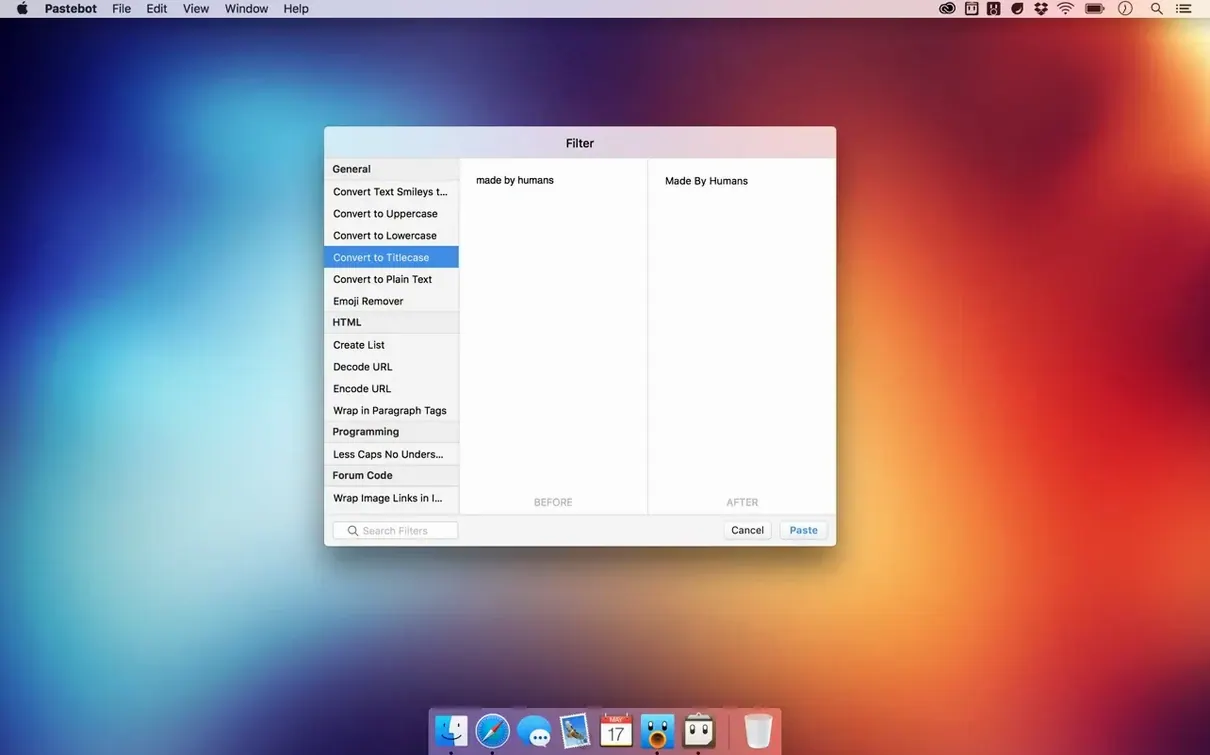
Click a screenshot to see it wider.
Pastebot 3.1.1 runs on any Mac with macOS 10.13 or later, including both Apple Silicon and Intel models. If you're new to it, start here.
Searchable copy history and custom pasteboards
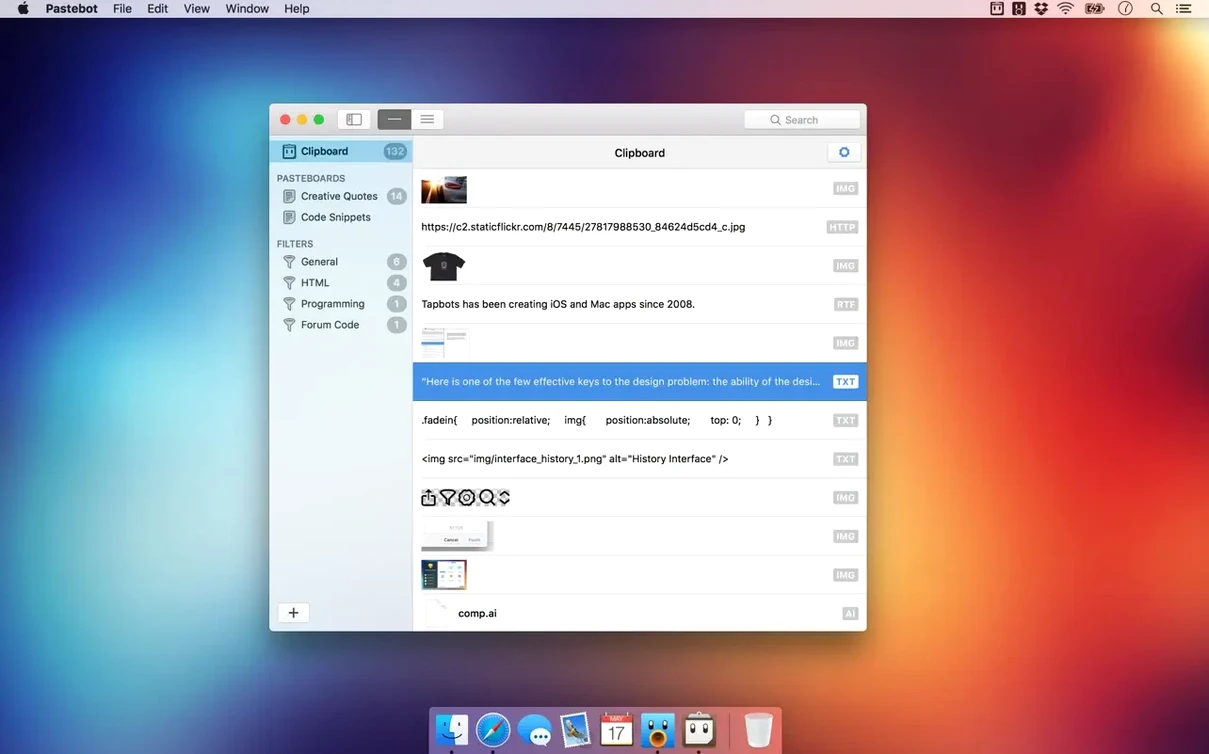
- Keeping a searchable history of everything you copy.
- Creating custom pasteboards to group related clippings.
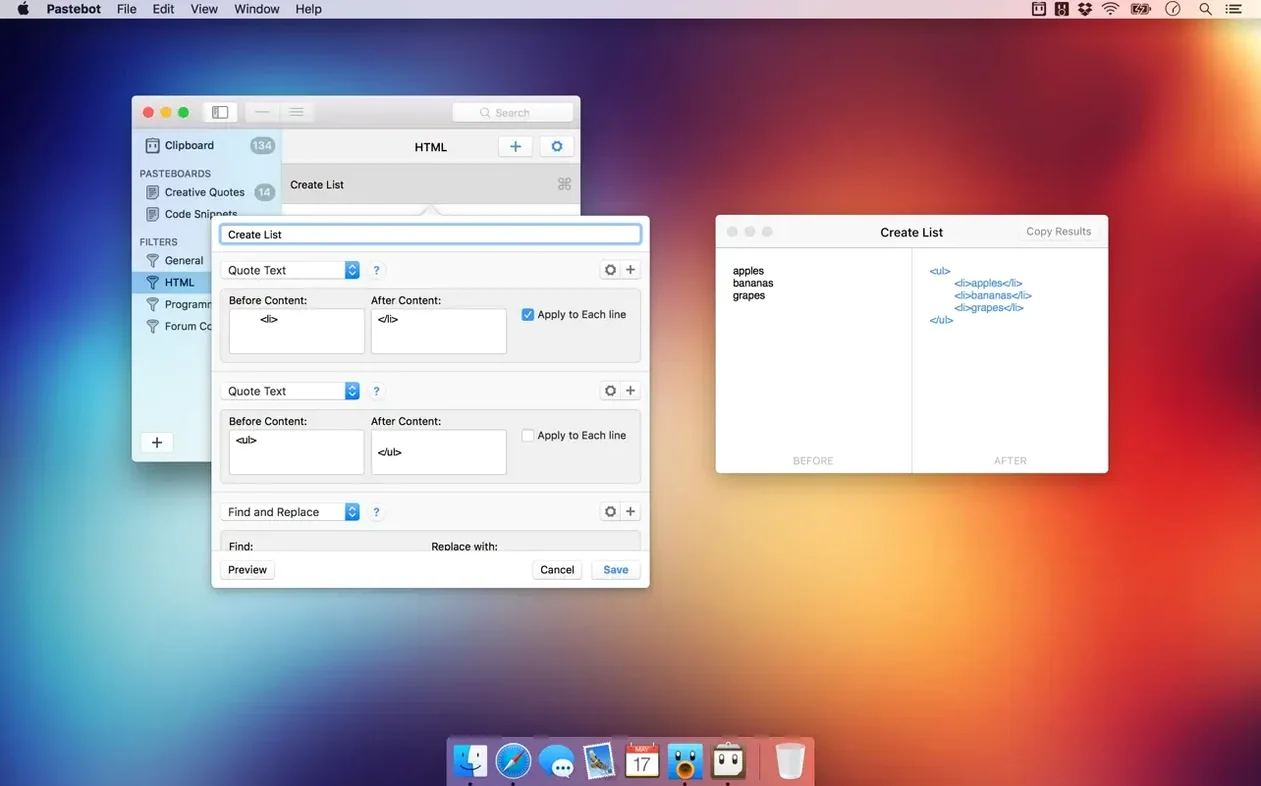
- Filtering text before pasting, so you can strip formatting or adjust case.
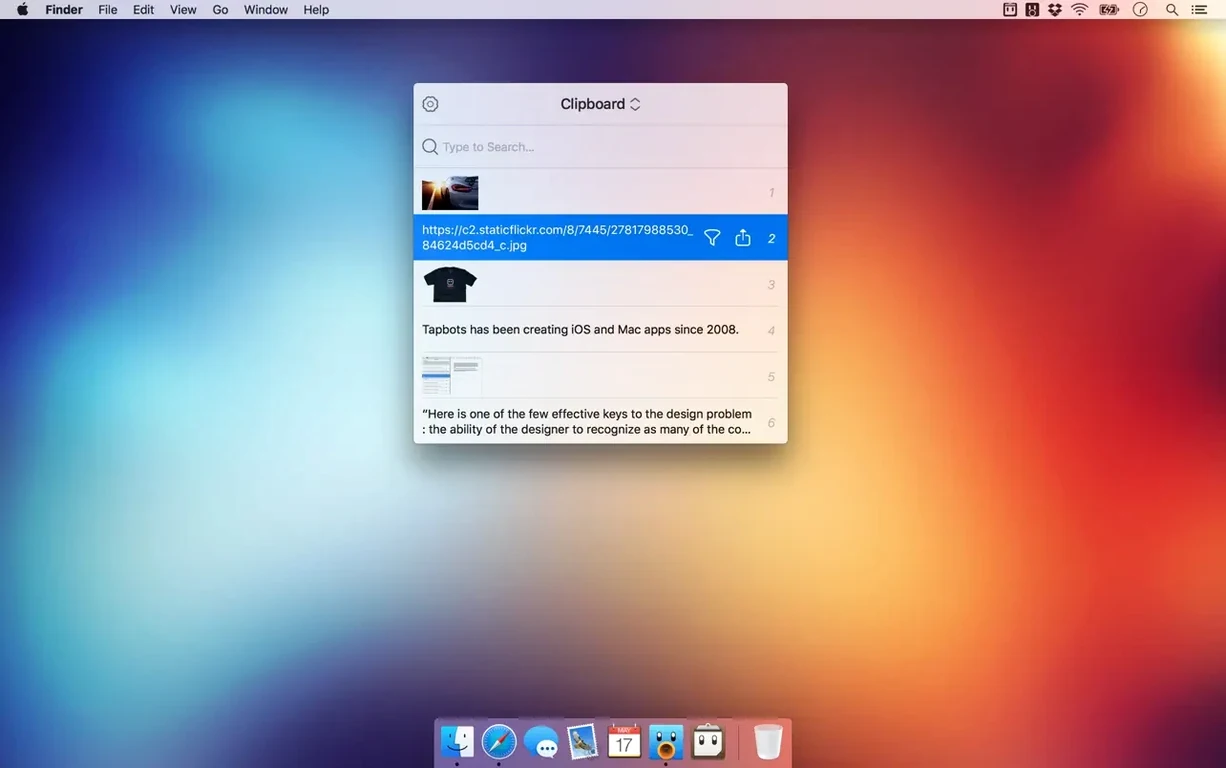
- Quick pasting from a menu that previews each clipping.
Always-on background with fullscreen support
- It runs in the background, so it's always ready.
- Fullscreen and Split View work fine.
- You can assign keyboard shortcuts to pasteboards or individual clippings.
Queue mode and app blacklist
Some features are easy to overlook but save time.
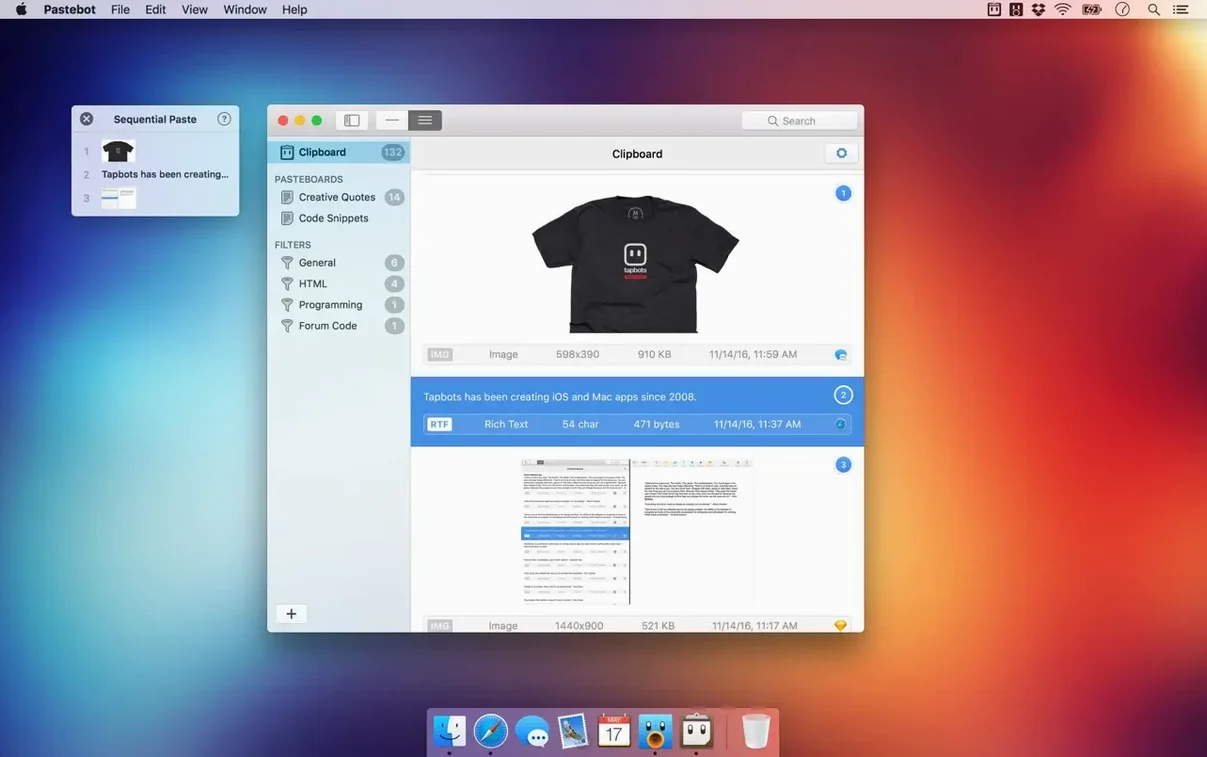
- Queue mode – copy several items in a row, then paste them one after another without switching windows.
- Blacklist – add apps to the ignore list and Pastebot stops recording copies from password managers or chat logs.
- Export filters – once you build a filter you like, send it to a colleague. They import it and get the same behavior.
- Quick paste preview – hover a clipping before inserting it. You see the content without committing to the paste.
- History size – the default is 200 items, but you can raise or lower it in preferences. Good for machines with limited storage.
Technical writer copies code then quick-pastes from history
A technical writer copies code snippets, error messages and product names all day. Without a clipboard manager, the workflow is copy, switch app, paste, repeat. With Pastebot, the writer copies everything into the history, then opens the quick paste menu to find the right snippet by search. Filters strip extra line breaks from terminal output. A pasteboard holds reusable phrases like "repro steps" and "expected behavior". The writer doesn't retype or re-copy. That's the whole point.
Small conveniences that are easy to miss
A few details in Pastebot don't get mentioned much but change how you use it day to day.
- Ignore copies from specific apps – add your password manager or a chat app to the blacklist. Pastebot stops recording those copies, so your history stays clean of tokens and one-time codes.
- Preview before paste – hover over any clipping in the quick paste menu. You see the full content without inserting it. Good for checking you have the right snippet.
- Keyboard shortcuts for individual clippings – assign a shortcut to a specific clipping you use every day. One keystroke pastes it, no searching.
- Adjustable history limit – the default is 200 items. Drop it to 50 if you're on a machine with less storage, or raise it if you copy all day.
Who gets the most out of it
Pastebot fits anyone who copies text more than a few times a day. That's most Mac users. But some groups benefit more.
- Writers and editors – they copy quotes, rewrite sentences, and need the original version later. History saves them from losing anything.
- Developers – they copy code blocks, terminal output, and configuration values. Filters strip extra formatting. Pasteboards hold reusable snippets.
- Support staff – they paste the same responses into tickets. A pasteboard with saved replies and keyboard shortcuts speeds that up.
- Designers – they copy placeholder text, color hex codes, and file paths. The quick paste menu keeps everything reachable.
If you fall into one of those groups, Pastebot is worth keeping in your dock.
That's enough to be productive. The rest you'll pick up as you go.
- macOS 10.13 or later
- Apple Silicon or Intel
- English
Questions I get about this line
Yes, you can search clippings by content or by metadata like the app they came from.
The install order
- Open the downloaded disk image.
- Drag the Pastebot app into the Applications folder alias.
- After copying finishes, open the app from Launchpad.