Free download (333 MB) Previous versions
- Version
- 2.7.10
- Developer
- CYME
- Languages
- English, German, Spanish, French, Japanese
- License type
- Included
| macOS range | macOS 12.4 or later |
|---|---|
| Chip | Apple Silicon, Intel 64-bit |
| Download | 333 MB |
| Previous versions | 1 on file |
Screenshots
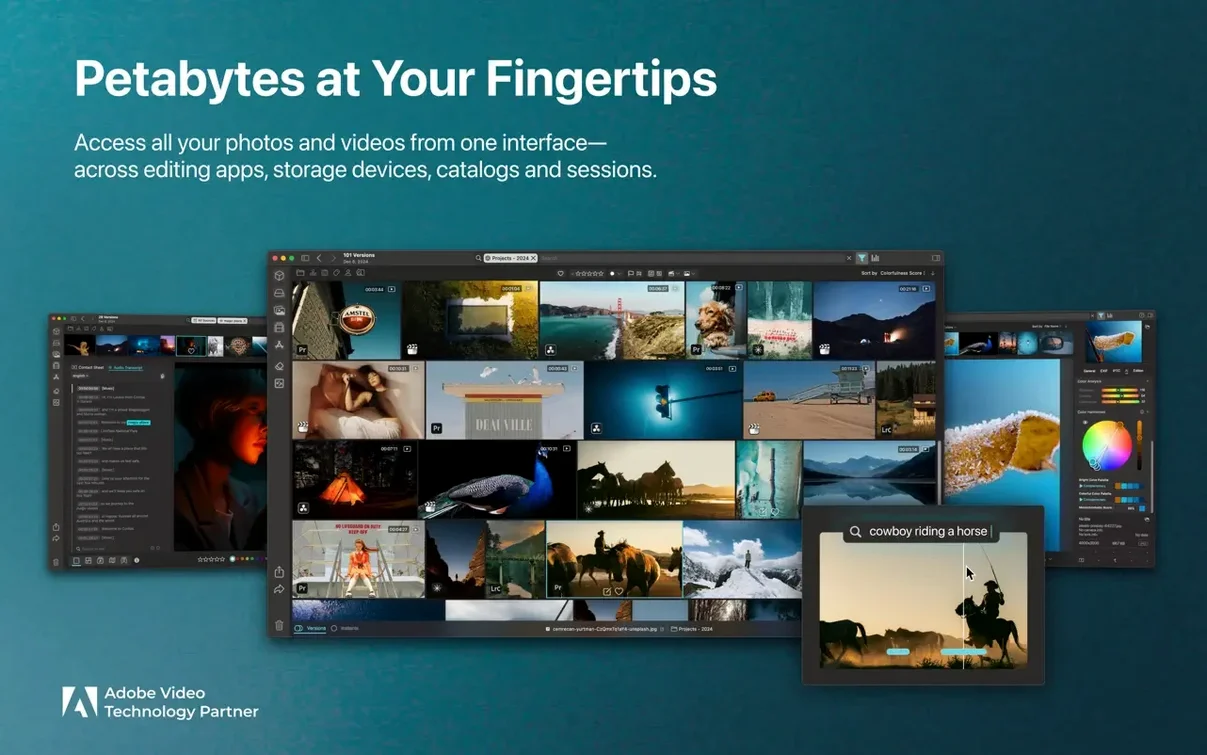
Click a screenshot to see it wider.
Peakto is a media asset manager for macOS that acts as a meta-cataloger. It organizes photos and videos across multiple sources, letting you find and manage them without moving originals.
Runs on Intel and Apple Silicon Macs
Peakto requires macOS 12.4 or later and runs on both Intel and Apple Silicon Macs. You need 2 GB of free space and at least 4 GB of memory (8 GB recommended). A fast SSD is recommended for the Peakto library and database files.
Searches images by content, map, and timeline
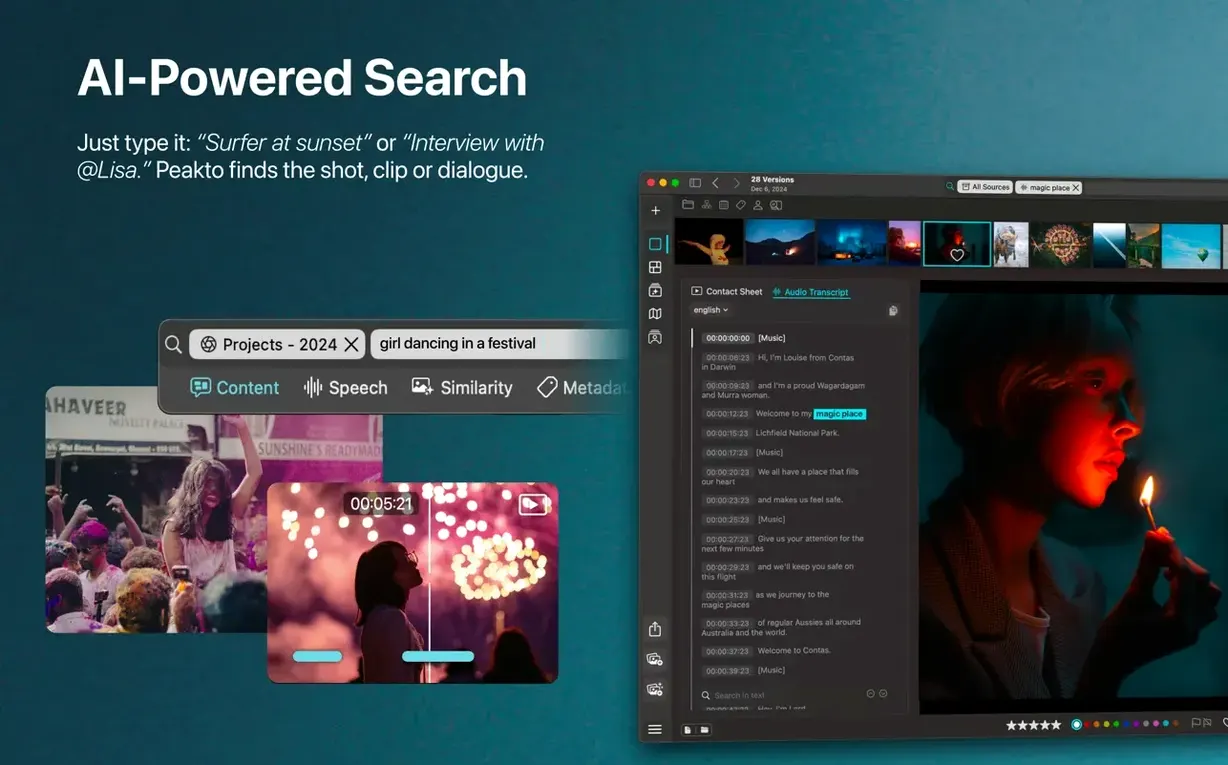
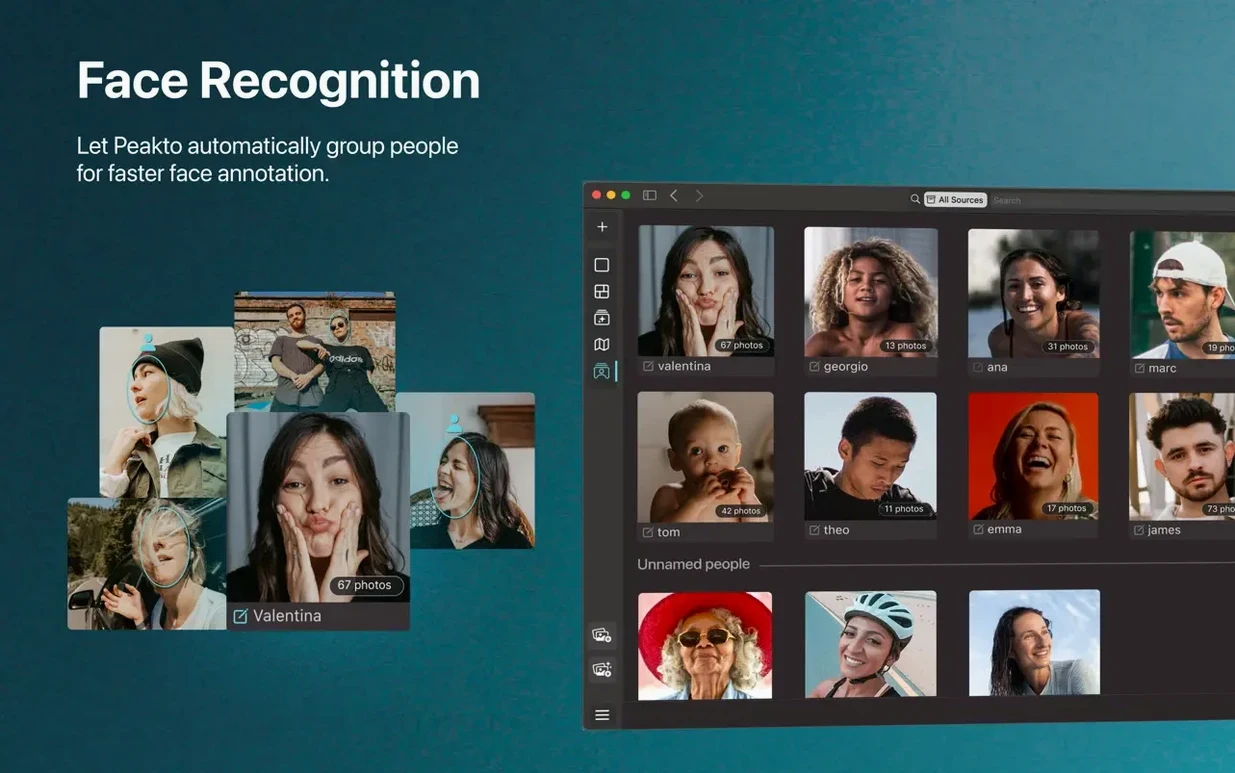
Use description-based search to find images and videos by content, not just filenames. The map view shows photos by location, and the timeline view lets you browse by date. It also identifies people across different sources in one interface.
Batch exports originals or shares lower-resolution versions
Batch export full-resolution images when you need originals, or share lower-resolution versions digitally. Search works inside video content too.
Peakto 2.7.10 adds Relay Mode and Connect UI
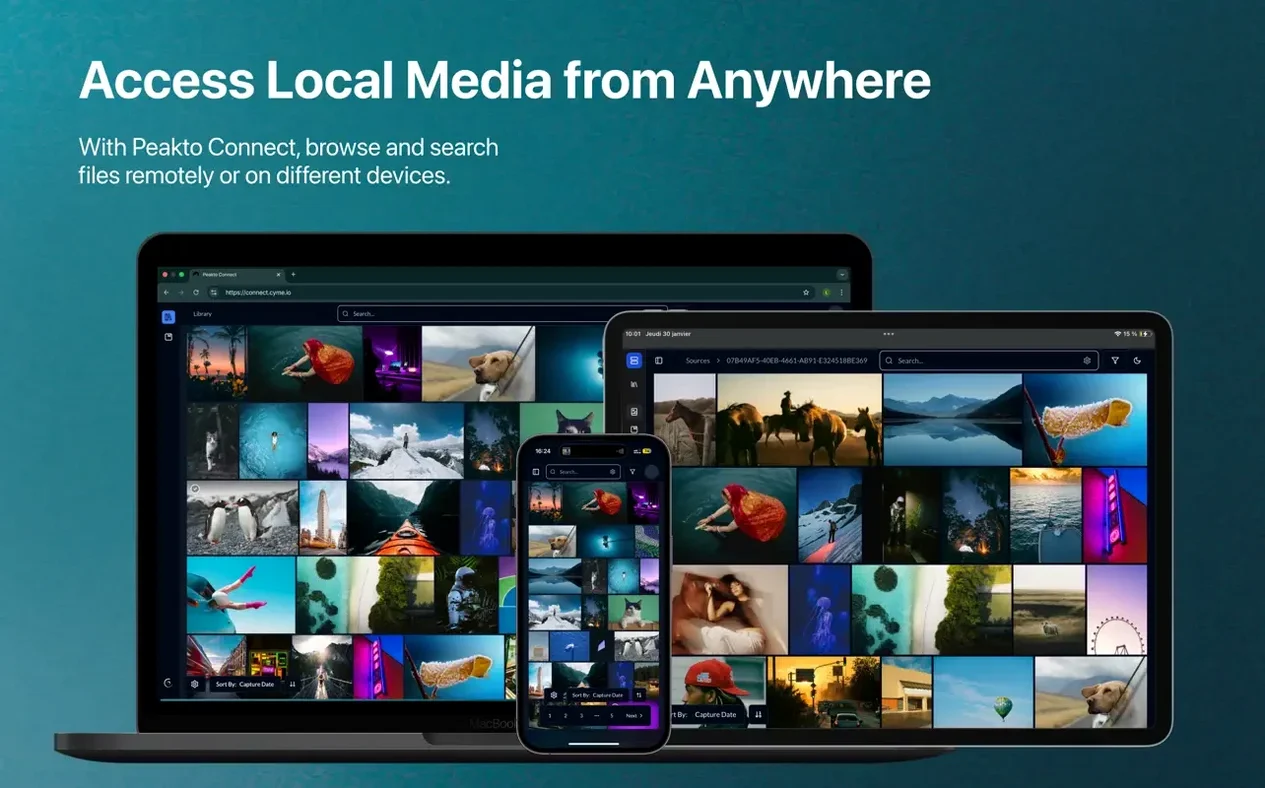
Version 2.7.10 from CYME includes the simpler Peakto Connect UI, Relay Mode for easier remote access without moving media to the cloud, and fixes for some workflows.
Different from Lightroom Classic and Eagle
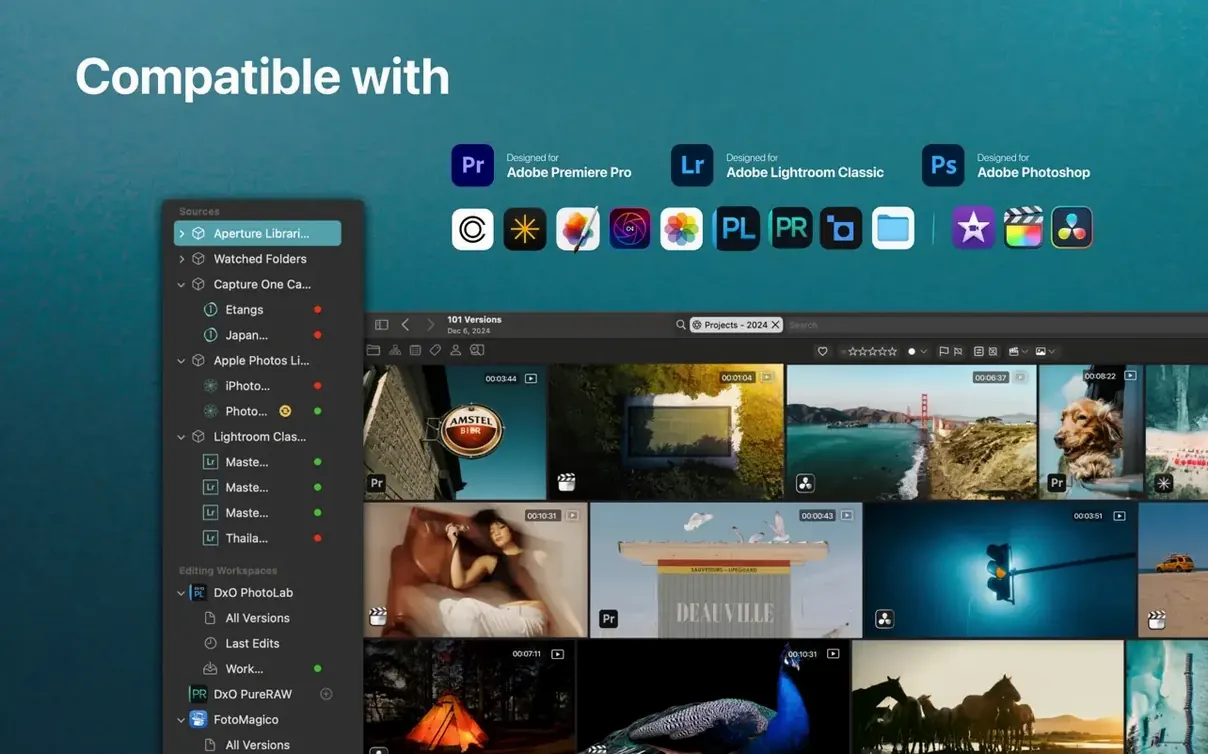
Peakto sits in a different category than a traditional photo editor like Adobe Lightroom Classic or a file-based organizer like Eagle. Lightroom Classic is built around a catalog and raw editing workflow. Eagle focuses on file management with tags and folders. Peakto is designed as a meta-cataloger first. It brings content from multiple sources into one view, regardless of where the files live.
Apple Photos organizes by date and face, but it is tied to the Apple ecosystem and your local library. Peakto can pull from external drives and network locations without importing everything into a single database. That makes it more useful if your media is spread across several locations.
Photographers with media on multiple drives
Photographers who store work on multiple drives or cloud services will find the most value. Instead of opening several folders or apps to find a specific shot, they use one search interface. Face recognition and description-based search save time when pulling together a client proof set.
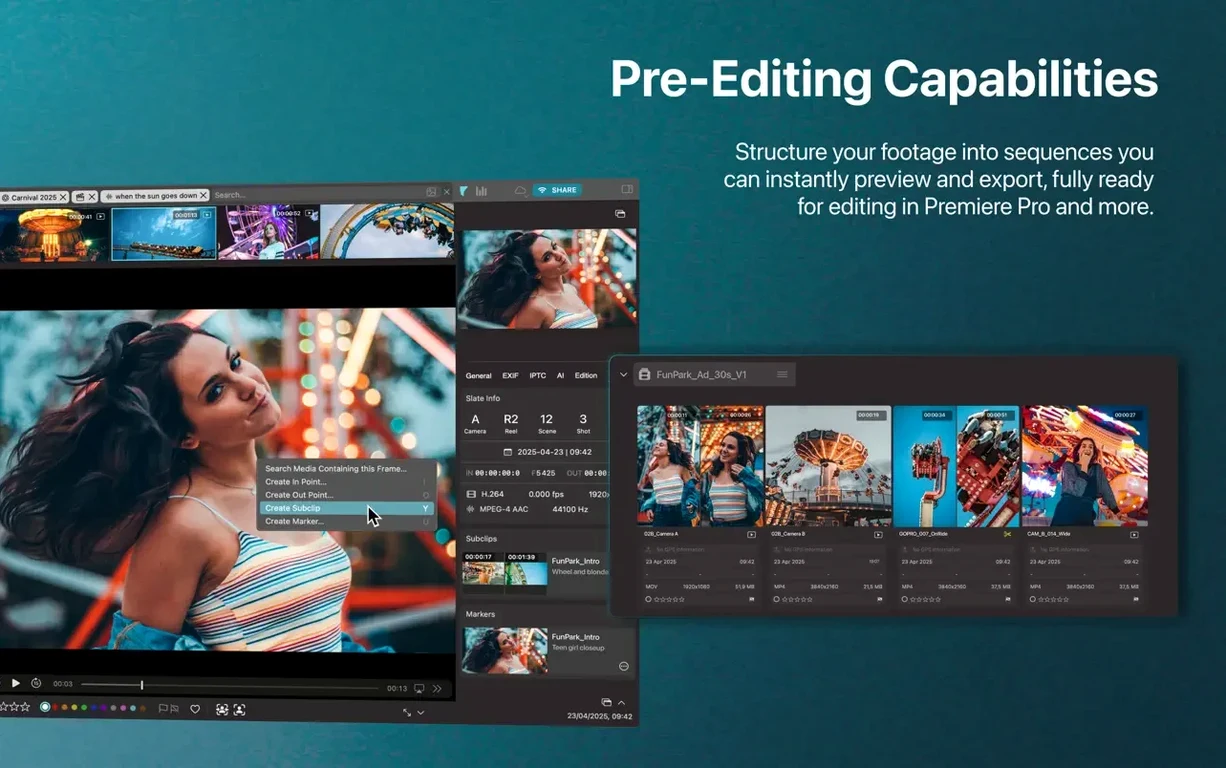
Videographers who have a mix of clips and stills across projects can use the timeline and content search inside videos. No need to rename clips or build complex folder structures. Just search and make selections.
Mac users with large personal photo and video libraries who want a single pane of glass without switching apps will appreciate the map and timeline views. It works well for organizing family archives or travel media.
Sits alongside editing tools like Photoshop
Peakto does not replace your editing tools. It sits alongside them. After you find and batch export full-resolution images from Peakto, you open them in Affinity Photo, Photoshop, or DaVinci Resolve. The app handles the organization and search part of the pipeline.
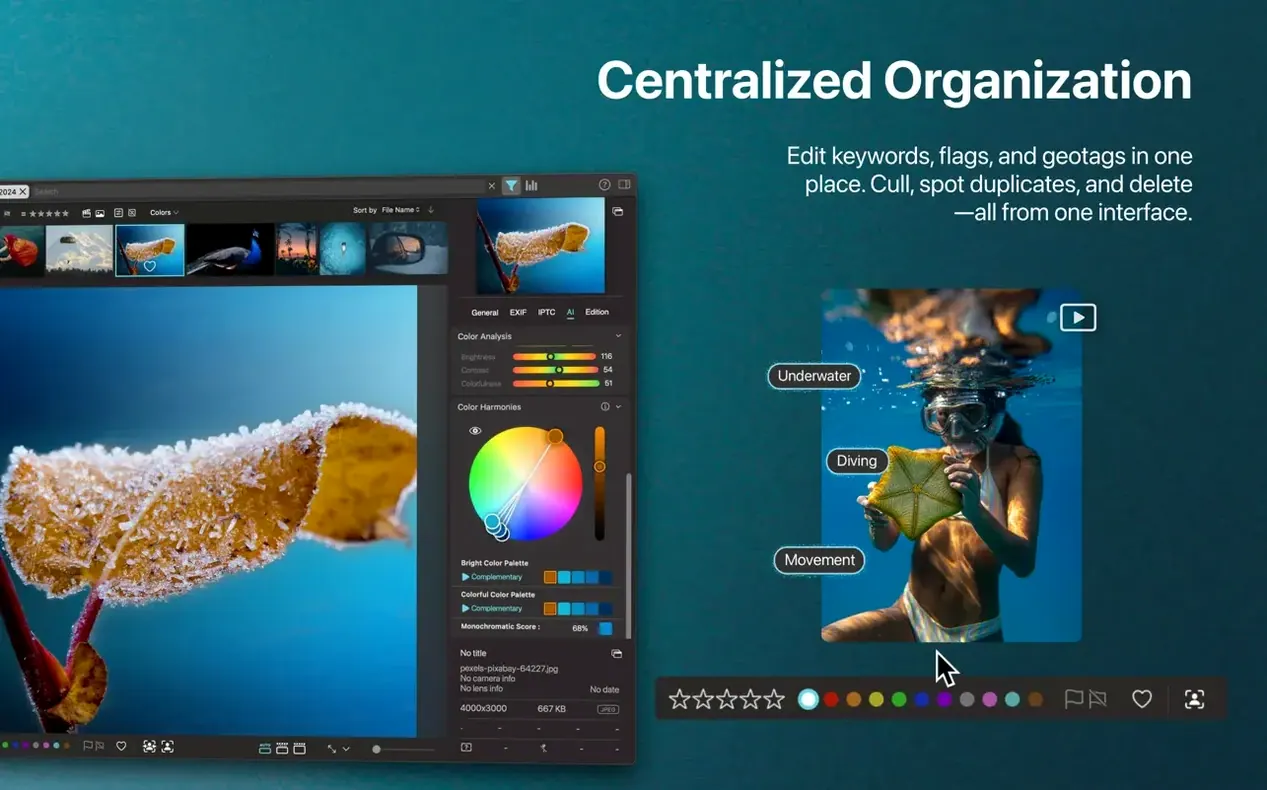
If you use macOS Finder tags or smart folders, Peakto adds AI tagging and content search on top of that. It pulls from the same file system, so you can keep your existing folder structure. It does not force you into a new naming scheme.
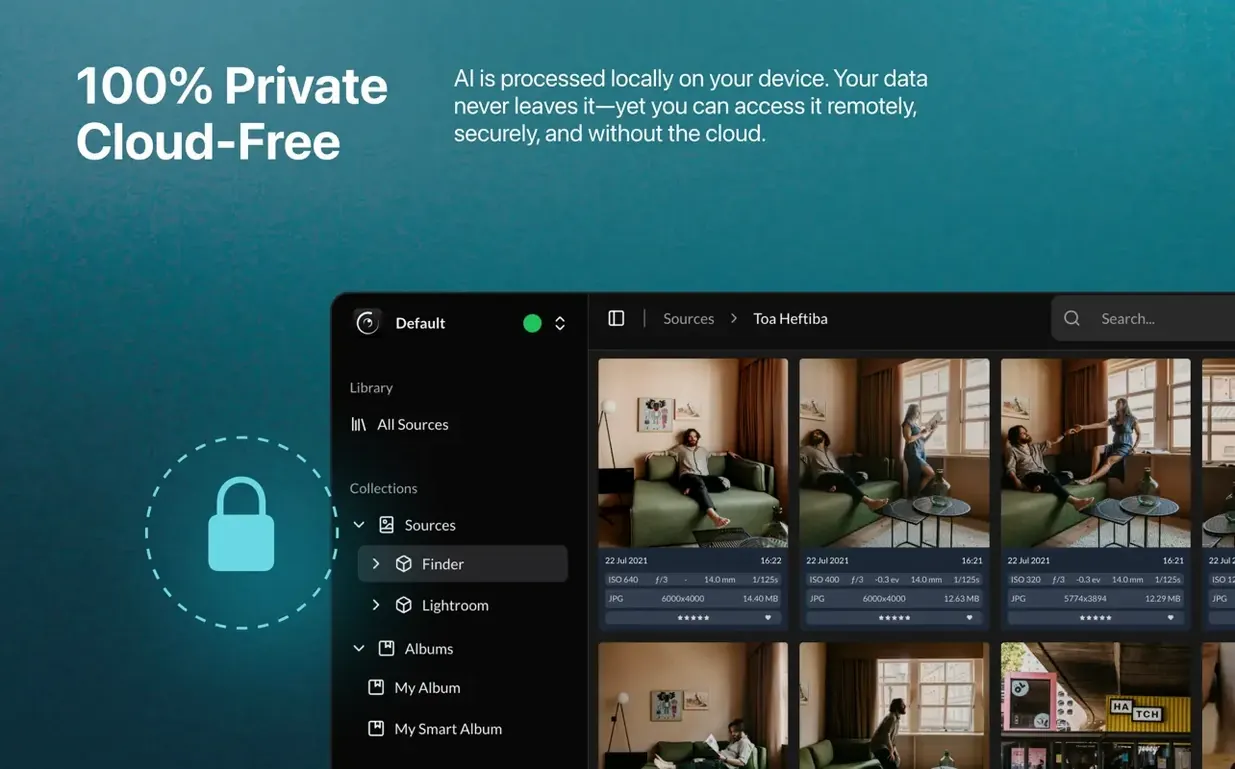
Relay Mode opens remote access to your library without moving files to the cloud. That fits teams who share a local NAS or a Thunderbolt drive. The app handles the discovery, and your editing tools stay the same.
For quick sharing, you export lower-resolution copies directly from Peakto. No extra step through an email client or file transfer app.
- Peakto Connect UI added – simpler and more intuitive.
- Relay Mode introduced for easier remote access without moving media to the cloud.
- Fixed some workflows in error cases.
- macOS 12.4 or later
- 2 GB of free space
- 4 GB memory (8 GB recommended)
- Fast SSD storage recommended for Peakto library and database files
- Files may be stored on external drives
Questions I get about this line
Yes, Peakto supports both Intel and Apple Silicon architectures.
Yes, files can be stored on external drives. A fast SSD is recommended for the Peakto library and database files.
The install order
- Open the downloaded disk image.
- Drag the app to the Applications folder alias.
- After copying finishes, launch the app from Launchpad.