Free download (193 MB) Previous versions
- Version
- 8.4.0 [MAS]
- Developer
- ImageTasks Inc
- Languages
- English
- License type
- K'ed by TNT team
| macOS range | macOS 11 or later |
|---|---|
| Chip | Apple Silicon, Intel 64-bit |
| Download | 193 MB |
| Previous versions | 3 on file |
Screenshots
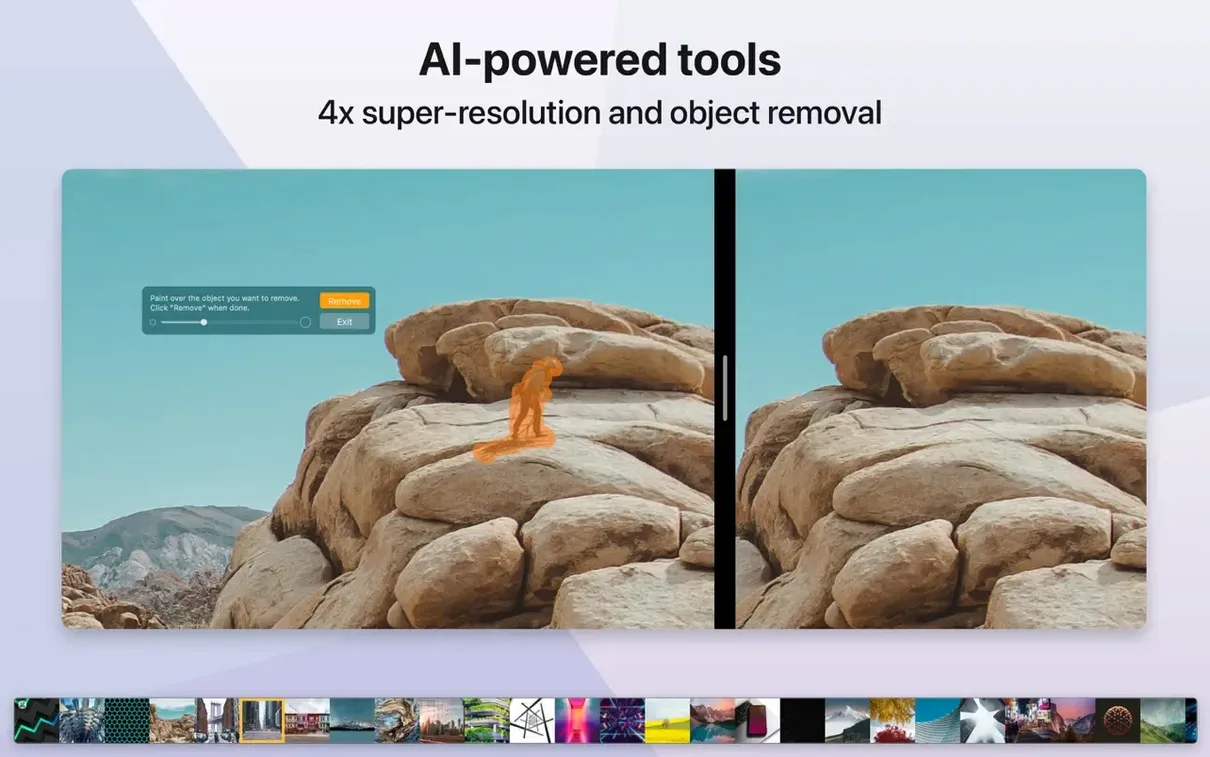
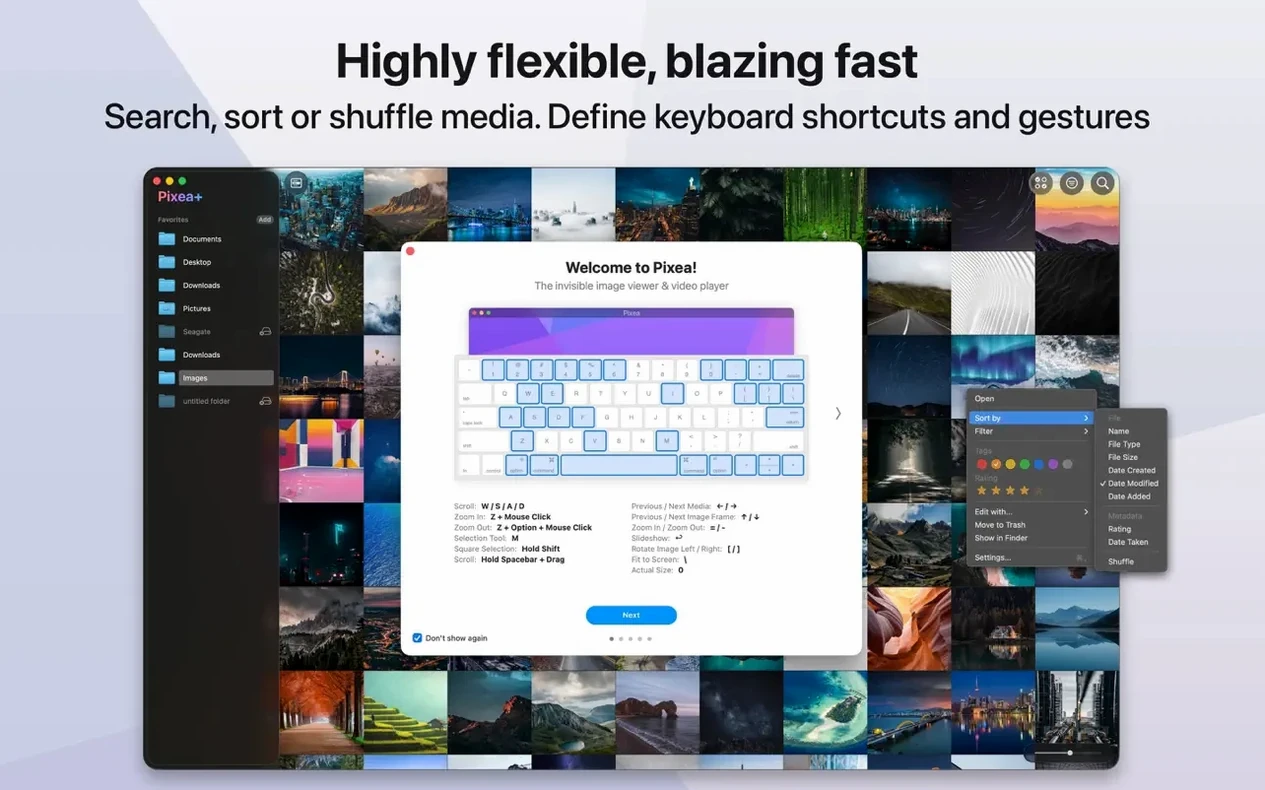
Scroll the row, it snaps to each screenshot. Click one to see it wider.
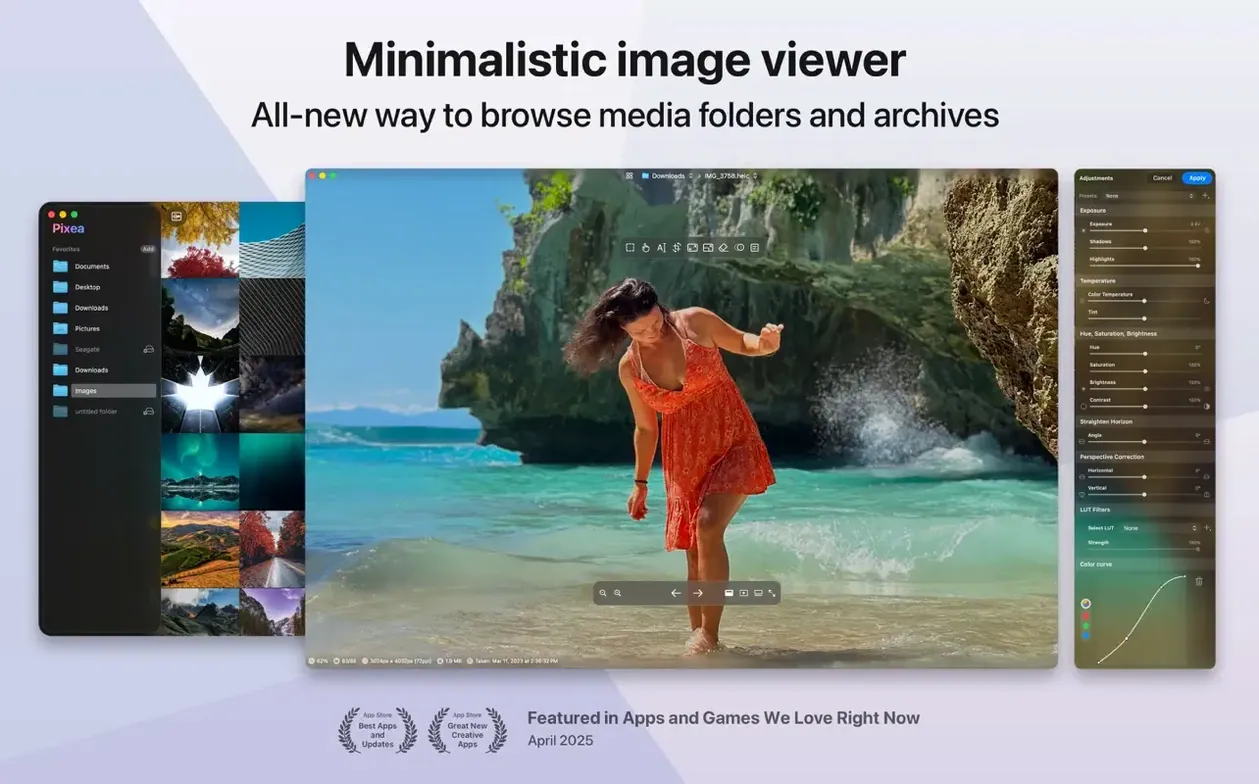
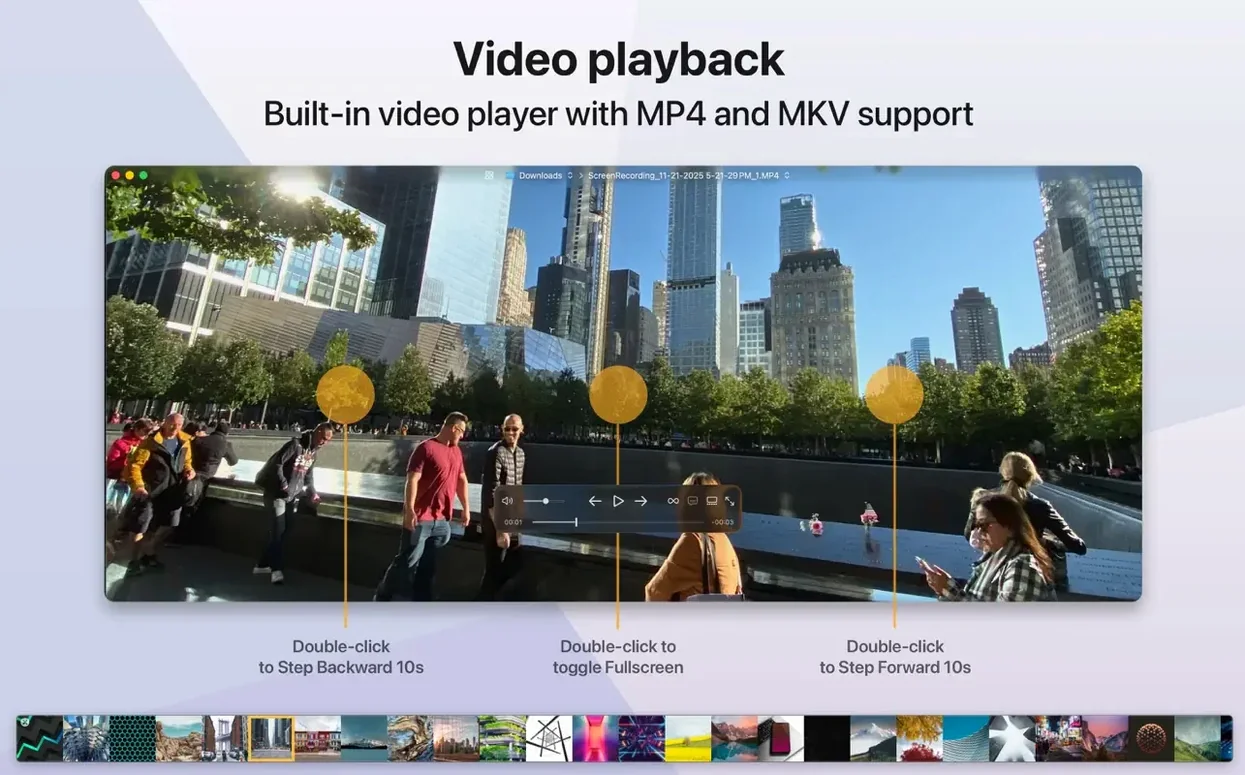
Pixea Plus runs on any Mac with macOS 11 or later, on both Intel and Apple Silicon. It's a straightforward image viewer, not a photo library. You open a file, look at it, make quick edits, and move on.
Opens camera RAW without heavy editors
For anyone who needs to inspect images without launching a heavy editor. It handles common formats like JPEG, PNG, GIF, TIFF, and WEBP, plus camera RAW files from Nikon, Canon, Sony, Fuji, and others. It also opens PSD and HEIC.
Flip, rotate, undo with gestures
Basic operations like flip and rotate are there, along with undo and redo for mistakes. Keyboard shortcuts and trackpad gestures keep things fast. The interface is clean and minimal.
What about the new version?
Version 8.3.0 adds masks, a new Pixea Image format, and undo/redo. If you just want to view and lightly edit images on a Mac, Pixea Plus covers it.
Not a Photos app or Bridge replacement
People ask whether Pixea Plus replaces Apple's Photos app or Adobe Bridge. It doesn't try to. Pixea Plus is an image viewer with basic editing, not a library manager. It won't organize your photo collection or sync across devices. If all you need is to open a file, check its EXIF and histogram, flip it, and close it, this fits.
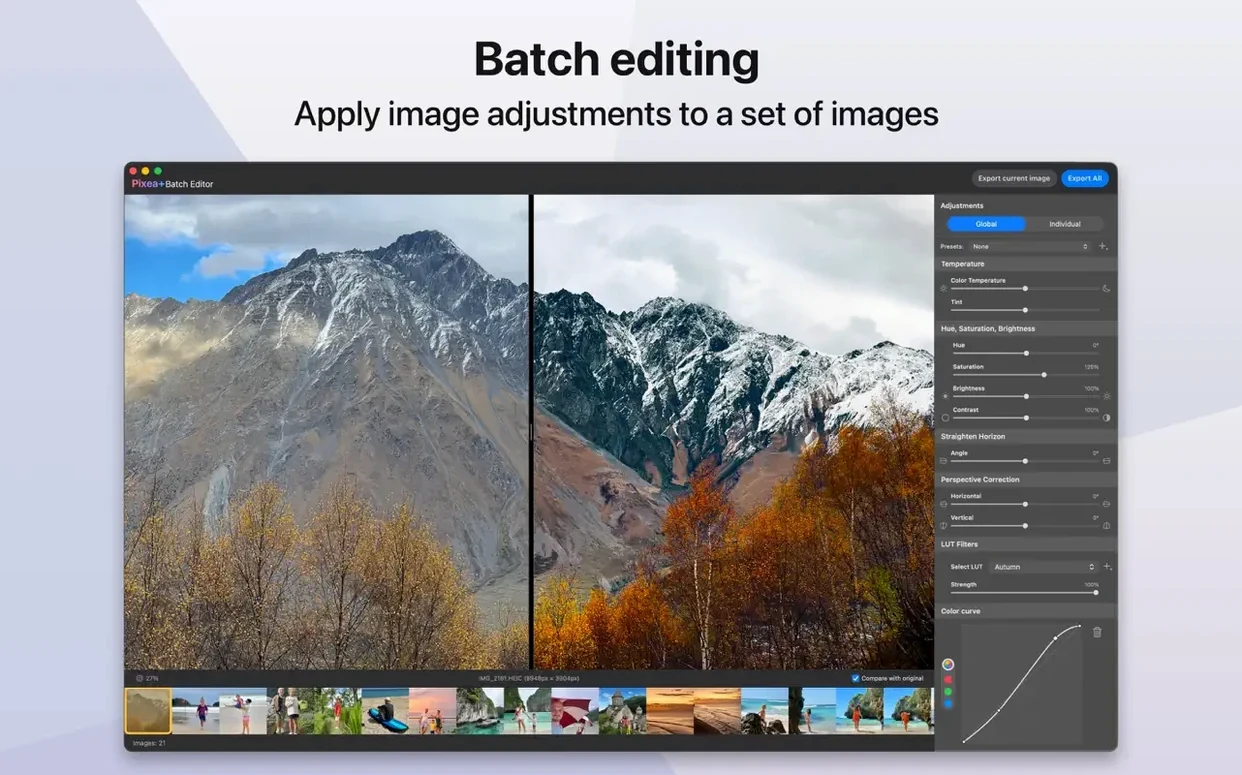
Another question: does it handle bulk operations? Pixea Plus opens ZIP archives without extracting them, which saves time when someone sends you a compressed batch of photos. But it's not a batch processor. You view and edit one image at a time.
Some wonder about the Pixea Image format introduced in 8.3.0. It's a container that saves masks, non-destructive adjustments, and extra data for later editing. If you plan to come back to an image and keep your edits intact, saving in this format makes sense. For final output, you export to JPEG, PNG, or another standard format.
RAW support for Leica, Sony, Nikon, and more
Photographers who shoot RAW will appreciate the direct support for Leica, Sony, Olympus, Minolta, Nikon, Fuji, Canon, and Hasselblad files. No need to open Capture One or Lightroom just to review a day's shoot. The color histogram and EXIF data are right there.
Designers and developers who handle PSD and HEIC files regularly will find the format support useful. You can preview a layered Photoshop file without launching Photoshop. Same for web-oriented formats like WebP.
IT and support staff who get ZIP archives of images from colleagues can open them inline without extracting. That's a small time-saver that adds up across dozens of files a week.
Anyone running an older Intel Mac or a newer Apple Silicon machine is covered. Version 8.3.0 runs on both architectures with no separate download needed.
Color histogram and EXIF data available
Expecting a full photo editor
Pixea Plus is not Pixelmator or Affinity Photo. New users sometimes open it expecting layers, curves, or clone tools. The editing here is limited to flip, rotate, and masks for exposure, hue, and saturation. If you need heavy retouching, you want a different app.
Skipping the mask feature
Version 8.3.0 added masks, but beginners overlook them because the interface is minimal. Masks let you adjust exposure, hue, and saturation in specific regions. If you dismiss the feature, you miss the one editing tool that goes beyond basic rotation.
Not using undo and redo
Undo and redo were added in 8.3.0, and they work. New users sometimes close and reopen an image to reverse changes, not realizing the shortcuts are available. Check the keyboard shortcuts if you make a mistake.
Overlooking the Pixea Image format
When you save an edited image as a standard JPEG, you lose the mask and adjustment data. Beginners save as JPEG and wonder why their masks disappeared. Use the Pixea Image format if you plan to reopen and continue editing later.
Forgetting about Gatekeeper
The install process requires running a terminal command to bypass Gatekeeper. Some people skip that step, the app doesn't launch, and they think it's broken. Mount the disk image, run the bypass, drag to Applications — in that order.
- Masks added.
- Pixea Image format added.
- Undo and redo actions added.
- macOS 11 or later
- Intel or Apple Silicon
Questions I get about this line
Yes, it opens RAW files from Leica, Sony, Olympus, Minolta, Nikon, Fuji, Canon, and Hasselblad cameras.
It offers basic editing like flip, rotate, undo, and redo, plus masks in the latest version.
No, it's a viewer with light editing tools, not a general-purpose photo organizer.
The install order
- Mount the disk image and launch the installer.
- If Gatekeeper blocks it, open Terminal and press Enter to bypass.
- Drag Pixea Plus to the Applications folder.
- Open the app once the copy finishes.