- Version
- 1.15
- Developer
- App ahead GmbH
- Languages
- English, German, Spanish, Italian, Chinese (Simplified), Korean, Portuguese, French, Hindi, Japanese
- License type
- Not required
| macOS range | macOS 15.6 or later |
|---|---|
| Chip | Apple Silicon, Intel 64-bit |
| Download | 8 MB |
Screenshots
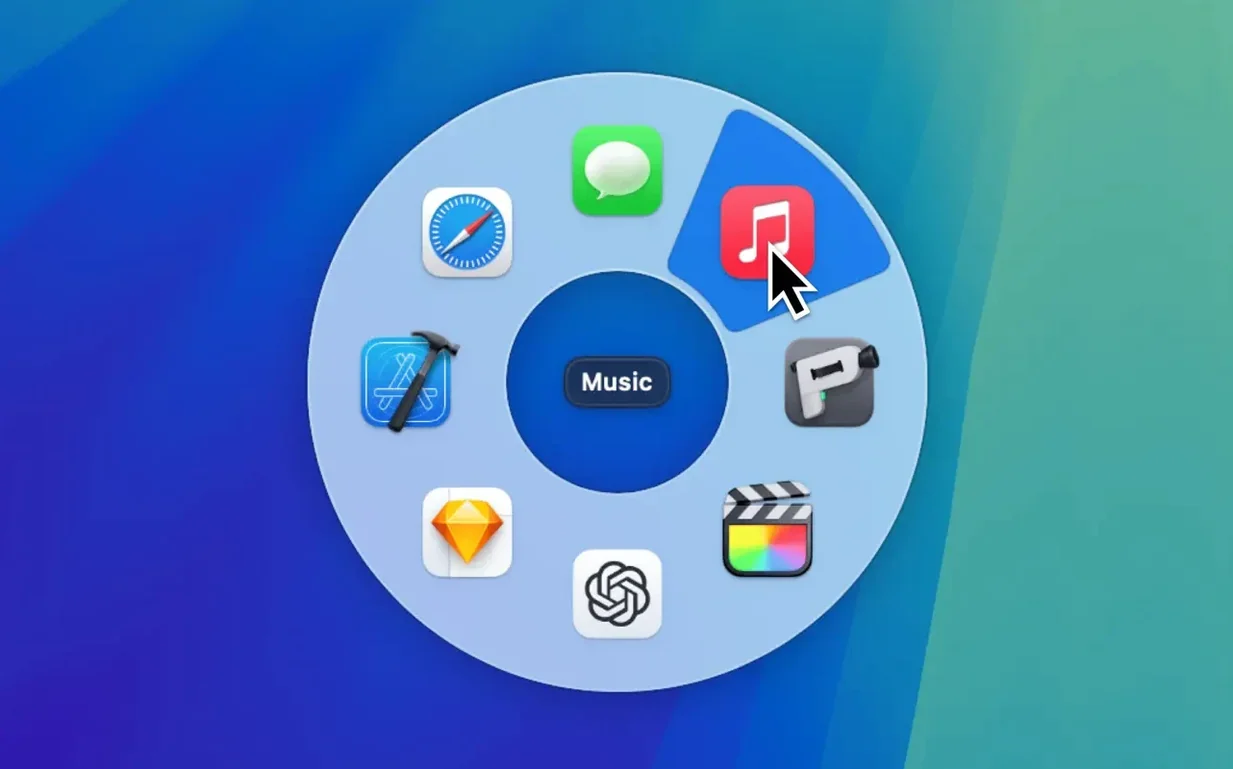
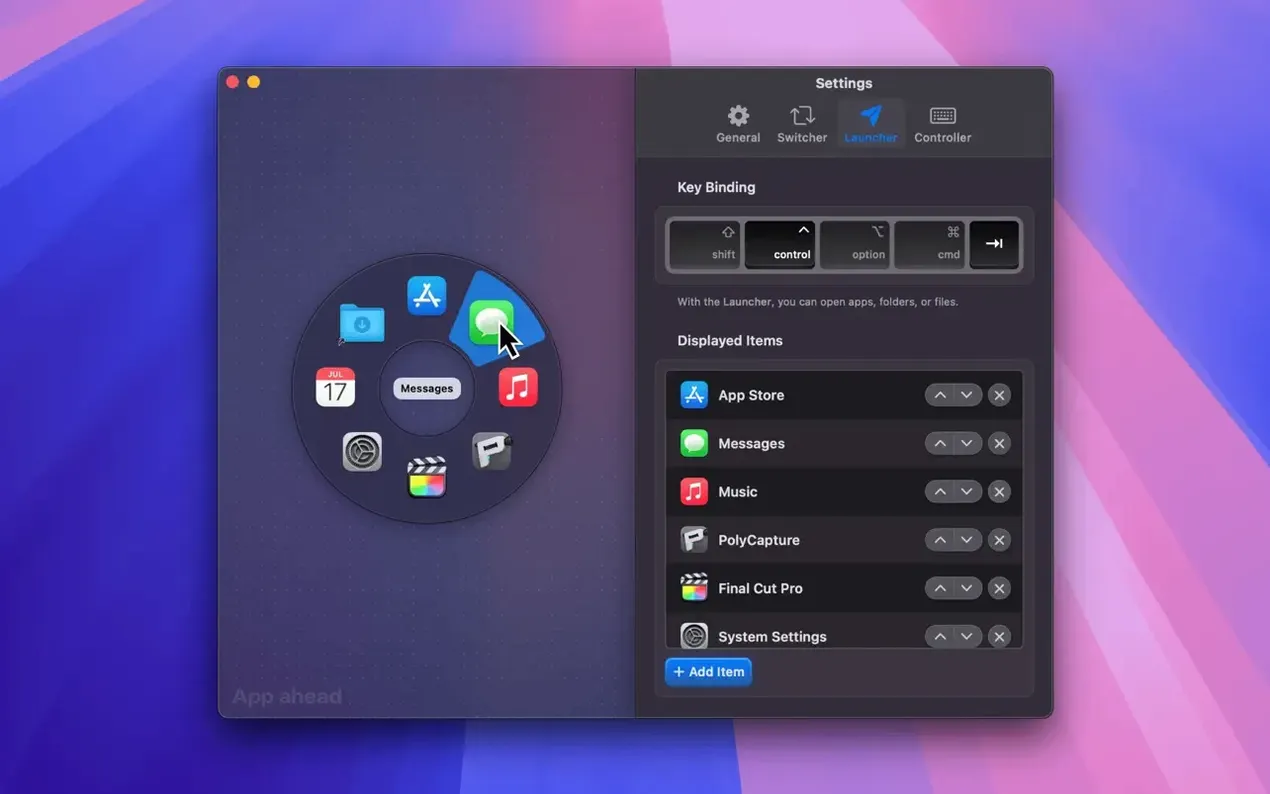
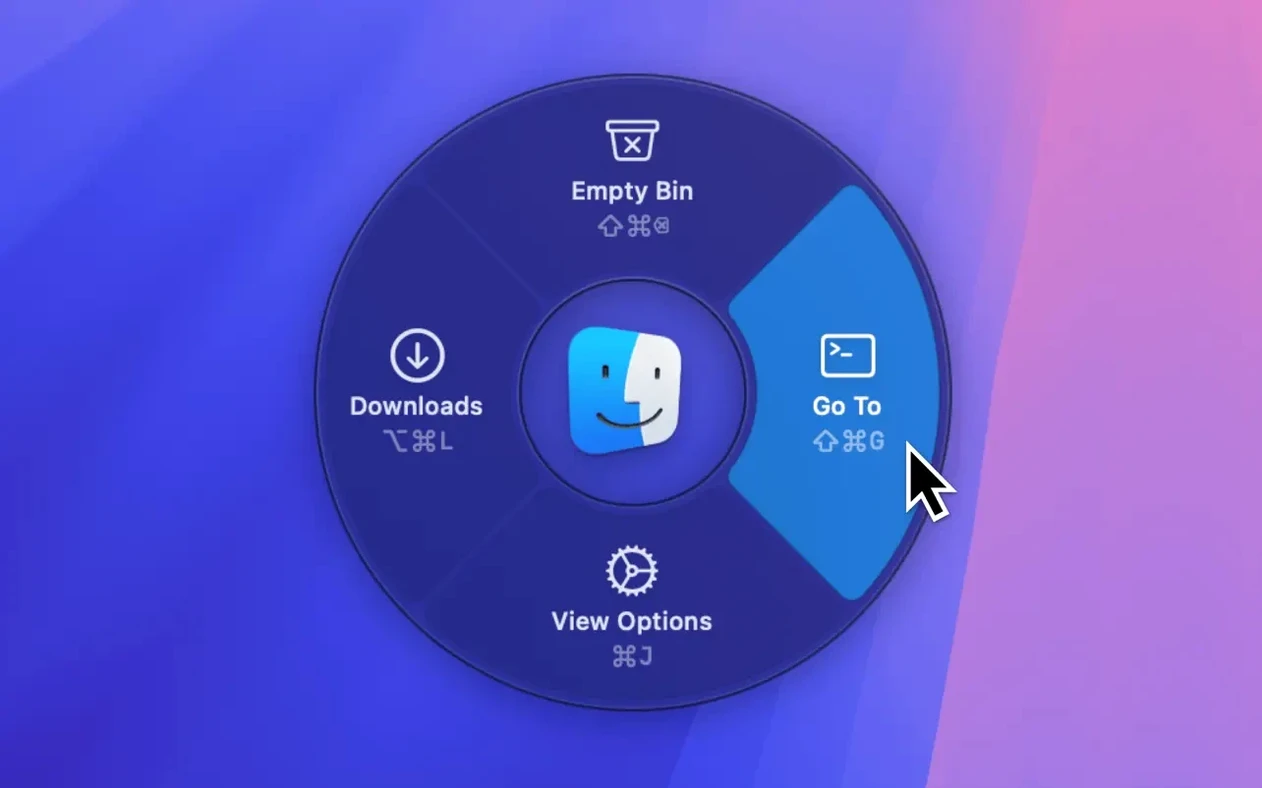
Click a screenshot to see it wider.
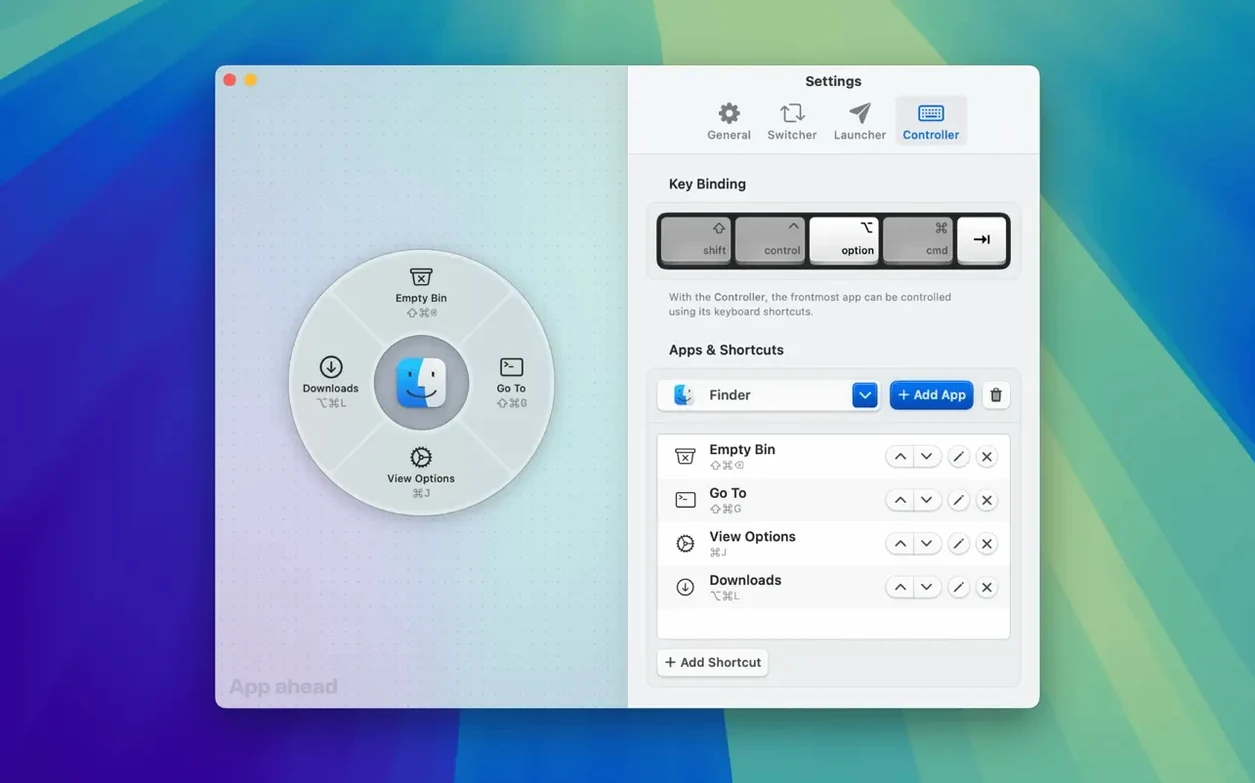
Pieoneer 1.15 supports both ARM and x86 64-bit Macs, so it runs on nearly any current machine. The first thing to try is the hotkey-driven pie menu. Set a key you can hit without looking, then trigger it anywhere. The menu appears at your cursor, not the center of the screen, so your hand stays put.
| Detail | Value |
|---|---|
| Version | 1.15 |
| Developer | App ahead GmbH |
| Category | Utilities |
| Architecture | ARM, x86 64-bit |
| macOS | 15.6 or later |
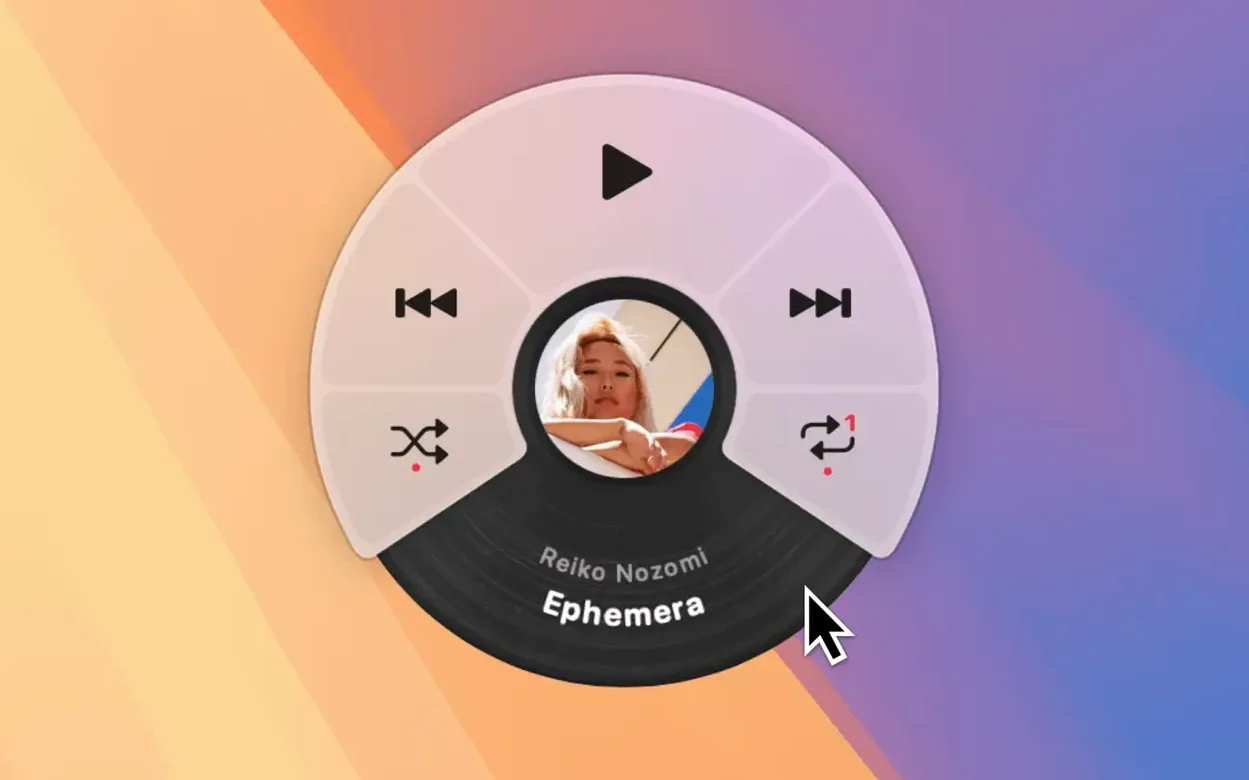
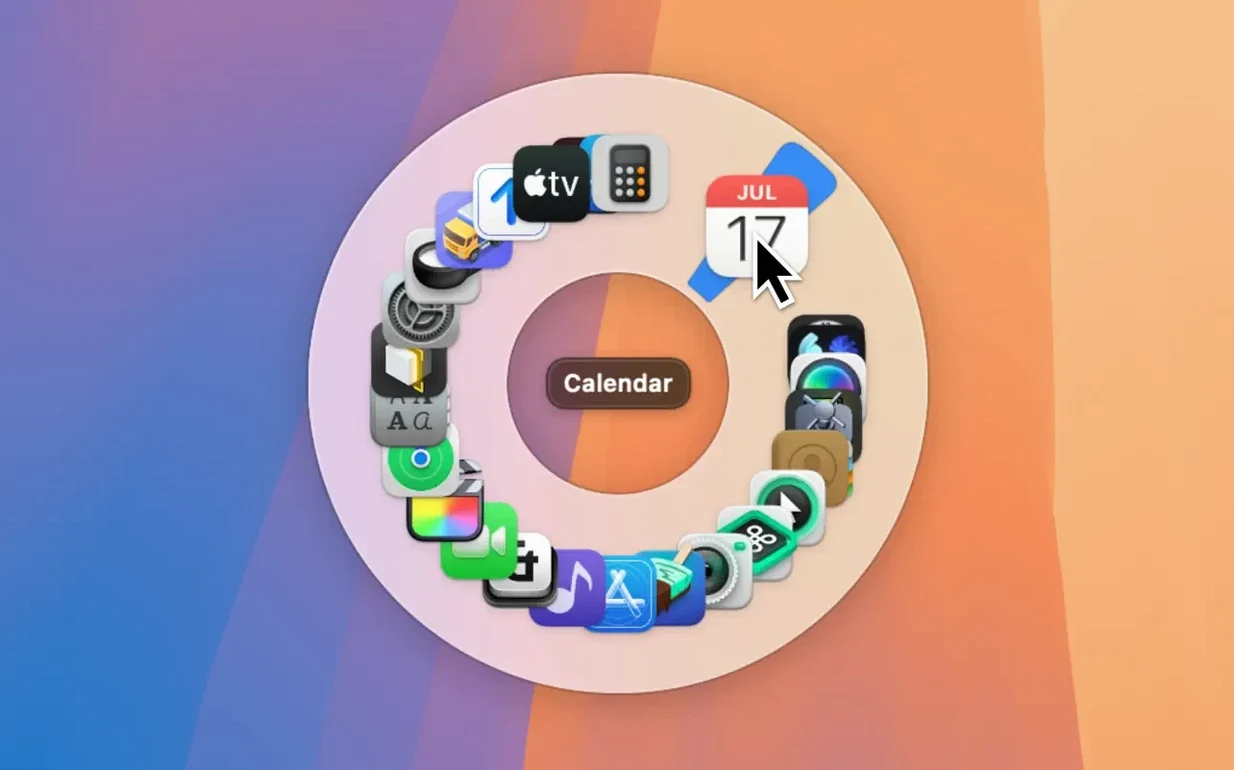
Next, open the Switcher view and cycle through running apps. If Finder or other tools clutter the list, exclude them in preferences. Then add items to the Launcher: apps, folders, files, documents. There is no stated limit on how many you can add, so build out a full menu. The built-in music remote covers Apple Music, Spotify, and Doppler. The interface is localized in nine languages, including English, German, Spanish, and Japanese. Start with the hotkey, then build your list.
Common snags and how to sort them out
The pie menu won't appear. Check the hotkey you set isn't already claimed by another app. If it is, pick a different key in Pieoneer's preferences or unbind it in the other app. Also make sure Pieoneer is running — the menu only works when the app is active.
The Switcher view shows too many items. Finder and other background tools appear in the list by default. Open the app's settings and add those apps to the exclusion list. This keeps the Switcher focused on the windows you actually switch between.
Launcher items don't launch. Drag-and-drop reordering works, but the item itself needs to point to a valid location. If you moved a file or folder after adding it, remove the old entry and add the new path. There is no limit on how many launcher entries you can set, so you can keep duplicates if needed.
The music remote doesn't control your player. Make sure Apple Music, Spotify, or Doppler is open and playing before you try to skip or pause. Pieoneer sends commands to those apps, so they must be running.
What to expect on your Mac
Pieoneer 1.15 requires macOS 15.6 or later. It works on both ARM and x86 64-bit machines. The app uses a pie menu interface with animation, so you will see a circular menu appear at the cursor or center of the screen. The interface is customizable, but all animation and menu elements run within the app. No activation is needed — just install and go. The interface defaults to English, but you can switch to German, Spanish, Italian, Simplified Chinese, Korean, Portuguese, French, Hindi, or Japanese in settings. The install itself is a simple drag of the app into the Applications folder alias, then open from Launchpad.
- Version 1.15 is the current release.
- macOS 15.6 or later
- Apple Silicon or Intel (x86 64-bit)
- Activation is not required
Questions I get about this line
Yes, Pieoneer supports both ARM and x86 64-bit Macs.
Yes, you can exclude Finder and other apps from the Switcher list in preferences.
The install order
- Mount the downloaded disk image.
- Drag the app into the Applications folder alias.
- After copying finishes, open the app from Launchpad.