
Free download (195 MB) Previous versions
- Version
- 2026.4.3
- Developer
- TechSmith Corporation
- Languages
- English, German, Spanish, Portuguese, French, Japanese
- License type
- K'ed by TNT team
| macOS range | macOS 15 or later |
|---|---|
| Chip | Apple Silicon, Intel 64-bit |
| Download | 195 MB |
| Previous versions | 8 on file |
Screenshots
Scroll the row, it snaps to each screenshot. Click one to see it wider.
The 2026.3.3 update fixes video playback controls and arrow keys in QuickLook on macOS 27, plus capture toolbars that wouldn't move. If you're on the latest macOS, these are the kind of annoyances that made earlier builds feel unfinished.
Screen capture and video in one editor
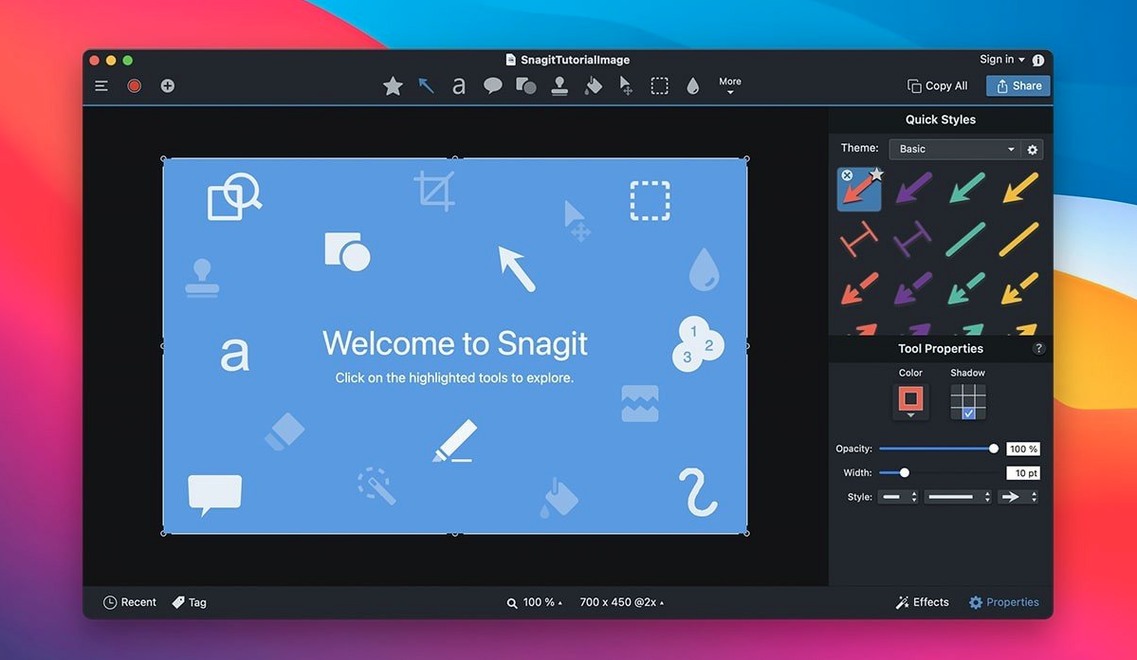
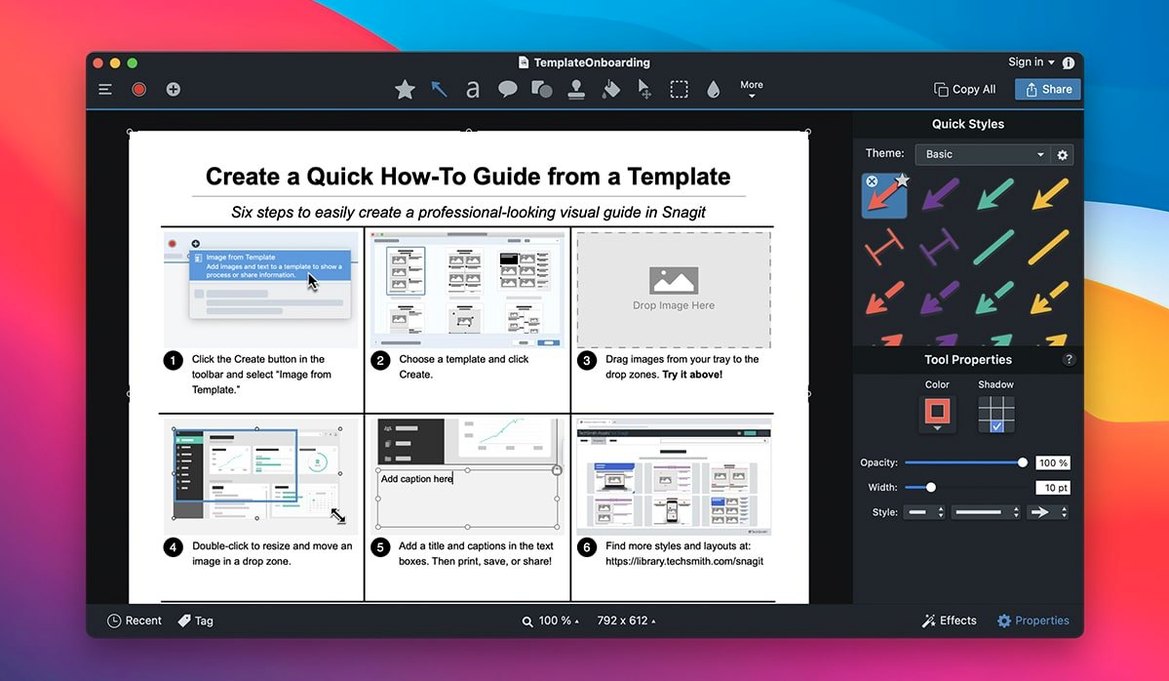
Does it handle both screen capture and recording? Yes. Snagit captures stills and video, then drops you into an editor where you can add callouts, arrows, labels, or remove parts of an image. You can combine shots into a collage or apply a page-curl effect. Saved captures go into libraries automatically, and you can tag them for later searching.
Publish directly to Office or OneNote
Keyboard shortcuts let you assign capture presets, so you don't click through menus every time. The app can publish directly to Microsoft Office, MindManager, or OneNote, which matters if you document procedures or share findings with a team. The editor handles most touch-ups without needing a second tool. For a snagit for mac download, this version runs on both Intel and Apple Silicon, and the interface is available in six languages.
Assign capture presets first
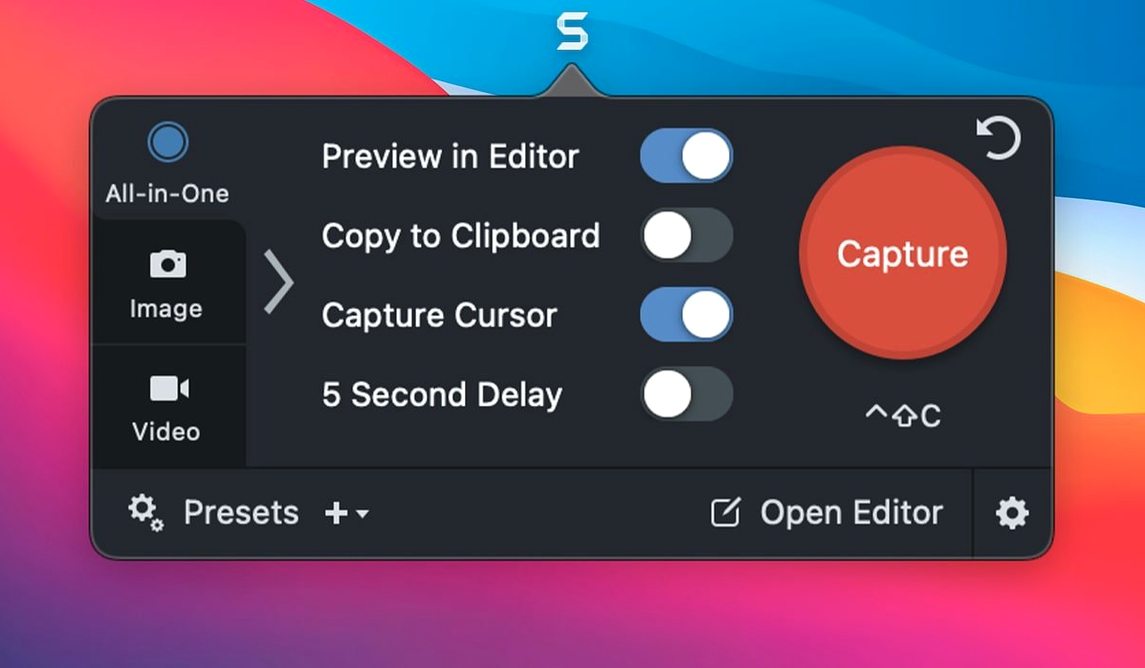
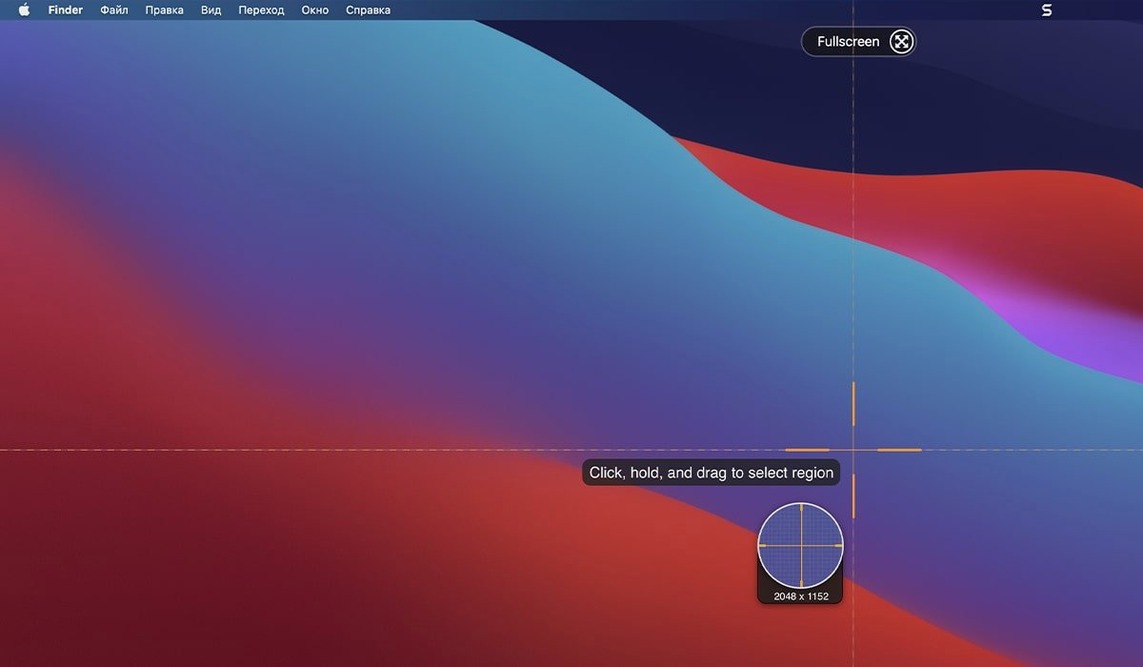
Open the app and set up capture presets first. The keyboard shortcuts are worth the five minutes it takes to assign them — you'll grab window shots or scrolling captures without breaking focus. Test the scrolling window capture on a long webpage or a tall document. Snagit handles it in one take, which saves stitching screenshots later.
Tag every capture you keep. The library search is reliable by date or source, but tags turn it into something you can actually find weeks later. I'd suggest a simple scheme like project names or client codes. You can add tags right after saving, before you move on to the next task.
If you publish to a blog or FTP, configure the destination from the share menu. One less step when you're in the middle of documentation.
macOS 27 video playback fix
The latest build touches three macOS 27-specific issues. Video playback controls work again — you can pause, rewind, or skip without the player ignoring input. The arrow keys respond in QuickLook inside the Snagit Library, which matters when you browse captures quickly. And the capture toolbars and controls now drag freely. On macOS 27 they were stuck in place; the fix restores the usual repositioning.
For everyday use that means no more workarounds on the newest Mac OS. If you held off updating because of these bugs, the version 2026.3.3 snagit mac torrent you find here runs clean on macOS 15 and later, both architectures. The same six languages, the same editor and library, just the macOS 27 fixes applied.
First-day settings to check
After installing, open Snagit and look at the capture preferences. The default hotkeys work, but you can reassign them if they conflict with other apps you run. I'd map the most-used capture type to a single key combo.
Turn on the library auto-organize feature. It sorts captures by date by default, which keeps the initial list manageable. If you capture a lot of reference material in the first week, that automatic sorting saves you from digging through an unsorted pile.
Test the text capture from a webpage. It pulls readable text out of images or locked pages, which is useful for documenting interfaces where you can't copy-paste. Run it on a few sites to see how it handles different layouts.
What the 2026.3.3 fixes mean day to day
The video playback controls fix is the one you'll notice most. If you record training clips or bug reports, the player now responds to pause and skip commands on macOS 27. Before, you had to restart the recording or guess where the timeline was.
The arrow key fix in QuickLook sounds minor, but when you're scanning through a library of twenty captures, being able to arrow through them instead of clicking each one cuts the time in half. The toolbar movement fix means you can position the capture controls where they don't overlap your content — useful on smaller screens or when working in split view.
These are the kind of polish issues that make a screen capture tool feel finished. The snagit 2025 torrent and earlier builds had similar quirks on new macOS releases; this version addresses them directly.
- Fixed video playback controls not working on macOS 27.
- Fixed arrow keys when QuickLook is active in the Snagit Library on macOS 27.
- Fixed capture toolbars and controls that couldn't be moved on macOS 27.
- macOS 15 or later
- Intel or Apple Silicon
Questions I get about this line
Yes, Snagit 2026.3.3 requires macOS 15 or later and supports both Intel and Apple Silicon Macs.
The install order
- Mount the disk image and run Open Gatekeeper friendly.
- Press Enter in Terminal to bypass Gatekeeper.
- Drag the app to the Applications folder.
- Open the app when installation is complete.