
Free download (64 MB) Previous versions
- Version
- 2.7.0.16
- Developer
- TunesKit
- Languages
- English
- License type
- K'ed by TNT team
| macOS range | OS X 10.11 or later |
|---|---|
| Chip | Intel 64-bit |
| Download | 64 MB |
| Previous versions | 1 on file |
Screenshots
Scroll the row, it snaps to each screenshot. Click one to see it wider.
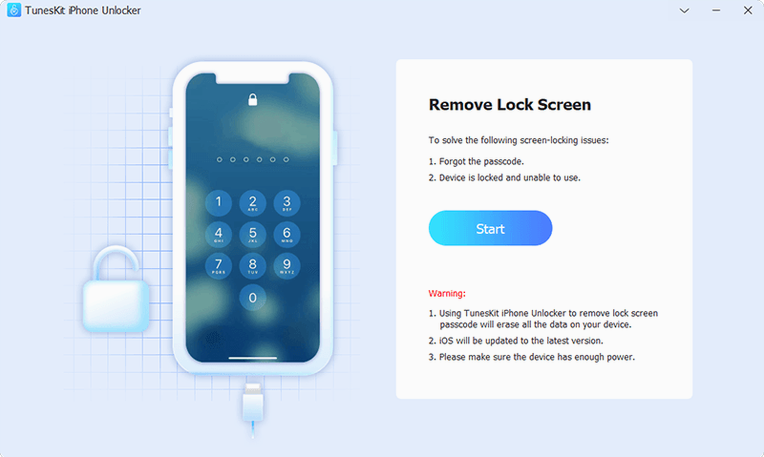
You have an iPhone that is disabled after too many wrong passcode attempts. Or the screen is cracked and Touch ID won't register. TunesKit iPhone Unlocker handles those lockouts — passcode removal, Apple ID removal, and screen-pass related restrictions on iPhone, iPad, and iPod touch.
If you are new to the app, start with these steps:
- Connect the locked iOS device to your Mac via USB.
- Launch TunesKit iPhone Unlocker and select the unlock mode you need (passcode, Apple ID, or screen time).
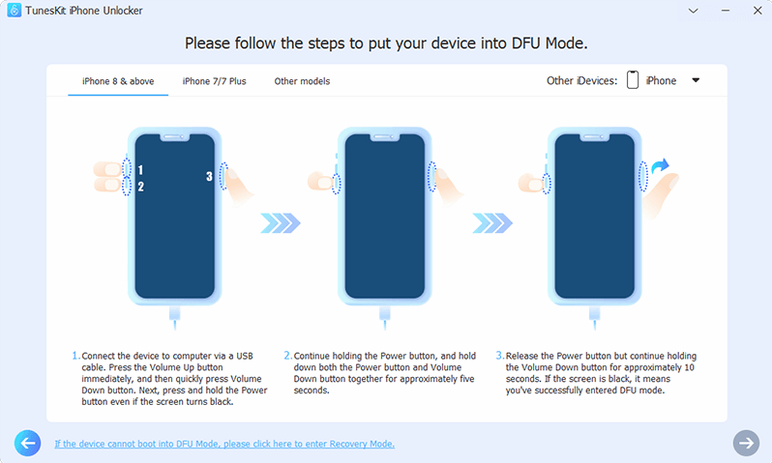
- Follow the on-screen prompts to put the device into recovery or DFU mode. The app walks you through it.
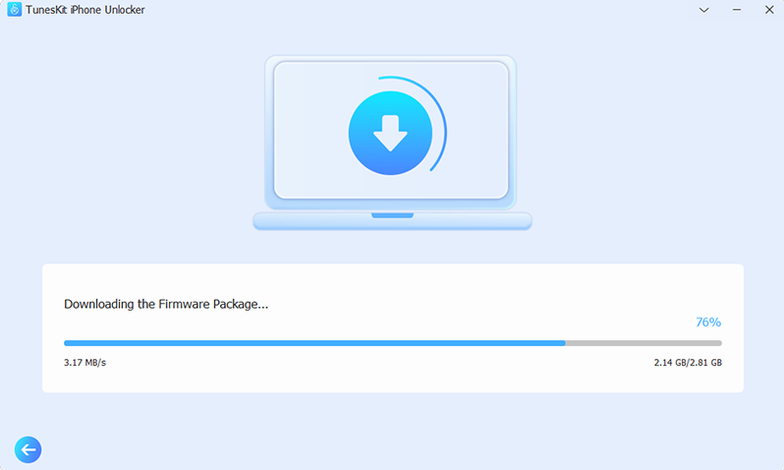
- Download the firmware package when prompted. This step takes a few minutes.
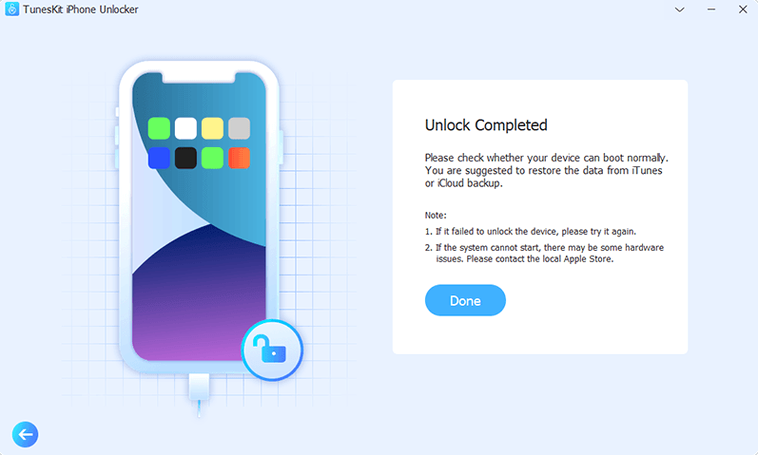
- Click Unlock and wait for the process to finish. The device restarts without the old lock.
If Touch ID is still not working after removal, run the app again — it can clear that residual data too. The app runs on OS X 10.11 or later, Intel 64-bit only.
iCloud Activation or MDM Lock Targets
This app targets a specific kind of problem. You get the most out of it if you have a device where iCloud Activation Lock or MDM lock is blocking normal use. That includes people who buy second-hand iPhones or iPads and find the previous owner's Apple ID still on the device. It also helps if you inherit a family member's phone and the screen lock is unknown.
Repair shops handling locked iOS hardware are another typical user. A phone with Screen Time lock or a disabled passcode can be returned to usable condition without replacing the mainboard. For that audience, having V3.5's no-jailbreak solution is useful — it cuts steps compared to older methods.
If you manage multiple iOS devices for a small team or household, the app covers both passcode and Apple ID removal from one interface. You don't need separate tools for each lock type.
Data Wipe Risk Before Unlocking
Does the app wipe my data during unlock? The unlocking process clears the screen lock and account restrictions. You should back up any accessible data before starting. The app focuses on removing locks, not preserving user data.
What if my device model is newer than iPhone X? The official documentation states iCloud Activation Lock removal works on iPhone 5s through iPhone X running iOS 12.0 through 16.7.15. Devices outside that range may not be supported for that specific lock. Passcode and screen lock removal may cover other models.
Can the app fix Touch ID or Face ID after removal? It clears residual data that can interfere with Touch ID and Face ID after a passcode reset. If the hardware itself is damaged — a cracked screen or broken fingerprint sensor — no software can repair it.
How do I know if my device has an MDM or Screen Time lock? The device usually shows a message at startup or in Settings. If you see a management screen or a time limit, run the app and select the relevant unlock mode.
- macOS OS X 10.11 or later
- Intel x86 64-bit processor
- Interface language: English
Questions I get about this line
Yes. It is designed for cases where the screen is broken or unresponsive, as long as the device can enter DFU or recovery mode.
Yes. The official product page states it can remove Apple ID from iPhone, iPad, and iPod touch.
The install order
- Mount the disk image and run Open Gatekeeper friendly.
- Press Enter in Terminal to bypass Gatekeeper.
- Drag the app into the Applications folder.
- Launch the app when installation is complete.