- Version
- 2023.1
- Developer
- Tuxera
- Languages
- Russian, English, German, Arabic, Hungarian, Vietnamese, Greek, Danish, Hebrew, Indonesian, Spanish, Italian, Catalan, Chinese (Simplified), Korean, Malay, Dutch, Norwegian, Polish, Portuguese, Romanian, Slovak, Thai, Turkish, Ukrainian, Finnish, French, Croatian, Czech, Swedish, Japanese
- License type
- Included
| macOS range | OS X 10.9 or later |
|---|---|
| Chip | Apple Silicon, Intel 64-bit |
| Download | 111 MB |
Screenshots
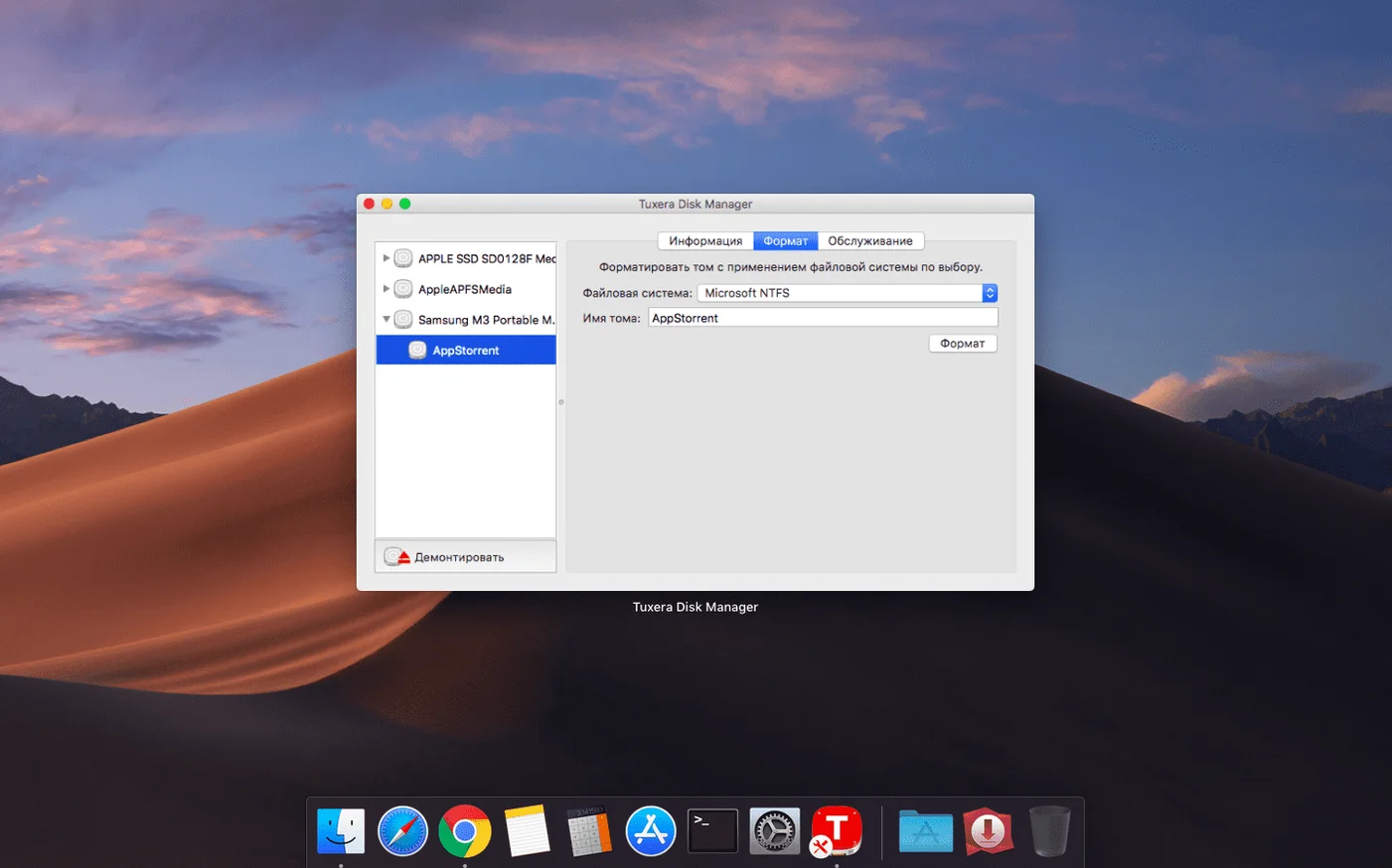
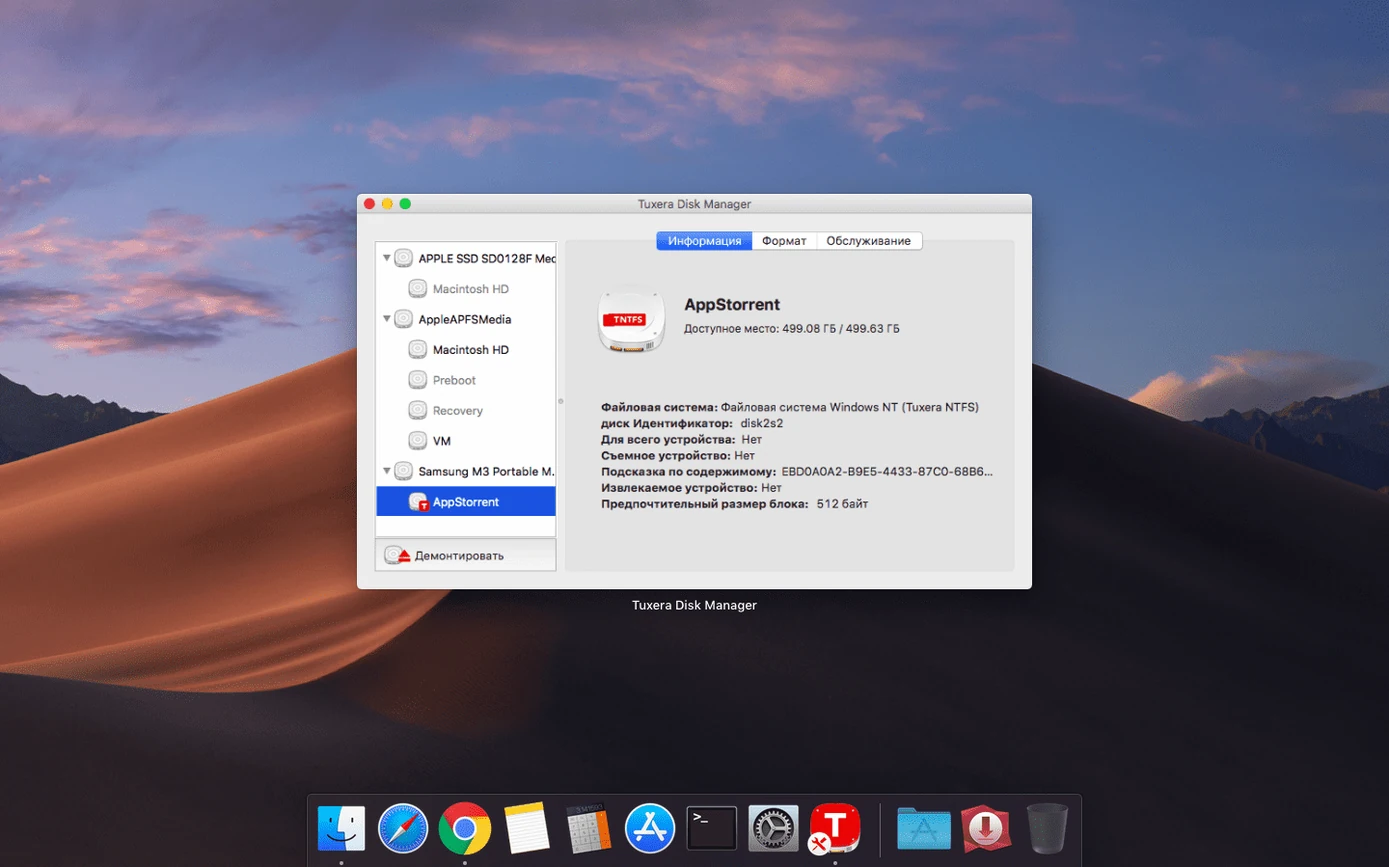
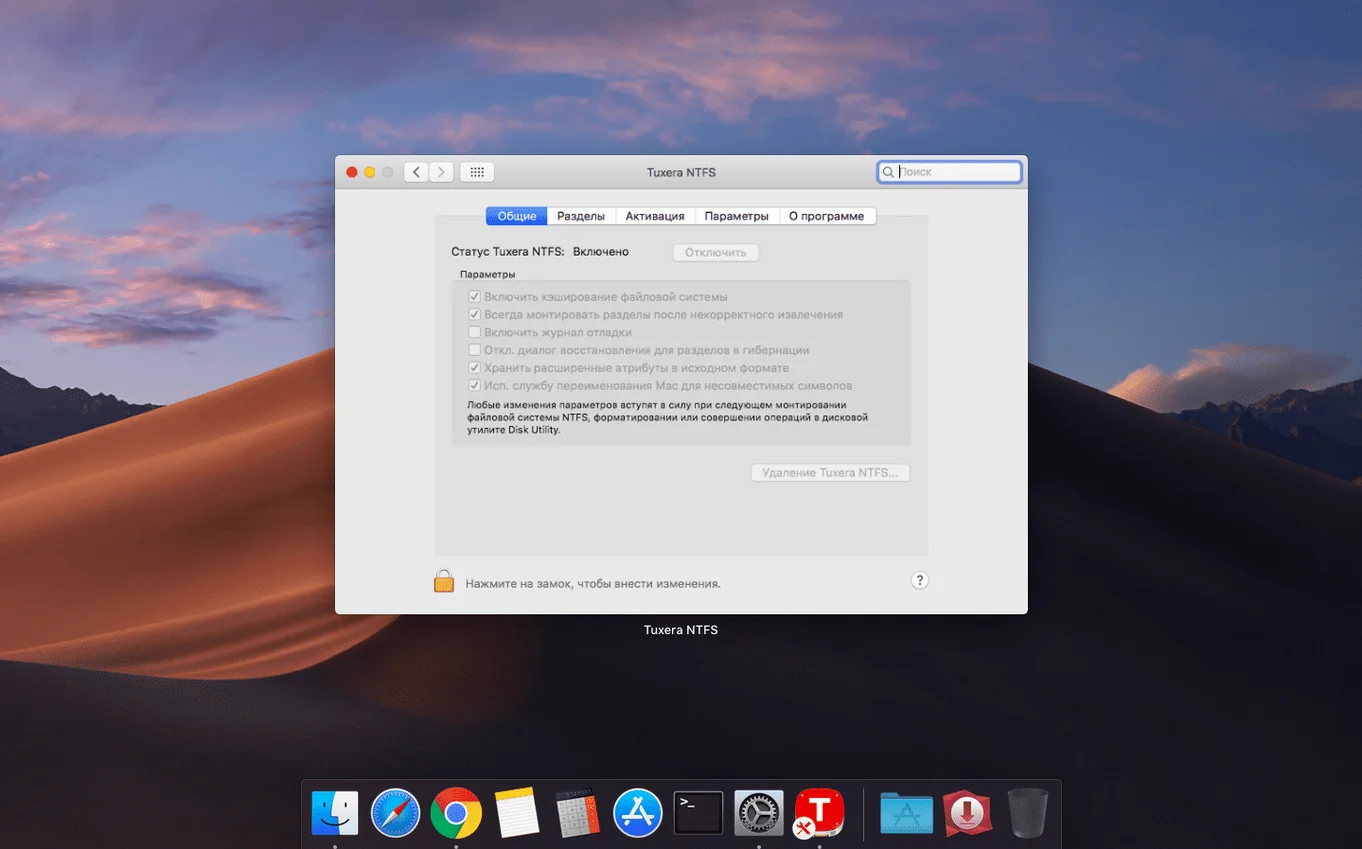
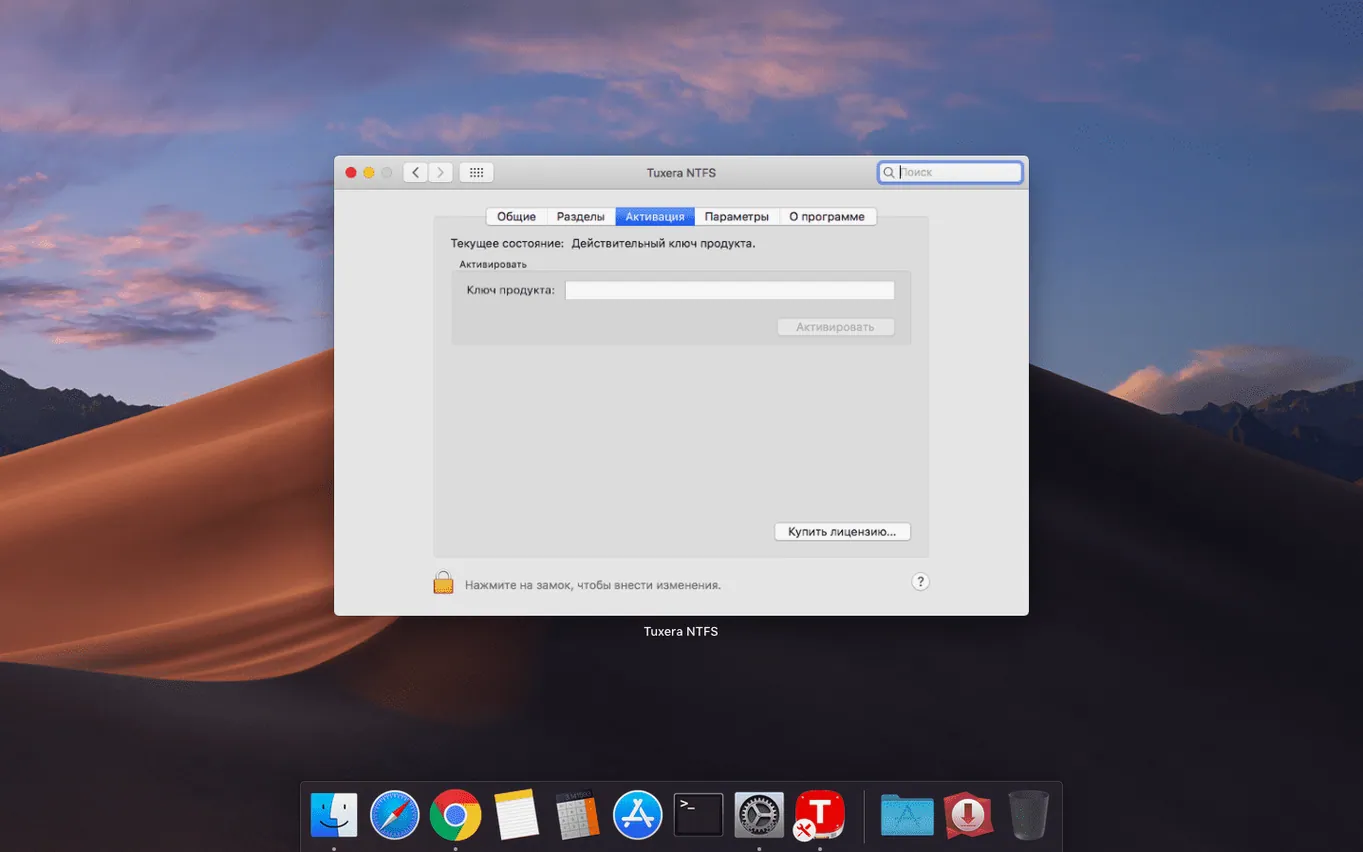
Scroll the row, it snaps to each screenshot. Click one to see it wider.
A Mac can read an NTFS-formatted USB drive out of the box, but it cannot write to it. Tuxera NTFS 2023.1 fills that gap.
NTFS driver for Mac — A file system driver that adds write support for Windows NTFS volumes. Without it, you can view files on an NTFS drive but not edit, copy, move, or delete them.
External USB drives — Works with any USB drive previously formatted in Windows. Plug it in, and the Mac treats it like a native volume.
Volume repair — Includes tools to verify and repair NTFS volumes, similar to Disk Utility for HFS+/APFS.
Cross‑platform workflow — For anyone who regularly moves drives between a PC and a Mac. No reformatting needed.
Typical Session: Moving Between Machines
Thursday afternoon. I need to pull a QuickBooks export from a Windows PC and hand the file to a Mac user in the next office. The drive is a 1 TB WD Elements, formatted in NTFS years ago and never wiped.
I plug the drive into the Windows machine, copy the export. Eject. Walk to the Mac. Plug it in. The drive mounts and shows up on the desktop in about three seconds. Before Tuxera NTFS, that is where the workflow stopped. The files are visible, but they are read-only. Any attempt to drag them to the desktop or edit them in place returns a permission error.
With Tuxera installed, the drive behaves like any other. I drag the QuickBooks file from the NTFS drive to a local folder. Done. Then I make a quick edit, save it, and copy it back to the NTFS drive to return to the Windows user. The whole session is unremarkable, which is exactly the point. No waiting. No error dialogs. Just a USB drive that works.
Workflow: Repair a Corrupt NTFS Volume
One of the overlooked features in Tuxera NTFS is the volume repair tool. Last month a co-worker brought in a drive that would not mount on either macOS or Windows. The drive had been ejected while copying a folder of dental imaging files.
Here is the full workflow:
- Plug the drive into the Mac. It does not mount automatically. Disk Utility shows the volume but cannot repair it.
- Open the Tuxera NTFS repair utility. The tool is installed alongside the driver and is called "NTFS Volume Manager" or similar in the Applications folder.
- Select the unmounted NTFS volume from the list. The utility scans the file system for corruption.
- Let the repair run. The tool logs the errors it finds and fixes them. In my case, it repaired the file allocation table and recovered a few orphaned clusters.
- Eject the drive from the utility. Reconnect it. The drive mounts normally. All files are accessible and writable. The images that were mid-copy are gone, but the rest of the data is intact.
Worth knowing the tool exists before you need it.
Eject Before Unplugging
You do not need to configure anything. The driver installs and activates. From that point, every NTFS drive you plug in gains write support. That said, a few habits help avoid confusion.
Eject before unplugging. This is standard practice for any external drive, but NTFS is less forgiving than APFS if you yank the cable. The repair tool can fix it, but it is easier to avoid the problem. Use the Eject icon in Finder or Disk Utility.
Check the drive format. Some external drives ship with exFAT or FAT32. Tuxera NTFS only applies to NTFS volumes. If a drive is not writable, open Disk Utility and confirm the file system type. If it is exFAT, the Mac handles that natively. If it is HFS+ or APFS, no driver needed.
Know your virtual machines. If you run Windows in Parallels Desktop or VMware, make sure the NTFS drive is assigned to the guest OS or to macOS, not both at once. Writing to the same NTFS volume from two operating systems simultaneously can corrupt the file system. The Tuxera driver is safe with normal single-system use, but dual-write is a known snag.
Keep the license key accessible. The activation does not require an internet connection, but if you need to reinstall on a different Mac, you will need the key. Store it in a password manager or a plain text file on a local drive.
Write Support Works After Plugging In
Even with a solid driver, things can go sideways. Here are the issues I see most often when helping colleagues with Tuxera NTFS for Mac.
Drive mounts read-only
The drive appears on the desktop, but every write action fails. This usually means the drive is not cleanly unmounted from the last system. In Windows, the drive may have been ejected improperly. On the Mac, run the Tuxera repair tool. It will often reset the "dirty flag" that Windows sets during use. After repair, the drive becomes writable again.
Drive does not mount at all
If the drive does not appear in Finder or Disk Utility, try a different USB port or cable first. NTFS drives can be more sensitive to cable issues than Mac-formatted drives. If it still does not show, open Disk Utility and check the drive list under "Show all drives." If it appears there but is grayed out, the Tuxera repair tool is the next step.
Files copy slowly
NTFS write speeds on Mac are not the same as native HFS+ or APFS speeds. That is normal. If transfers feel unusually slow, check whether the drive is connected via a USB hub. Direct ports usually give full speed. Also, large batches of small files will always be slower than a few large files. That is the file system overhead, not a driver fault.
File dates show incorrect timestamps
This was a known bug in previous builds. Version 2023.1 fixes it. If you still see wrong dates, make sure you are running 2023.1 and not an older release. The timestamp issue affected files copied to NTFS volumes — modified dates were off by hours or days. That was corrected in this version.
Drive works on Windows but not on Mac
Some NTFS drives are formatted with a cluster size that macOS handles poorly. This is rare, but it happens. The fix: back up the drive, reformat it in Windows using the default NTFS settings, then restore the files. The Mac will handle the default formatting without issue.
- Fixed an issue that caused incorrect date or time stamps for files copied to NTFS volumes.
- macOS OS X 10.9 or later
- Intel or Apple Silicon
Questions I get about this line
Yes. Version 2023.1 runs on both Intel and Apple Silicon Macs. Requirements start at macOS OS X 10.9.
The install order
- Open the downloaded disk image.
- Run the installer and follow the on‑screen prompts.
- After installation, download and apply the registration keys from the link provided in the release notes.
- Official updates do not remove your activation, so you can apply future patches without re‑registering.